Yes, SSD drives need power to read, write, store data, and communicate with your computer.
The key detail is that an SSD needs electricity while it is working, but it does not need constant power to keep stored data safe. Understanding this difference helps you choose the right SSD, troubleshoot a missing drive, and avoid data loss during sudden shutdowns.
How SSD Drives Use Power
An SSD uses power for nearly every active task. When you open a file, save a photo, install a game, or start your computer, the drive needs electricity to control its memory chips and communicate with the system.
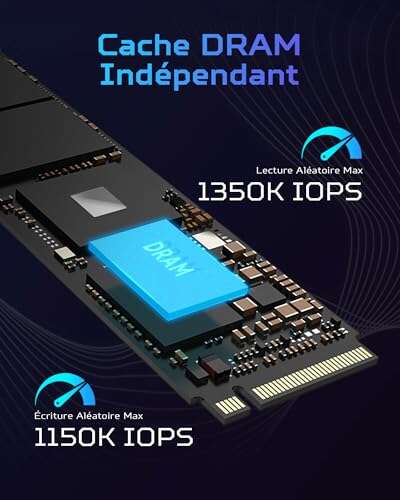
Inside an SSD, a controller manages data stored in NAND flash memory. The controller also handles error correction, wear leveling, encryption, and communication with the motherboard. These tasks cannot happen without power.
So, do SSD drives need power? Yes, they need power to perform actions. However, they do not need power to simply hold data after the computer shuts down.
An easy way to understand this is to compare an SSD with a notebook. You need light to read or write in the notebook, but the words remain on the page after the light goes off. SSD data works in a similar way.
An SSD uses power for:
• Reading files and sending them to the computer
• Writing new files or changing existing data
• Running the internal controller
• Managing bad memory cells
• Performing garbage collection
• Updating firmware
• Maintaining encryption and error correction
Modern SSDs also use different power states. They may consume more energy during heavy file transfers and much less energy while idle. Some drives enter a low-power sleep state when they are not in use.

Do SSD Drives Need Power to Keep Data?
No, a normal SSD does not need continuous power to keep stored data. NAND flash memory is nonvolatile, which means it can retain information after the power is removed.
This feature is one of the main reasons SSDs work well in laptops, cameras, game consoles, and external storage devices. You can shut down a computer, unplug an external SSD, and usually find your files unchanged when you reconnect it.
Still, “no power needed for data retention” does not mean data lasts forever. Flash memory slowly loses charge over time, especially if the drive is stored without power for a very long period.
Data retention depends on several factors:
• The age and quality of the NAND flash
• How much the drive has been used
• The storage temperature
• The type of flash memory
• The length of time the SSD stays disconnected
Consumer SSDs are designed for normal use, not decades of offline storage. For long-term archiving, keep more than one backup and check important files from time to time.
A cool, dry storage area is better than a hot car, attic, or direct sunlight. High heat can speed up charge loss in flash memory and may reduce the drive’s long-term reliability.
__25F067bNqN.jpg)
How Much Power Does an SSD Use?
Most SSDs use less power than traditional hard disk drives, although the exact amount depends on the model and workload.
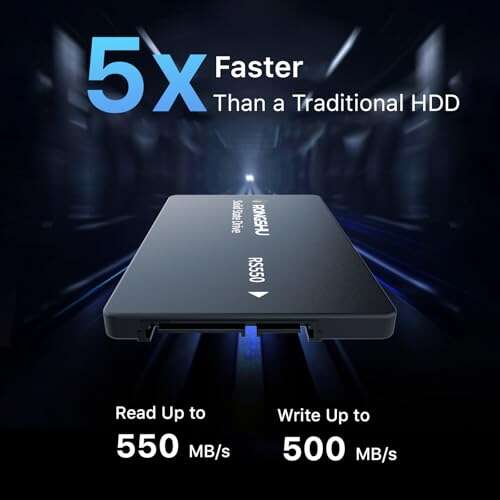
A 2.5-inch SATA SSD often uses about 2 to 4 watts during active use. Its idle power may be well below 1 watt. NVMe SSDs can use more power during heavy work because they offer much higher performance.
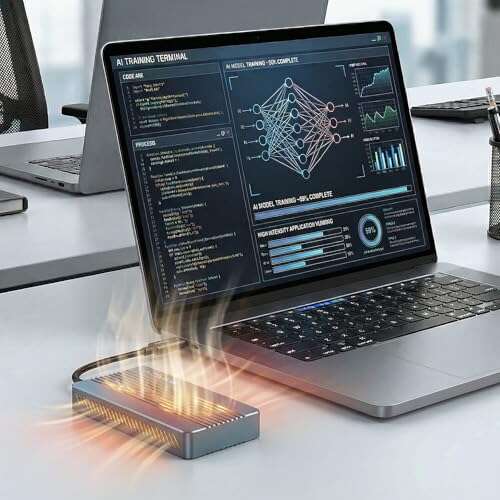
A high-speed PCIe 4.0 or PCIe 5.0 NVMe SSD may draw several watts during file transfers. Some performance models can briefly use more than 10 watts under heavy load. Laptop versions usually use less power to protect battery life.
Power use can change based on:
• Drive capacity
• NAND type
• PCIe generation
• Read and write speed
• Temperature
• Firmware design
• Power management settings
• Workload intensity
For most desktop users, the difference has little effect on the electric bill. For laptop users, NAS owners, and small computer builders, lower SSD power use can improve battery life, reduce heat, and make cooling easier.

Do Internal SSD Drives Need Power?
Yes, internal SSDs need a power connection from the computer. The exact connection depends on the SSD form factor and interface.
2.5-inch SATA SSDs
A 2.5-inch SATA SSD usually needs two cables:
• A SATA data cable that connects the drive to the motherboard
• A SATA power cable from the power supply
The SATA data cable lets the computer communicate with the drive. The SATA power cable supplies electricity. Connecting only the data cable will not make the SSD work.
Most 2.5-inch SATA SSDs use 5-volt power from the SATA power connector. The power supply provides the correct voltage through the connector, so you should not connect random adapters or bare wires.
M.2 SATA SSDs
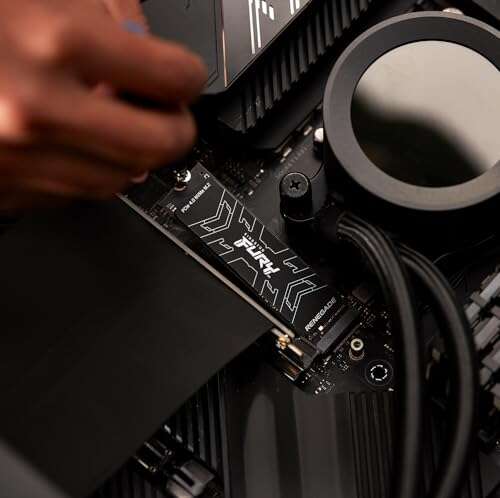
M.2 SATA drives fit directly into an M.2 slot. They usually need no separate power cable because the slot provides both power and data communication.
However, an M.2 SATA drive only works in a slot that supports SATA storage. Some M.2 slots support NVMe only, while others support both SATA and NVMe. The drive and slot must use compatible protocols.
M.2 NVMe SSDs
M.2 NVMe SSDs also receive power from the motherboard. They use the PCI Express interface to transfer data at high speed.
Most M.2 NVMe drives use 3.3-volt power supplied through the M.2 slot. The motherboard manages this power, but the slot must support the correct PCIe generation and drive type.
A common mistake is assuming that every M.2 SSD works in every M.2 slot. The shape may look similar, but the interface can be different.

Do External SSD Drives Need Power?
Yes, external SSD drives need power while connected and in use. Most portable external SSDs receive power through the same USB cable that carries data.
A small external SSD may work from a USB 3.0, USB 3.2, or USB-C port. The port must provide enough power for the enclosure and the SSD inside it.
Some external SSDs may not work correctly when connected through:
• An old USB port with limited power
• A damaged cable
• An unpowered USB hub
• A weak phone or tablet adapter
• A poorly designed USB enclosure
If an external SSD disconnects during large file transfers, test it with a shorter cable and a direct computer port. Avoid cheap cables that do not support the required USB speed or power level.
Larger external SSD systems, professional storage boxes, and multi-drive enclosures may include a separate power adapter. This setup gives the drives more stable power and supports extra features such as cooling, RAID, or multiple ports.
When you safely eject an external SSD, the computer finishes pending writes before disconnecting it. Unplugging the drive during a write can corrupt files, even though the SSD does not need power to retain completed data.
What Happens When an SSD Loses Power?
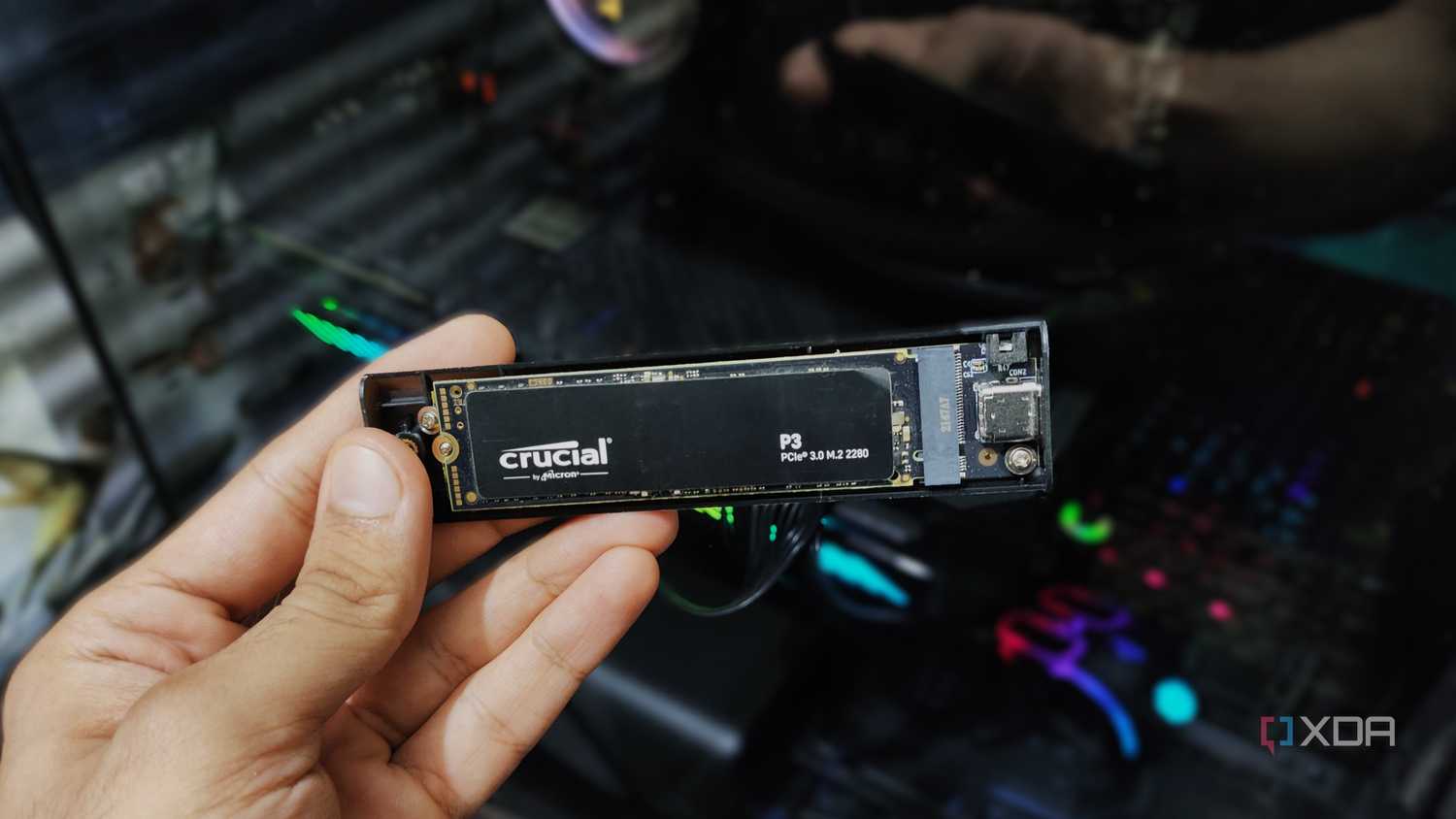
A sudden power loss can have different results. If the SSD is idle, your data may remain safe. If the drive is writing data, the result can range from a missing file to file-system corruption.
Modern SSDs use a small amount of temporary memory and internal processing. During a write, the drive may receive data from the operating system but still be moving that data into NAND flash. If power disappears at that moment, the operation may stop halfway through.
Possible effects include:
• A file that will not open
• A failed operating system update
• A corrupted file system
• Lost directory information
• A drive that needs repair
• In rare cases, a drive that is not detected
This risk does not mean SSDs are fragile. It means every storage device should be shut down properly. The computer needs time to complete write commands and update file information.
A sudden power cut is more serious during activities such as:
• Installing an operating system
• Updating SSD firmware
• Copying a large folder
• Editing video files
• Running a database
• Using virtual machines
• Rebuilding a RAID array
Power-loss protection can reduce this risk. Enterprise SSDs often include capacitors that give the drive enough energy to finish critical operations. Many consumer SSDs do not include full power-loss protection, so a UPS and regular backups remain useful.
SSD Power Loss Protection Explained
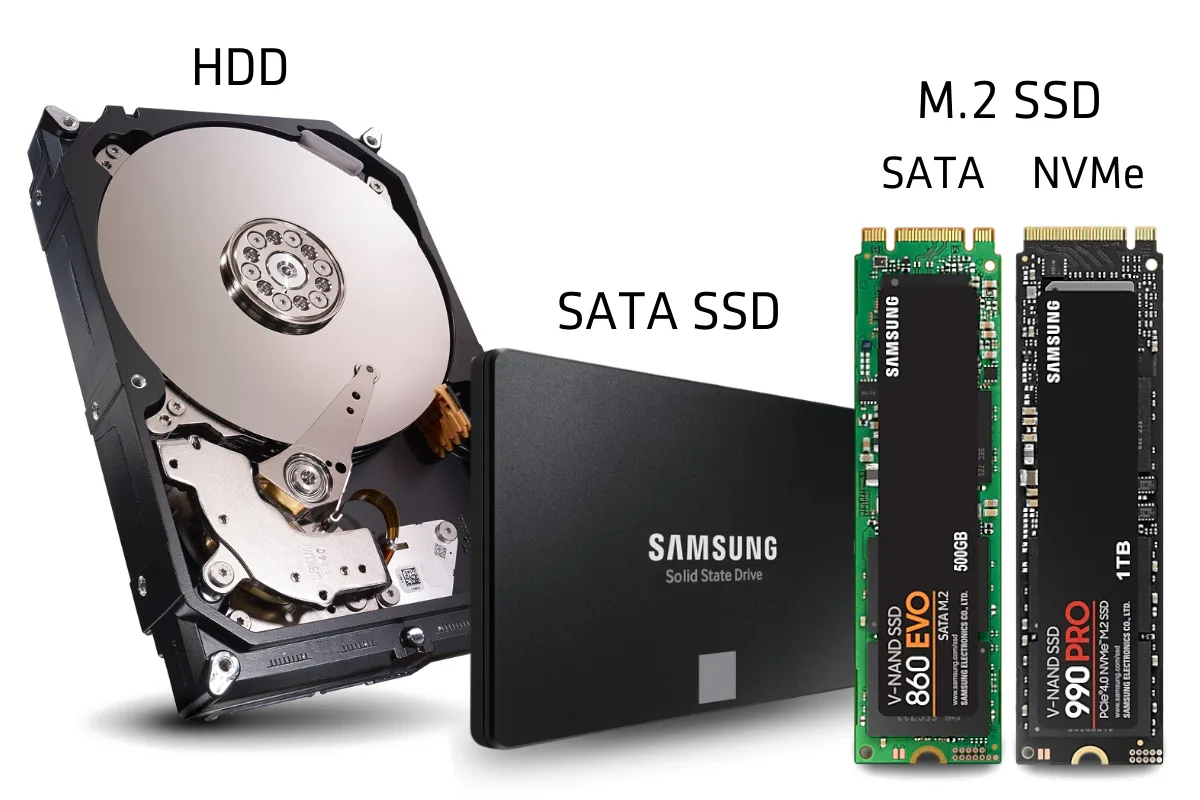
Power-loss protection, often called PLP, is a hardware feature found mainly in enterprise and professional SSDs. It uses capacitors to provide temporary backup energy when normal power stops.
The SSD detects the power failure and uses the stored energy to complete important internal work. This may include moving data from volatile cache into flash memory or updating mapping information.
There are two important types of SSD cache:
• A volatile write cache can lose data when power disappears
• A nonvolatile cache keeps data in flash memory
Some consumer SSDs advertise a feature called partial power-loss protection. This may protect internal mapping data but not every user file in the write cache. Check the manufacturer’s technical specifications instead of assuming that every drive has full PLP.
For home computers, a quality SSD, safe shutdown habits, and backups are usually enough. For servers, workstations, financial systems, and medical databases, an SSD with verified power-loss protection may be worth the added cost.
A UPS can also help. It gives your computer time to shut down safely during an outage. A UPS does not replace backups, but it adds another layer of protection.

Can an SSD Work Without a Battery?
An SSD can work without a battery if it receives power from another source. For example, a desktop SSD uses the computer’s power supply, while a laptop SSD uses power from the laptop’s internal battery or charger.
A laptop can often use its SSD while plugged into a wall outlet, even if the battery is weak or removed. The charger supplies power to the system, provided the laptop supports that configuration.
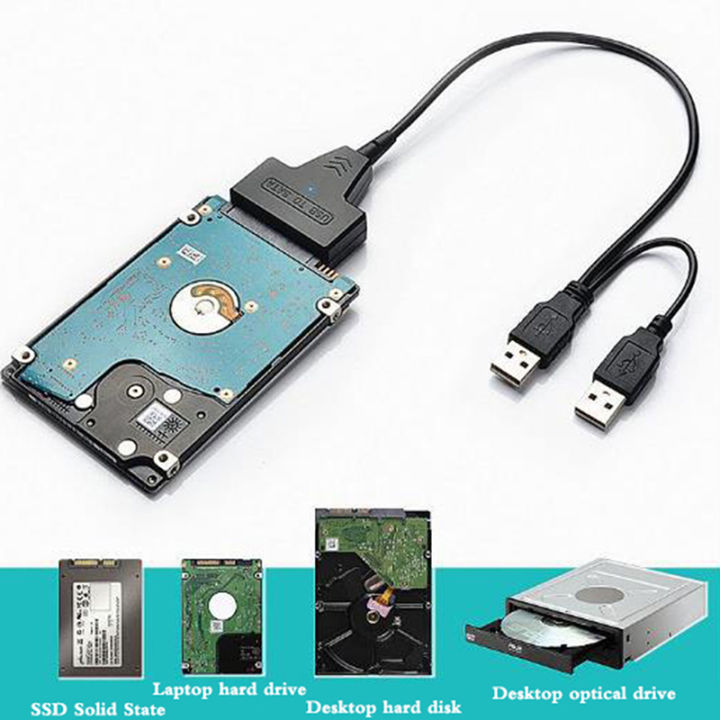
A portable SSD can also work without a built-in battery. It normally receives power through USB. Some phones and tablets may need an OTG adapter or powered hub to provide enough energy.
The important point is that a battery is not required. Electricity is required while the SSD is active.
If you remove power completely, the SSD stops reading and writing. Its stored data normally remains in place, but the computer cannot access that data until the drive receives power again.
Why Is My SSD Not Detected?
When an SSD does not appear, power is one possible cause, but it is not the only one. A loose cable, incompatible slot, incorrect BIOS setting, or damaged enclosure can create the same symptom.
Start with these checks:
-
Shut down the computer completely.
-
Reseat the M.2 SSD or reconnect both SATA cables.
-
Try another SATA power connector or USB port.
-
Test a different data cable if possible.
-
Check whether the drive appears in the BIOS or UEFI menu.
-
Look in Disk Management on Windows or Disk Utility on macOS.
-
Test the SSD in another computer or enclosure.
If a 2.5-inch SATA SSD has a data cable but no SATA power cable, it will not work. If an M.2 SSD has power but the slot does not support its interface, it may also remain invisible.
Be careful when troubleshooting. Do not initialize, format, or erase the drive if it contains important files. If the SSD appears intermittently, copy essential data first and investigate the hardware afterward.
In practical testing, many “dead SSD” cases turn out to be cable, slot, or enclosure problems. A simple direct connection often reveals more than complicated software fixes.
SSD Power Use Compared With HDDs
SSDs usually use less power than spinning hard disk drives because they have no moving platters or motor. An HDD must spin its disks and move a read/write head, while an SSD uses electronic memory chips.
Lower power use can provide several benefits:
• Longer laptop battery life
• Less heat inside a computer
• Quieter operation
• Lower cooling needs
• Better efficiency in small computers
• Faster recovery from sleep
However, power use depends on the workload. A high-performance NVMe SSD under heavy load may use more power than a low-speed 2.5-inch HDD at idle. Performance and efficiency are not always the same thing.
For a basic office laptop, a SATA SSD is often a very efficient choice. For gaming or professional work, an NVMe SSD may use more power but finish tasks much faster. The drive may consume more watts for a short time, then return to idle sooner.
How to Protect an SSD From Power Problems
Good power habits can reduce the chance of corruption and hardware damage. You do not need special equipment for most personal computers, but a few steps make a real difference.
• Shut down or restart the operating system normally.
• Eject external SSDs before unplugging them.
• Use a reliable power supply.
• Avoid loose SATA and USB connections.
• Keep firmware updated when the manufacturer recommends it.
• Use a UPS in areas with frequent power outages.
• Keep at least two backups of important files.
• Do not store an SSD in extreme heat for long periods.
• Choose an SSD with PLP for critical workloads.
The most important protection is the backup rule. Keep one working copy, one local backup, and one backup in another location when the data matters.
An SSD can survive many normal power cycles, but no storage device is immune to failure. Backups protect you from power loss, wear, controller failure, accidental deletion, malware, and physical damage.
Frequently Asked Questions About Do SSD Drives Need Power
Do SSD drives need power to retain data?
No. SSDs use nonvolatile flash memory, so they can retain data when the computer is turned off. Long-term retention can decline with age, wear, and high temperatures.
Can an SSD work with only a data cable?
No. An SSD needs both power and data communication. A SATA SSD needs a SATA power cable, while an M.2 SSD receives power through its motherboard slot.
Do external SSD drives need a power adapter?
Many portable external SSDs get enough power from a USB port. Larger enclosures or multi-drive systems may need a separate power adapter.
Will unplugging an SSD erase the data?
Usually, no. Unplugging an idle SSD does not normally erase completed files, but disconnecting it during a write can cause corruption or data loss.
Do SSDs use power when the computer is off?
A fully shut-down computer normally supplies little or no power to the SSD. Some systems provide standby power to certain ports or components, but the SSD does not need it to preserve stored data.
Does an SSD use more power than an HDD?
SSDs often use less power because they have no spinning parts. A fast NVMe SSD can use more power during heavy work than some hard drives, but it may finish that work much faster.
Do SSDs need a battery?
No. SSDs need electrical power while operating, but they do not need a built-in battery. Internal drives use the computer’s power system, and portable drives usually use USB power.
Conclusion
So, do SSD drives need power? Yes, an SSD needs power to read, write, and communicate with a computer. It does not need constant power to retain stored data because NAND flash memory is nonvolatile.
Use the correct power connection, shut down devices safely, protect important systems with a UPS when needed, and keep reliable backups. These simple habits let you enjoy SSD speed without taking unnecessary risks. Explore your drive’s specifications, check its power requirements, and share your SSD questions or experience in the comments.

Everett Ashford is a tech reviewer at mytechgrid.com specializing in SSDs, cameras, TVs, earbuds, headphones, and other consumer electronics. He provides honest, data-driven reviews based on hands-on testing and real-world performance analysis. Everett simplifies complex tech details to help readers make smart, confident buying decisions.