Yes — use another device (phone or PC) for Fortnite party voice while you play on Switch.
I’ve guided many players through how to voice chat in fortnite switch without headphones. I’ve tested cross-platform party chat, mobile workarounds, and simple USB options. This guide explains every practical method, step-by-step setup, common limits, and real-world tips so you can talk to teammates on Switch without buying a headset.
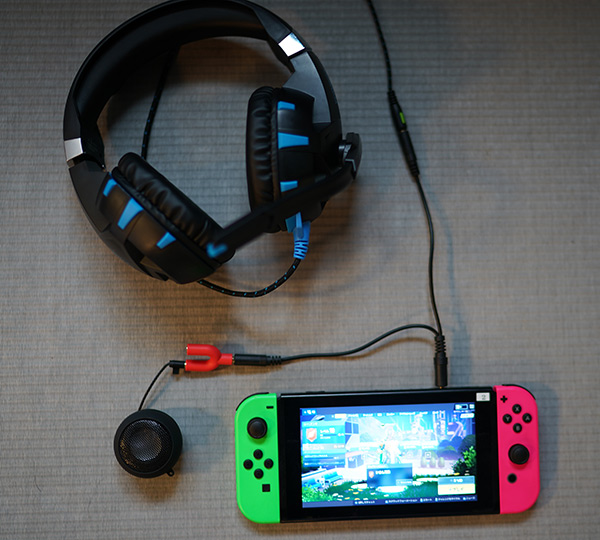
How voice chat works for Fortnite on Nintendo Switch
Fortnite uses Epic Games party chat that works across platforms. That means your Switch can join a party while another device handles voice. You do not need a headset on the Switch itself to be heard or to hear teammates if you route voice through another device. Knowing this unlocks several workarounds for how to voice chat in fortnite switch without headphones.
Core points to know:
- You need an Epic Games account and cross-platform friend or party invite.
- One device runs your voice app (phone, tablet, or PC).
- Your Switch runs Fortnite gameplay and remains logged into the same Epic account or party.

Method 1 — Use a phone or tablet for Fortnite voice while playing Switch
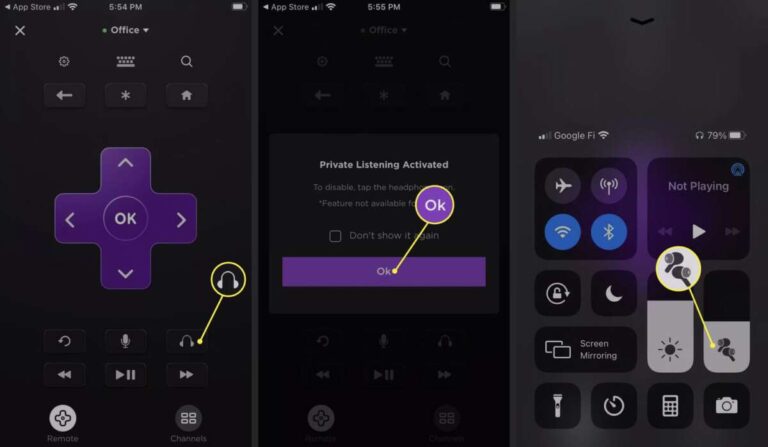
This is the simplest and most reliable approach for how to voice chat in fortnite switch without headphones. Use the Fortnite app or a voice app on your phone. The phone handles mic input and voice output. The Switch handles the game.
Step-by-step:
- Sign into the same Epic Games account on Switch and on your phone or tablet.
- On your phone, open Fortnite or a voice app (Discord, mobile Fortnite party, or similar).
- Create or join the Epic party from the phone. Invite your Switch account if needed.
- Put the phone in front of you or in your pocket. Use the phone’s speaker and mic for voice.
- Mute Switch voice output if you don’t want echo, or lower game volume on TV.
Why this works:
- Fortnite party chat is cross-platform.
- Using your phone avoids any Switch hardware mic requirement.
- It’s low cost and quick to set up.
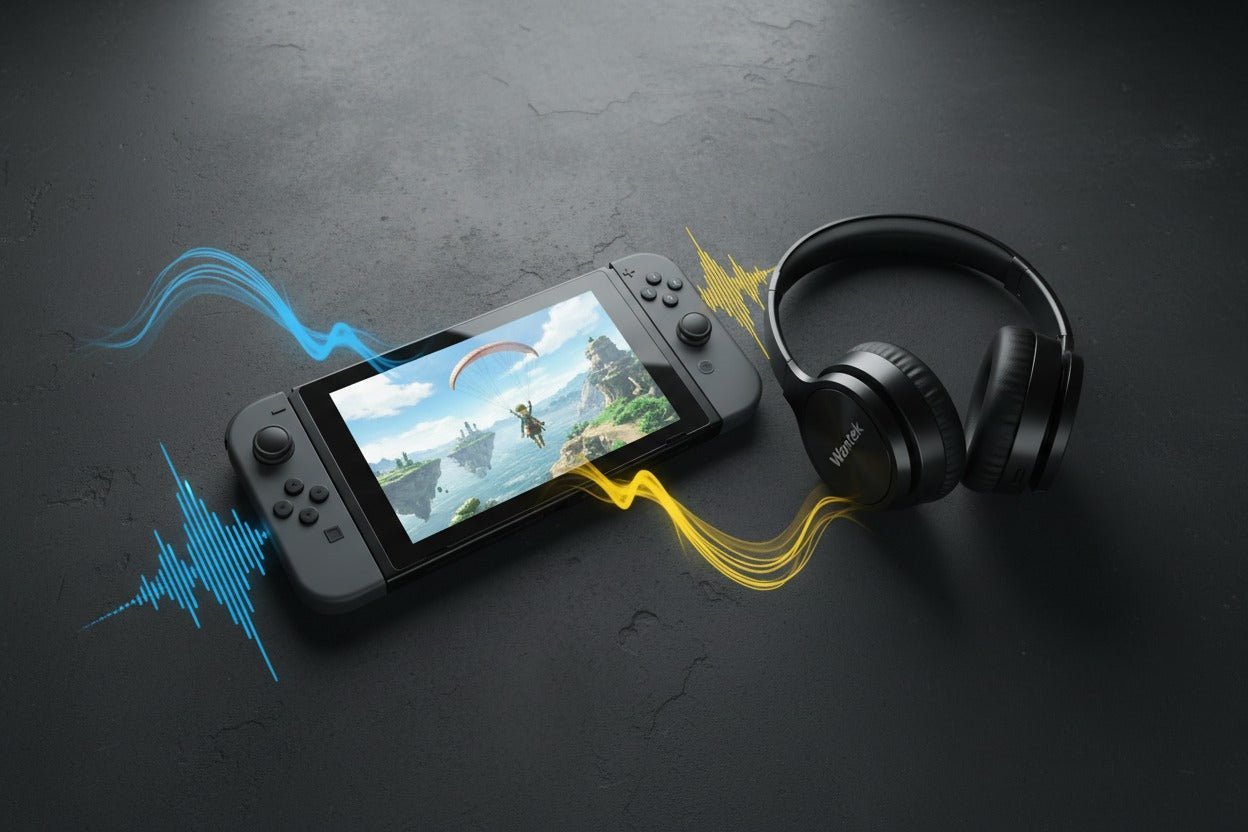
Method 2 — Use PC or laptop as the voice bridge
If you have a PC, you can run Fortnite or Discord there and join the same party. This is a strong option for how to voice chat in fortnite switch without headphones when you want better audio quality.
How to set it up:
- Log into Epic on your PC and on your Switch.
- Join the same Fortnite party on the PC or use Discord and invite teammates.
- Use the PC mic and speakers for voice. Keep your Switch audio on the TV or mute it to avoid feedback.
Benefits:
- Better mic quality than a phone.
- Option to record or stream and keep communications clear.

Method 3 — Hardware options that avoid traditional headphones
If you prefer local hardware without wearing earphones, consider these options. These can help when you want a dedicated mic but not headphones.
Options to try:
- Plug a USB microphone into the Switch dock. Some USB mics or USB headsets work with the Switch. Test compatibility first.
- Use a Bluetooth microphone or speaker connected to a secondary device, then route voice through that device. Note: Switch Bluetooth audio support is limited, so prefer phone/PC bridging.
- Use a standalone speaker and separate mic on PC/phone while the Switch plays through TV speakers.
Limitations to know:
- The Switch may not support all USB audio devices. Compatibility is hit-or-miss.
- TV speakers provide game sound but can cause echo if your voice device is nearby.
- Some solutions require a little tech testing to work smoothly.
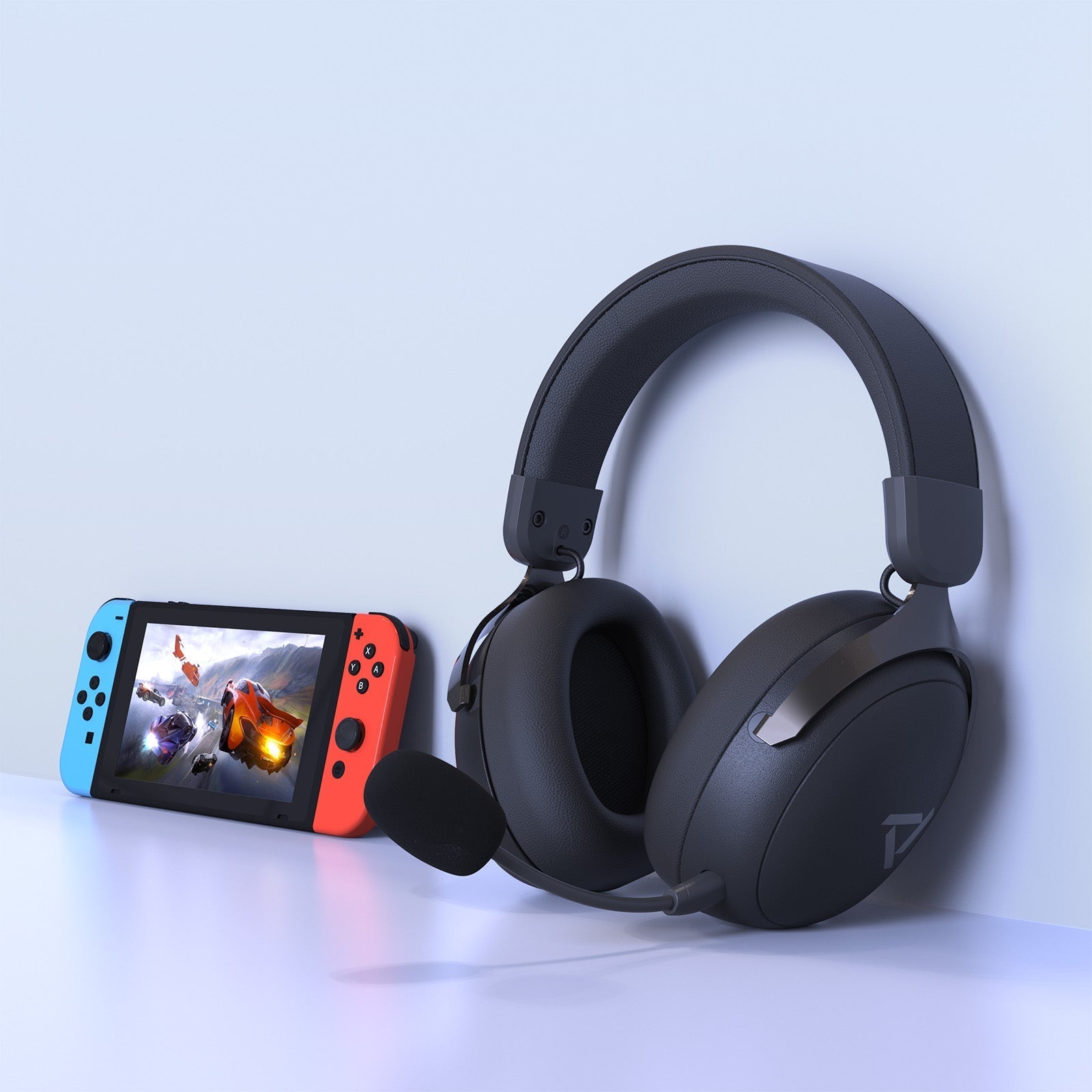
Troubleshooting and common issues
You may face echo, mute confusion, or party-join issues. These steps help you resolve them quickly.
Fixes to try:
- Lower TV/game volume to prevent your phone/PC mic from picking up game audio.
- Make sure the correct device is selected as your voice input in the voice app.
- Reboot both the Switch and the phone/PC if party invites don’t sync.
- Re-invite friends using Epic Friends if you can’t hear them.
- Check privacy settings and microphone permissions on your phone or PC.

Privacy, etiquette, and safety tips
Talking without headphones can broadcast others’ voices in your room. Be mindful of privacy.
Practical tips:
- Use push-to-talk or mute when not speaking if your voice app supports it.
- Avoid sharing personal info over public parties.
- Tell household members when you’re gaming to reduce background noise.
Personal experience and lessons learned
I often play Fortnite on Switch with friends while voice-chatting on my phone. The phone method is the easiest. My lessons:
- Always sign into the same Epic account on both devices before joining a match.
- Keep the phone mic close and lower TV volume to avoid echo.
- If using a USB mic on the dock, test it before jumping into a squad match.
These small steps made my voice clearer and reduced mid-match frustration.
PAA-style quick questions
Q: Can I voice chat in Fortnite on Switch without headphones?
A: Yes. Use your phone or PC to run party voice while playing on Switch, or try compatible USB mics.
Q: Will the Switch accept a phone mic directly?
A: No. The Switch audio jack is output-only. Use the phone as a separate voice device instead.
Q: Is Fortnite party chat cross-platform on Switch?
A: Yes. Fortnite supports Epic party chat across platforms, which lets you join via another device.

Frequently Asked Questions of how to voice chat in fortnite switch without headphones
How do I set up cross-platform voice chat for Fortnite on Switch?
Log into the same Epic Games account on Switch and another device. Start or join the party on the phone or PC and speak through that device while your Switch runs the game.
Can I use the Switch’s TV speakers and still talk without headphones?
Yes. Use a separate device for voice input and output and play game audio through your TV speakers. Lower TV volume to avoid echo and feedback.
Will a USB microphone work on the Switch dock?
Some USB mics work, but the Switch doesn’t guarantee compatibility for every device. Test ahead of time and be ready to switch to phone or PC if needed.
Do I need Nintendo Switch Online app to voice chat in Fortnite?
No. Fortnite uses Epic party chat across platforms. The Nintendo Switch Online app is not required for Fortnite voice chat.
How do I avoid echo when using my phone for voice chat?
Reduce TV or speaker volume and place your phone mic away from loud speakers. Muting the Switch voice channel while keeping party chat on the phone also helps.
Conclusion
You can reliably voice chat while playing Fortnite on Switch without headphones by using another device as the voice endpoint, testing compatible USB hardware, or routing voice through your PC or phone. Try the phone method first — it’s fast, low-cost, and works for most players. Give one of these setups a try in casual matches, tweak volume and mic placement, and you’ll find a comfortable routine. Share your experience below, subscribe for more tips, or ask a question if you want help with your exact setup.

Jamie Lee is a seasoned tech analyst and writer at MyTechGrid.com, known for making the rapidly evolving world of technology accessible to all. Jamie’s work focuses on emerging technologies, product deep-dives, and industry trends—translating complex concepts into engaging, easy-to-understand content. When not researching the latest breakthroughs, Jamie enjoys exploring new tools, testing gadgets, and helping readers navigate the digital world with confidence.