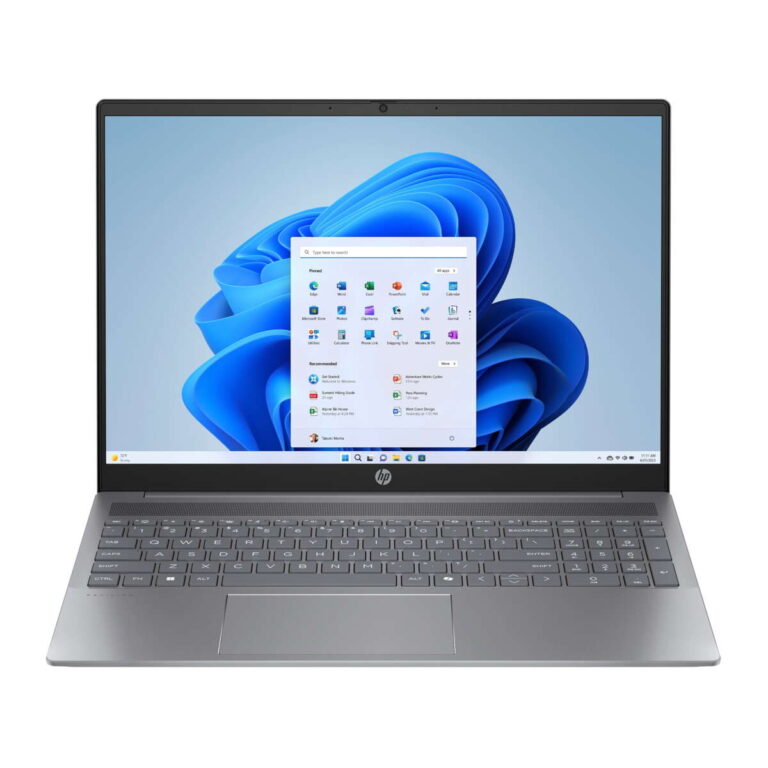
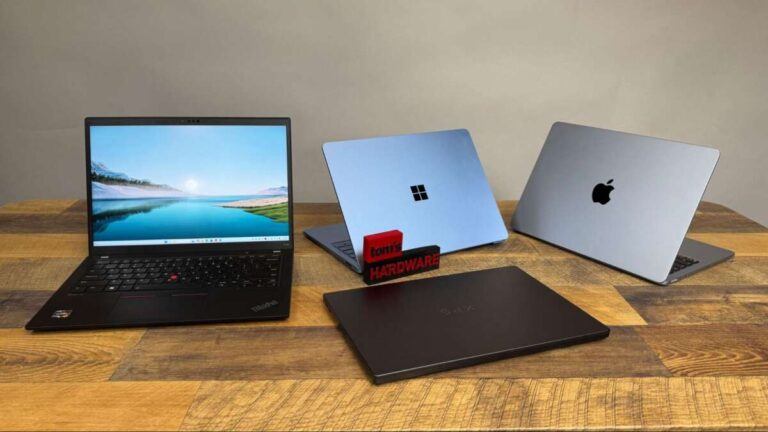
For most players in the United States, the best laptop for esports is a 16-inch gaming laptop with a high-refresh display, a modern midrange or better GPU, a strong CPU, and reliable cooling. A good target is a system with a 240Hz display, NVIDIA GeForce RTX 4060 or RTX 4070 graphics, 16GB of RAM, and a 1TB SSD.
The best choice depends on the game and your budget:
- Best balance for most players: Lenovo Legion Pro 5i or ASUS ROG Zephyrus G16 with RTX 4060 or RTX 4070 graphics.
- Best for competitive FPS play: A laptop with a 240Hz or faster screen, such as a suitable Razer Blade, ASUS ROG, Lenovo Legion, or Alienware configuration.
- Best value: An Acer Nitro, Lenovo LOQ, or ASUS TUF Gaming model with an RTX 4060 and a 144Hz or faster display.
- Best for travel: ASUS ROG Zephyrus G16, provided you accept higher cost and less upgrade room.
- Best for maximum frame rates: A larger laptop with an RTX 4080 or RTX 4090, such as a high-end Alienware, Razer Blade, or Lenovo Legion Pro model.
For esports, the most expensive laptop is not always the best one. A fast screen, low input delay, stable frame rates, and good cooling often matter more than premium materials or a top-tier GPU.

What makes a laptop good for esports?
A good esports laptop keeps frame rates high and frame times stable while showing player movement quickly and clearly. It also needs a responsive keyboard, a strong network connection, and enough cooling to avoid performance drops during long matches.
Esports games such as Counter-Strike 2, Valorant, League of Legends, Overwatch 2, Rocket League, Fortnite, and Rainbow Six Siege have different hardware needs. Competitive settings often reduce image quality to improve speed and visibility, so a midrange laptop can perform very well.
The key parts are:
- Display refresh rate: How many times the screen updates each second.
- Response time: How quickly a pixel changes from one color to another.
- Frame rate: How many frames the computer renders each second.
- Input delay: The time between your mouse or keyboard action and the result on screen.
- CPU performance: Important for games that rely heavily on the processor.
- GPU performance: Important for high frame rates and demanding games.
- Cooling: Keeps the CPU and GPU from slowing down under load.
A laptop that renders 300 frames per second cannot show all of them on a 144Hz display. The screen can display up to 144 refreshes per second. For that reason, your screen and internal hardware should be reasonably balanced.
The most important laptop specifications for esports
The best esports laptop is built around a fast display and steady performance, not just a large specification list.
Display: choose 144Hz, 165Hz, 240Hz, or higher
A 144Hz display refreshes about twice as often as a 60Hz display. A 240Hz display refreshes more often again and can make fast camera movement look smoother when the laptop produces enough frames.
For most buyers:
- 144Hz: Good starting point for casual and ranked play.
- 165Hz: A useful middle ground.
- 240Hz: Best for serious competitive FPS players.
- 360Hz or higher: Useful only if the laptop can maintain very high frame rates and you value every possible timing advantage.
Refresh rate alone does not guarantee a fast panel. Look for a response-time specification from the manufacturer or a trusted review. Some laptop screens advertise a high refresh rate but have slow pixel transitions, which can create visible ghosting.
A 16:10 screen gives you more vertical space than a traditional 16:9 screen. That can help with schoolwork, browsing, and video editing, but it does not automatically improve game performance.
Graphics card: RTX 4060 is a strong baseline
For most esports players, an NVIDIA GeForce RTX 4060 laptop GPU is a sensible starting point. It provides enough performance for many popular competitive games at 1080p or 1600p, depending on the game and settings.
An RTX 4070 is a better fit if you want:
- Higher settings in demanding games.
- More consistent performance at 1600p.
- A longer useful life.
- Better performance in games that use ray tracing or advanced effects.
An RTX 4080 or RTX 4090 makes sense mainly when you also play demanding single-player games, stream with high settings, create video, or connect the laptop to a high-resolution external monitor.
Laptop GPUs can vary in power limits. Two laptops with the same RTX 4060 name may perform differently if one has better cooling or allows the GPU to use more power. This is why independent testing is more useful than comparing the GPU name alone.
Processor: prioritize strong sustained performance
A recent Intel Core i7, Intel Core Ultra 7, AMD Ryzen 7, or equivalent processor is enough for most esports use. You do not need the most expensive CPU to play Valorant or League of Legends well.
The CPU matters more when:
- You play CPU-heavy games.
- You target very high frame rates.
- You stream while playing.
- You run voice chat, recording software, and a browser at the same time.
- You use a high-refresh external monitor.
Look at the full processor model, not only the brand or family name. Mobile chips differ in core count, power use, and sustained speed. A laptop with good cooling can outperform a thinner laptop with a similar processor.
Memory: buy 16GB at minimum
16GB of RAM is the practical minimum for a new esports laptop. It is enough for most games, Windows, voice chat, and common background apps.
Choose 32GB if you:
- Stream regularly.
- Edit video.
- Run several apps while playing.
- Keep a browser with many tabs open.
- Want more room for future games.
Check whether the laptop has upgradeable memory. Some thin models use memory soldered to the motherboard. That can reduce future upgrade options.
Storage: a 1TB SSD is the sensible target
A solid-state drive loads games and Windows much faster than an old hard disk drive. A 1TB SSD gives you useful space for Windows, esports titles, larger games, and recordings.
A 512GB SSD can work, but it may fill quickly. Modern games can occupy a large amount of space, and keeping free storage helps avoid constant file management.
Cooling: the hidden performance feature
Gaming laptops reduce CPU or GPU speed when they become too hot. This is called thermal throttling. It can lead to lower frame rates, louder fans, and inconsistent performance.
A larger chassis often has room for better cooling. That is one reason a thick 16-inch laptop may perform better than a thin 14-inch model with similar listed hardware.
Look for reviews that measure performance after a long gaming session, not only after a short benchmark. Sustained results better represent a real tournament session or ranked grind.
Best laptop types for different esports players
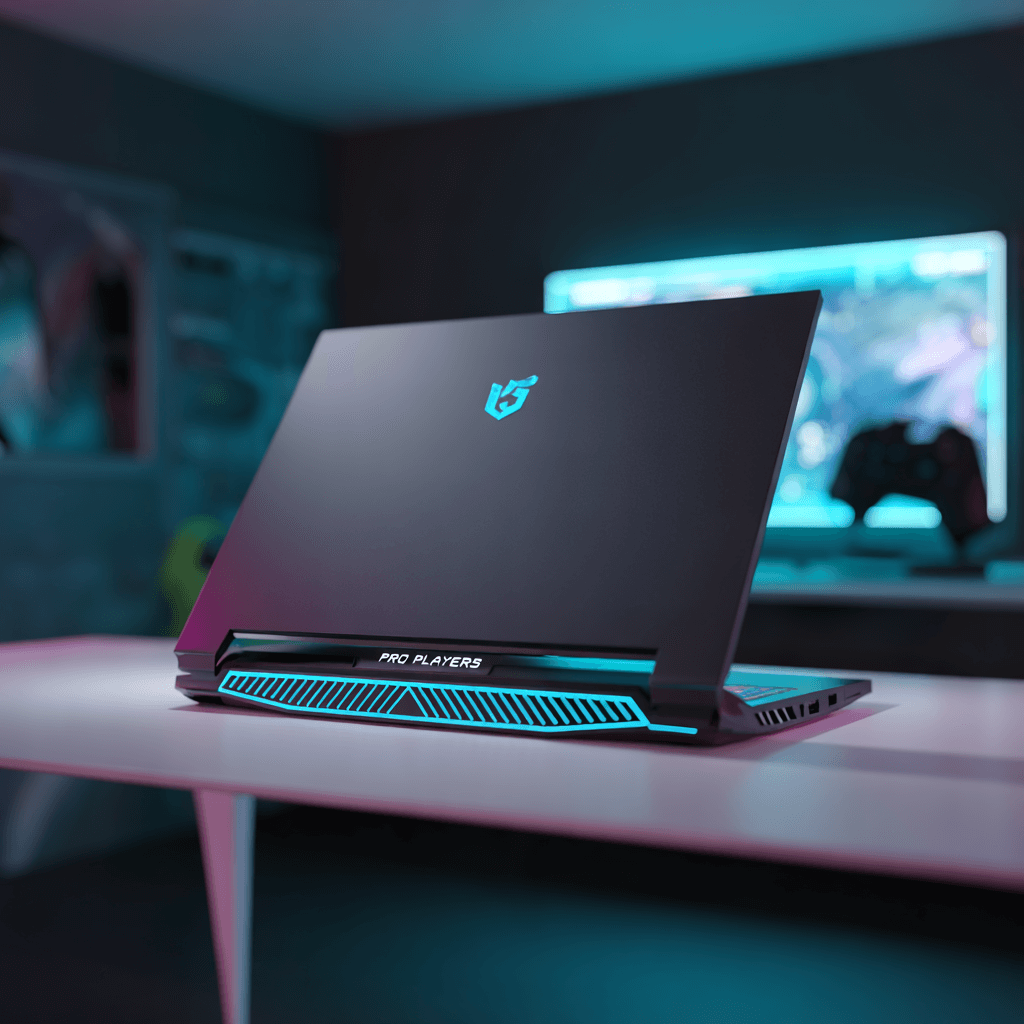
There is no single best model for every player. The right laptop changes with your game, budget, and need for portability.
| Player type | Recommended target | Why it fits |
|---|---|---|
| Casual esports player | RTX 4050 or RTX 4060, 144Hz display, 16GB RAM | Good value for 1080p play |
| Ranked FPS player | RTX 4060 or RTX 4070, 240Hz display, strong CPU | Supports high frame rates and smooth motion |
| Tournament competitor | RTX 4070 or better, 240Hz or faster display, strong cooling | Better performance headroom |
| College student | RTX 4060, 144Hz–240Hz display, moderate weight | Balances gaming, school, and portability |
| Streamer | RTX 4070 or better, 32GB RAM, strong CPU, good microphone support | Handles game, encoding, and background apps |
| Travel-focused player | RTX 4060 or RTX 4070 in a thin 14-inch or 16-inch laptop | Easier to carry, but often costs more |
| Desktop replacement | RTX 4080 or RTX 4090, large chassis, high-wattage cooling | Maximum performance with less concern for weight |
Best overall balance: Lenovo Legion Pro 5i
A Lenovo Legion Pro 5i configuration with an RTX 4060 or RTX 4070 is a strong general recommendation when it includes a high-refresh display and 16GB or more of RAM.
It usually appeals to players who want:
- Strong sustained gaming performance.
- A larger screen.
- A full-size keyboard layout.
- Accessible performance modes.
- Better cooling than many thin laptops.
Its main drawback is portability. A performance-focused 16-inch gaming laptop is not as easy to carry as a thin productivity computer. The power adapter also adds weight.
Choose it when performance and value matter more than a slim design.
Best portable option: ASUS ROG Zephyrus G16
The ASUS ROG Zephyrus G16 is a better fit for players who carry a laptop between home, school, work, and gaming events. Depending on the configuration, it can combine a high-quality display with an RTX 4060, RTX 4070, or faster GPU.
Its strengths include:
- A thinner design than many high-power gaming laptops.
- A screen that can suit both games and creative work.
- Strong portability for a 16-inch laptop.
- A premium build in many configurations.
The trade-off is price. Thin gaming laptops may also have less upgrade room and may run warmer or louder under sustained load than larger models.
Choose it when you need one laptop for both daily travel and competitive gaming.
Best value category: Acer Nitro, Lenovo LOQ, and ASUS TUF Gaming
Value-focused lines such as Acer Nitro, Lenovo LOQ, and ASUS TUF Gaming often provide the hardware most esports players need at a lower price than premium models.
Look for a configuration with:
- RTX 4060 graphics.
- A 144Hz or faster display.
- 16GB of RAM.
- A 1TB SSD.
- A recent Core i7, Core Ultra 7, or Ryzen 7 processor.
Do not assume every model in a product family has the same screen or GPU power. Manufacturers sell many configurations under one series name. Check the exact model number and panel specification before buying.
These laptops are often the best choice for a player who would rather spend less on the laptop and more on a good mouse, headset, and external monitor.
Best premium category: Razer Blade, Alienware, and high-end Legion models
Premium laptops can offer better materials, stronger displays, larger batteries, and higher-end graphics. They can also cost much more without improving esports performance in direct proportion to the price.
A premium laptop is most reasonable when you value:
- A refined design.
- A high-quality screen.
- Strong performance in both esports and demanding games.
- Better speakers or a more rigid chassis.
- A single computer for gaming and professional work.
Do not pay for an RTX 4090 solely to play lightweight esports titles. The extra GPU power may provide little practical benefit if your game already reaches the refresh limit of your display.
How much should you spend on an esports laptop in the US?
Laptop prices change often because of sales, new releases, and configuration changes. Use performance targets rather than a fixed price promise.
A useful US buying framework is:
- Around $800–$1,100: Look for an RTX 4050 or RTX 4060, 16GB RAM, and a 144Hz display. Sales are important in this range.
- Around $1,100–$1,700: This is often the best balance. Look for an RTX 4060 or RTX 4070, 165Hz or 240Hz display, and better cooling.
- Around $1,700–$2,500: Consider premium build quality, a better panel, 32GB RAM, or stronger graphics.
- Above $2,500: Buy only if you need high-end gaming, professional workloads, or a premium design.
These ranges are broad estimates, not guaranteed market prices. Compare the exact specifications, warranty, and return policy.
A useful rule is to avoid spending extra on a faster GPU if the laptop still has a poor screen. For competitive games, a 240Hz display can be more useful than moving from an RTX 4070 to an RTX 4080.
Laptop versus desktop for esports
A desktop usually offers better performance per dollar, easier upgrades, and stronger cooling. A laptop wins when you need to move your system between locations.
Choose a laptop if you:
- Attend college or travel often.
- Play at different homes or events.
- Need one computer for work and gaming.
- Have limited desk space.
Choose a desktop if you:
- Play mainly at home.
- Want the lowest long-term cost.
- Plan to upgrade parts later.
- Want quieter operation and larger displays.
A laptop also needs an external mouse. The built-in trackpad is not suitable for serious competitive play. Many players also use a separate mechanical keyboard and a wired Ethernet connection.
How to set up an esports laptop for better performance
The laptop should be connected to its charger during demanding games. Battery mode often limits CPU and GPU performance.
Use this setup process:
- Install system, chipset, and graphics updates. Use Windows Update and the official support tools from the laptop maker. Download graphics drivers from NVIDIA or AMD when appropriate.
- Set the laptop to its performance mode. Gaming laptops often include a control app with quiet, balanced, and performance modes.
- Place the laptop on a hard, flat surface. A bed or soft couch can block air vents.
- Set the game to the display’s native refresh rate. Confirm the setting in Windows and in the game.
- Turn on variable-refresh support when supported. G-SYNC, Adaptive-Sync, or a similar feature can reduce tearing.
- Use a wired network connection when possible. Ethernet usually provides more stable latency than wireless.
- Close unnecessary background apps. Recording, cloud sync, browsers, and overlays can affect frame times.
- Test a full match before changing advanced settings. Watch for heat, fan noise, stutters, and frame-rate drops.
If performance falls after 10 or 20 minutes, heat may be the cause. Check that vents are clear, update the system software, and use a cooling stand if needed. Do not open the laptop while it is under warranty unless the manufacturer allows user service.
Common mistakes when buying an esports laptop
Many buyers focus on the GPU name and miss the parts they see and feel during every match.
Buying a 60Hz screen
A powerful GPU paired with a 60Hz screen wastes much of its potential for competitive gaming. A 144Hz panel is a much better starting point.
Choosing a high refresh rate without checking response time
A 240Hz label does not prove that the panel has low motion blur. Look for independent display measurements when possible.
Ignoring GPU power limits
The same GPU model can perform differently across laptops. Read reviews that report real game results and sustained performance.
Buying only 8GB of RAM
Eight gigabytes can limit modern gaming and multitasking. Choose 16GB or confirm that the laptop supports a simple memory upgrade.
Forgetting the charger
High-performance laptops often lose speed on battery power. Check the charger size and weight if you plan to travel.
Using Wi-Fi without checking latency
A fast internet plan does not guarantee low in-game latency. Distance from the router, interference, and network congestion can all matter. Ethernet is usually the safest choice for serious matches.
Paying for features that do not affect your game
RGB lighting, a premium metal case, and a high-end GPU can raise the price without improving your results. Spend first on refresh rate, cooling, RAM, and a reliable mouse.

Is a gaming laptop good enough for esports tournaments?
A gaming laptop can be good enough for tournaments if it meets the event’s rules and provides stable performance. Tournament organizers may limit software, require specific settings, or provide their own equipment.
Before attending an event, check:
- The tournament’s hardware policy.
- Whether personal laptops are allowed.
- The required game and anti-cheat software.
- Power outlet access.
- Network rules.
- Whether external monitors are provided.
- Whether your charger and accessories fit the setup.
Practice with the same mouse, sensitivity, display mode, and frame-rate cap you plan to use. A familiar setup is often more valuable than a small hardware upgrade.
FAQs about the best laptop for esports
Is an RTX 4060 enough for esports?
Yes. An RTX 4060 laptop GPU is enough for many esports games, especially at 1080p and competitive settings. Performance depends on the game, CPU, cooling, display resolution, and GPU power limit.
Is 144Hz enough for competitive gaming?
Yes. A 144Hz screen is a solid choice for most players. A 240Hz display can look smoother when the laptop produces high frame rates, but it usually costs more and may provide a smaller practical gain than a better mouse, stable network, or more practice.
Do I need an RTX 4070 for Valorant or League of Legends?
No. These games can run well on less powerful hardware. An RTX 4070 is useful if you play other demanding titles, stream, use a high-resolution monitor, or want more performance headroom.
Is a 14-inch laptop too small for esports?
Not necessarily. A 14-inch laptop can work well if it has a fast display and good cooling. Some players prefer a larger 16-inch screen for better visibility, but screen size is a personal choice.
Should I buy a laptop with 32GB of RAM?
Buy 32GB if you stream, edit video, run many apps, or want more long-term headroom. For gaming alone, 16GB remains a reasonable minimum for a new laptop.
Can I use an external monitor with an esports laptop?
Yes, if the laptop has a suitable HDMI or USB-C video output. Check the exact port specifications because USB-C ports do not all support the same display features or refresh rates.
Final recommendation
For most US buyers, the best esports laptop is a Lenovo Legion Pro 5i, ASUS ROG Zephyrus G16, or comparable model with an RTX 4060 or RTX 4070, 16GB of RAM, a 1TB SSD, and a 165Hz or 240Hz display.
Choose a value model such as the Acer Nitro, Lenovo LOQ, or ASUS TUF Gaming line if price matters most. Choose a thin Zephyrus-style laptop if you travel often. Choose a larger RTX 4080 or RTX 4090 laptop only when you also play demanding games or run heavy creative workloads.
Before buying, verify the exact screen refresh rate, response time, RAM layout, SSD size, GPU power limit, cooling reviews, warranty, and US return policy. Those details decide whether a laptop is truly good for esports—not the product name alone.

Everett Ashford is a tech reviewer at mytechgrid.com specializing in SSDs, cameras, TVs, earbuds, headphones, and other consumer electronics. He provides honest, data-driven reviews based on hands-on testing and real-world performance analysis. Everett simplifies complex tech details to help readers make smart, confident buying decisions.