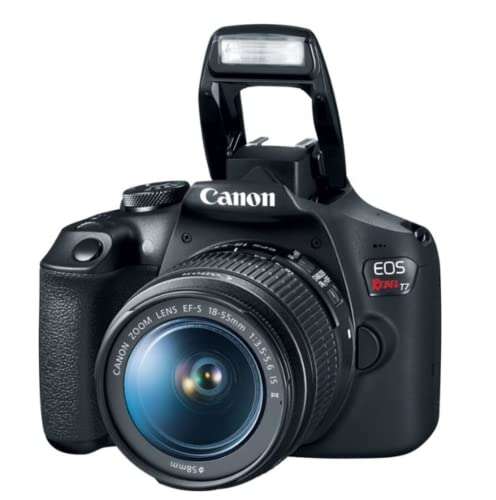
Look for a suitable sensor, reliable autofocus, useful controls, good ergonomics, and lenses that fit your needs.
Choosing a camera can feel like reading a foreign language. Megapixels, sensor size, ISO, dynamic range, and autofocus all matter, but not in the same way for every photographer. After comparing cameras for travel, family photos, wildlife, and video, I have learned that the best choice is not always the most expensive model. This guide explains what to look for in a good digital camera so you can spend wisely and take better photos from day one.
Start With Your Photography Goals
The first step in understanding what to look for in a good digital camera is knowing how you plan to use it. A camera for vacations has different needs than one for sports, portraits, or professional video.
Think about the photos and videos you take most often:
- Travel photos may require a light body, strong battery life, and a flexible zoom lens.
- Family photography benefits from fast autofocus and simple controls.
- Wildlife and sports photography need long lenses, quick burst speeds, and excellent subject tracking.
- Portrait photography benefits from a large sensor and bright lenses.
- Street photography often favors a small body, quiet operation, and fast access to manual controls.
- Video work requires reliable autofocus, a good microphone input, and strong stabilization.
Your skill level also matters. Beginners often benefit from a camera with helpful automatic modes and a clear menu. Advanced users may want custom buttons, manual exposure controls, RAW files, and a wide lens selection.
One common mistake is buying a camera for an imagined hobby instead of your real life. If you mostly take photos at birthday parties and on weekend trips, a huge professional body may stay at home because it feels heavy. The best camera is the one you will carry and use.
Choose the Right Camera Type
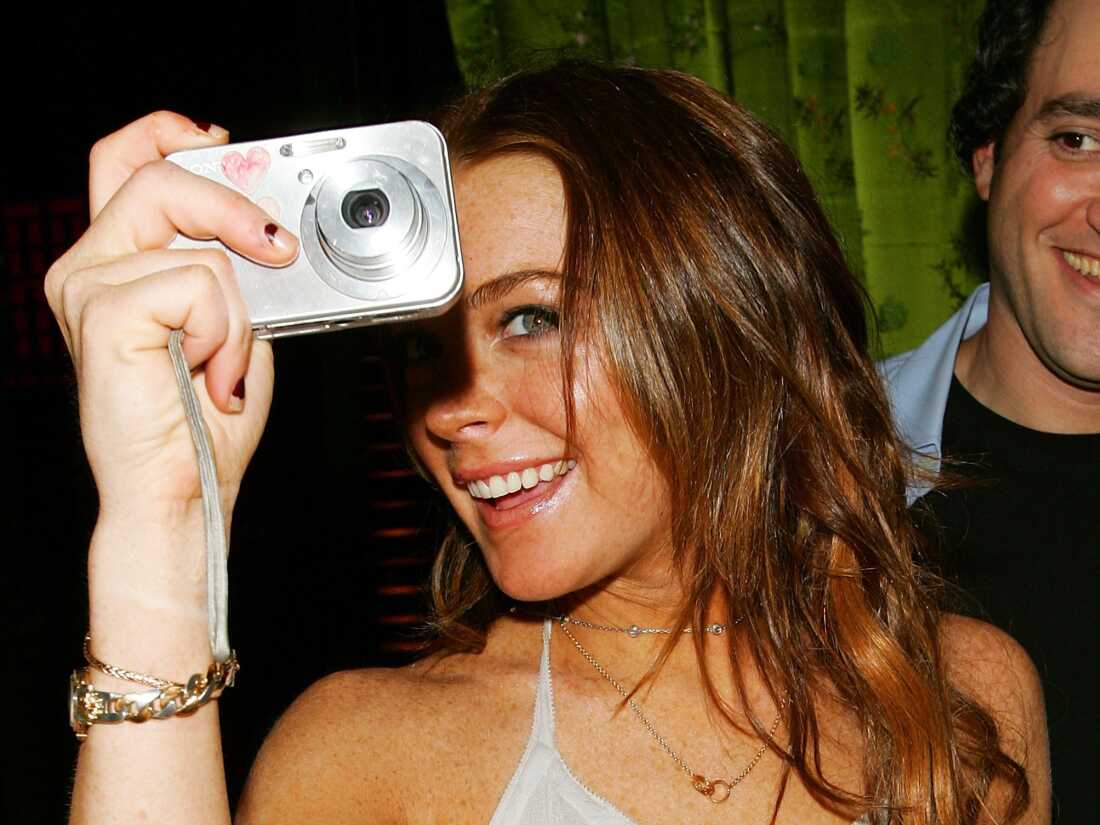
Camera design affects size, speed, control, and future upgrades. Understanding the main types makes it easier to decide what to look for in a good digital camera.
Compact cameras
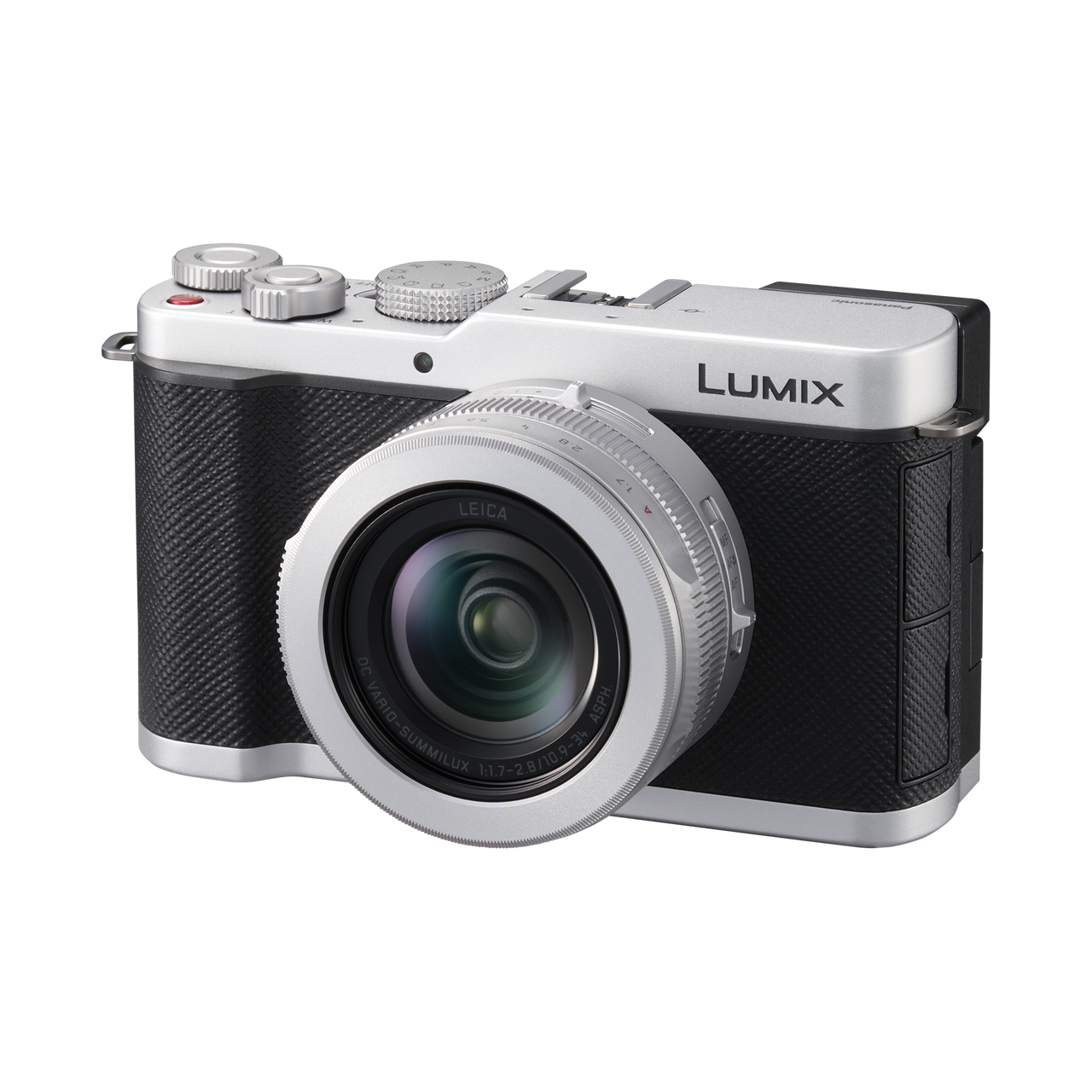
Compact cameras have a built-in lens and a small body. Many are simple to carry and quick to use.
They can be a good choice for:
- Travel
- Everyday family photos
- Casual video
- Outdoor activities where weight matters
The limitation is flexibility. You cannot usually change the lens, and small sensors may produce more noise in dim light. Premium compact cameras can perform very well, but they may cost as much as an entry-level interchangeable-lens camera.
Mirrorless cameras
Mirrorless cameras use an electronic viewfinder or rear screen instead of a traditional optical mirror system. They are now available in beginner, enthusiast, and professional models.
Their main benefits include:
- Smaller designs than many DSLRs
- Real-time exposure previews
- Fast electronic autofocus
- Strong video features
- Access to interchangeable lenses
A mirrorless camera is often the best all-purpose choice for people who want room to grow. However, some models have complex menus, short battery life, or high lens costs.
DSLR cameras
DSLRs use a mirror and an optical viewfinder. They remain capable cameras, especially on the used market.
A DSLR can offer:
- Excellent image quality
- Long battery life
- Comfortable grips
- Large used lens selections
- Strong value for beginners
The drawback is that many manufacturers now focus most new development on mirrorless systems. A DSLR can still be a smart purchase, but check the future availability and price of lenses before buying.
Bridge cameras
Bridge cameras sit between compact cameras and interchangeable-lens models. They often have a very long built-in zoom.
They can work well for:
- Wildlife viewing
- Travel photography
- Outdoor events
- Users who do not want to change lenses
The small sensor may limit low-light quality, especially at the long end of the zoom. Still, a bridge camera can be more practical than carrying several large lenses.
Prioritize Sensor Size Over Megapixels
Sensor size is one of the most important answers to what to look for in a good digital camera. The sensor collects light and turns it into an image. In simple terms, a larger sensor usually makes it easier to capture clean photos in dim conditions.
Common sensor sizes include:
- Full frame
- APS-C
- Micro Four Thirds
- One-inch
- Smaller compact-camera sensors
A full-frame sensor is larger than an APS-C sensor. An APS-C sensor is larger than a Micro Four Thirds sensor. Larger sensors often provide better low-light performance and more control over background blur, but they also increase camera and lens size.
Sensor size is not the only factor. Modern image processors, sensor design, lens quality, and software all affect the final image. A newer APS-C camera may produce better results than an older full-frame model.
What about megapixels?
Megapixels describe image resolution. A 24-megapixel camera creates an image with about 24 million pixels.
More megapixels can help when you:
- Crop a photo
- Print large images
- Photograph distant subjects
- Need extra detail for commercial work
However, more megapixels do not automatically mean better photos. High resolution can also create larger files and place greater demands on lenses, storage cards, and computer hardware.
For most people, 20 to 30 megapixels is more than enough for social media, family albums, and medium-to-large prints. Pay closer attention to sensor performance and lens quality than to a large megapixel number.
Check Image Quality in Real Conditions
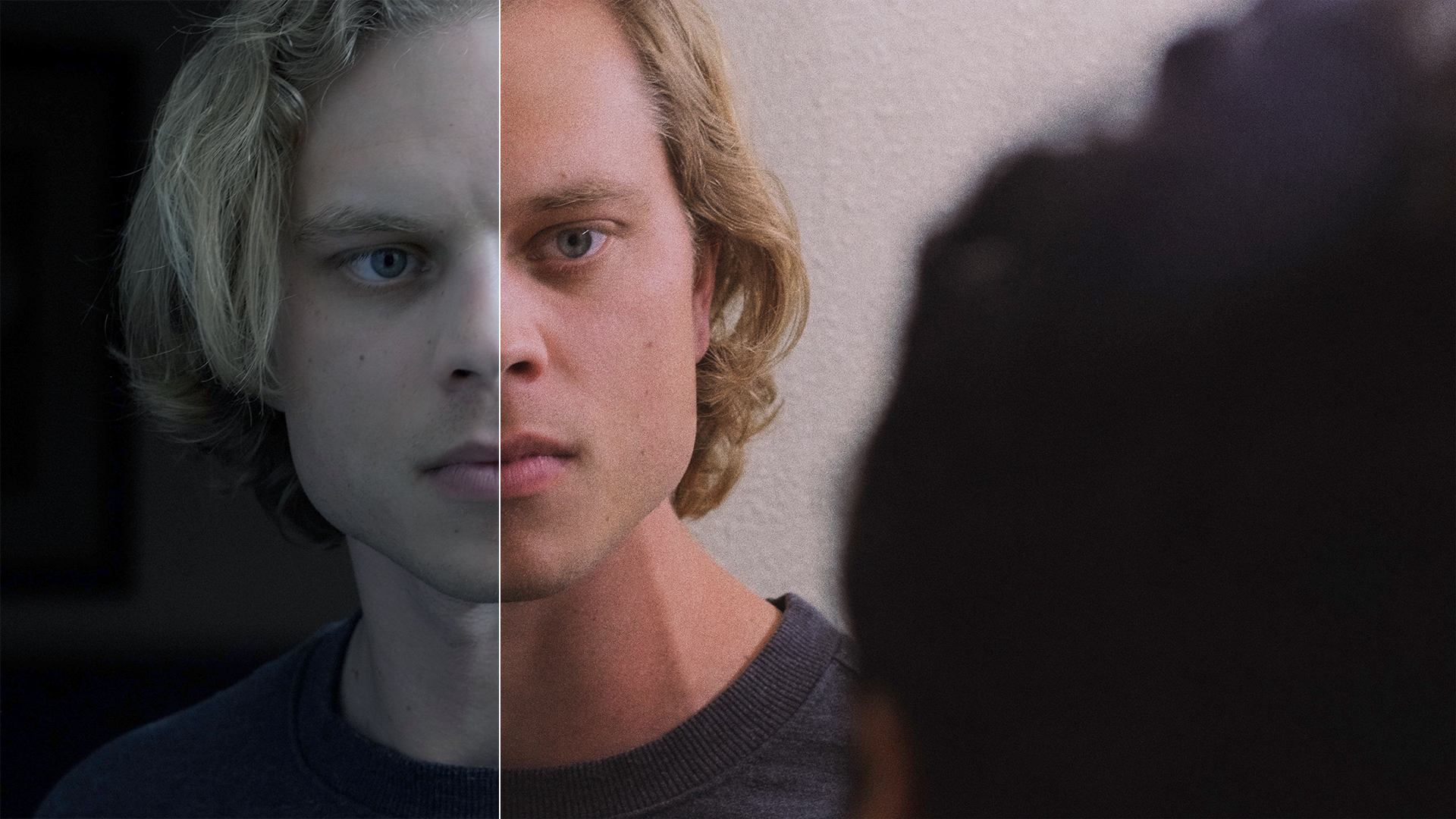
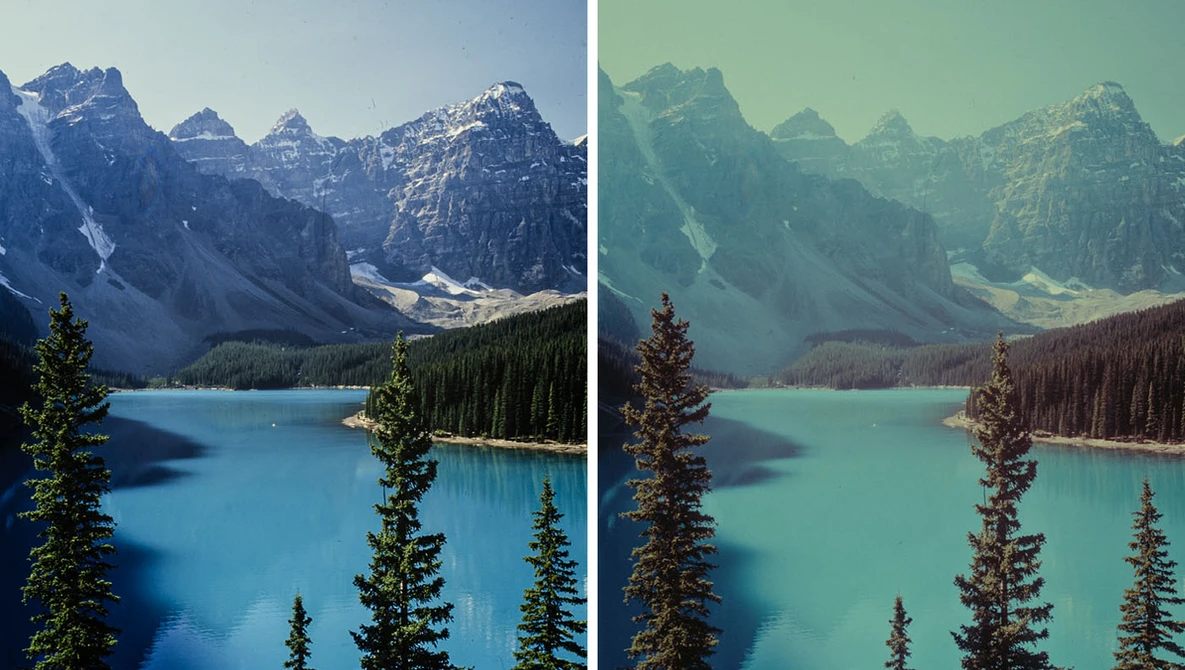
Image quality is more than sharpness. A good digital camera should handle bright skies, deep shadows, skin tones, fine details, and movement with confidence.
Look for these image-quality traits:
- Natural color
- Clean detail at moderate ISO settings
- Good highlight protection
- Smooth shadow recovery
- Low color noise
- Accurate skin tones
- Consistent exposure
Dynamic range describes how well a camera records bright and dark areas in the same frame. For example, a camera with strong dynamic range may preserve detail in both a bright window and a person standing indoors.
RAW capture is also useful. A RAW file stores more image information than a processed JPEG file. It gives you more control over exposure, white balance, shadows, and highlights during editing.
JPEG files are ready to share and take less space. RAW files offer more editing freedom but require software and storage. Many photographers use both formats at once.
When comparing cameras, do not judge image quality from a tiny online thumbnail. Look at full-size sample images from the camera. Check skin, hair, distant textures, shadow areas, and high-contrast edges.
Evaluate Autofocus Performance
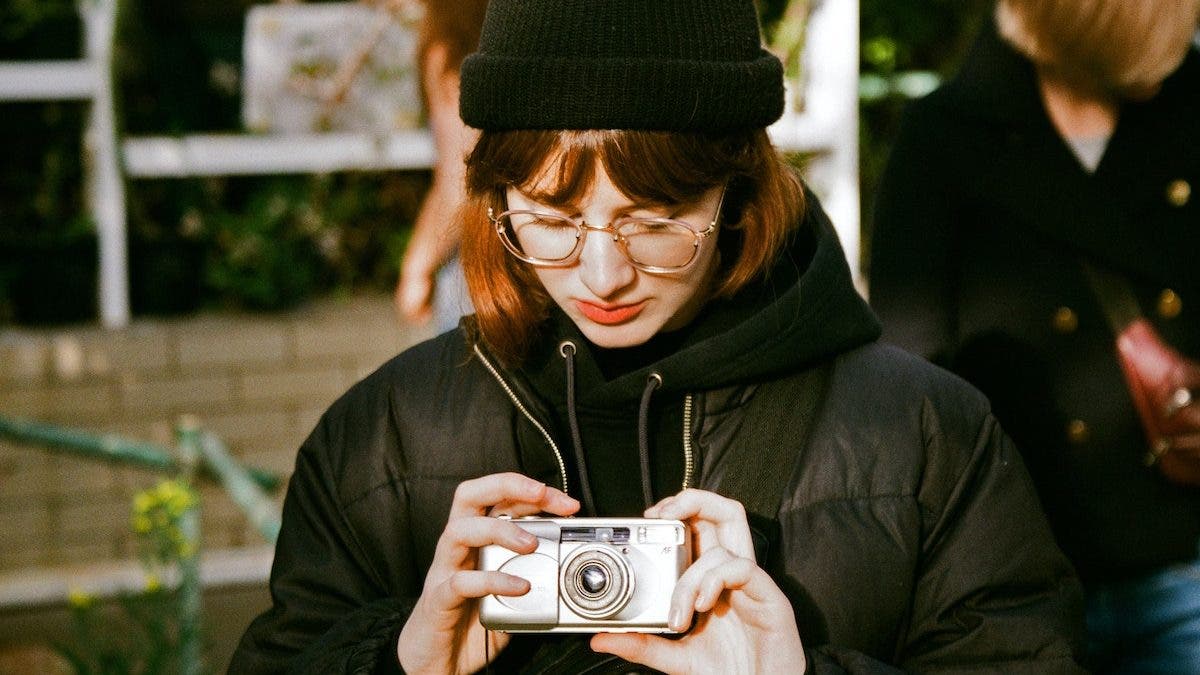
Fast and dependable autofocus is central to what to look for in a good digital camera. A camera may have excellent image quality, but it will not help much if your subject is often out of focus.
Modern cameras may include autofocus modes for:
- People
- Faces
- Eyes
- Animals
- Birds
- Cars
- Motorcycles
- Aircraft
- Trains
Subject detection can be very helpful, but it is not magic. The camera may lose the subject in poor light, busy scenes, or crowded backgrounds. Good handling still matters.
For everyday photography, look for:
- Quick focus acquisition
- Accurate eye detection
- Reliable tracking
- Good performance in low light
- Simple focus-area controls
- The ability to switch between automatic and single-point focus
Sports and wildlife photographers should also examine tracking during continuous bursts. Read independent reviews that test moving subjects rather than relying only on manufacturer claims.
For portraits, eye autofocus can save time. Still, check focus at full image size. A photo can look sharp on a phone but appear slightly soft in a large print.
A lesson I have learned from testing cameras is that autofocus consistency matters more than a dramatic laboratory speed claim. A camera that focuses a fraction slower but keeps the subject sharp may be more useful than one that is extremely fast only in perfect light.

Consider Lens Choice and Availability
A camera body is only one part of a camera system. The lens often has a greater effect on the look, brightness, reach, and weight of your photos.
Before buying, research:
- Available wide-angle lenses
- Standard zoom lenses
- Telephoto lenses
- Portrait lenses
- Macro lenses
- Lens prices
- Used lens availability
- Third-party lens support
- Image stabilization options
A 24–70mm equivalent zoom is popular for travel and daily photography. A 70–200mm equivalent lens can work well for sports, events, and portraits. A 35mm or 50mm prime lens often provides strong low-light performance in a small package.
Lens terminology can seem complex:
- Aperture describes how much light enters the lens. A lower f-number, such as f/1.8, means a wider opening.
- Focal length affects the angle of view. Short focal lengths show more of a scene, while long focal lengths magnify distant subjects.
- Optical stabilization helps reduce blur from hand movement.
- Weather sealing can help protect equipment from light rain and dust, but it does not make every camera waterproof.
Do not buy a camera system without checking the total cost. A low-priced body with expensive lenses may cost more than a slightly pricier body with affordable lens options.

Look at Handling and Controls
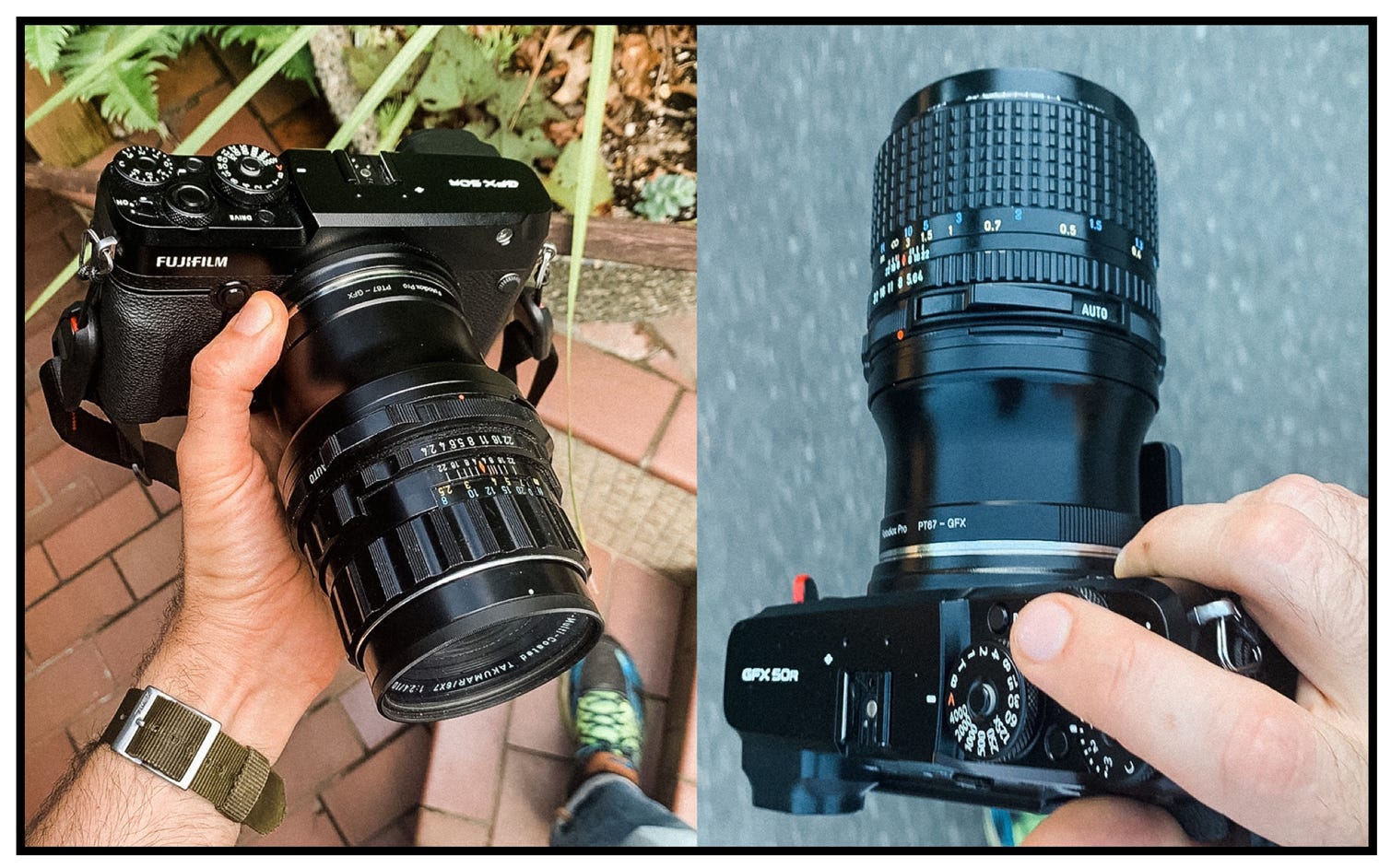
A camera should feel natural in your hands. Good handling is an important part of what to look for in a good digital camera because comfort affects how often you use it.
Pay attention to:
- Grip shape
- Button placement
- Control dials
- Menu design
- Touchscreen response
- Weight balance
- Viewfinder comfort
- Screen movement
- Custom button options
Try holding the camera with the lens you expect to use. A small body may feel comfortable with a compact lens but awkward with a large telephoto lens.
The electronic viewfinder should look clear and respond quickly. A sharp viewfinder helps you judge focus, exposure, and composition in bright sunlight. The rear screen should be easy to see and useful for low-angle or high-angle shots.
A fully articulating screen is useful for video, self-portraits, and unusual viewpoints. A tilting screen may be faster for horizontal photography. Neither option is always better.
Weather resistance is another practical concern. Some cameras have seals against dust and moisture, but protection varies. A weather-sealed body does not protect you if the attached lens or battery door has weak sealing.
Review Video Features Carefully
Many people now want a camera for both still photos and video. If that sounds familiar, video performance should be part of what to look for in a good digital camera.
Check whether the camera offers:
- 4K recording
- Suitable frame rates
- A microphone input
- Headphone monitoring
- Clean HDMI output
- Reliable autofocus
- In-body stabilization
- Heat management
- A flip or tilt screen
- Reasonable file sizes
A camera may record 4K but still produce poor video if it overheats, crops the image heavily, or loses autofocus. Read long-recording tests if you plan to film interviews, events, or lessons.
Stabilization helps reduce hand shake. In-body image stabilization is useful for handheld video and slow shutter speeds. It cannot freeze a moving person, however. If your subject moves quickly, you still need a fast shutter speed.
Audio quality is equally important. Viewers may forgive a slightly soft image, but poor sound quickly makes a video hard to watch. A microphone input gives you more control than relying on the built-in microphone.
For casual clips, almost any modern camera can work well. For serious video, compare recording limits, heat behavior, codecs, bit rates, and audio controls.
Check Battery Life and Storage
Battery life is easy to overlook when deciding what to look for in a good digital camera. A camera with excellent specifications is not useful if it stops working during a day outdoors.
Battery performance depends on:
- Viewfinder use
- Screen brightness
- Wireless connections
- Video recording
- Temperature
- Autofocus activity
- Image stabilization
Electronic viewfinders and video use more power than simple optical viewfinders. Carrying one spare battery is often a better solution than choosing a heavier camera only for its battery rating.
Storage also matters. Check the memory card type and speed requirements. High-resolution bursts and high-quality video may require fast cards.
Use a trusted memory card brand and buy from a reliable seller. Counterfeit cards can fail without warning. Format cards in the camera when possible, and back up important photos soon after shooting.
A practical travel kit may include:
- Two batteries
- Two memory cards
- A compact charger
- A USB power bank
- A small card reader
- A protective case
Compare Price, Value, and Long-Term Cost
The purchase price is only the beginning. To understand what to look for in a good digital camera, calculate the full cost of ownership.
Include the price of:
- The camera body
- One or two lenses
- Batteries
- Memory cards
- A camera bag
- A tripod
- Editing software
- Insurance for expensive equipment
Entry-level cameras can produce excellent photos. They may lack advanced controls, but they often teach the basics well. Midrange cameras usually offer better autofocus, stronger bodies, faster bursts, and improved video.
Professional cameras can be worth the cost for demanding work. They may provide higher durability, better weather protection, more reliable controls, and stronger support. Those features matter to working photographers, but they may not improve casual snapshots.
Used cameras can offer excellent value. Before buying, check:
- Shutter count
- Sensor condition
- Battery health
- Lens fungus or haze
- Loose ports
- Damaged screens
- Included accessories
- Return policy
A camera with an older processor may still produce beautiful images. A clean, well-maintained body with affordable lenses can be a smarter choice than a new model with costly accessories.
Test a Camera Before You Buy
Online research is useful, but hands-on testing can reveal problems that specifications do not show. This is one of the most practical answers to what to look for in a good digital camera.
Use this simple test:
- Hold the camera with your preferred lens.
- Adjust the main controls without looking away from the subject.
- Look through the viewfinder in a bright area.
- Photograph a nearby person and a distant object.
- Test autofocus on a moving subject.
- Review images at full size.
- Check the menu for common settings.
- Open and close the battery and memory card doors.
- Record a short video.
- Check whether the camera feels comfortable after several minutes.
Take a few test photos in dim light. Look for focus accuracy, color, motion blur, and noise. Test the screen outdoors if possible.
One mistake I have seen often is choosing a camera after testing it with the kit lens in a bright store. That can hide issues with weight, low-light focus, and lens balance. If possible, test the camera with the lens you will actually use.
Avoid Common Camera-Buying Mistakes
Even a well-researched purchase can go wrong. Watch for these common errors:
- Choosing megapixels over sensor quality
- Buying a body without checking lens prices
- Ignoring camera weight
- Assuming 4K automatically means excellent video
- Trusting only manufacturer claims
- Buying from an untrusted seller
- Forgetting spare batteries
- Using slow or counterfeit memory cards
- Selecting a professional model for casual use
- Ignoring the camera’s menu system
Another mistake is buying too much camera. Advanced features can sound exciting, but they may create a steep learning curve. A simpler camera can help you learn composition, light, shutter speed, aperture, and focus without feeling overwhelmed.
Do not ignore ergonomics. If a camera makes your wrist hurt or takes too long to set up, you may stop using it. Comfort is not a luxury. It is part of image-making.
Finally, remember that the photographer creates the moment. Better equipment can improve focus, low-light quality, and speed, but it cannot replace good light, timing, or practice.
Use a Simple Camera-Buying Checklist
Use this checklist when comparing cameras in a store or online:
- Camera type: compact, bridge, mirrorless, or DSLR
- Main purpose: travel, family, portraits, wildlife, sports, or video
- Sensor size
- Megapixel count
- RAW support
- Autofocus speed and subject tracking
- Lens selection and cost
- Viewfinder quality
- Screen design
- Grip and control layout
- Battery life
- Memory card type
- Video resolution and recording limits
- Microphone and headphone ports
- Image stabilization
- Weather resistance
- Size and weight
- New and used price
- Warranty and return policy
Then rank the features from most important to least important. This prevents one flashy specification from controlling the entire decision.
For example, a travel photographer might rank weight, battery life, lens flexibility, and weather resistance above burst speed. A sports photographer might rank autofocus, frame rate, buffer size, and telephoto lens access first.
This method makes what to look for in a good digital camera much clearer because it connects features to real use.
Frequently Asked Questions
What is the most important feature in a digital camera?
The most important feature depends on your photography goals, but sensor quality, autofocus, and lens choice matter greatly for most users. A camera should also feel comfortable enough that you will carry and use it often.
Is a higher megapixel count always better?
No. More megapixels can help with cropping and large prints, but they do not guarantee better image quality. Sensor design, lens quality, autofocus, dynamic range, and low-light performance are also important.
Is mirrorless better than a DSLR?
Mirrorless cameras often offer newer autofocus and video features, while DSLRs can provide strong battery life and excellent value on the used market. Neither type is automatically best; the right choice depends on your needs, budget, and preferred lenses.
What sensor size should a beginner choose?
An APS-C or Micro Four Thirds camera is often a strong starting point because both can provide excellent image quality without the size and cost of many full-frame systems. A one-inch compact camera may be better if portability is your top priority.
How much should I spend on a good digital camera?
A good digital camera can cost anywhere from a few hundred dollars for an older or entry-level model to several thousand dollars for a professional system. Set aside part of your budget for lenses, batteries, memory cards, and other accessories.
Do I need a camera with 4K video?
You need 4K if you want extra detail, cropping flexibility, or modern video output. If you mainly take still photos or short family clips, strong autofocus and easy handling may matter more than 4K resolution.
Are kit lenses good enough for beginners?
Yes. Modern kit lenses are often sharp, flexible, and affordable. They are excellent for learning, travel, family photos, and everyday use before investing in specialized lenses.
Conclusion
The best way to understand what to look for in a good digital camera is to connect each feature to your real photography needs. Focus on sensor size, autofocus, lens choices, handling, battery life, video tools, and total cost rather than chasing the biggest megapixel number.
A camera should fit your hands, your budget, and your daily life. Compare complete systems, test the controls when possible, and leave room in your budget for a useful lens and spare battery. Choose with purpose, practice often, and explore more photography guides to keep improving your results.

Everett Ashford is a tech reviewer at mytechgrid.com specializing in SSDs, cameras, TVs, earbuds, headphones, and other consumer electronics. He provides honest, data-driven reviews based on hands-on testing and real-world performance analysis. Everett simplifies complex tech details to help readers make smart, confident buying decisions.