Use a USB-C cable and a USB wall adapter or power bank to charge your GoPro.
I’ve spent years testing action cameras and batteries. I’ll show you exactly how do you charge a GoPro camera, step by step, with real tips that save time and battery life. Read on to learn simple methods, safe gear choices, common mistakes, and quick fixes so your GoPro is ready when you need it.
:max_bytes(150000):strip_icc()/goprobatteryd-d573c30d1bcc4770b282300c32a3fdcc.jpg)
How do you charge a GoPro camera: the main ways
There are a few easy ways to charge a GoPro. The most common is plugging a USB-C cable into the camera and a wall charger. You can also remove the battery and charge it in a separate charger. Many models support charging from a power bank or via a multi-battery dock. No matter the method, follow the manufacturer’s charging specs for safety.
Common charging options
- Plug the camera into a USB-C wall charger.
- Use a power bank with a USB-C cable.
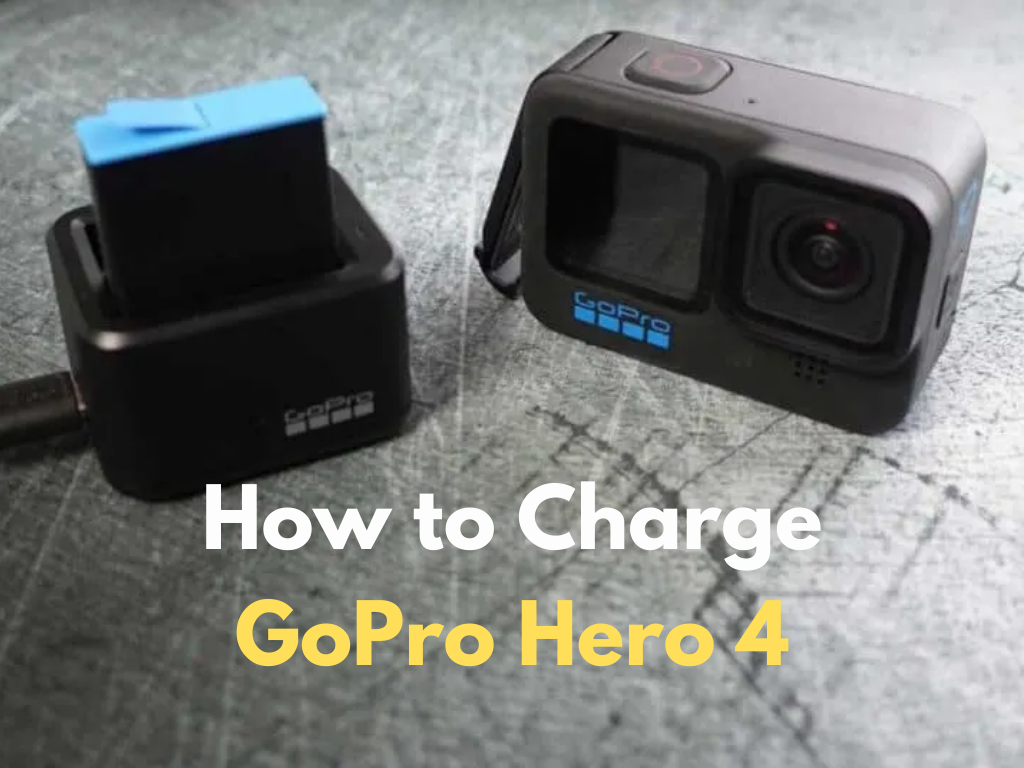
- Remove the battery and use an external battery charger.
- Use a dedicated multi-battery charging dock.
- Charge via a computer USB port (slower).
I keep spare batteries and a compact charger in my camera bag. It changed my workflow on long shoots. Knowing how do you charge a GoPro camera this way prevents missed shots.

Step-by-step: charge your GoPro directly (USB-C)
This is the simplest method for most recent models. It works for HERO8, HERO9, HERO10, HERO11, and later cameras that have USB-C ports.
Steps
- Turn off the camera. This helps the battery charge faster.
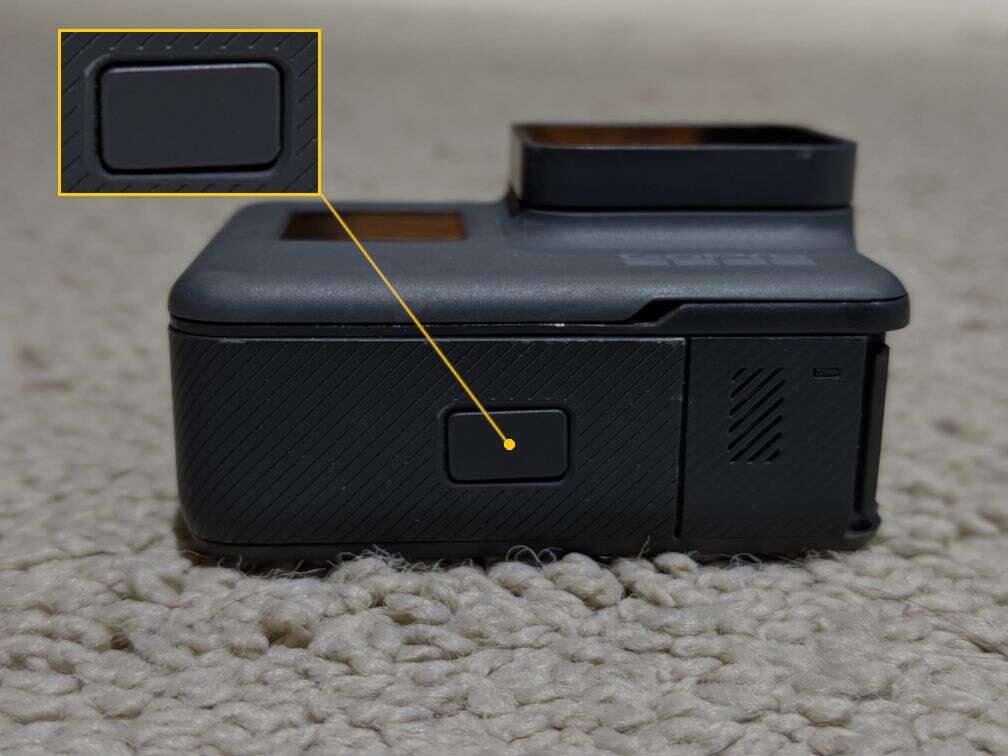
- Open the side or bottom port cover. Keep it dry and clean.
- Plug a USB-C cable into the camera.
- Connect the cable to a USB-C wall adapter rated at 5V/1–2A or to a power bank.
- Wait until the camera shows full charge on the screen or LED.
Tip: If your camera is on, charging is slower. For fastest charge, power it off first. Practically, knowing how do you charge a GoPro camera with a wall adapter saved me hours waiting between takes.

Charging via removable batteries and docks
If you shoot a lot, charging batteries outside the camera is faster. Many pros use dual or triple battery chargers.
How to use a battery charger
- Remove the battery from the camera.
- Place it in the external charger.
- Plug the charger into a wall outlet.
- Leave until all indicator lights show full.
Benefits
- Charges multiple batteries at once.
- Keeps the camera ready to swap batteries quickly.
- It is safer in wet or dusty conditions.
I once shot a full-day event with three charged batteries. The external charger let me swap and keep shooting without downtime. Knowing how do you charge a GoPro camera with a dock made that possible.

Charging with portable power banks and in the field
A power bank is a great field option. It’s light and works where wall power isn’t available.
How to use a power bank
- Use a power bank with at least 10,000 mAh for multiple charges.
- Connect the USB-C cable from the bank to the camera.
- Keep the camera off for faster charging.
- Monitor the power bank’s LED to track output.
Practical tip: Use a power bank with passthrough if you want to run and charge simultaneously. This is handy when streaming. If you wonder how do you charge a GoPro camera during long hikes, a power bank is the most reliable answer.

Charging times and what affects them
Charging speed depends on several things. Cable quality, adapter output, battery level, and whether the camera is on all matter.
Typical times
- Wall adapter 5V/2A: 1–2 hours for a full charge.
- Computer USB port: 2–4 hours, slower output.
- External charger: 30–90 minutes per battery depending on charger.
Avoid cheap cables. A low-quality cable will slow charging. I learned this the hard way when a backup cable doubled my charge time. That’s part of why I emphasize clear steps on how do you charge a GoPro camera.
Battery care and lifespan tips
Good battery care extends life and reduces problems. Treat batteries like a tool you maintain.
Best practices
- Store batteries at about 40–60% charge for long-term storage.
- Avoid full discharge to 0% when possible.
- Keep batteries cool; heat shortens life.
- Use original or certified replacement batteries.
- Cycle batteries (use then charge) occasionally.
Personal note: I replace my action camera batteries every 18–24 months. Proper charging habits matter when you want reliable performance. Knowing how do you charge a GoPro camera properly helped me avoid dead batteries on shoots.

Troubleshooting charging problems
If your GoPro won’t charge, try these checks before replacing parts.
Quick fixes
- Try a different USB-C cable and adapter.
- Inspect the port for dirt or corrosion; clean gently.
- Remove the battery and charge externally if possible.
- Reset the camera software if charging indicators are wrong.
- Make sure the battery is seated correctly.
If none of this works, a battery may be dead or the port may be damaged. Be honest about risks and get professional repair if needed. Learning how do you charge a GoPro camera often starts with swapping cables and batteries.
Safety and warranty considerations
Charging safely protects you and your gear. Follow simple rules.
Safety steps
- Only use chargers that meet voltage limits (5V usual for USB).
- Avoid third-party chargers with unknown specs.
- Keep the camera and charger away from water while charging.
- Stop charging if the battery gets hot, smells, or swells.
If your camera is under warranty, check terms before using third-party chargers. I once used a non-certified charger and voided coverage on a device. That taught me to balance convenience with caution when learning how do you charge a GoPro camera.
Accessories that make charging easier
A few accessories save time and stress. They make on-set life simpler.
Useful accessories
- Dual or triple battery charger.
- Compact USB-C wall charger with 18W output.
- High-capacity power bank with USB-C PD.
- Extra genuine batteries.
- Rugged travel case for batteries and cables.
I recommend one extra battery per two hours of shooting. This rule of thumb changed my planning and made projects more predictable. It also affects how do you charge a GoPro camera on long trips.
Common quick questions
Can I charge my GoPro with a phone charger?
Yes. You can use a phone charger if it outputs the correct USB voltage and current. Look for a charger that provides stable 5V and at least 1–2A.
Is it safe to charge while recording?
It’s possible, but it may generate heat and slow charging. For best results, power off when charging for speed and safety.
Can I use third-party batteries?
You can, but only use high-quality, certified third-party batteries. Cheap copies can cause damage and reduce battery life.
Frequently Asked Questions of how do you charge a gopro camera
How long does it take to fully charge a GoPro battery?
Most GoPro batteries charge in about 1 to 2 hours with a 5V/2A wall adapter. Charging from a computer USB port will take longer.
Can I charge my GoPro while filming?
Yes, but charging while filming can cause extra heat and slower charge. It’s better to switch off for a faster, safer charge.
What is the best charger to use for a GoPro?
A 5V/2A USB-C wall adapter or a manufacturer-approved multi-battery charger is best. Choose certified chargers for safety.
Will any USB-C cable work to charge my GoPro?
Most USB-C cables work, but use a good-quality cable rated for data and power. Low-quality cables can slow charging or fail.
How do I know when my GoPro is fully charged?
Look for the on-screen battery icon or the LED indicator to show a full charge. External chargers often show a green light when done.
Can I charge a GoPro battery outside the camera?
Yes. Many models support removable batteries and external chargers. This is faster for multi-battery workflows.
What should I do if my GoPro won’t charge?
Try a different cable and charger, charge the battery externally, and check the port for debris. If problems persist, seek repair or battery replacement.
Conclusion
You can charge a GoPro camera in several simple ways: direct USB-C charging, external battery chargers, and power banks. Use high-quality cables, follow safe charging practices, and keep spare batteries for long shoots. Start by trying one reliable method and add accessories that match your workflow. Take action today: pack a spare battery, buy a compact charger, and test how do you charge a GoPro camera before your next shoot. Share your tips or questions below and subscribe for more practical camera advice.

Jamie Lee is a seasoned tech analyst and writer at MyTechGrid.com, known for making the rapidly evolving world of technology accessible to all. Jamie’s work focuses on emerging technologies, product deep-dives, and industry trends—translating complex concepts into engaging, easy-to-understand content. When not researching the latest breakthroughs, Jamie enjoys exploring new tools, testing gadgets, and helping readers navigate the digital world with confidence.