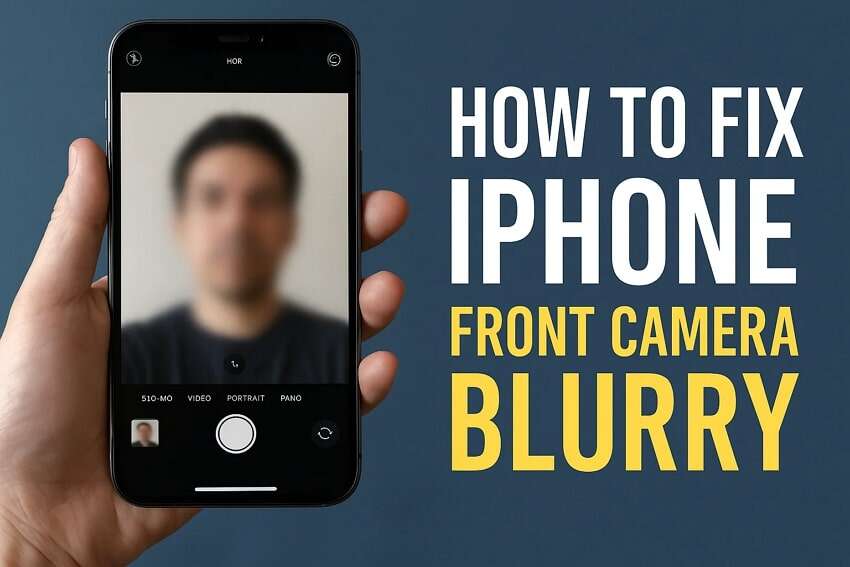
Your iPhone camera is usually blurry because of a dirty lens, focus error, motion, or a software issue.
If you are asking, “why is my camera blurry on my iPhone,” the answer is often simple to fix. A smudged lens, a camera protector, poor light, or a focus problem can soften every photo. This guide explains the cause step by step, including fixes I regularly recommend for real-world iPhone camera problems.

Why is my camera blurry on my iPhone?
The iPhone camera uses small lenses, sensors, autofocus motors, and image processing software. If any part of that system is blocked, confused, or damaged, your photos may look soft instead of sharp.
The most common reasons include:
• Fingerprints, dust, or oil on the camera lens
• A scratched or poorly fitted lens protector
• The camera focusing on the wrong subject
• Moving while taking the picture
• Low light and slow shutter speeds
• A stuck camera app or temporary iOS error
• Moisture inside the camera area
• Physical damage from a drop
• A faulty autofocus or optical image stabilization system
In many cases, the camera is not broken. The lens is simply dirty or the phone is trying to focus in difficult conditions. Think of the lens as a window: even a thin fingerprint can make the view look hazy.
A useful test is to compare the front camera with the rear camera. If only one camera is blurry, the problem may involve one lens, its focus system, or a camera protector. If every camera looks blurry, software, moisture, or a wider hardware issue may be involved.

How to fix why is my camera blurry on my iPhone
Try these steps in order. Start with the easy checks before changing settings or paying for a repair.
1. Clean the camera lens
Use a clean, dry microfiber cloth to gently wipe the rear and front camera lenses. Do not use paper towels, tissues, or rough fabric because they can leave particles or create tiny scratches.
Avoid spraying cleaner directly onto the iPhone. If the lens has grease on it, lightly dampen one corner of the cloth, wipe the lens, and then dry it with another part of the cloth.
Open the Camera app again and take a test photo. Cleaning the lens solves a surprising number of cases where people ask why is my camera blurry on my iPhone.
2. Remove the case or lens protector
Some cases partly cover the camera. Cheap lens protectors can also cause glare, haze, ghosting, or poor focus, especially at night.
Remove the case and any camera lens cover for a quick test. Take the same picture before and after removal. If the photo becomes clear, replace the accessory with a well-made model or use no lens protector.
3. Tap the subject to focus
Open the Camera app and tap the main subject on the screen. A yellow focus box should appear. This tells the iPhone where you want the camera to focus.
If the subject moves, tap it again. You can also touch and hold the subject until “AE/AF Lock” appears. This locks exposure and focus so the camera does not keep hunting while you frame the shot.
4. Hold the iPhone still
Even a small hand movement can blur a photo in dim light. Hold the phone with both hands, keep your elbows close to your body, and press the shutter gently.
For night photos, rest the iPhone against a firm surface or use a small tripod. The Night mode icon may appear automatically, and holding the phone still until the capture ends can make a major difference.
5. Restart the iPhone
A restart can clear a temporary camera process error. Press and hold the side button with either volume button, then slide to power off. Wait about 30 seconds and turn the phone back on.
This basic step is easy to skip, but it can help when the camera preview looks soft, freezes, or fails to switch between lenses.
6. Update iOS
Apple regularly releases iOS updates that include bug fixes and camera improvements. Go to Settings, tap General, and select Software Update.
Install an available update when your phone is connected to power or has enough battery. If the blur began after an update, a later patch may correct the problem.
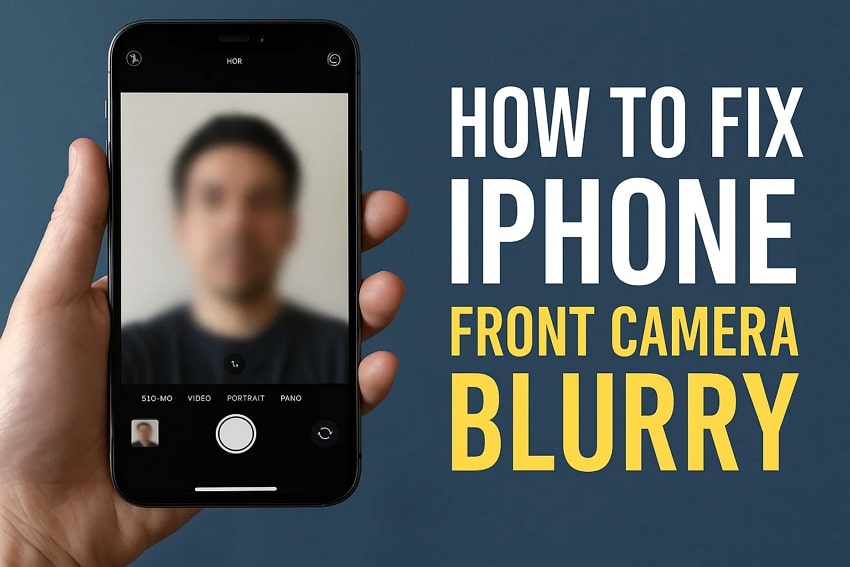
Common causes of a blurry iPhone camera
Understanding the cause helps you choose the right fix. Not every blurry image points to the same problem.
A dirty or oily lens
This is the most common cause. Skin oil creates a thin film over the glass, which scatters light and reduces contrast.
Photos may look foggy, washed out, or blurry around bright lights. A microfiber cloth usually fixes this within seconds.
A damaged camera lens
A crack, deep scratch, or chipped lens cover can affect image quality. Look closely under a bright light, but do not press hard on the glass.
If the image has a permanent haze, bright streaks, or unusual flare after cleaning, physical damage is possible. Professional service is safer than trying to replace the glass at home.
Incorrect focus
The iPhone may focus on a nearby object, background, or reflective surface instead of your subject. This often happens when you photograph through glass, shoot close-up objects, or frame several subjects at different distances.
Tap the subject before taking the photo. Move slightly farther away if the camera cannot focus at close range.
Low light
In low light, the iPhone needs more time to collect enough light. That longer exposure makes movement more visible.
This can make people, pets, and cars look blurred even when the lens is clean. Add light, use Night mode, or keep the phone steady.
Macro mode switching
On supported iPhone models, the camera may automatically switch to the Ultra Wide camera for very close subjects. If the phone keeps changing lenses, the image may look less sharp than expected.
Move the phone slightly away from the subject. You can also turn off Macro Control in Settings > Camera if your model supports that option.
Moisture or condensation
Moving an iPhone from a cold place into a warm, humid room can cause condensation. Moisture may appear on the outside lens or, in more serious cases, inside the camera module.
Let the phone dry naturally in a cool, dry place. Do not use a hair dryer, heater, rice, or compressed air. If fog remains inside the lens, seek service.
Camera hardware failure
A damaged autofocus motor or optical image stabilization system can make the image shake, pulse, or remain blurry. This may happen after a drop, strong vibration, or liquid exposure.
A clear sign is blur that remains in every camera app, at different distances, in bright daylight, and after cleaning and restarting.
iPhone camera settings that can affect sharpness
Settings do not usually create permanent blur, but they can change how the camera behaves.
Check photographic styles
Photographic Styles change the look of images, such as contrast, warmth, and tone. They do not normally cause true focus blur, but heavy processing may make details seem different.
Open the Camera app and compare a normal scene with your current style. If the image looks strange rather than genuinely out of focus, review this setting.
Turn on the grid
Go to Settings > Camera and turn on Grid. The grid helps you hold the phone level and compose a shot without sudden movement.
It does not sharpen the image by itself, but better framing can reduce accidental motion while you press the shutter.
Review Macro Control
If close-up images are soft, check Macro Control under Settings > Camera. When available, this setting gives you more control over automatic lens switching.
For small objects, move back a little and use optical zoom instead of pressing the phone directly against the subject.
Avoid excessive digital zoom
Digital zoom enlarges part of the image rather than adding real detail. At high zoom levels, photos can look soft and noisy.
Use the optical zoom options shown in the Camera app when possible. If you need a distant subject to look sharp, move closer instead of using maximum zoom.
Clean up storage space
Very low storage can cause camera errors, failed captures, or slow processing. It is not the usual reason for a consistently blurry image, but keeping free space helps the Camera app work normally.
Check Settings > General > iPhone Storage. Delete unwanted videos or move large files if your storage is nearly full.

Why is my iPhone camera blurry in specific situations?
Sometimes the camera is clear in one situation and blurry in another. That clue can reveal the cause.
Blurry photos of people
The subject may be moving, or the iPhone may use a slower shutter speed in low light. Add light, ask the person to pause briefly, and tap the face before taking the picture.
Burst-style shooting can also help with active subjects. On many iPhone models, swipe the shutter button to the left to capture a rapid series of photos.
Blurry selfies
Clean the front camera area and check whether a screen protector covers the camera. Some protectors have a small cutout that collects dust or causes glare.
Hold the phone at arm’s length and tap your face on the screen. In dim rooms, face the light source instead of placing it behind you.
Blurry videos
Video blur may come from movement, poor light, or stabilization trouble. Use good lighting and hold the phone with both hands.
If the video shakes even when the phone is still, test each camera lens. Persistent shaking can point to a damaged stabilization system.
Blurry photos at night
Night photography needs steady hands and enough light. Keep the phone still while the Night mode countdown runs, and avoid moving subjects.
A bright lamp placed near the subject can improve detail more than increasing zoom. Flash may help in some scenes, but it can also create harsh shadows.
Only one camera lens is blurry
If the 0.5x, 1x, or 2x camera looks different from the others, clean each lens and remove any protector. A problem limited to one lens often suggests accessory interference or hardware damage.
Test each lens in bright daylight. Record which zoom level stays blurry before contacting Apple Support or a repair provider.

When should you repair an iPhone camera?
You should consider professional service when basic troubleshooting does not help. Continuing to shake, tap, or press the camera will not repair a damaged module.
Seek help if:
• The camera remains blurry after cleaning
• The blur affects every photo and video
• The lens shakes, clicks, or makes a buzzing sound
• The camera will not focus at any distance
• You see cracks or moisture inside the lens
• The problem began after a drop or liquid exposure
• Only one lens fails while the others work normally
Before service, back up your iPhone. You can use iCloud or a computer backup. Also note your iPhone model, iOS version, and which camera lens shows the problem.
Apple and authorized repair providers can run hardware diagnostics. Independent repair shops may cost less, but part quality and calibration can vary. Ask whether the replacement camera is genuine or properly compatible, and whether the repair includes a warranty.
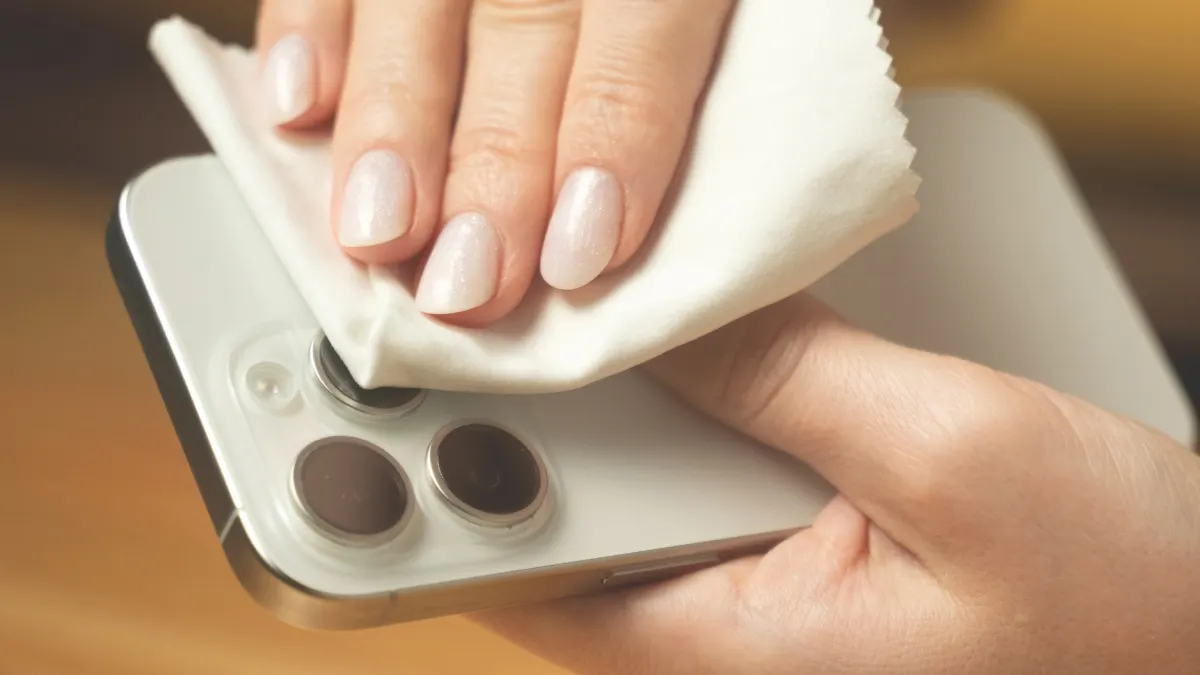
Mistakes to avoid when your iPhone camera is blurry
A few well-meant fixes can make the problem worse.
• Do not clean the lens with abrasive fabric.
• Do not spray liquid onto the phone.
• Do not use heat to dry suspected moisture.
• Do not press or shake the camera module.
• Do not assume digital zoom will restore lost detail.
• Do not install unknown camera apps as a first fix.
• Do not erase the iPhone before backing up your data.
One practical lesson is to change only one thing at a time. Clean the lens, take a test photo, then remove the case, and test again. This simple method shows which change solved the issue instead of creating confusion.
When troubleshooting why is my camera blurry on my iPhone, compare the same subject in bright daylight and low light. If the camera is sharp in daylight but soft at night, the lens may be fine and the issue may be exposure or movement.

Frequently asked questions about why is my camera blurry on my iPhone
Why is my camera blurry on my iPhone after I clean the lens?
The blur may come from a camera protector, case, focus problem, low light, or internal damage. Remove accessories, tap the subject to focus, and test the camera outdoors in bright light.
Why is my iPhone camera blurry but the video is clear?
A still photo may use a slower shutter speed, which shows hand movement or subject movement more clearly. Try brighter light, hold the phone steady, and compare photos from different lenses.
Why is my iPhone camera blurry when zoomed in?
High digital zoom enlarges pixels and reduces detail. Use the iPhone’s optical zoom level, move closer to the subject, and avoid maximum zoom in dim light.
Can an iPhone camera be blurry because of a screen protector?
Yes. A screen protector can affect the front camera if it covers the lens or has dust, scratches, or glare near the camera opening. Remove it briefly and test a selfie in bright light.
How do I fix a blurry iPhone camera after dropping my phone?
Clean the lens, remove the case, restart the phone, and test each camera in daylight. If the blur or shaking remains, the autofocus or stabilization hardware may need professional repair.
Does resetting an iPhone fix a blurry camera?
A restart may fix a temporary software problem, but a full reset is rarely the first step. Back up your data and try cleaning, removing accessories, updating iOS, and testing the camera before considering an erase.
Conclusion
A blurry iPhone camera is most often caused by a dirty lens, an obstructed camera protector, incorrect focus, low light, or motion. Clean the lens, remove accessories, tap to focus, hold the phone steady, restart it, and update iOS before assuming the camera is damaged.
If the blur remains in bright light across multiple apps and camera lenses, hardware service is the sensible next step. Try the checks in order, record what you find, and share your experience or questions in the comments.

Everett Ashford is a tech reviewer at mytechgrid.com specializing in SSDs, cameras, TVs, earbuds, headphones, and other consumer electronics. He provides honest, data-driven reviews based on hands-on testing and real-world performance analysis. Everett simplifies complex tech details to help readers make smart, confident buying decisions.