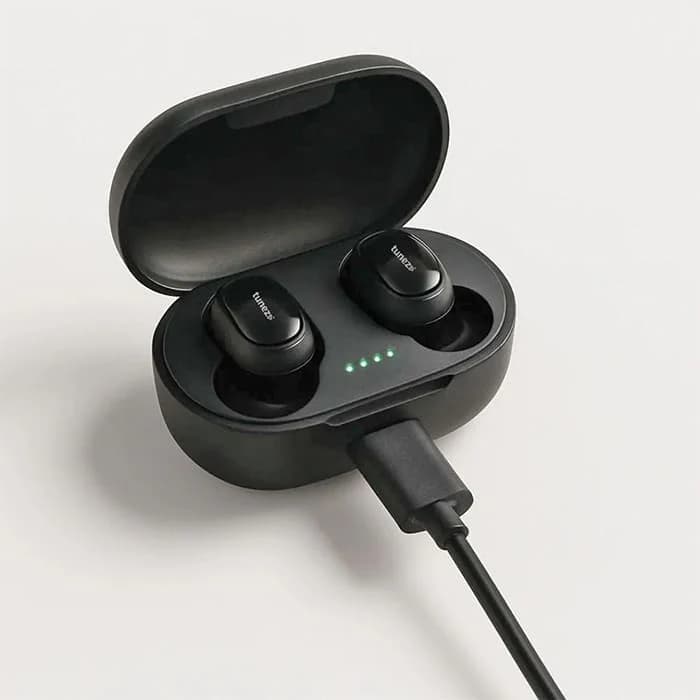
Charge earbuds by placing them in their case and powering the case via cable or wireless pad.
I’ve tested dozens of earbuds and charging methods, and I’ll walk you through exactly how to charge wireless earbuds safely and efficiently. This guide covers every step, from the simplest plug-in charges to wireless and fast-charge tips, plus troubleshooting and battery-care advice you can trust.
Why proper charging matters for your earbuds
Proper charging keeps your earbuds working well and extends battery life. Bad charging habits can shorten battery span and leave you with sudden dead buds. Knowing how to charge wireless earbuds correctly prevents wear and avoids annoying problems like uneven charge or case-only power loss.

Types of charging methods for wireless earbuds
Most earbuds charge in three main ways. Each method has pros and cons, and understanding them helps you pick the best routine for your gear.
- Wired charging through the case
- Most common. The case has a USB-C or Micro-USB port. Plug it into a wall adapter or computer.
- Wireless charging (Qi)
- Place the case on a compatible wireless pad. It’s convenient but can be slower.
- Direct charging (rare)
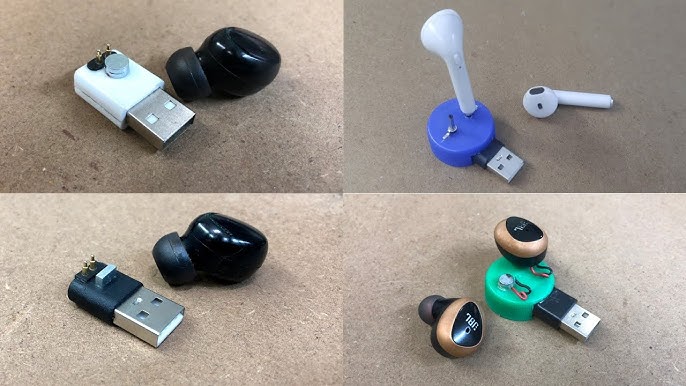
- Some buds charge when connected directly to a cable. This is rare and brand-dependent.
Common indicators and connections:
- LED lights on the case show charging state.
- Contact pins inside the case align with earbuds to transfer power.
- Magnetic seats help position the earbuds for a stable charge.
PAA-style questions
Can I charge earbuds without the case?
Some earbuds can charge only in their case. Most need the case because it contains the battery and charging circuitry that the earbuds rely on.
Is wireless charging slower than wired charging?
Often yes. Wireless charging tends to be slower but more convenient. Fast wired charging usually delivers more power in less time.
Will any Qi pad charge my earbud case?
Most Qi pads work, but make sure the pad supports the case’s size and power needs. Use a quality pad to avoid inconsistent charging.
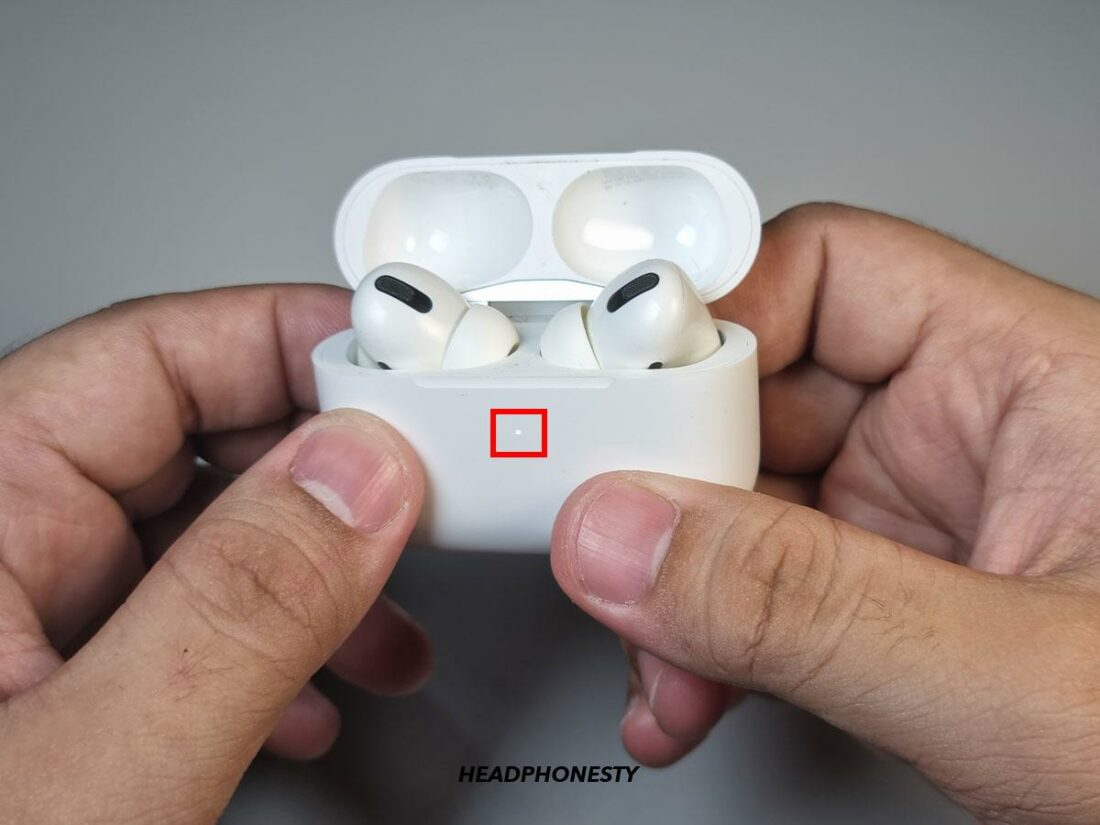
Step-by-step: how to charge wireless earbuds
Follow these clear steps to charge earbuds the right way.
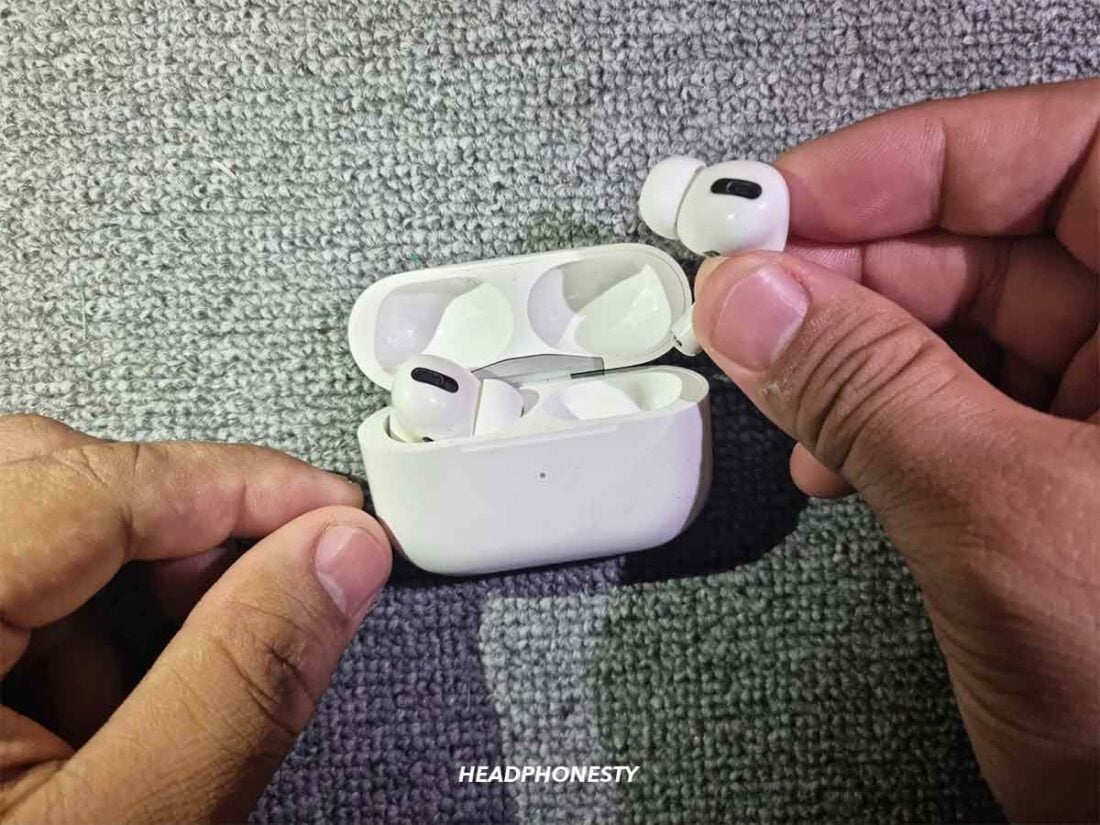
- Inspect the case and earbuds
- Clean contacts with a soft, dry cloth. Dirt prevents a good connection.
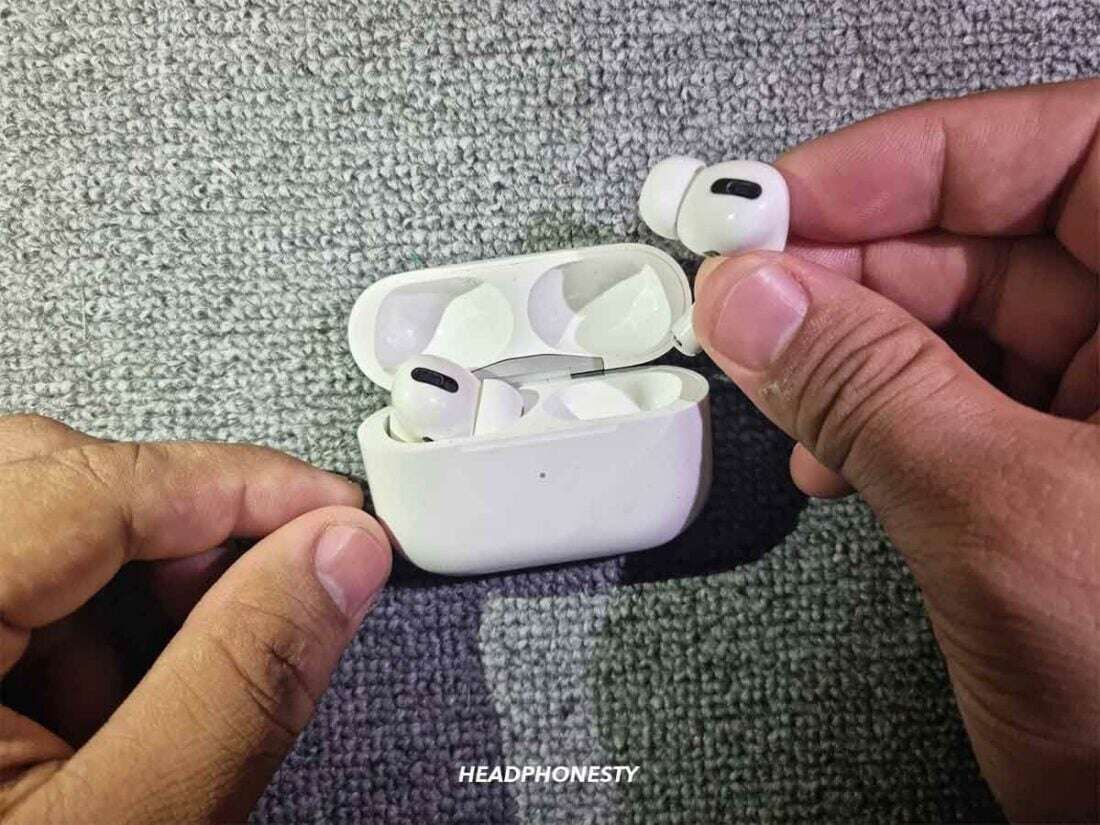
- Place earbuds correctly in the case
- Align the contact pins and feel the magnetic click. The LEDs should show a charging animation.
- Choose your power source
- Use a certified wall adapter with the right output. For faster charging, use an adapter rated by the manufacturer.
- Connect the case
- For wired charging: plug the cable into the case and wall adapter.
- For wireless charging: center the case on the pad.
- Wait for full charge
- A full charge usually takes 1 to 2 hours for earbuds and longer for the case. Watch LEDs or an app for exact status.
- Disconnect and pair
- Remove earbuds when charged. If they don’t power on, place back and wait a few minutes.
Tips for fast-charge models:
- Use the cable and adapter recommended by the brand.
- Fast charge often fills earbuds quickly but avoid doing it repeatedly for many months.

Source: youtube.com
Troubleshooting common charging problems
Here are quick fixes for issues I’ve seen in testing.
- Earbuds not charging in the case
- Clean the contacts. Reset the earbuds by following the manufacturer’s reset steps. Try another cable or adapter.
- Case won’t charge
- Check the port for debris. Swap cables. If still dead, battery failure may be the cause.
- One earbud charges but the other does not
- Re-seat the earbud. Clean the contact pin and check for firmware updates.
- Slow charging
- Use a higher-output adapter if supported. Avoid charging through a low-power USB port on a laptop.
- Wireless charging intermittent
- Reposition the case. Remove any thick cases or magnetic attachments that block the pad.
If problems persist, contact the manufacturer or check warranty options. Batteries degrade over time and may need professional replacement.

Battery care and long-term maintenance for best results
Treat the battery well to keep it healthy. Small habits add up and preserve lifespan.
- Charge routine
- Avoid keeping earbuds at 0% or 100% all the time. Aim to keep them between 20% and 80%.
- Avoid extreme temperatures
- Don’t charge in very hot or cold places. Heat speeds battery wear.
- Update firmware
- Manufacturers push battery and charging optimizations via updates. Install them when available.
- Store properly
- If you won’t use earbuds for months, store them with a partial charge and check every few months.
I learned the hard way that leaving earbuds on a hot car dashboard once reduced a battery’s effective life. Gentle habits matter.
Safety tips and best practices when you charge wireless earbuds
Safety is simple but important. Follow these practices to protect your earbuds and yourself.
- Use certified cables and adapters
- Cheap chargers can send incorrect voltages and harm batteries.
- Don’t improvise with wet hands or wet case
- Moisture and electricity don’t mix. Dry everything first.
- Watch for swelling or heat
- If the case or earbud gets very hot or puffed, stop charging and seek a replacement.
- Keep firmware and user guides handy
- Follow brand-specific instructions for fast charge or unique features.
These steps cut risk and keep charging reliable. I always carry the OEM cable when I travel to avoid compatibility issues.
My experience and practical tips from testing
I’ve tested many earbuds and charging cases in everyday use. Here’s what worked best.
- Use the case’s original cable for best speed and compatibility.
- Clean contacts monthly. A microfiber cloth plus a cotton swab keeps charging steady.
- If you rely on wireless charging, pick a pad with good alignment guides to avoid interruptions.
- For long days, top up the case briefly during breaks. Short bursts can keep you going without stressing the battery.
A mistake I made: I used cordless fast chargers from random brands. That caused inconsistent charging and a firmware reset was needed. Stick to trusted chargers.

Frequently Asked Questions of how to charge wireless earbuds
How long does it take to charge wireless earbuds?
Most earbuds charge in 1 to 2 hours for the earbuds themselves. The charging case usually takes 1.5 to 3 hours depending on battery size and method.
Can I charge wireless earbuds overnight?
Occasionally yes, but avoid making it a habit. Frequent overnight charging can keep batteries at 100% too long and speed up wear.
Does wireless charging harm battery life?
Wireless charging is safe but can be slightly less efficient than wired charging. Use it for convenience, but prefer wired charging when you need speed.
Why do my earbuds not charge in the case?
Common causes are dirty contacts, misalignment, dead case battery, or a faulty cable. Clean contacts and try a new cable to diagnose.
Will fast charging damage my earbuds?
Fast charging increases heat briefly, which can accelerate wear if used constantly. Occasional fast charges are fine, but avoid only using fast charge all the time.
Conclusion
Charging earbuds is easy when you know the right steps. Match the charging method to your routine, keep contacts clean, use certified chargers, and follow manufacturer guidance to get the best life from your battery. Try the practical tips here, and you’ll see fewer charging problems and longer-lasting earbuds. If this helped, share your experience, ask a question, or subscribe for more practical gear guides.

Jamie Lee is a seasoned tech analyst and writer at MyTechGrid.com, known for making the rapidly evolving world of technology accessible to all. Jamie’s work focuses on emerging technologies, product deep-dives, and industry trends—translating complex concepts into engaging, easy-to-understand content. When not researching the latest breakthroughs, Jamie enjoys exploring new tools, testing gadgets, and helping readers navigate the digital world with confidence.