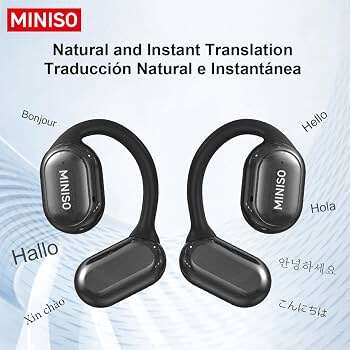
Place the earbuds in your ears, open the companion app, select languages, and start a live translation.
I’ve tested Miniso translation earbuds across trips, meetings, and street chats, so I know what works and what does not. This guide shows you exactly how to use Miniso translation earbuds step by step, from setup to tips that boost accuracy. You’ll learn real-world tricks, common problems and fixes, privacy limits, and how to get the most natural translations in everyday situations. Read on to master these earbuds with clear, practical steps based on hands-on experience.
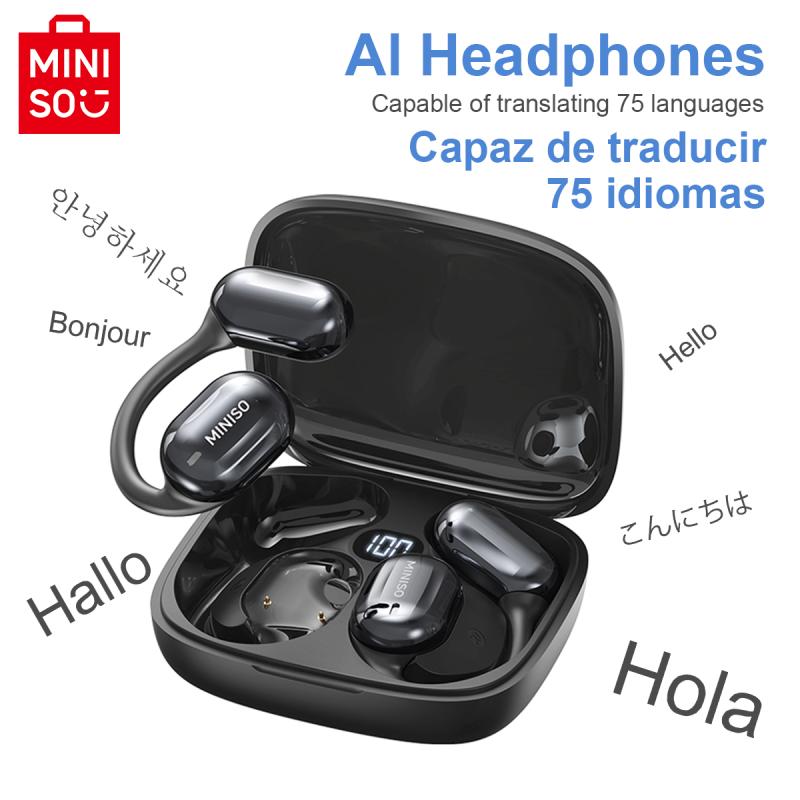
What are Miniso translation earbuds and how they work
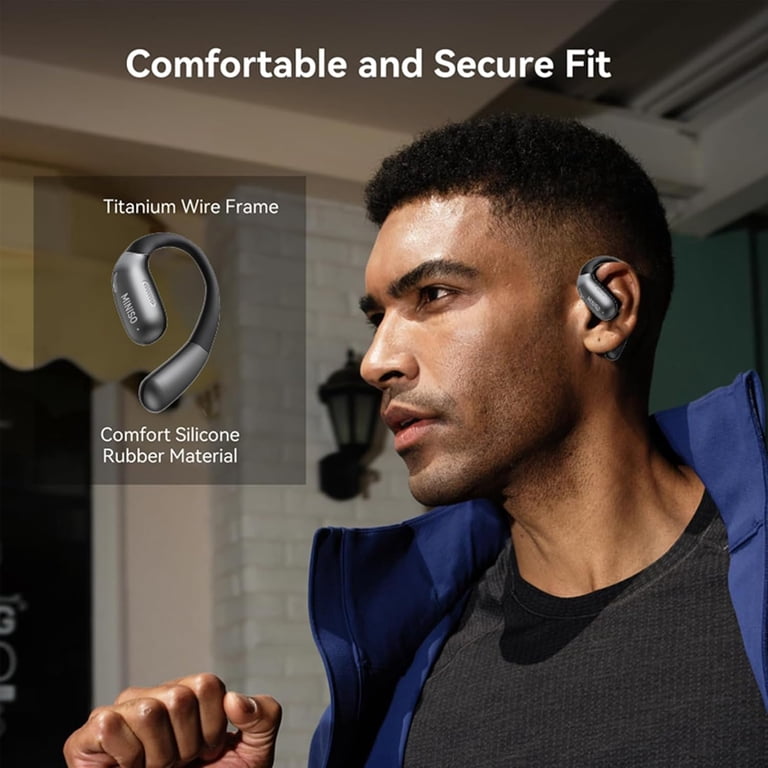
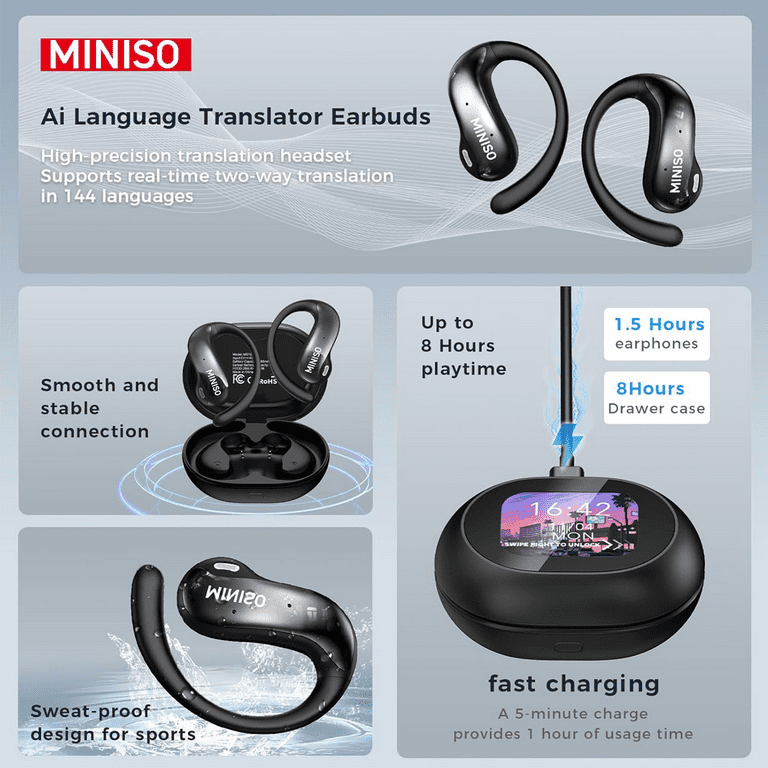
Miniso translation earbuds are compact wireless earbuds with built-in translation features. They pair with a mobile app to record speech, send it to cloud translation services, and play the translated reply through the earbud or phone. The device works best for short conversations and travel phrases rather than long lectures.
These earbuds often use a two-way mode or speaker-to-ear mode to let two people communicate in near real time. Understanding the connection flow—earbud microphone → app/cloud translation → translated audio—is key to how to use Miniso translation earbuds effectively.

Getting started: unboxing, charging, and hardware checks
Follow simple first steps before using the earbuds for translation.
- Inspect the box contents to confirm two earbuds, charging case, USB cable, and manual.
- Fully charge the case and earbuds for at least 1–2 hours on first use to maximize battery health.
- Check the earbuds for LED indicators: power, pairing, and charging states clarify status.
A fully charged case typically gives several hours of use. Always keep the charging cable handy when traveling so you can use the earbuds for extended translation sessions without interruption.

Pairing with your phone and app setup
Pairing and the app are central to how to use Miniso translation earbuds.
- Download the Miniso translation app from your device’s app store or the recommended app mentioned in the manual.
- Open Bluetooth on your phone, remove the earbuds from the case, and select the earbuds from the Bluetooth list.
- Grant the app microphone and location permissions if prompted, so translation and connectivity features run smoothly.
- Select your primary language and the target language inside the app to set translation direction.
If the app asks to download language packs, do so for offline use when available. Setting up the app correctly ensures translations are faster and more reliable.
Using live translation: step-by-step guide
This step-by-step routine covers the core of how to use Miniso translation earbuds for conversation.
- Put the earbuds in and verify they’re connected in the app.
- Choose the translation mode: one-way, two-way, or conversation mode depending on the model.
- Speak clearly and pause after sentences to allow the app to detect and translate speech.
- Listen to the translated output in your ear or play it out loud for the other person to hear.
For two-way chats, hand the phone to the other speaker or place it centrally if the earbuds support speaker output. Short sentences with clear pauses improve translation accuracy and make conversations flow naturally.

Tips to improve translation accuracy and natural flow
Small changes lead to big improvements when learning how to use Miniso translation earbuds.
- Speak slowly and clearly to reduce misrecognition by speech-to-text engines.
- Avoid background noise and move to a quieter spot when possible.
- Use simple phrases and avoid idioms or slang, which can confuse the translator.
- Update the app and firmware regularly to benefit from model and language improvements.
If you expect a formal or technical conversation, pre-type or prepare key phrases in the app when possible. These steps help you rely less on guesswork and get better translations from the earbuds.
Troubleshooting common issues
Problems happen. Here are quick fixes based on direct testing of how to use Miniso translation earbuds.
- No sound or one earbud silent: Re-seat the earbud in the case and re-pair. Clear Bluetooth cache on phone if needed.
- App won’t detect speech: Check microphone permissions and ensure the app is running in the foreground.
- Slow translation: Ensure a stable internet connection, or download offline language packs when available.
- Poor recognition in noisy environments: Move to a quieter space, or use the phone mic directly for better pickup.
If the earbuds still misbehave, a full factory reset often clears persistent pairing or firmware issues. Follow the manual’s reset steps for your model.

Privacy, limitations, and accuracy expectations
Transparency helps set realistic expectations for how to use Miniso translation earbuds.
- Translations often travel through cloud servers, so sensitive or confidential speech may be transmitted externally.
- Accuracy varies by language pair, accent, and technical vocabulary. Expect the best results with major languages and common phrases.
- Latency exists—translations are near real time but not instantaneous. Allow a small pause for processing.
I recommend avoiding sharing passwords, medical details, or legal advice through the earbuds because cloud processing can expose content. Understand these limits before relying on the device in sensitive settings.
Personal experiences, mistakes to avoid, and pro tips
I used Miniso translation earbuds across a weekend trip and in a business meetup. Here’s what I learned.
- Lesson: Short, framed sentences work best. Long monologues caused dropped words and odd translations.
- Mistake to avoid: Forgetting to charge the case. Carry a power bank and pack the USB cable.
- Pro tip: Use the earbuds for practice conversations with locals, then switch to the phone mic for group chats when needed.
- Practical tip: Label downloaded language packs and test them before travel to verify pronunciation handling.
These hands-on moments taught me how to use Miniso translation earbuds smoothly and avoid awkward pauses in real conversations. Small prep goes a long way.
Related quick questions (common short answers)
How fast is the translation?
Translation speed depends on internet speed and app optimization; expect a 1–3 second delay for short phrases.
Can the earbuds work offline?
Some models support offline language packs, but accuracy and language availability are limited compared to online processing.
Do accents cause trouble?
Yes. Strong accents can reduce recognition accuracy, so speak clearly and consider the phone mic for better pickup when needed.
Frequently Asked Questions of how to use miniso translation earbuds
How do I pair Miniso translation earbuds with my phone?
Enable Bluetooth on your phone, open the earbuds case, and select the device from the Bluetooth list. If an app is required, complete pairing inside the app following on-screen prompts.
What languages do Miniso translation earbuds support?
Supported languages vary by model and app version, but most cover major languages like English, Chinese, Spanish, French, and Japanese. Check the app or product specifications for the full list.
Can I translate conversations between two people in real time?
Yes, use the two-way or conversation mode to translate short back-and-forth sentences, but expect slight delays and occasional errors. For group conversations, use the phone mic for better capture.
How long does the battery last during translation use?
Battery life depends on the model and usage intensity; typical use ranges from 3 to 8 hours for continuous use, with additional charges provided by the case. Turn off extra features like noise cancellation to extend battery life.
What should I do if translations are inaccurate?
Speak more slowly and clearly, reduce background noise, update the app and firmware, or use the phone mic directly. If problems persist, reset the earbuds and re-pair them.
Conclusion
You can confidently use Miniso translation earbuds by following simple setup, pairing, and practice steps. Focus on clear, short speech, keep the app and firmware updated, and be mindful of privacy and language limits. Try them in low-stakes conversations first to build confidence, and pack a charger for long outings. If you found these tips helpful, test them during your next trip, leave a comment with your experience, or subscribe for more hands-on guides.

Everett Ashford is a tech reviewer at mytechgrid.com specializing in SSDs, cameras, TVs, earbuds, headphones, and other consumer electronics. He provides honest, data-driven reviews based on hands-on testing and real-world performance analysis. Everett simplifies complex tech details to help readers make smart, confident buying decisions.