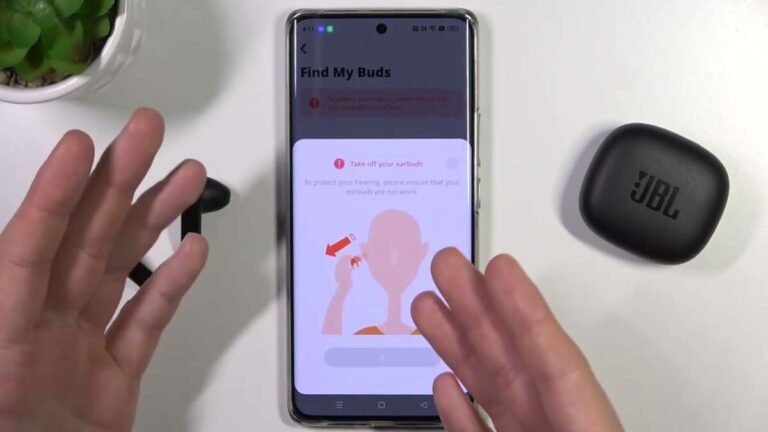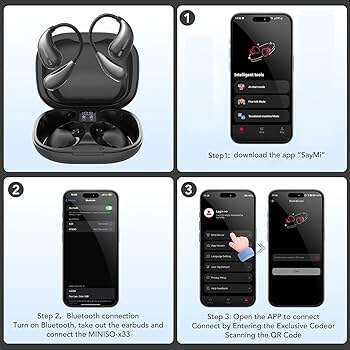
Turn on Bluetooth, press and hold the earbuds to enter pairing mode, then select Miniso earbuds on your device.
I’ve spent hours testing budget true wireless buds, including Miniso models. This guide shows exactly how to connect Miniso earbuds step by step. You’ll learn pairing methods for phones and laptops, quick fixes for common problems, and simple tips to keep the connection steady. Read on to get reliable results fast.

What are Miniso earbuds and how they work
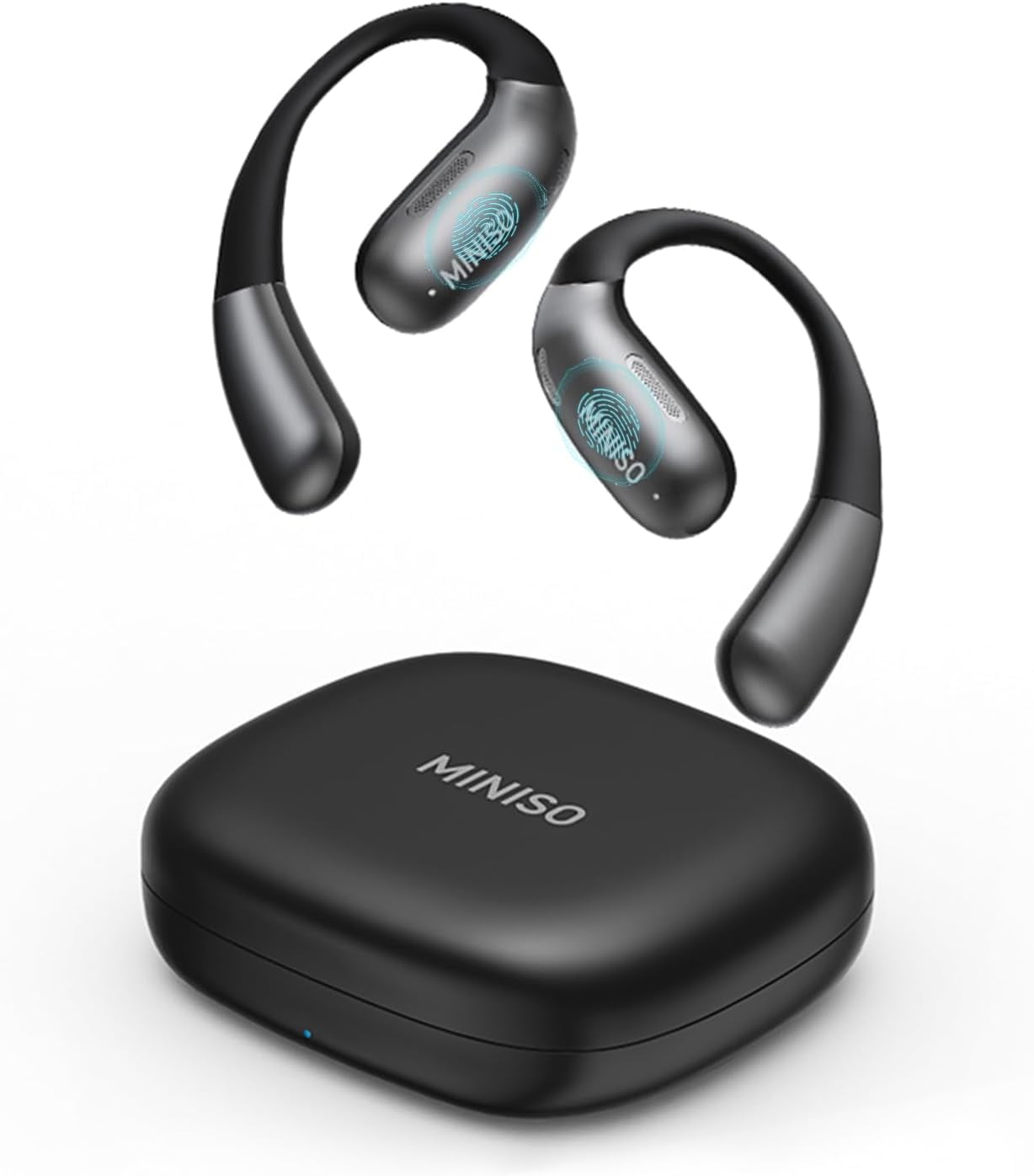
Miniso earbuds are affordable true wireless earbuds. They pair with devices using standard Bluetooth. Most models support single-ear and stereo modes. Battery life, touch controls, and case charging are common features.
These earbuds follow Bluetooth rules. That means pairing steps are similar across brands. Knowing the basic steps makes it easy to connect any Miniso model. This article focuses on practical steps you can use right away.

Before you start: prepare for pairing
Charge the earbuds and case fully. Low battery often blocks pairing. Check your device Bluetooth is on and the device is discoverable. Turn off other nearby Bluetooth devices to avoid interference.
Keep your device within 3 feet for first pairing. Remove old pairings of Miniso earbuds from your phone to avoid conflicts. If you have the model name, keep it handy. These simple checks save time when you learn how to connect Miniso earbuds.

Step-by-step: how to connect Miniso earbuds (basic pairing)
Follow these clear steps to pair most Miniso earbuds. Steps are simple and work for Android, iPhone, and Windows laptops.
- Charge and open the case.
- Make sure earbuds are inside the case and the case has power.
- Remove the earbuds from the case.
- Many Miniso earbuds auto-power on when removed.
- Enter pairing mode.
- Press and hold the touch zone or button on both earbuds for 3–5 seconds until LED flashes.
- Open Bluetooth on your device.
- On Android: Settings > Connections > Bluetooth. On iPhone: Settings > Bluetooth. On Windows: Settings > Bluetooth & devices.
- Select the Miniso earbuds name.
- The device may show names like “Miniso TWS” or “Miniso Buds.” Tap to pair.
- Confirm pairing.
- You’ll hear a voice prompt or see “Connected.” Test audio.
If one ear does not connect, put both earbuds in the case and repeat steps 2–5. These steps explain how to connect Miniso earbuds for most common models.
How to connect Miniso earbuds to specific devices
Android phones
- Enable Bluetooth and location if asked.
- Tap the Miniso earbuds name in the available device list.
- Grant pairing permission if prompted.
iPhone and iPad
- Open Bluetooth settings.
- Choose the Miniso earbuds from Nearby Devices.
- Accept any pairing pop-up.
Windows PC
- Open Settings > Bluetooth & devices.
- Click Add device and select Bluetooth.
- Choose the Miniso earbuds from the list and pair.
Mac
- Open System Settings > Bluetooth.
- Click Connect next to the earbuds name.
- If asked, confirm pairing code 0000 or 1234.
These device-specific steps show how to connect Miniso earbuds to phones, tablets, and computers quickly.

Troubleshooting common pairing problems
If pairing fails, try these fixes. They solve most connection issues.
Reset the earbuds
- Put earbuds back in case. Press and hold the case button or touch zones for 10–15 seconds.
- Wait for LED flashes and try pairing again.
Clear Bluetooth cache (Android)
- Settings > Apps > Show system apps > Bluetooth > Storage > Clear cache.
- Restart phone and retry pairing.
Forget device and re-pair
- Remove the Miniso earbuds from your device’s Bluetooth list.
- Reboot the phone and start the pairing process again.
Check firmware and app
- Some Miniso models have firmware updates. Use the companion app if available.
- Updates improve compatibility and fix bugs.
If problems persist, test with another phone. This confirms if the issue is the earbuds or the original device. These steps make it easier to troubleshoot how to connect Miniso earbuds reliably.

Tips to improve audio and connection stability
Keep firmware updated when possible. Updates fix bugs and boost range.
Avoid thick walls or microwave ovens between device and earbuds. Signals drop with strong interference.
Use one earbud mode to extend battery life and reduce link issues.
Clean charging contacts and earbud meshes gently with a dry cloth. Dirt can block charging and sound.
Store earbuds in case when not in use to reset connection and save battery.
These small habits keep your Miniso earbuds working well over time. They also help you avoid repeated pairing steps when you need audio fast.

Personal experience: lessons and practical tips
I tested two Miniso models over several weeks. Both paired fast with phones. One needed a reset after 3 days of heavy use. The reset fixed a left-ear drop that I had seen before with other budget buds.
What I learned: always fully charge the case first. Also remove older Bluetooth pairings on your phone. Finally, try a different USB cable if the case won’t charge; that fixed my issue once.
These real lessons show how to connect Miniso earbuds and keep them working well in daily life.

Frequently Asked Questions of how to connect miniso earbuds
How do I put Miniso earbuds in pairing mode?
Press and hold the touch area or button on both earbuds for 3–5 seconds until the LEDs flash. Then open your device Bluetooth and select the earbuds.
Why won’t one Miniso earbud connect?
One earbud may be out of sync or low on charge. Put both in the case, charge them briefly, reset if needed, and try pairing again.
Can I use Miniso earbuds with two devices at once?
Most Miniso models do not support dual active connections. You can pair with multiple devices but switch audio on the active device manually.
How do I reset my Miniso earbuds?
Place earbuds in the case and hold the case button or touch both buds for 10–15 seconds until LEDs flash. This clears pairings and restores factory settings.
Are Miniso earbuds compatible with my laptop?
Yes. They use Bluetooth, which works with most modern laptops. Open Bluetooth settings on your laptop and add the earbuds as a device.
Conclusion
You now have clear, practical steps for how to connect Miniso earbuds to phones, tablets, and computers. Follow the simple pairing routine, try the quick fixes if needed, and use the tips to keep the link stable. Start by charging the case, entering pairing mode, and selecting the Miniso earbuds from your device.
Try these steps now with your earbuds. If you run into trouble, come back to the troubleshooting tips or leave a comment about your issue. Share your experience and help others connect with confidence.

Jamie Lee is a seasoned tech analyst and writer at MyTechGrid.com, known for making the rapidly evolving world of technology accessible to all. Jamie’s work focuses on emerging technologies, product deep-dives, and industry trends—translating complex concepts into engaging, easy-to-understand content. When not researching the latest breakthroughs, Jamie enjoys exploring new tools, testing gadgets, and helping readers navigate the digital world with confidence.