The largest single SSD is a 245.76TB enterprise drive, while 122.88TB models are more widely available.
When people ask what is the largest SSD, they usually want one clear number. The honest answer depends on whether you mean the largest announced drive, the largest model available to buy, or the largest SSD made for a normal desktop or laptop. This guide explains the current capacity records, the technology behind them, and which option makes sense for real-world use.
What is the largest SSD available today?
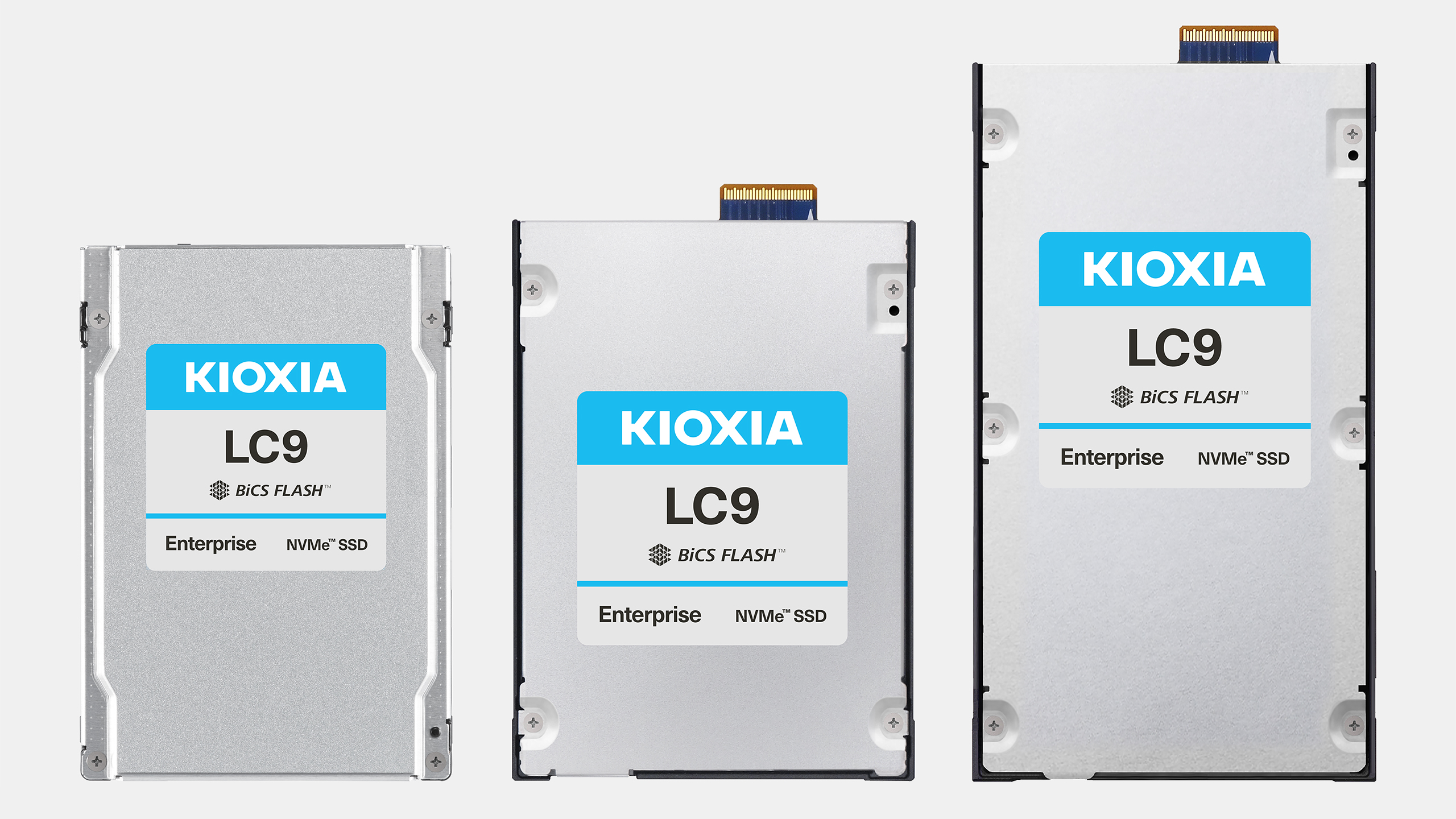
The largest SSD capacity publicly announced for enterprise storage is 245.76TB. Kioxia introduced this capacity in its LC9 series, a data center SSD designed for artificial intelligence systems, cloud storage, and other workloads that need very large pools of fast data.
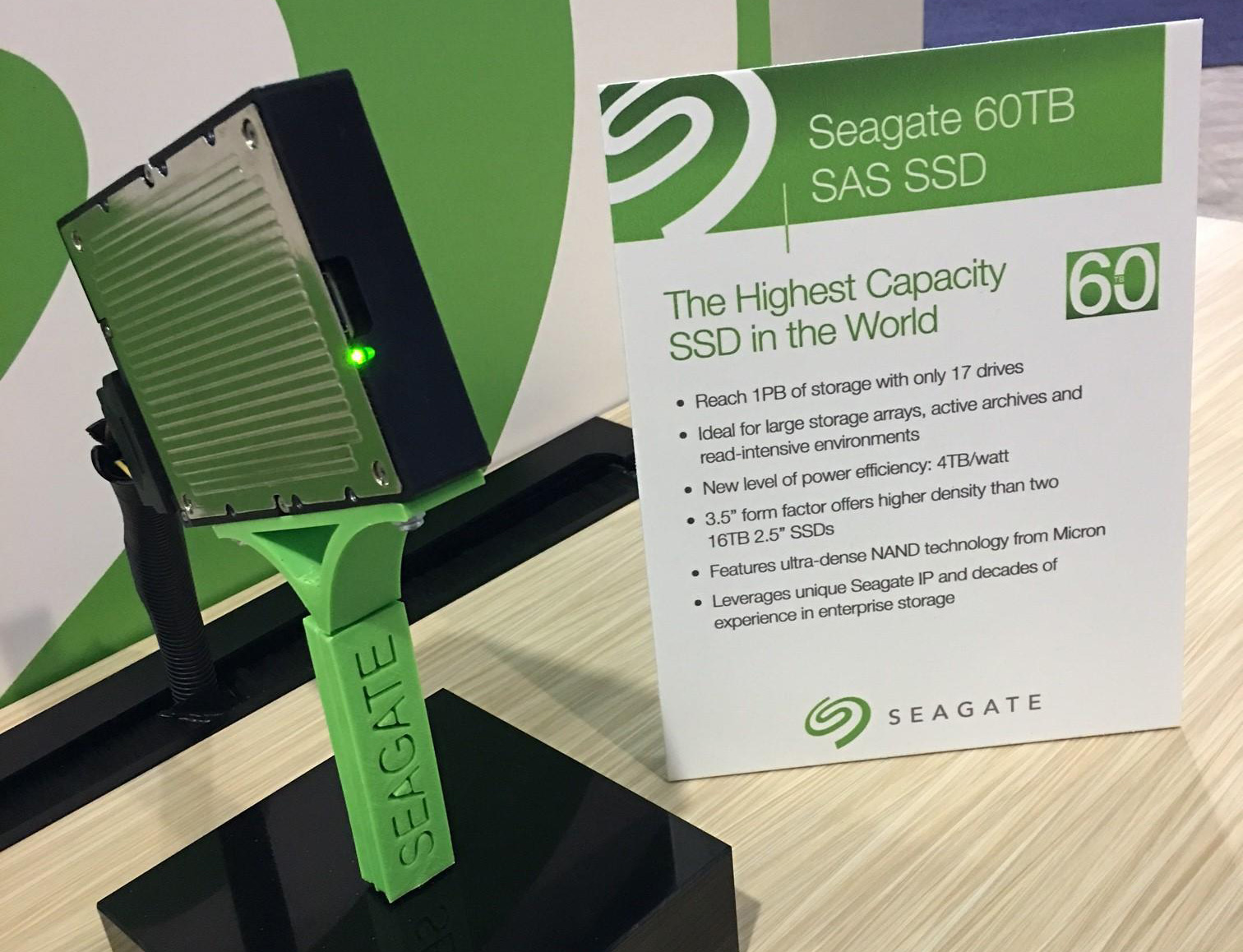
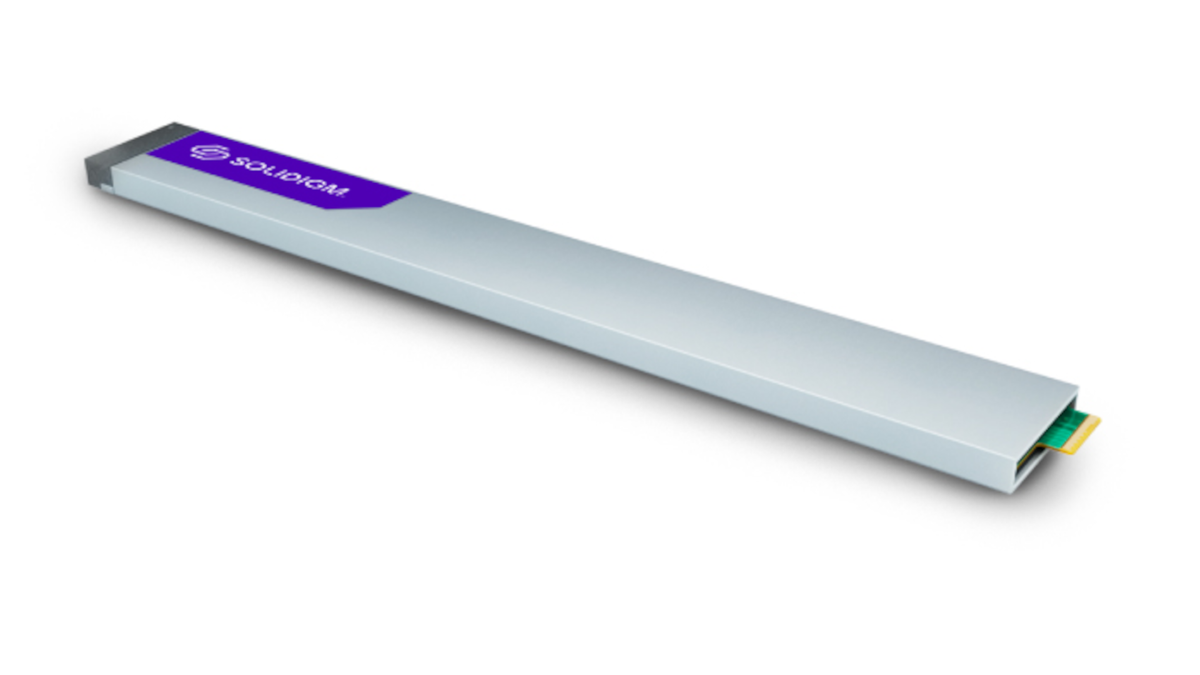
However, the largest SSD that is more widely listed and available in the enterprise market is commonly a 122.88TB model. Solidigm’s D5-P5336 is one well-known example. It uses a 2.5-inch U.2 form factor and PCIe 4.0, and it targets data centers rather than home computers.
The key difference is availability:
• 245.76TB SSDs represent the newest announced enterprise capacity.
• 122.88TB SSDs are more established and easier for organizations to source.
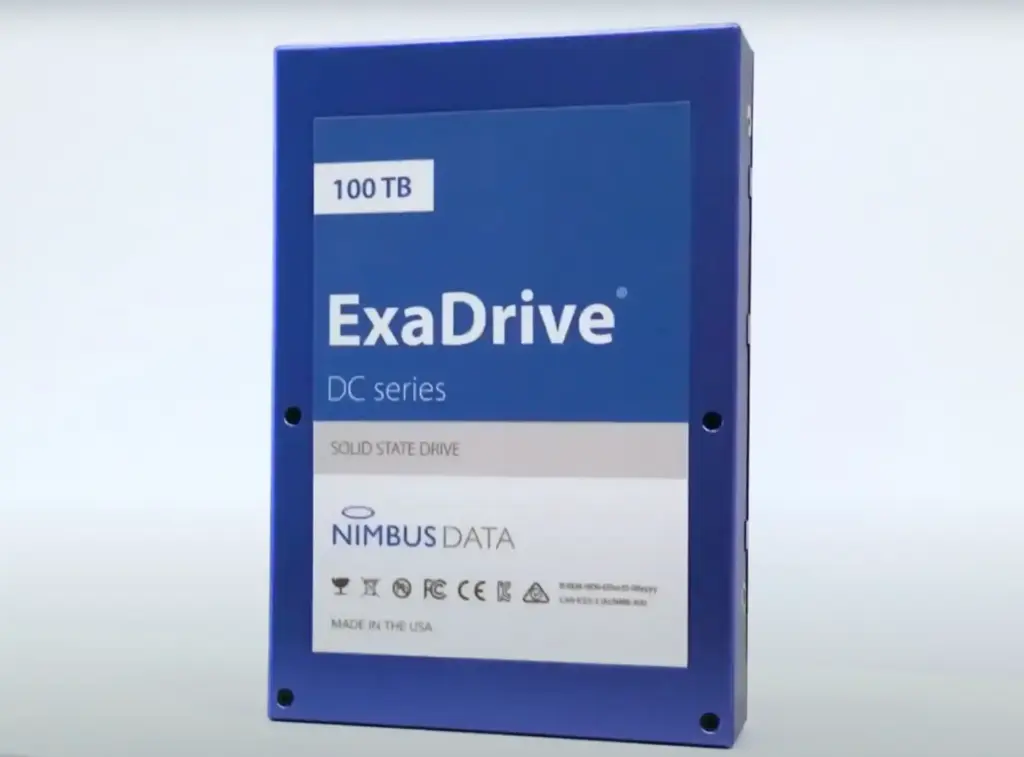
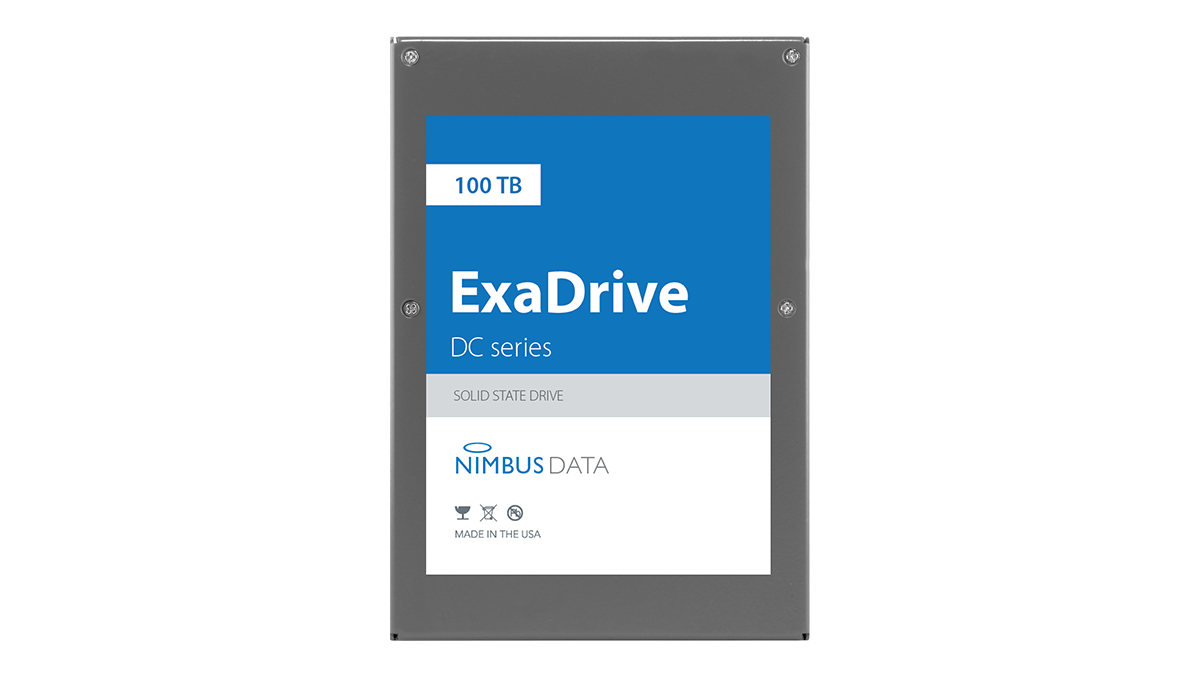
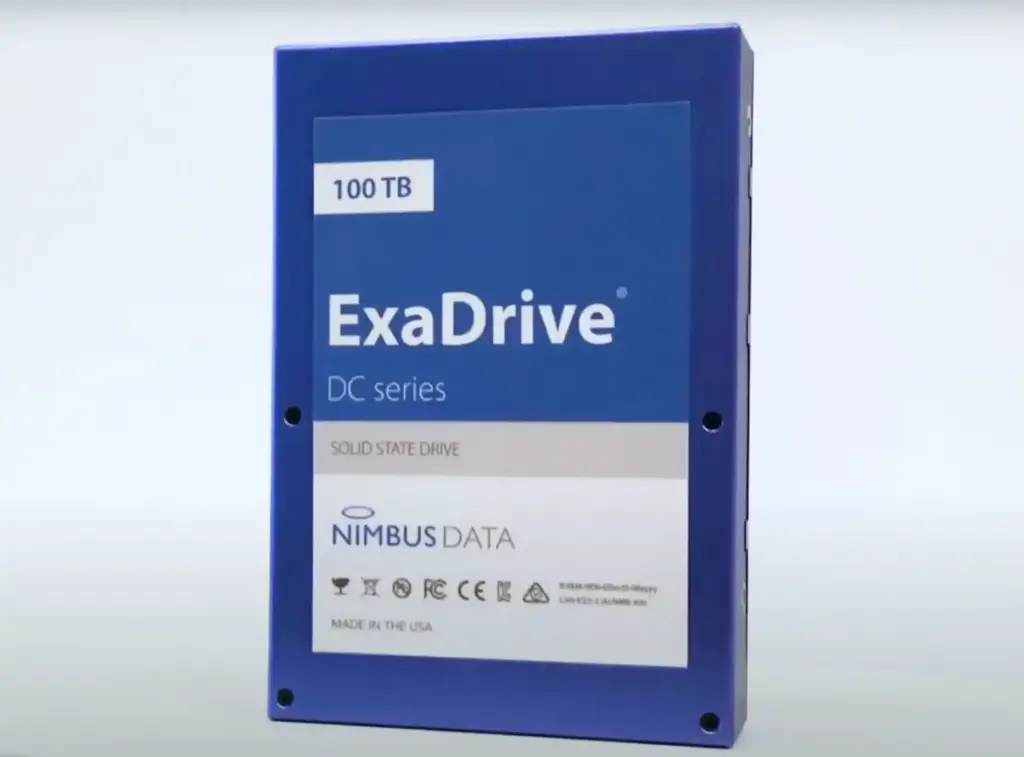
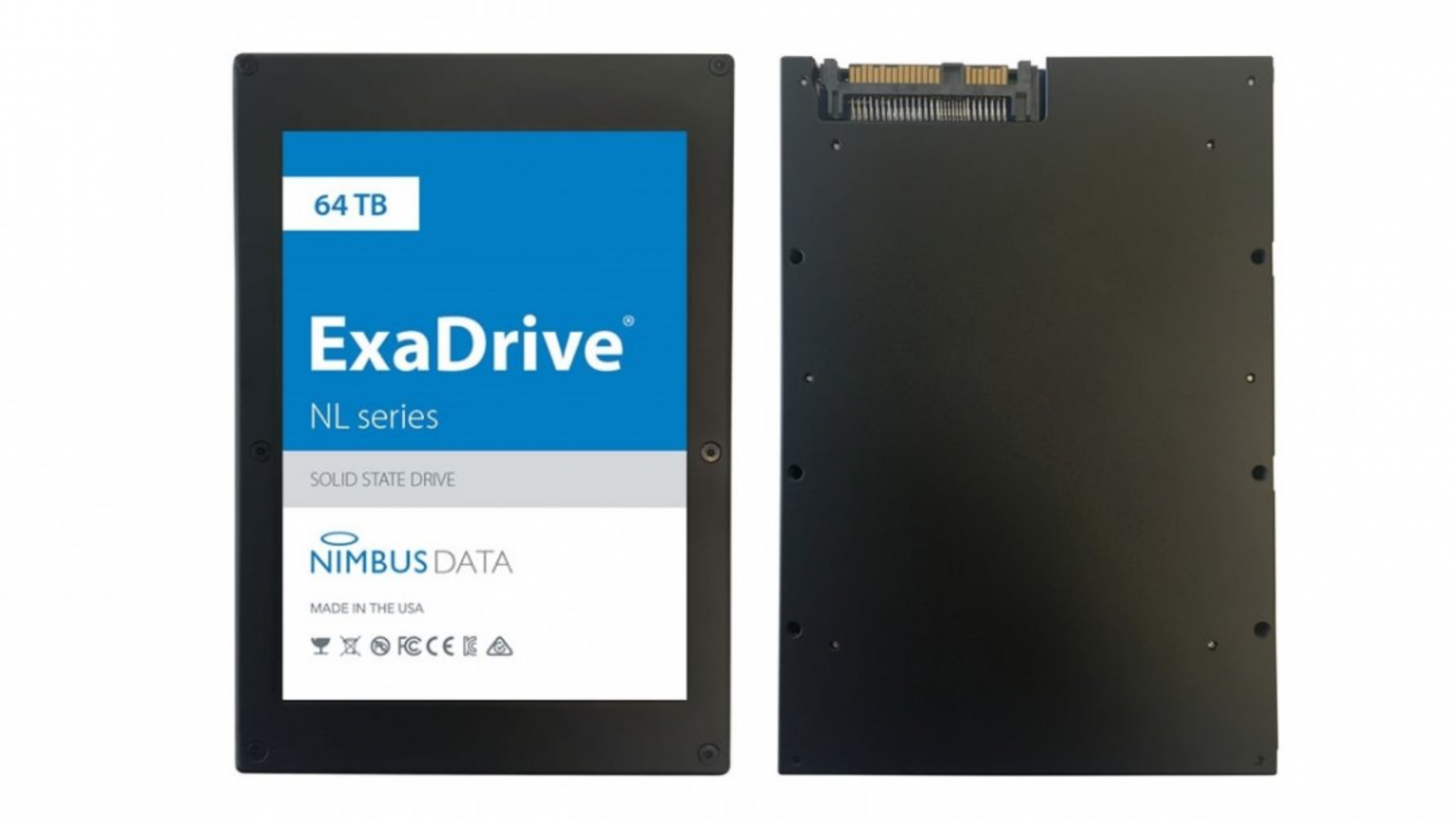
• 100TB-class SSDs, such as the Nimbus ExaDrive DC series, have also been available for specialized enterprise systems.
So, what is the largest SSD? The short answer is 245.76TB if you count the newest announced enterprise models. For a drive that businesses can more realistically purchase and deploy today, 122.88TB is a safer answer.
Largest SSD capacity by market
SSD capacity varies sharply by market. A drive made for a data center may cost tens of thousands of dollars, while a consumer SSD may cost less than $1,000. Comparing them without noting their target market can create confusion.
Enterprise SSDs
Enterprise SSDs are built for constant use. They often include power-loss protection, higher endurance, advanced error correction, and firmware designed for large servers.
Examples include:
• 245.76TB enterprise SSDs announced for high-density data centers
• 122.88TB PCIe enterprise SSDs
• 100TB-class SSDs for cloud and archival workloads
These drives are useful when storage rack space, power use, and data center efficiency matter more than purchase price.
Consumer SSDs
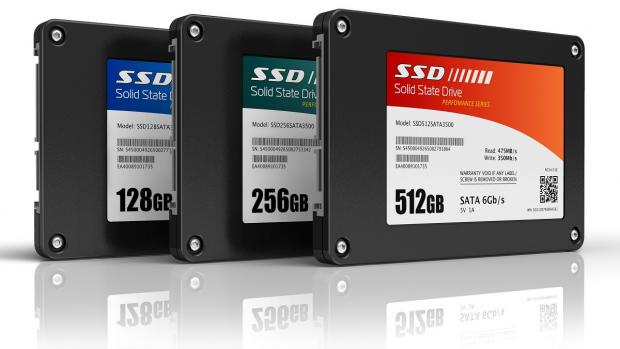
Consumer NVMe SSDs are much smaller. The largest common models usually range from 8TB to 16TB, although 30.72TB drives exist in specialist or workstation-focused product lines.
A 4TB or 8TB SSD is still more practical for most gaming PCs, home servers, and editing systems. It costs less, uses less power, and works with more motherboards.
Portable and external SSDs
Portable SSDs usually offer less capacity than internal drives. Common sizes include 1TB, 2TB, 4TB, and 8TB.
Some external storage products use several SSDs inside one enclosure. That can create a very large device, but it is not the same as one physical SSD. A 48TB enclosure with six 8TB drives is a multi-drive array, not a single 48TB SSD.
How can one SSD hold 245.76TB?
The largest SSD models use 3D NAND flash. This memory stores data in layers of cells stacked above one another. More layers allow manufacturers to place more storage into the same physical space.
Modern high-capacity drives also use QLC NAND. QLC stores four bits in each memory cell. It offers excellent capacity and lower cost per terabyte, but it usually has lower write endurance and slower sustained write performance than enterprise TLC SSDs.
A high-capacity enterprise SSD may combine:
• 3D NAND with hundreds of stacked layers
• QLC flash for high storage density
• Multiple NAND packages placed across the circuit board
• A powerful controller
• Large error-correction systems
• Overprovisioned flash space
• Firmware that manages heat, wear, and data integrity
Think of the SSD as a large apartment building. The NAND layers are the floors, the memory cells are the rooms, and the controller is the building manager. More floors create more space, but the manager must carefully track every room and repair problems as they appear.
What does 245.76TB really mean?
Manufacturers rate SSD capacity in decimal terabytes. One terabyte equals 1,000,000,000,000 bytes. Operating systems often display capacity using tebibytes, where one tebibyte equals 1,099,511,627,776 bytes.
Because of this difference, a drive advertised as 245.76TB will appear smaller in Windows, Linux, or macOS. The usable space will also be lower because the controller reserves some flash for firmware, error correction, bad-block replacement, and overprovisioning.
A 245.76TB SSD may show roughly 223TiB before the operating system and file system use additional space. That does not mean the manufacturer removed capacity. It means two different measurement systems are being used.
Other factors also reduce available space:
• Formatting and file system overhead
• Reserved space for wear leveling
• Recovery partitions
• Enterprise management areas
• Spare NAND blocks
This is normal for every SSD, from a 500GB consumer drive to the largest SSD made for a data center.
What is the largest SSD for a normal PC?
For a normal desktop PC, the largest practical SSD is usually between 4TB and 8TB. Some high-end M.2 NVMe drives reach 8TB, while larger 2.5-inch or enterprise drives may offer 15.36TB, 30.72TB, or more.
The biggest SSD is not always the best SSD for a home computer. Large enterprise drives may use U.2, U.3, EDSFF, or custom server connectors. They may not fit an M.2 slot, and they may need special power cables or server backplanes.
Before buying a large SSD for a PC, check:
• The physical form factor
• The interface, such as SATA, PCIe 4.0, or PCIe 5.0
• Motherboard compatibility
• Operating system support
• Power and cooling needs
• Drive thickness and mounting space
• Whether the drive needs a U.2 or U.3 adapter
For most users, two 4TB NVMe SSDs are easier to install and replace than one unusual 8TB or 16TB enterprise drive. Splitting storage also provides a simple way to separate games, projects, backups, and the operating system.
Largest SSD versus largest hard drive
The largest SSD and the largest hard drive serve different purposes. SSDs are faster, quieter, and more resistant to vibration, while hard disk drives still offer a lower cost per terabyte for cold storage.
A large enterprise SSD can deliver very high input and output performance. It can handle many users at once and respond quickly to random requests. A hard drive is much slower, but a large storage array can provide enormous capacity at a lower price.
SSDs are usually better for:
• Databases
• Artificial intelligence training data
• Virtual machines
• Online services
• Video editing scratch storage
• High-use cloud applications
Hard drives are often better for:
• Long-term backups
• Media archives
• Security camera storage
• Large files that are rarely opened
• Budget-focused home servers
Many data centers use both. Fast SSDs hold active data, while hard drives store older files and backup copies. This approach is called tiered storage.
Benefits of the largest SSD models
A very large SSD can solve problems that smaller drives cannot. It reduces the need to spread data across many individual drives and can simplify server design.
Major benefits include:
Higher storage density
A single 122.88TB or 245.76TB drive can replace several smaller drives. This saves space in a server rack and can reduce the number of drive bays required.
Lower management overhead
Fewer physical drives mean fewer firmware updates, cables, monitoring tasks, and possible failure points. Administrators can manage large data pools with less hardware.
Faster data access
Enterprise SSDs can serve many requests at once. This matters for cloud platforms, online databases, analytics, and AI systems.
Better energy efficiency per terabyte
A large SSD may use more power than a small SSD, but it can use less power per stored terabyte. This helps data centers reduce cooling and electricity costs.
Easier data placement
Large drives let applications keep more related data together. That can simplify database design and reduce the need for complex storage balancing.

Limitations of the largest SSD
High capacity does not remove the basic limits of flash storage. In fact, very large SSDs can create new planning challenges.
High purchase price
The largest SSDs are enterprise products. Their prices can be far higher than consumer drives with the same total capacity.
Limited compatibility
Many large SSDs do not use the familiar M.2 connector. A server may need U.2, U.3, E1.L, E3.S, or another enterprise form factor.
Slow recovery after failure
A failed 245.76TB SSD can take a long time to replace and rebuild in a redundant storage system. The more data stored on one device, the more important backups and redundancy become.
Write endurance concerns
QLC flash supports excellent capacity, but heavy continuous writing can reduce performance and wear the drive more quickly. The drive’s endurance rating, measured in drive writes per day or total bytes written, matters greatly.
Heat and airflow
High-performance PCIe 5.0 drives can run hot. Servers need proper airflow, heatsinks, and temperature monitoring.
The largest SSD should never be treated as a complete backup plan. One drive, even an expensive enterprise model, can fail.
How to choose a high-capacity SSD
Choosing the largest SSD starts with capacity, but it should not end there. A drive that fits your workload is more valuable than a drive with the highest number on its label.
Use this process:
-
Estimate your current storage needs.
-
Add expected growth for the next three to five years.
-
Identify whether your workload is mostly reading, writing, or mixed use.
-
Check the drive’s endurance rating.
-
Confirm the interface and physical form factor.
-
Review power-loss protection features.
-
Confirm that your server or motherboard supports the drive.
-
Plan backups before moving important data.
For example, a video production team may need 50TB of fast working storage. Three enterprise SSDs in a suitable array may be safer than one huge drive. A cloud provider, by contrast, may prefer the largest SSD because rack space and power efficiency are major costs.
One practical mistake is buying based only on sequential speed. A drive may advertise 7,000MB/s, yet perform poorly under a heavy mixed workload. Random performance, sustained write speed, latency, endurance, and thermal behavior often matter more than the peak number on the box.
Largest SSD models compared
| SSD capacity | Typical market | Common use | Main consideration |
|---|---|---|---|
| 245.76TB | Enterprise data center | AI, cloud, high-density storage | Newest capacity, limited availability |
| 122.88TB | Enterprise data center | Databases, analytics, cloud platforms | More established and practical |
| 100TB class | Enterprise and specialized systems | Large databases and archival access | High cost and special hardware |
| 30.72TB | Enterprise and workstation | Editing, virtualization, servers | Better fit for smaller deployments |
| 8TB to 16TB | Consumer and prosumer | Gaming, workstations, home servers | Easier to buy and install |
This table shows why the answer to what is the largest SSD needs context. The record holder may not be the best option for your computer, and the most available model may not have the highest capacity.
Common mistakes to avoid
People shopping for the largest SSD often make a few predictable errors.
• Confusing one SSD with a multi-drive storage array
• Ignoring the difference between TB and TiB
• Buying a U.2 drive for an M.2-only computer
• Assuming maximum read speed equals real-world performance
• Forgetting power-loss protection for important business data
• Using a high-capacity QLC SSD for nonstop heavy writes
• Skipping backups because the drive is expensive
• Failing to check warranty terms and endurance ratings
A useful rule is simple: capacity solves space problems, but redundancy solves failure problems. For important files, use at least one separate backup and, ideally, an off-site copy.
Frequently Asked Questions About What Is the Largest SSD
What is the largest SSD in the world?
The largest announced single SSD capacity is 245.76TB, aimed at enterprise data centers. Widely available enterprise models are commonly available at up to 122.88TB.
Is there a 1PB SSD?
A single 1PB SSD is not a common commercial product. Storage systems can reach 1PB by combining many SSDs in an array, but that is different from one physical SSD.
What is the largest consumer SSD?
The largest consumer-focused SSDs commonly range from 8TB to 16TB. Larger enterprise drives exist, but they may not work in standard desktop or laptop systems.
Can I use a 122.88TB SSD in a gaming PC?
Usually, no. Many 122.88TB SSDs use enterprise connectors, require server-compatible power, and may need a U.2 or U.3 backplane rather than an M.2 slot.
Are larger SSDs faster than smaller SSDs?
Not always. A larger SSD may offer more parallel NAND channels and strong sustained performance, but speed depends on the controller, flash type, interface, firmware, and workload.
Is the largest SSD worth buying?
For most home users, no. A smaller 2TB, 4TB, or 8TB SSD usually offers better value, simpler compatibility, and enough space for games, photos, applications, and everyday work.
Conclusion
The answer to what is the largest SSD depends on how the question is measured. The highest announced capacity is 245.76TB, while 122.88TB enterprise SSDs are a more established choice for large-scale storage. Consumer SSDs remain far smaller, with 4TB to 8TB models offering the best balance for most people.
Before buying, check capacity, endurance, interface, form factor, cooling, and backup needs. Choose the largest SSD that fits your workload and system, not simply the one with the biggest number. Compare current enterprise and consumer models carefully, and share your storage needs in the comments if you want help choosing the right capacity.

Everett Ashford is a tech reviewer at mytechgrid.com specializing in SSDs, cameras, TVs, earbuds, headphones, and other consumer electronics. He provides honest, data-driven reviews based on hands-on testing and real-world performance analysis. Everett simplifies complex tech details to help readers make smart, confident buying decisions.