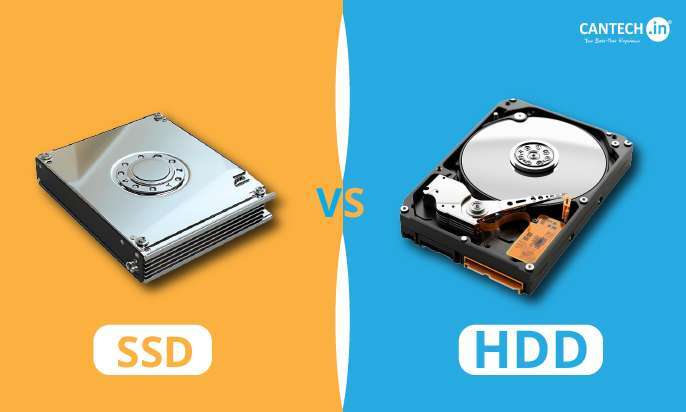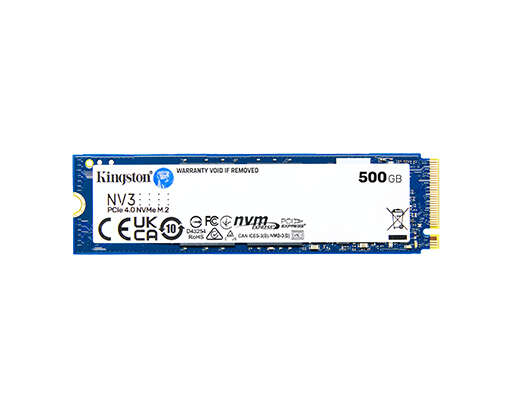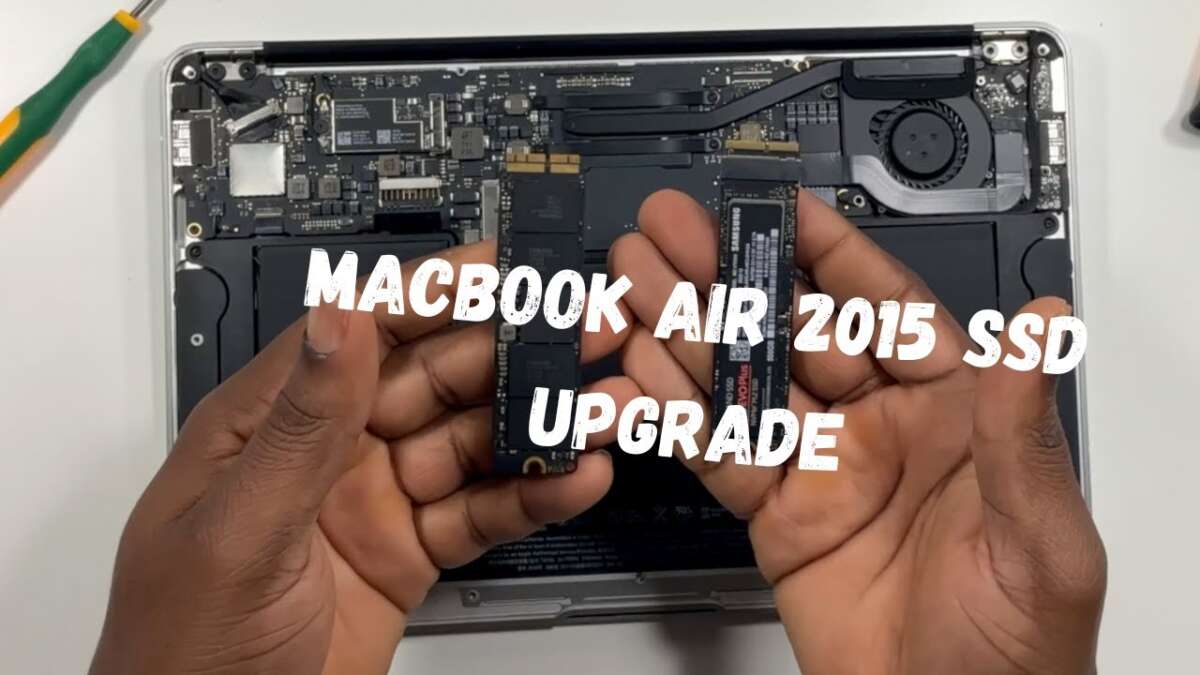
In most MacBook Air models, you cannot replace the SSD, but older models allow limited storage upgrades.
Whether can you upgrade the SSD in a MacBook Air depends on the exact model and year. Older Intel-based MacBook Air models use removable storage modules, while newer Retina and Apple silicon models have storage chips soldered to the logic board. This guide explains how to check your MacBook Air, what upgrade paths exist, and which safer options make sense.
Can You Upgrade the SSD in a MacBook Air?
The short answer is: sometimes. Apple changed the MacBook Air storage design over time, so the answer depends on the model number, release year, and processor.
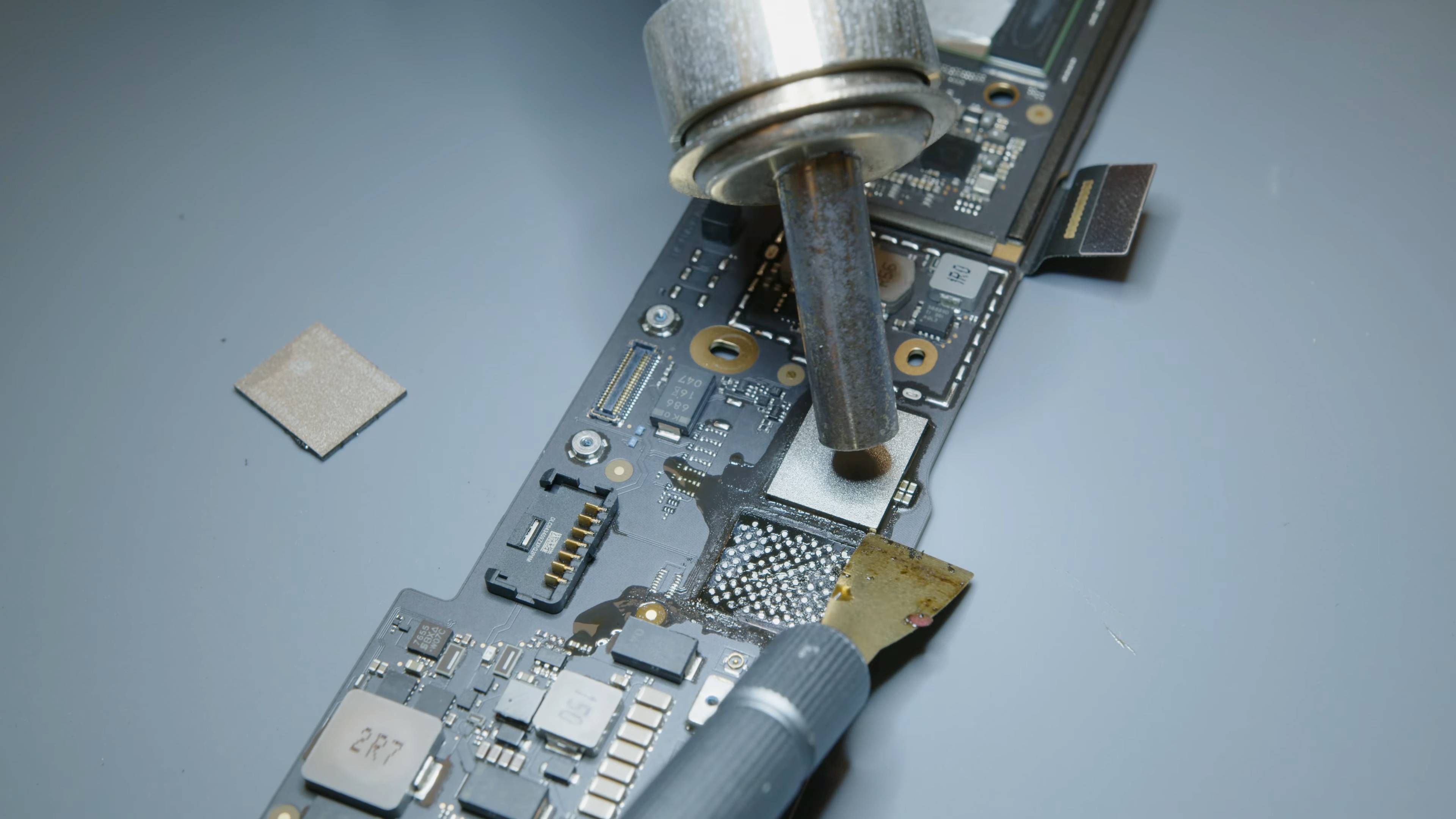
Older MacBook Air computers often use a small, removable blade-style SSD. Newer models use soldered flash storage. In those machines, the SSD is not a plug-in part. It is part of the main logic board, much like a tile built into a floor.
Here is the general rule:
• MacBook Air models from 2010 through 2017 usually have removable SSD modules.
• MacBook Air models from 2018 through 2020 with Intel processors usually have soldered storage.
• MacBook Air models with the M1, M2, or M3 chip use soldered storage.
• A soldered SSD cannot be replaced through a normal upgrade.
So, can you upgrade the SSD in a MacBook Air? You can in some older models, but not in most newer ones.

Which MacBook Air Models Have Upgradeable Storage?
The easiest way to understand can you upgrade the SSD in a MacBook Air is to divide the laptops into generations.
MacBook Air models from 2010 to 2017
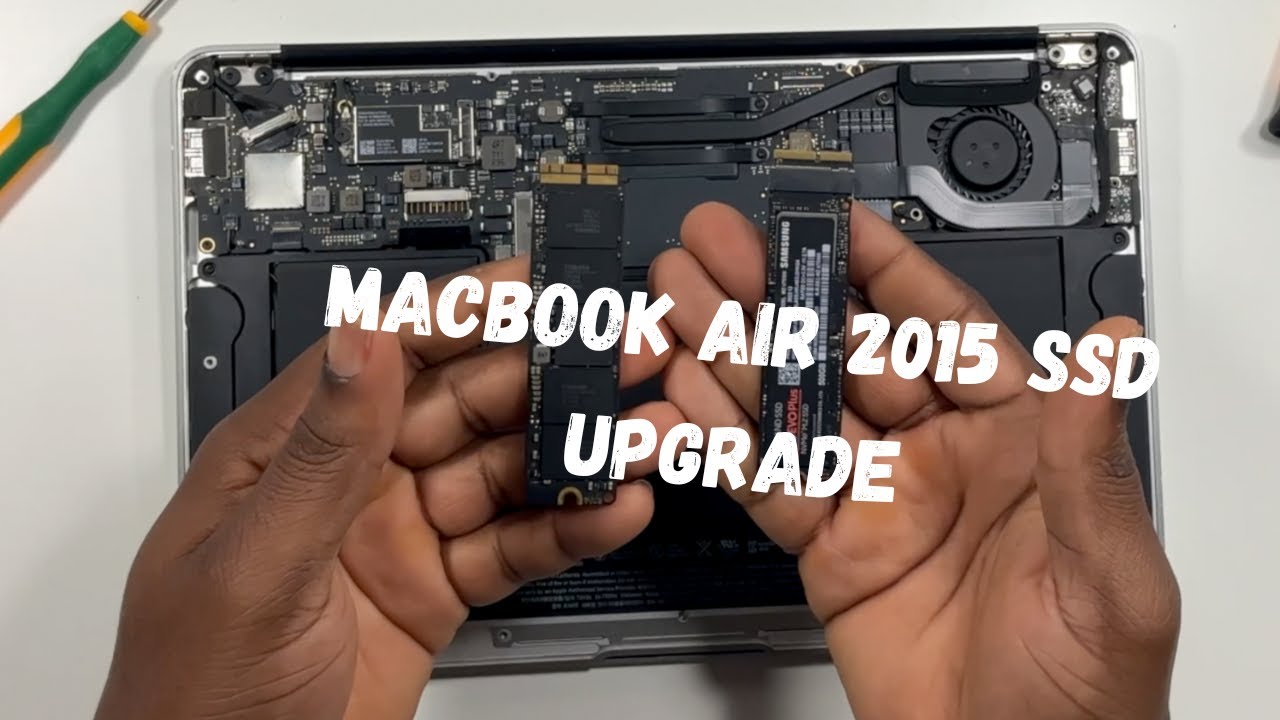
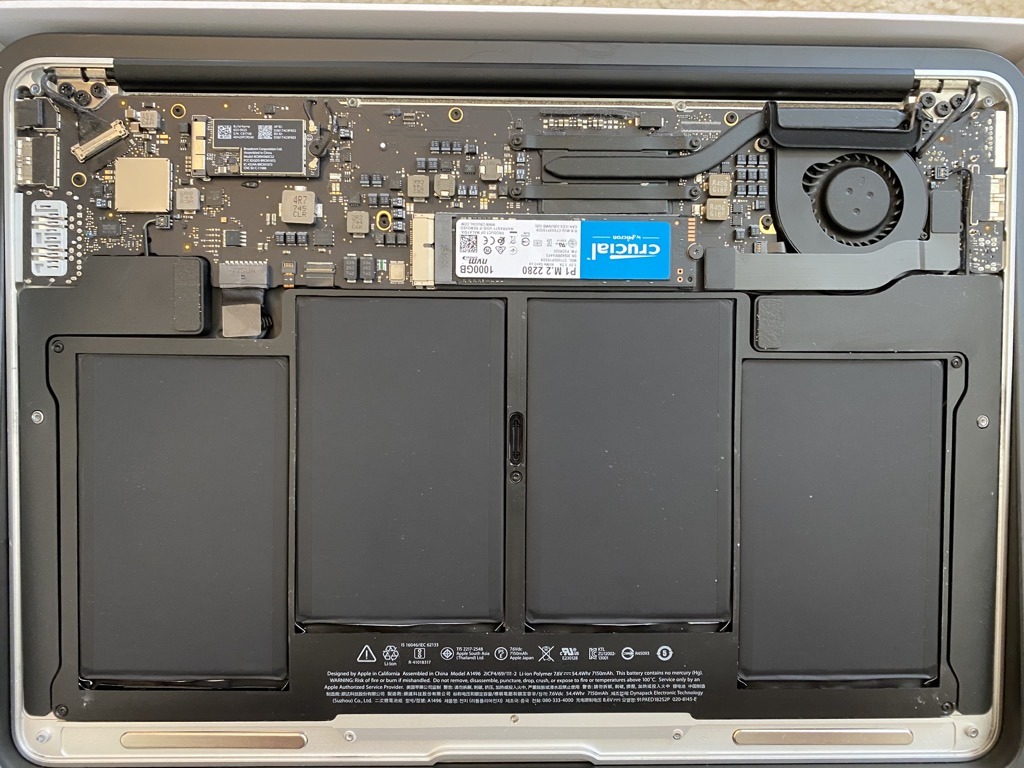
Many MacBook Air models released between 2010 and 2017 have a removable SSD. The drive is not a standard 2.5-inch laptop drive. It is a slim, Apple-specific blade module.
These models may support a larger replacement SSD from a compatible third-party maker. The upgrade process normally involves removing the bottom cover, disconnecting the battery, removing the old SSD, and installing the new one.
Common models include:
• MacBook Air 11-inch from 2010 to 2015
• MacBook Air 13-inch from 2010 to 2017
• MacBook Air 13-inch early 2015
Storage choices vary by model. A 2012 MacBook Air, for example, may require a different connector or SSD type than a 2010 model.
MacBook Air models from 2018 to 2020
The Retina MacBook Air introduced a major design change. Its storage is soldered directly to the logic board.
That means you cannot remove the SSD and install a larger one like you can in an older MacBook Air. A repair shop may replace the entire logic board, but that is not a simple or cost-effective SSD upgrade.
M1, M2, and M3 MacBook Air models
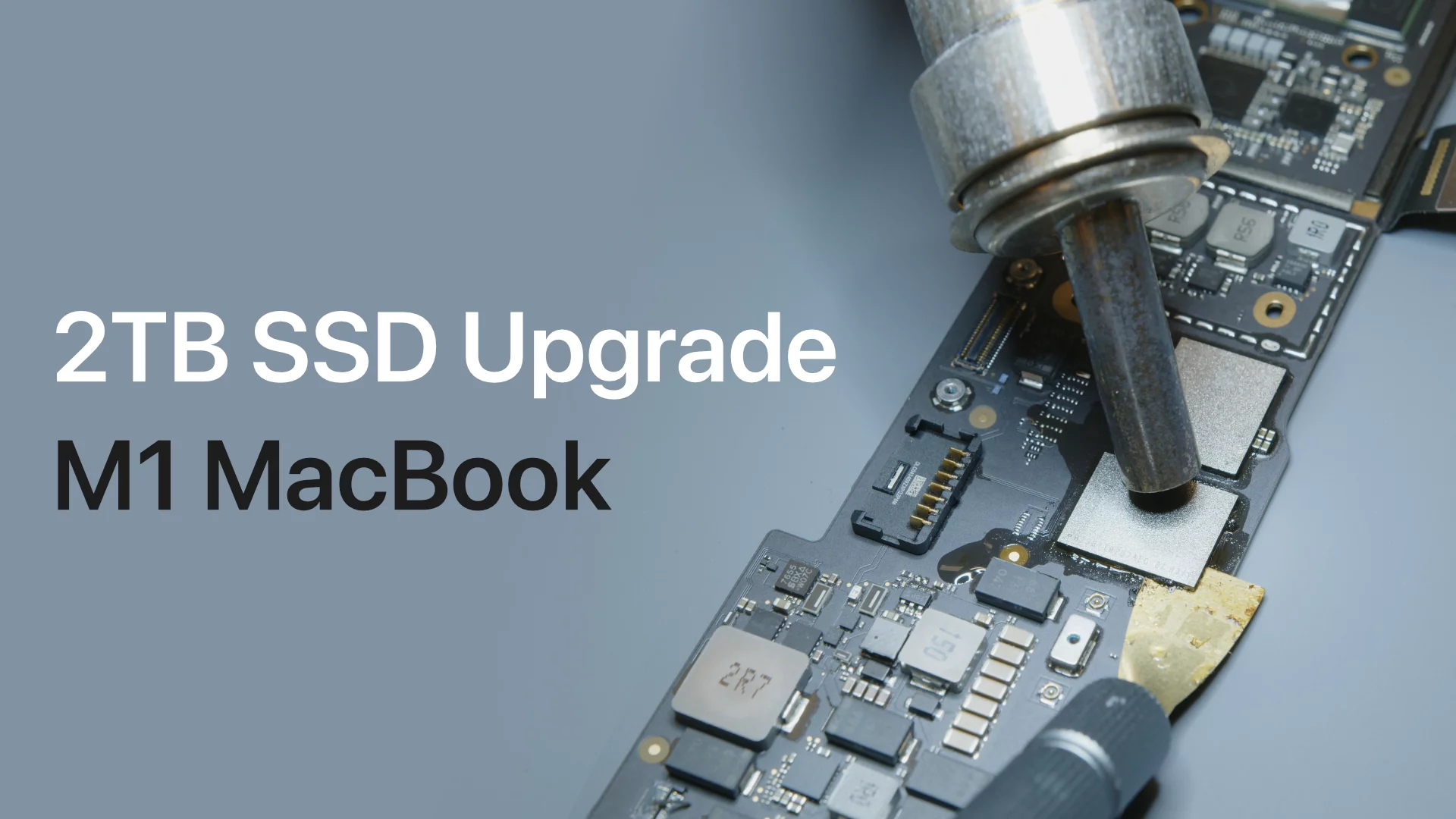
Apple silicon MacBook Air models also use soldered storage. The storage chips are connected to the logic board and are not designed for user replacement.
In theory, specialist board-repair technicians may work on storage chips in some situations. In practice, this is not a normal consumer upgrade. It requires advanced tools, microsoldering skills, firmware knowledge, and careful data handling.
How to Check Your MacBook Air Model
Before buying an SSD, confirm the exact model. guessing can lead to buying the wrong connector, wrong drive, or an incompatible upgrade.
Follow these steps:
-
Open the Apple menu in the upper-left corner.
-
Select About This Mac.
-
Note the model name and release year.
-
Click More Info if available.
-
Record the model identifier, such as MacBookAir7,2 or MacBookAir9,1.
-
Check the storage capacity under System Information.
You can also find the serial number on the bottom case. Entering that serial number into Apple’s official coverage tool may show the model details.
The model identifier is especially useful. Two MacBook Air computers may look almost identical but use different SSD connectors. This is one of the most common mistakes people make when asking can you upgrade the SSD in a MacBook Air.
How to Tell If the SSD Is Removable
A removable SSD is usually a narrow circuit board held by one small screw. It sits near the battery or logic board area.
A soldered SSD looks very different. You will see storage chips attached directly to the logic board, with no removable blade module or separate socket.
Do not open the laptop unless you feel comfortable working with small parts. The battery can be damaged by a sharp tool. A stripped screw or torn cable can turn a simple upgrade into an expensive repair.
Before opening an older MacBook Air:
• Back up all files.
• Shut down the Mac completely.
• Disconnect the charger and accessories.
• Use the correct Pentalobe and Torx screwdrivers.
• Work on a clean, dry, static-safe surface.
• Keep screws grouped by location.
A repair guide can show the internal layout, but the guide must match your exact year and size. A 13-inch MacBook Air and an 11-inch MacBook Air may use different parts.

What SSD Upgrade Options Are Available?
If your MacBook Air has a removable SSD, you have several upgrade choices.
Install a larger internal SSD
This is the cleanest option for older models. The new SSD becomes the main startup drive and keeps the laptop tidy.
A larger internal SSD can improve daily comfort because you do not need to carry an external drive. You also avoid loose cables and possible connection problems.
Check these details before buying:
• Exact MacBook Air year
• Screen size
• SSD connector type
• Supported macOS version
• Drive capacity
• Firmware compatibility
• Warranty terms
Use an external SSD
For newer MacBook Air models, an external SSD is usually the best answer. Modern USB-C and Thunderbolt drives can provide fast storage for photos, video files, games, and backups.
An external SSD is not as convenient as internal storage, but it is flexible. You can use it with several computers and replace it later without opening the MacBook.
For light use, a USB-C SSD is often enough. For large video projects or frequent file transfers, a Thunderbolt SSD may offer better sustained speed.
Replace the logic board
A newer MacBook Air can gain more internal storage only if you replace the entire logic board with one that has a larger storage capacity.
This is rarely a good value. The board may cost a large part of the laptop’s resale value. It may also require professional installation and could affect features such as Touch ID.
Use cloud storage
Cloud storage can help when your main goal is freeing local space. Services such as iCloud Drive can keep older files online while leaving recent files available on the Mac.
Cloud storage is not a full replacement for an SSD. You still need enough local space for macOS, apps, temporary files, and offline work.

Can You Upgrade the SSD in a MacBook Air Without Losing Data?
Yes, but you must create a backup first. Replacing the internal SSD in an older MacBook Air normally requires erasing or cloning the new drive.
The safest method is to use two backups:
• A Time Machine backup for a complete recovery.
• A separate copy of important files on another drive or cloud service.
You can then install macOS on the new SSD and restore your files. Some users clone the old drive before replacement, but cloning tools may need special steps for certain macOS versions.
A backup should be tested before the repair. Open a few files from the backup and confirm that photos, documents, passwords, and other important data are present.
One lesson often repeated in repair work is simple: a backup is not real until you have restored from it. Seeing a backup icon does not prove every file can be recovered.

How to Upgrade a Removable MacBook Air SSD
If your model supports an SSD replacement, the process usually follows this pattern.
-
Confirm the exact model and buy a compatible SSD.
-
Back up the Mac with Time Machine.
-
Create a bootable macOS installer or prepare internet recovery.
-
Shut down the MacBook Air.
-
Remove the bottom case with the correct screwdriver.
-
Disconnect the battery if the repair guide recommends it.
-
Remove the SSD retaining screw.
-
Slide out the old SSD without bending it.
-
Insert the replacement SSD at the correct angle.
-
Reinstall the retaining screw and bottom cover.
-
Start macOS Recovery.
-
Erase and format the new drive using Disk Utility.
-
Install macOS or restore your backup.
Never force the SSD into its connector. If it does not slide in easily, stop and check the orientation. A damaged connector can make the Mac unusable.
After installation, open System Information and confirm that the new capacity appears. Run a basic speed test only after your files and system are working normally.
What Are the Benefits of an Internal SSD Upgrade?
For an older MacBook Air, a larger internal SSD can offer several benefits.
• More space for apps, photos, and documents
• Less need for external drives
• A cleaner and more portable setup
• Better performance than an old, worn drive
• More room for macOS updates
A larger SSD can also improve reliability if the original drive is failing. However, storage capacity does not make an old processor faster. If the Mac has limited memory or an aging battery, an SSD upgrade may not solve every performance problem.
An upgrade makes the most sense when the laptop still meets your needs but keeps running out of space. It is less attractive when the battery, keyboard, display, and logic board also need repair.
What Are the Limitations and Risks?
An SSD upgrade is not always the best investment. Older MacBook Air models may have limited macOS support, even after you install a larger drive.
You should also consider these risks:
• The replacement SSD may not work with your exact model.
• Opening the case can damage screws, cables, or the battery.
• A failed upgrade may cause data loss without a backup.
• Some third-party SSDs may need firmware updates.
• Very old Macs may have lower resale value after repair.
• A third-party part may not match Apple’s original power behavior.
Soldered storage creates a different risk. If the logic board fails, recovering data may be harder because the storage is tied to the board. This is one reason regular backups matter even when you cannot upgrade the internal SSD.

Is an External SSD a Good Alternative?
For most modern MacBook Air owners, yes. An external SSD is often the most practical way to add storage.
Choose a drive based on how you work:
• For documents and photos, a portable USB-C SSD is usually enough.
• For video editing, choose a fast drive with strong sustained write performance.
• For backups, focus on capacity and reliability.
• For travel, choose a small drive with a short, durable cable.
Keep your macOS system and key apps on the internal drive when possible. Store large video libraries, archived photos, virtual machines, and project files on the external SSD.
Do not leave the only copy of important data on that external drive. An external SSD can be lost, damaged, or corrupted. Use a second backup for files that matter.
How Much Does a MacBook Air SSD Upgrade Cost?
The cost depends on the model and the type of solution.
For an older MacBook Air, a compatible replacement SSD may cost less than a logic board repair. Professional labor adds to the price but may be worthwhile if you do not have the right tools.
For a newer MacBook Air, a logic board replacement can be much more expensive. In many cases, buying a newer or higher-capacity MacBook Air may provide better value.
An external SSD is often the lowest-cost choice. It adds storage without risking the laptop and can move to your next computer later.
Compare the total cost, not just the drive price. Include labor, adapters, backup storage, shipping, and the value of your time.
Common Mistakes to Avoid
People often search can you upgrade the SSD in a MacBook Air after running out of space. The urgency is understandable, but rushing can cause problems.
Avoid these mistakes:
• Buying an SSD before checking the model identifier
• Assuming every MacBook Air uses the same blade drive
• Opening the case without a current backup
• Using the wrong screwdriver
• Touching the logic board unnecessarily
• Choosing capacity without checking macOS requirements
• Treating a cloud account as a complete backup
• Expecting more storage to fix every speed problem
• Paying for a logic board replacement without comparing laptop prices
The safest approach is slow and simple. Confirm the model, confirm compatibility, back up the data, and then decide if the upgrade is worth doing.
Frequently Asked Questions About Can You Upgrade the SSD in a MacBook Air
Can you upgrade the SSD in a MacBook Air M1?
No, the M1 MacBook Air does not have a user-replaceable SSD. Its storage is soldered to the logic board, so you normally need an external SSD or a different Mac with more built-in storage.
Can you upgrade the SSD in a MacBook Air M2?
No, the M2 MacBook Air uses soldered storage. A larger internal capacity must be selected when buying the Mac, while external USB-C or Thunderbolt storage can add space later.
Can you upgrade the SSD in a 2017 MacBook Air?
Usually, yes. Many 2017 MacBook Air models have a removable blade SSD, but you must buy a drive made for the exact model and connector.
Can you upgrade the SSD in a 2018 MacBook Air?
Normally, no. The 2018 Retina MacBook Air uses soldered storage, so replacing the SSD alone is not a practical consumer repair.
Does an external SSD make a MacBook Air faster?
It can improve file access compared with a slow or failing drive, but it does not increase processor speed or memory. Performance also depends on the connection, drive quality, and type of work.
Will replacing the SSD erase everything?
It can. Plan for data loss during the process and create a verified Time Machine backup plus a second copy of important files before replacing any drive.
Conclusion
Can you upgrade the SSD in a MacBook Air? Older models from roughly 2010 through 2017 often support a removable SSD upgrade. Most Retina and Apple silicon models use soldered storage, so an external SSD is usually the safest and most affordable solution.
Check the exact model before buying parts. Back up your data, compare repair costs, and consider battery health and macOS support as part of the decision. If your MacBook Air has removable storage, an internal upgrade can extend its useful life; if not, a fast external SSD can still give you plenty of room.
Take a few minutes to identify your model and choose the storage path that fits your work. Then explore reliable backup tools and compatible SSD options before starting the upgrade.

Everett Ashford is a tech reviewer at mytechgrid.com specializing in SSDs, cameras, TVs, earbuds, headphones, and other consumer electronics. He provides honest, data-driven reviews based on hands-on testing and real-world performance analysis. Everett simplifies complex tech details to help readers make smart, confident buying decisions.