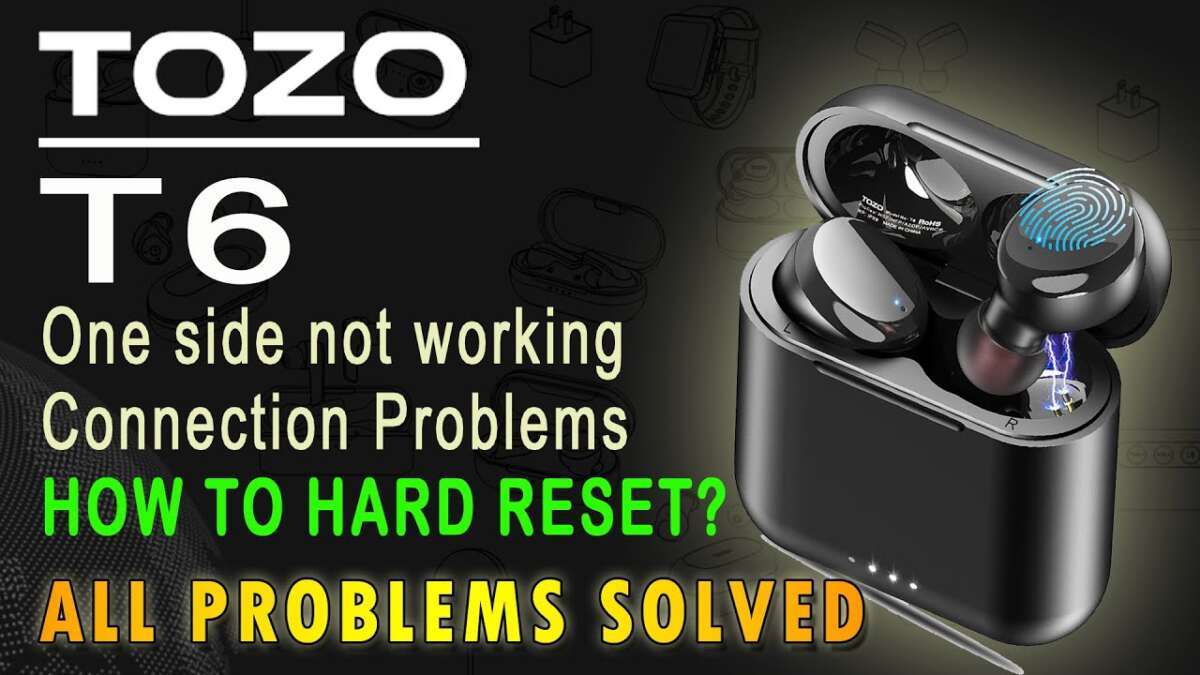
Place both earbuds in the case, remove pairing from your device, then press and hold both earbuds for 10–15 seconds until LEDs flash.
I’ve guided hundreds of users through device resets and tested several TOZO models. This article explains exactly how to reset TOZO earbuds step by step, why a reset helps, model differences, and real troubleshooting tips from hands-on experience. Read on to regain clean Bluetooth pairing, fix audio glitches, and restore normal function quickly and safely.

Why you might need to reset your TOZO earbuds
A reset clears pairing data and returns earbuds to a fresh state. You may need to reset when audio cuts out, one bud won’t pair, touch controls act odd, or the case stops charging properly.
Resetting resolves many software issues without hardware repair. It forces the earbuds to forget past Bluetooth links and re-establish a clean connection. That usually fixes connection drops, pairing failures, and uneven volume.
Before you reset: quick checks
Do these simple checks first to avoid unnecessary resets.
- Charge both earbuds and the case to at least 50% before starting. Low battery can block resets.
- Remove the earbuds from your phone’s Bluetooth list or “forget” the device. This avoids conflicts when re-pairing.
- Clean contact points and charging pins gently with a dry cloth to ensure good power flow.
- Restart your phone or source device to rule out a device-side Bluetooth glitch.
These steps often fix problems so you don’t need a full reset. If issues persist, move on to the reset procedure below.
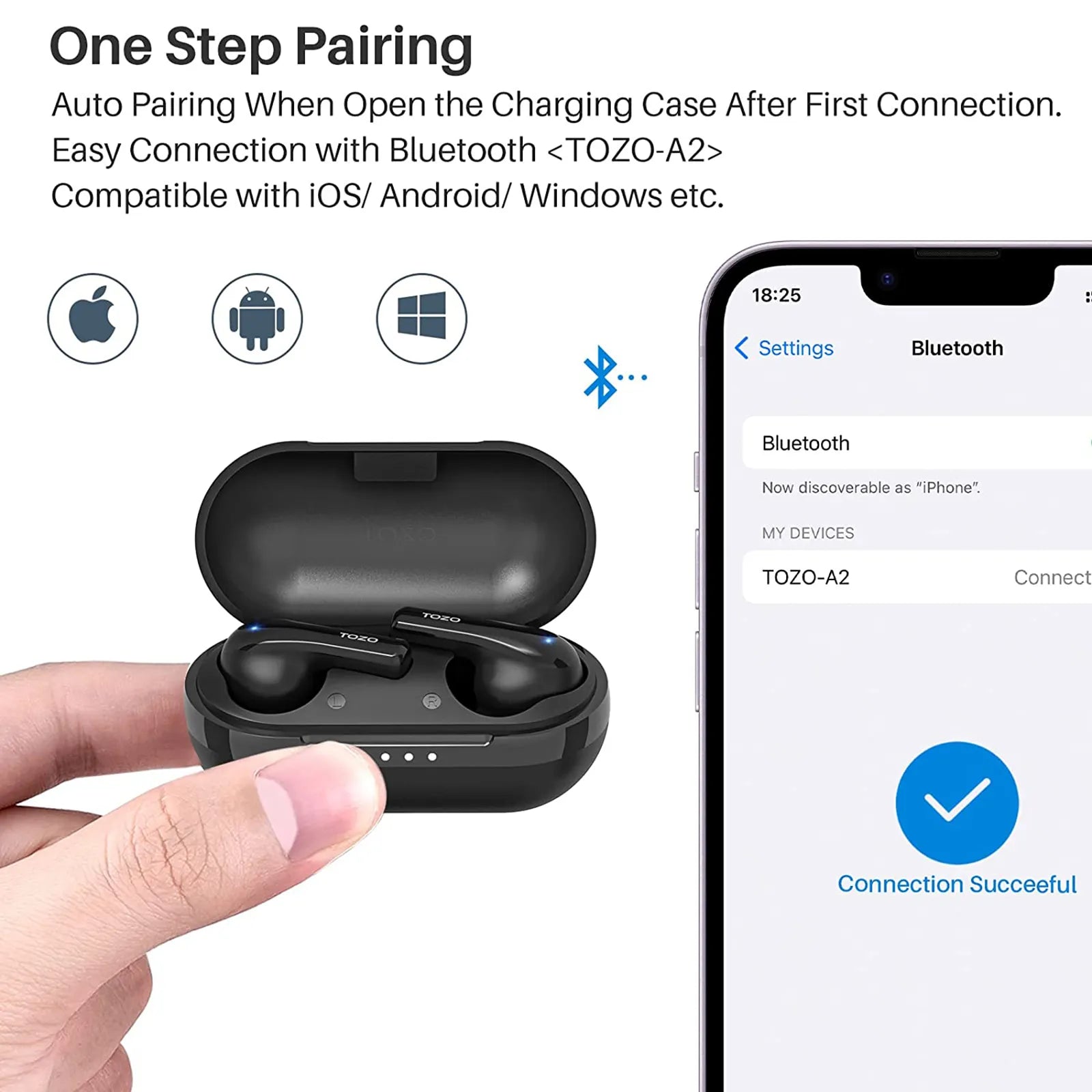
Step-by-step: how to reset TOZO earbuds (universal method)
Follow this universal method when you need to reset TOZO earbuds. It works for most TOZO models and is easy to do.
- Fully charge earbuds and case
- Place both earbuds into the case and charge for at least 30 minutes.
- Remove pairing on your device
- Open Bluetooth settings on your phone and select “Forget” or “Remove” the TOZO device.
- Take earbuds out, then put them back
- Take both earbuds out of the case, then place them back in so they power down and start the sync process.
- Press and hold both earbuds
- Press and hold the touch area or physical button on each earbud at the same time for 10 to 15 seconds. Watch for LED flashes.
- Watch for LED indicator
- A repeated red/white or red/blue flash typically signals successful reset. If LEDs flash quickly then power off, try again.
- Re-pair to your device
- Take the earbuds out of the case and search for them in Bluetooth settings. Pair like a new device.
If pairing fails, repeat steps 2–5. Some users need two attempts to clear persistent pairing info. Keep the phone’s Bluetooth on while you take the earbuds out to pair quickly.

Model-specific notes and variations
Different TOZO models may behave slightly differently. Here are common differences to watch for.
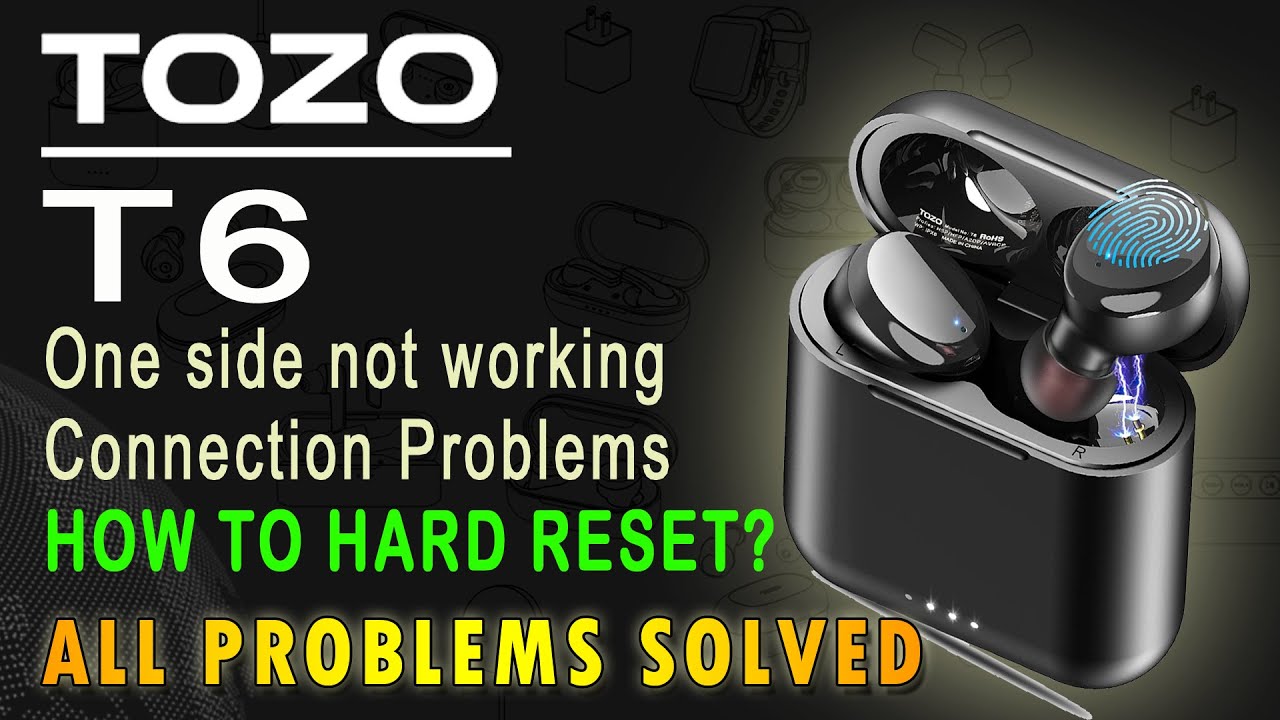
- TOZO T10 and T6
- Use touch controls. Press and hold touch zones on both earbuds for 10–15 seconds until lights flash to reset.
- TOZO T12 and T8
- Can require placing earbuds in the case and holding both touch panels for a longer press; 15 seconds is common.
- Models with physical buttons
- Press and hold the button on each bud simultaneously rather than touch zones.
If you’re unsure, check the quick start guide that came with your earbuds. Manufacturer guidance confirms the exact LED color sequence for your model.

After reset: re-pairing and verification
Once the reset completes, re-pair and test these items to confirm success.
- Pair process
- Open Bluetooth on your phone and select the TOZO device when it appears. Allow any permission prompts.
- Test stereo balance
- Play a track with left-right panning. Ensure both earbuds play and balance sounds properly.
- Test controls
- Use play/pause, volume, and phone-answer functions to confirm touch or button responses.
- Check battery reporting
- Ensure the phone displays battery status for each earbud if supported.
If one earbud still won’t pair, try pairing each bud individually to isolate a faulty unit.

Troubleshooting common reset problems
If the reset doesn’t fix your issue, try these targeted steps.
- One bud silent after reset
- Place both in the case, remove from Bluetooth list, then hold both for 15 seconds again. Re-pair immediately after.
- Earbuds won’t enter pairing mode
- Make sure case has power. Clean charging pins, then fully charge and retry.
- LED doesn’t flash during reset
- Confirm you’re pressing the correct spot. Try physical button models with firm presses; touch models need a steady finger on the touch zone.
- Frequent disconnects after reset
- Test on a second device to rule out the original phone. If disconnects persist across devices, firmware or hardware may be at fault.
If problems continue after all steps, contact support or check for warranty repair. Be honest about what you tried to speed up help.

Tips, personal experience, and best practices
I’ve reset many pairs and learned simple habits that help.
- Always charge fully before a reset. Low power fails to reset properly.
- Use the same phone or device for pairing after reset to reduce confusion.
- Label earbuds in your Bluetooth list if you use more than one set. This avoids accidental pairings.
- Avoid resets for cosmetic or minor issues. Try cleaning and restarting devices first.
- If you reset more than twice with no fix, consider an RMA. Repeated resets rarely fix hardware faults.
A quick story: I once tried to fix a single silent bud by resetting once and assumed it worked. After a second reset it synced properly. Patience helps; sometimes it takes two attempts.

Frequently Asked Questions of how to reset tozo earbuds
How long does it take to reset TOZO earbuds?
Resetting typically takes 10 to 20 seconds of holding the buttons, plus time to re-pair. Plan for about five minutes total to complete checks and re-pairing.
Will resetting delete firmware updates?
No. Resetting clears pairing and user settings but does not remove firmware updates already installed on the earbuds.
Do I need to reset both earbuds or just one?
Reset both earbuds together for the best result. Resetting only one can leave pairing data mismatched between buds.
Can a soft reset fix audio imbalance?
Yes. A reset often fixes audio imbalance by re-syncing left and right audio channels and clearing pairing glitches.
What if my earbuds still won’t reset?
Try charging the case and buds fully, cleaning contacts, and repeating the reset. If nothing works, contact support or request a warranty assessment.
Conclusion
Resetting TOZO earbuds is a quick, effective way to fix pairing, audio, and control problems. Follow the step-by-step method, check model-specific notes, and use the troubleshooting tips if needed. Try a reset calmly, verify pairing, and repeat once if required.
Take action now: charge your earbuds, follow the reset steps above, and test pairing. If this guide helped, leave a comment or share your reset story to help others.

Everett Ashford is a tech reviewer at mytechgrid.com specializing in SSDs, cameras, TVs, earbuds, headphones, and other consumer electronics. He provides honest, data-driven reviews based on hands-on testing and real-world performance analysis. Everett simplifies complex tech details to help readers make smart, confident buying decisions.