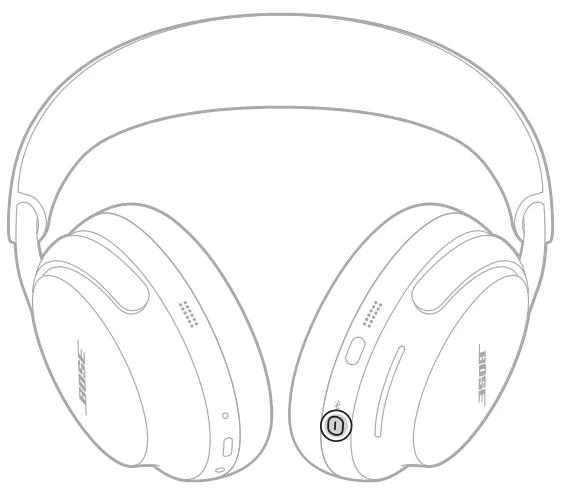
Slide or press the power/Bluetooth switch on the earcup to turn them off.
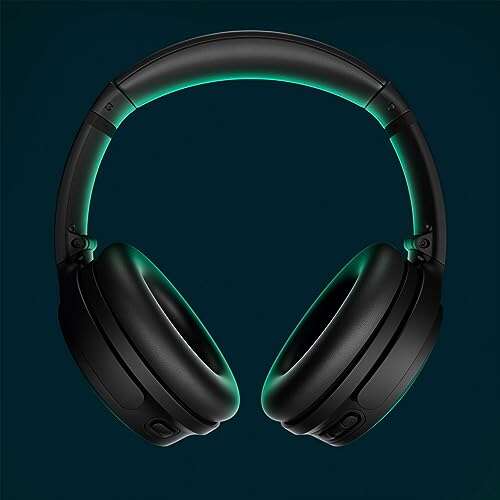
I’ve used Bose QuietComfort headphones for years, and I’ll walk you through exactly how to turn off Bose QC headphones with clear steps, model-specific tips, and simple fixes when they won’t power down. This guide covers QC35, QC35 II, QC45, and Noise Cancelling Headphones 700 styles, plus troubleshooting and battery-saving tricks so you can stop guessing and get back to quiet.

Why turning off Bose QC headphones matters
Keeping your headphones powered down when not in use saves battery. It also avoids accidental pairing and reduces wear on internal components. Knowing how to turn off Bose QC headphones quickly prevents small problems from becoming big ones.
Quick universal steps: how to turn off Bose QC headphones
These steps work for most QuietComfort models. Try them in order.
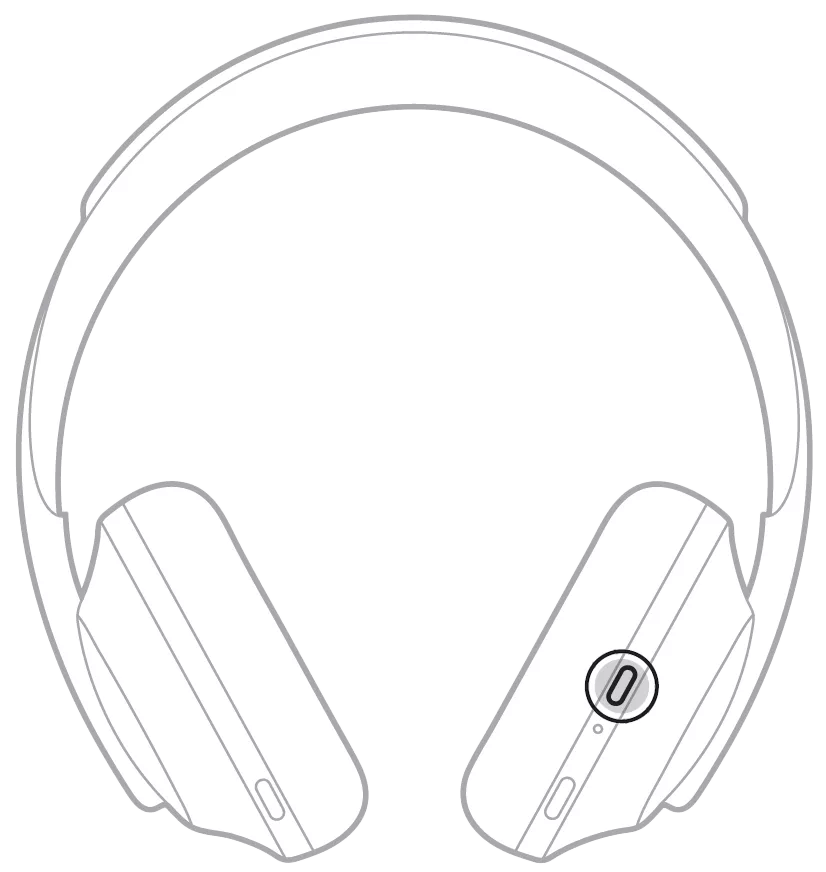
- Find the power or power/Bluetooth control on the earcup. This is usually a slider or button on the right earcup.
- Slide the switch fully to the Off position or press and hold the power/Bluetooth button for about two seconds.
- Look for the power light to go off or listen for the “power off” tone.
- If nothing happens, press and hold the same control for 10 seconds to force a shutdown.
If you want to use app controls, open the Bose Music or Bose Connect app to check power and auto-off settings. These simple steps show how to turn off Bose QC headphones in under a minute.

Model-specific instructions
Different QuietComfort models use slightly different controls. Here’s how to turn off Bose QC headphones by model.
- QC35 and QC35 II
- Slide the power/Bluetooth switch on the right earcup to the off position.
- Release when the indicator light goes out and you hear the power-down prompt.
- QC45
- Press and hold the power/Bluetooth button for two seconds to power off.
- You’ll hear a voice prompt and see the LED indicator go dark.
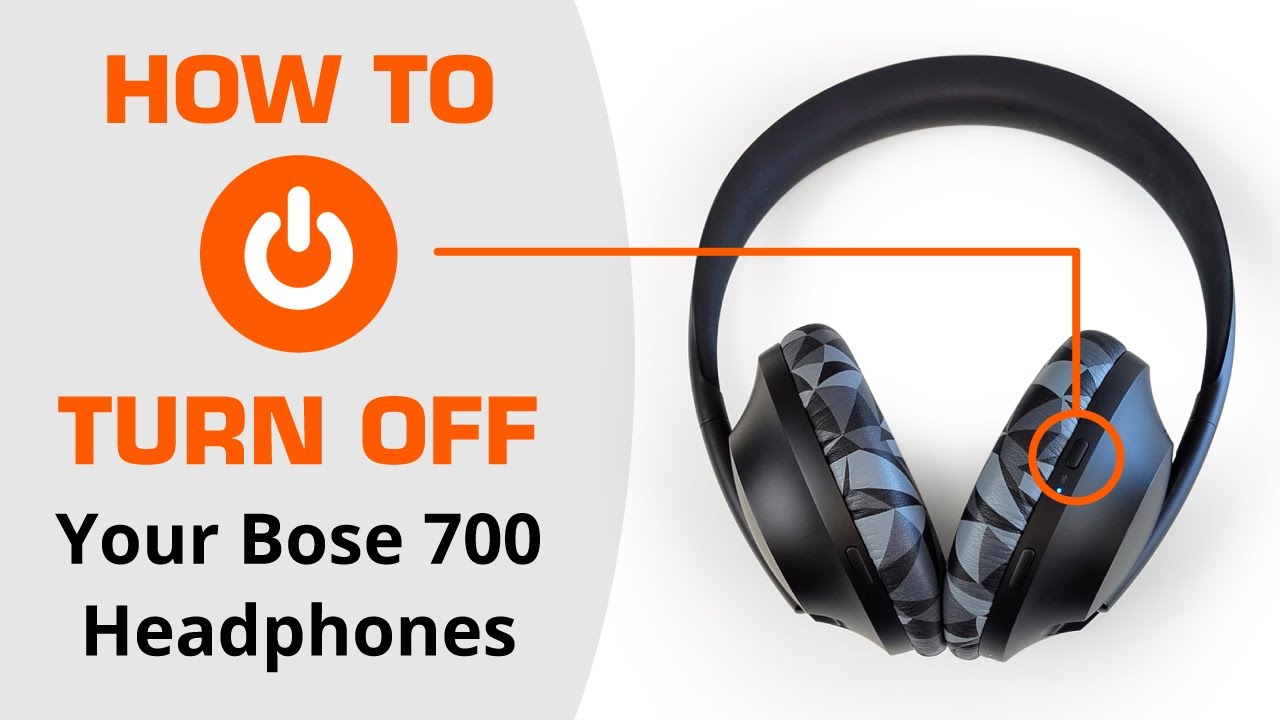
- Noise Cancelling Headphones 700 (Bose 700)
- Press and hold the power/Bluetooth button on the right earcup until audio confirms power off.
- The LED will turn off when shutdown is complete.
- QC25 and older wired QC models
- These models use a switch for noise cancellation power only. Move the switch to the off position to disable active noise cancelling. The headphones still work passively if plugged in.
- If you’re unsure of the model, look for a slider versus a push button. That tells you how to turn off Bose QC headphones for your unit.
Testing each method helps you learn your specific model quickly.
Troubleshooting: won’t turn off or frozen
If your headphones won’t respond, try these safe fixes. Each point helps when you don’t know how to turn off Bose QC headphones because they seem stuck.
- Force shutdown by pressing and holding the power button or switch for 10–20 seconds. This often clears freezes.
- Charge the battery for at least 15 minutes and try powering off again. Low battery can block normal shutdown.
- Use the Bose Music or Bose Connect app to check firmware and power settings. Updating firmware can fix bugs that stop proper shutdown.
- Reset Bluetooth pairings on your phone or remove the headphones from paired devices. A stuck connection can prevent normal power cycles.
- As a last resort, let the battery drain fully. Then charge and power on to test. Contact support if the unit still won’t turn off.
These steps reflect what I’ve used when a QC unit got stuck during travel. They usually work and avoid forcing the device open.
Best practices and tips for battery life
Small habits make a big difference in how often you need to power down. Follow these to extend life and simplify how to turn off Bose QC headphones.
- Turn headphones off immediately after use to save charge.
- Enable auto-off settings in the Bose app when available. This automates shutdown after inactivity.
- Store headphones in a cool, dry case to preserve battery health.
- Keep firmware updated to fix power-related bugs.
- Avoid leaving headphones on for long stretches when not in use.
I learned to check auto-off settings after a flight. It cut wasted battery time by half.
Frequently Asked Questions of how to turn off bose qc headphones
How do I turn off my QC35 headphones?
Slide the power/Bluetooth switch on the right earcup fully to Off. The LED will go dark and you should hear the shutdown prompt.
How do I power off QC45 headphones?
Press and hold the power/Bluetooth button for about two seconds until you hear the power-off voice prompt or see the LED turn off.
My Bose QC headphones won’t turn off. What now?
Try holding the power control for 10–20 seconds to force a shutdown, charge the battery briefly, or update firmware with the Bose app. If none work, contact support.
Do Bose QC headphones auto-turn off?
Many QuietComfort models have an auto-off feature accessible in the Bose Music app or built into the firmware that powers them down after inactivity.
Will turning them off erase settings or pairings?
No. Turning off your headphones does not erase paired devices. Resetting or factory restore is required to clear pairings.
Can I turn off ANC without powering off the headphones?
Yes. On QC25 and similar models, the ANC switch turns noise cancellation off while the headphones may still function when wired or powered.
Conclusion
Knowing how to turn off Bose QC headphones gives you control over battery life, pairing, and performance. Use the quick model tips above, try the troubleshooting steps if they feel stuck, and enable auto-off when possible. Put these ideas into practice: check your model now and power down properly after your next use. If this guide helped, leave a comment, subscribe for more headphone tips, or share the post with someone who needs a quick fix.

Everett Ashford is a tech reviewer at mytechgrid.com specializing in SSDs, cameras, TVs, earbuds, headphones, and other consumer electronics. He provides honest, data-driven reviews based on hands-on testing and real-world performance analysis. Everett simplifies complex tech details to help readers make smart, confident buying decisions.