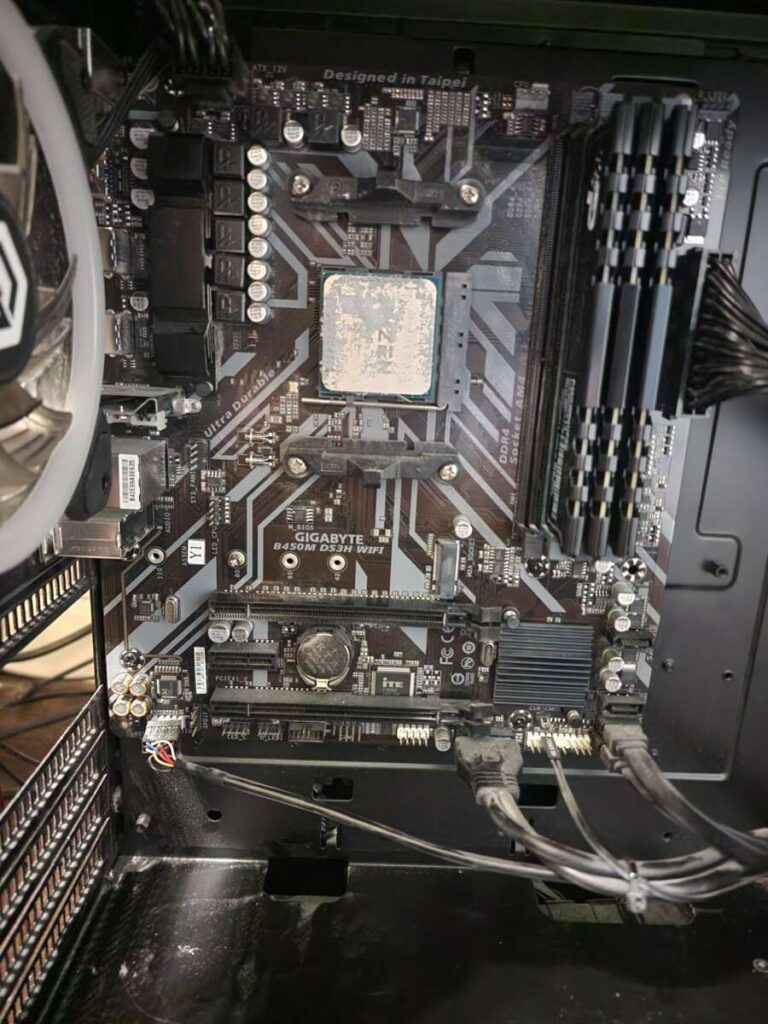
Most internal SATA SSDs do not include a SATA data cable, so check the product box before buying.
The answer to “do SATA cables come with SSD” depends on the SSD brand, package type, and store listing. In most cases, a 2.5-inch SATA SSD includes the drive only. You usually need a separate SATA data cable, plus a SATA power plug from your desktop power supply. This guide explains what comes in the box, what cables you need, and how to avoid common installation mistakes.
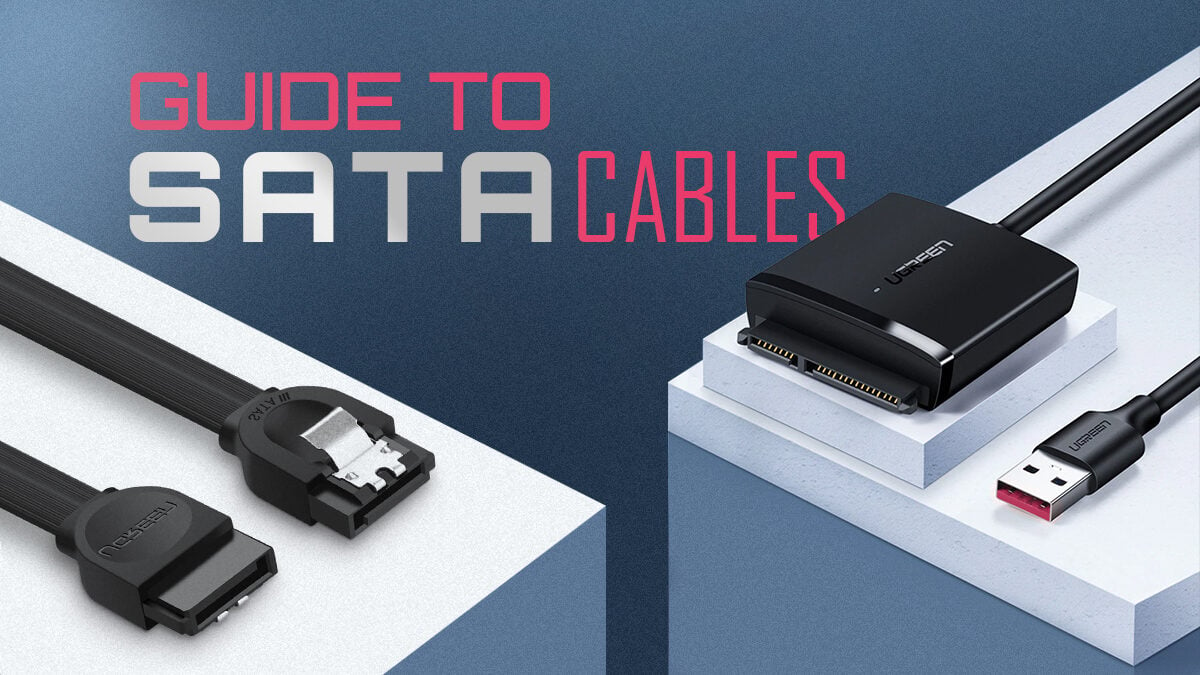
Do SATA cables come with SSDs?
Usually, SATA cables do not come with a standard internal SATA SSD. Most manufacturers sell a 2.5-inch SATA SSD as a bare drive, which means the package contains the SSD, manuals, and sometimes a small mounting spacer.
Some retail bundles include a SATA data cable. This is more common with upgrade kits, desktop installation kits, and products marketed for first-time PC builders. However, you should never assume that a cable is included unless the product description clearly lists it.
When asking, “do SATA cables come with SSD,” the safest answer is no. Treat the SATA cable as a separate part unless the package specifically says “includes SATA cable” or “complete upgrade kit.”
A SATA SSD needs two connections:
- A SATA data cable connects the SSD to the motherboard.
- A SATA power cable connects the SSD to the power supply.
The data cable is usually a thin, narrow cable with small L-shaped connectors. The power cable comes from the desktop power supply and is wider. One cannot replace the other.
What comes with a typical SATA SSD?
A standard internal SATA SSD package often includes only the drive and basic paperwork. The exact contents vary by brand and model.
You may find:
- The 2.5-inch SATA SSD
- A quick-start guide
- Warranty information
- A plastic spacer for thicker laptop drive bays
- Cloning software details or a download code
- Mounting screws in some kits
- A SATA data cable in selected bundles
The package normally does not include a desktop power cable. SATA power cables are part of the computer’s power supply system. Modular power supplies may include extra SATA power leads, but those cables are specific to the PSU brand and model.
This is why the answer to “do SATA cables come with SSD” is not always identical for every product. A premium upgrade kit may include a cable, while the same SSD sold as a bare drive may not.
Always read the “what’s in the box” section. Product photos can be misleading because sellers may show cables, brackets, or adapters that are sold separately.
What cables does a SATA SSD need?
A 2.5-inch SATA SSD needs both a SATA data cable and SATA power.
SATA data cable
the SATA data cable links the SSD to a SATA port on the motherboard. It carries data between the drive and the computer.
Most SATA data cables support SATA III speeds of up to 6 Gb/s. A newer cable does not make the SSD faster than its rated limit, but a good SATA III cable is the right choice for modern SATA SSDs.
SATA power cable
The SATA power connector comes from the desktop power supply. It is wider than the data connector and has an L-shaped design that prevents incorrect insertion.
A desktop power supply often has several SATA power plugs on one cable chain. You can use any free connector that reaches the SSD without placing stress on the cable.
Mounting hardware
The drive also needs a place to sit. Some computer cases have 2.5-inch SSD mounts. Others need a tray, bracket, or adapter.
A SATA cable alone does not secure the drive. Many SSDs can work while placed safely inside a case, but mounting the drive is cleaner and helps prevent accidental cable strain.

Why do some SSDs include SATA cables?
Manufacturers include SATA cables in some packages to make installation easier. This approach is common with upgrade kits aimed at people moving from a hard drive to an SSD.
A bundle may contain:
- A SATA SSD
- A SATA data cable
- A USB-to-SATA adapter
- A 2.5-inch mounting bracket
- Cloning software
- A spacer for a laptop drive bay
These kits often cost more than the bare SSD. The extra parts can be useful, especially if you are upgrading a laptop or building a computer from individual components.
A cable may also be included when a retailer creates its own bundle. In that case, the cable may not appear in the SSD manufacturer’s standard package. This is another reason to check the seller’s exact inventory list.
In my own PC upgrade work, the most common mistake was not the SSD itself. It was opening the box and discovering that the only SATA data cable was already connected to an old hard drive. Keeping one spare cable nearby saved a great deal of time.
Do M.2 SSDs need SATA cables?
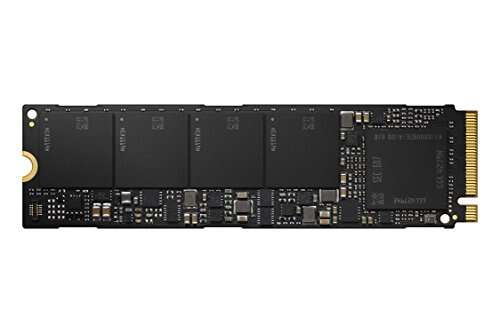
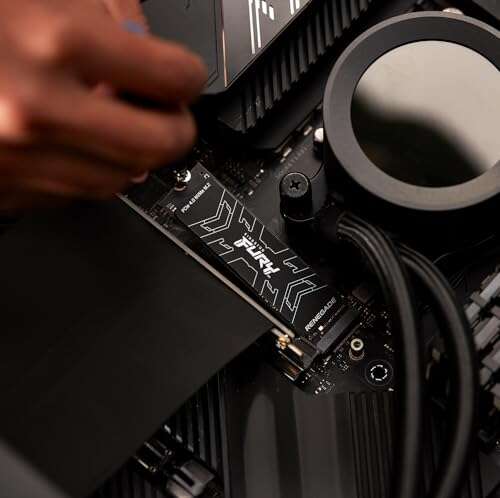
Most M.2 SSDs do not need SATA cables. An M.2 drive connects directly to an M.2 slot on the motherboard.
However, M.2 describes the physical shape, not the communication method. An M.2 SSD may use:
- SATA protocol
- NVMe protocol
An M.2 SATA drive still uses the SATA standard, but it receives power and data through the M.2 slot. It does not use the same external SATA data and power cables as a 2.5-inch SATA SSD.
An NVMe M.2 SSD uses PCI Express lanes. It is usually faster than a SATA SSD and also installs directly into the motherboard.
This difference matters when shopping. If your computer has no open M.2 slot, a 2.5-inch SATA SSD may be easier to install. If your motherboard supports NVMe, an M.2 NVMe drive can provide higher performance without cable management.
How to install a 2.5-inch SATA SSD
Installing a SATA SSD is simple when you have the right parts. Turn off the computer, unplug it, and switch off the power supply if it has a rear switch.
Follow these steps:
- Open the computer case and find an available 2.5-inch drive mount or tray.
- Secure the SSD with the correct screws if your case uses a mounting system.
- Plug one end of the SATA data cable into the SSD.
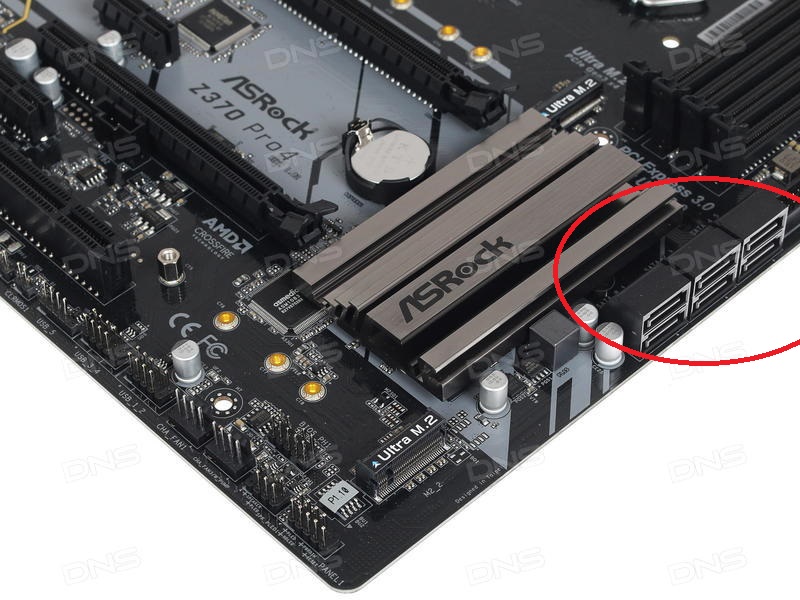
- Plug the other end into an open SATA port on the motherboard.
- Connect a SATA power plug from the power supply to the SSD.
- Close the case and reconnect the computer.
- Open the BIOS or UEFI to confirm that the drive is detected.
- In Windows, use Disk Management to initialize, partition, and format the new drive if needed.
The SATA connectors are keyed, so they should fit in only one direction. Never force a connector. If it does not slide in easily, check its orientation and make sure it is the correct cable.
For a new Windows installation, the SSD may appear as unallocated space. You must create a volume and format it before using it for normal file storage. For a cloned system drive, confirm that the computer boots from the new SSD after cloning.

How to choose the right SATA cable
A standard SATA III data cable is suitable for nearly every modern internal SATA SSD. Look for a cable that is long enough, has secure connectors, and is not sharply bent.
Useful features include:
- SATA III support
- Straight or right-angle connectors
- Locking clips
- A length that fits your case
- Clear compatibility with internal SATA drives
Locking clips can help prevent the cable from working loose. Right-angle connectors are useful when the SSD sits close to the case panel.
A SATA II cable can often work with a SATA III SSD because the connector design is compatible. Still, buying a modern SATA III cable is sensible because it supports the drive’s full interface speed and is usually inexpensive.
Do not confuse a SATA data cable with a USB-to-SATA cable. A USB-to-SATA adapter is useful for connecting an internal SSD externally, cloning a drive, or recovering files. It is not the normal cable used inside a desktop PC.
Can a SATA SSD work without a SATA cable?
A 2.5-inch SATA SSD cannot operate in a standard desktop without a data connection and power connection. It needs the SATA data cable to communicate with the motherboard and SATA power to turn on.
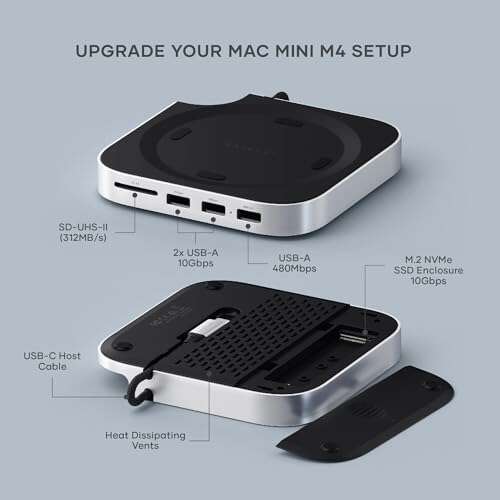
There are a few exceptions. A USB-to-SATA adapter can provide both power and data when the SSD is used externally. Some specialized backplanes and docking stations also provide both connections through a single bay.
For a normal internal installation, though, the answer remains no. The SSD is not ready to use until it has both connections.
This explains why people sometimes install an SSD and see no drive in Windows. They may have connected the power cable but forgotten the SATA data cable, or they may have connected the data cable but not the power.
Common SATA SSD installation mistakes
Small mistakes can make a working SSD appear faulty. Most problems come from cables, ports, or software setup rather than from the drive itself.
Watch for these issues:
- Connecting the data cable but forgetting SATA power
- Plugging the data cable into a disabled motherboard port
- Using a damaged or loose cable
- Forgetting to initialize the SSD in Disk Management
- Installing the SSD but not selecting it as the boot drive
- Using the wrong modular power cable
- Assuming an M.2 slot supports every type of M.2 drive
- Bending the SATA cable tightly against the case panel
Never use a modular power cable from a different power supply brand unless the manufacturer confirms compatibility. The connector may fit while the wiring differs, which can damage the SSD or other components.
If the BIOS does not detect the SSD, try another SATA port and another data cable. Also check the power connection. Testing one part at a time is usually faster than replacing everything at once.

SATA SSD cable compatibility and performance
SATA data cables are generally backward compatible. A SATA III SSD can work with a SATA II motherboard, although the older interface limits performance.
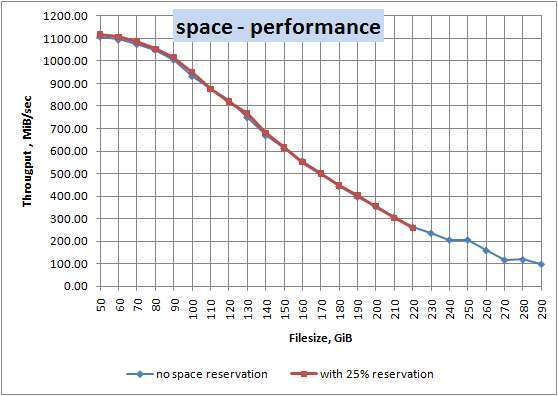
A SATA III connection has a theoretical link speed of 6 Gb/s. Real-world file speeds are lower because of protocol overhead, flash memory limits, and other system factors. A typical SATA SSD can still feel much faster than a mechanical hard drive because access time is far lower.
The cable itself rarely improves performance beyond the limit of the SATA interface. A premium cable will not turn a SATA SSD into an NVMe drive. Its main job is to provide a stable connection.
Industry specifications define the SATA interface and connector design, while motherboard manuals identify supported ports and possible port sharing. Checking both documents is more reliable than guessing based on cable color or appearance.
Should you buy a SATA cable with an SSD?
Buy a SATA cable if you do not already have one. It is inexpensive insurance and prevents a delayed installation.
You should especially buy one when:
- You are building a new desktop
- Your old computer has no spare SATA cable
- You are adding a second or third drive
- You are buying a bare SSD
- Your current cable has no locking clip
- You need a longer or right-angle cable
A basic SATA III data cable is usually enough. You do not need an expensive premium cable for normal home use.
If you are buying an SSD upgrade kit, compare the bundle price with the separate cost of a cable and mounting bracket. Sometimes the kit offers good value. Other times, the bare SSD plus a low-cost cable is the better choice.
The key lesson is simple: when asking, “do SATA cables come with SSD,” check the exact listing, not just the product image.
Frequently Asked Questions About Do SATA Cables Come With SSD
Do Samsung SATA SSDs come with a SATA cable?
Some Samsung SSD packages include a SATA cable, while others contain only the drive and basic documentation. Check the exact model and package contents before purchasing.
Do Crucial SATA SSDs include a cable?
Many standard Crucial SATA SSD packages do not include a SATA data cable. Certain upgrade kits may include one, so the retailer’s listing is the best source for the final answer.
Does a SATA SSD need two cables?
Yes, a 2.5-inch SATA SSD normally needs one SATA data cable and one SATA power connection. The data cable connects to the motherboard, while the power connection comes from the desktop power supply.
Can I use any SATA cable with an SSD?
Most standard internal SATA data cables work with SATA SSDs. A SATA III cable is the best general choice, and a locking connector can provide a more secure fit.
Do laptop SATA SSDs come with cables?
Laptop SATA SSDs usually do not include the special cable, connector, or drive caddy that a particular laptop may require. Before buying, check whether your laptop uses a standard SATA connector or a model-specific adapter.
Does an M.2 SSD need a SATA cable?
No, most M.2 SSDs connect directly to an M.2 slot and do not use external SATA data or power cables. Confirm whether the drive uses SATA or NVMe before buying it for your motherboard.
Conclusion
Most internal 2.5-inch SATA SSDs do not include a SATA data cable. You usually need a SATA III data cable for the motherboard and a SATA power connection from the desktop power supply. Upgrade kits may include extra parts, but a standard bare SSD often does not.
Check the product contents, motherboard ports, power supply connectors, and mounting options before you order. If you are unsure, buying one reliable SATA III cable with the SSD is a simple way to avoid installation trouble. Share your SSD model or computer setup in the comments if you need help checking compatibility.

Everett Ashford is a tech reviewer at mytechgrid.com specializing in SSDs, cameras, TVs, earbuds, headphones, and other consumer electronics. He provides honest, data-driven reviews based on hands-on testing and real-world performance analysis. Everett simplifies complex tech details to help readers make smart, confident buying decisions.