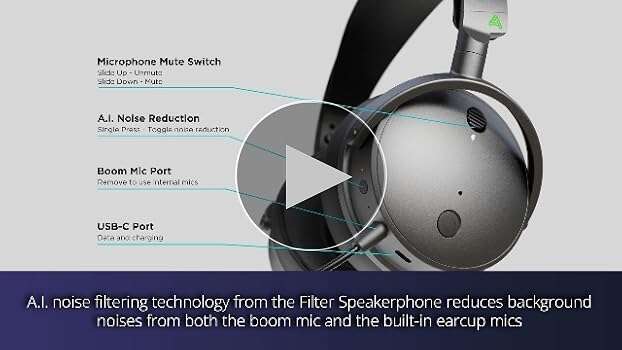
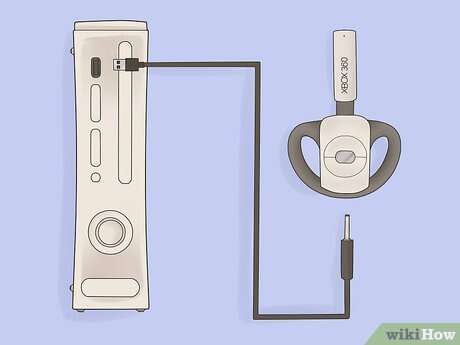
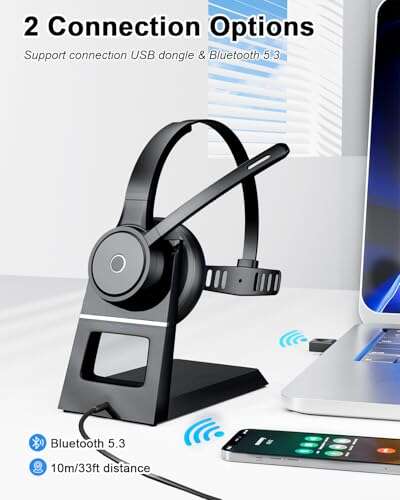
Wireless headphones send audio wirelessly from a device using short-range radio like Bluetooth to tiny speakers.
I’ve spent years testing audio gear and teaching people tech basics, so I’ll walk you through exactly how do wireless headphones work. This article explains the parts, the wireless links, how sound is processed, and practical tips from real tests. Read on to learn how do wireless headphones work, how to pick them, and how to fix common issues with clear, simple steps.
How wireless headphones work: core components
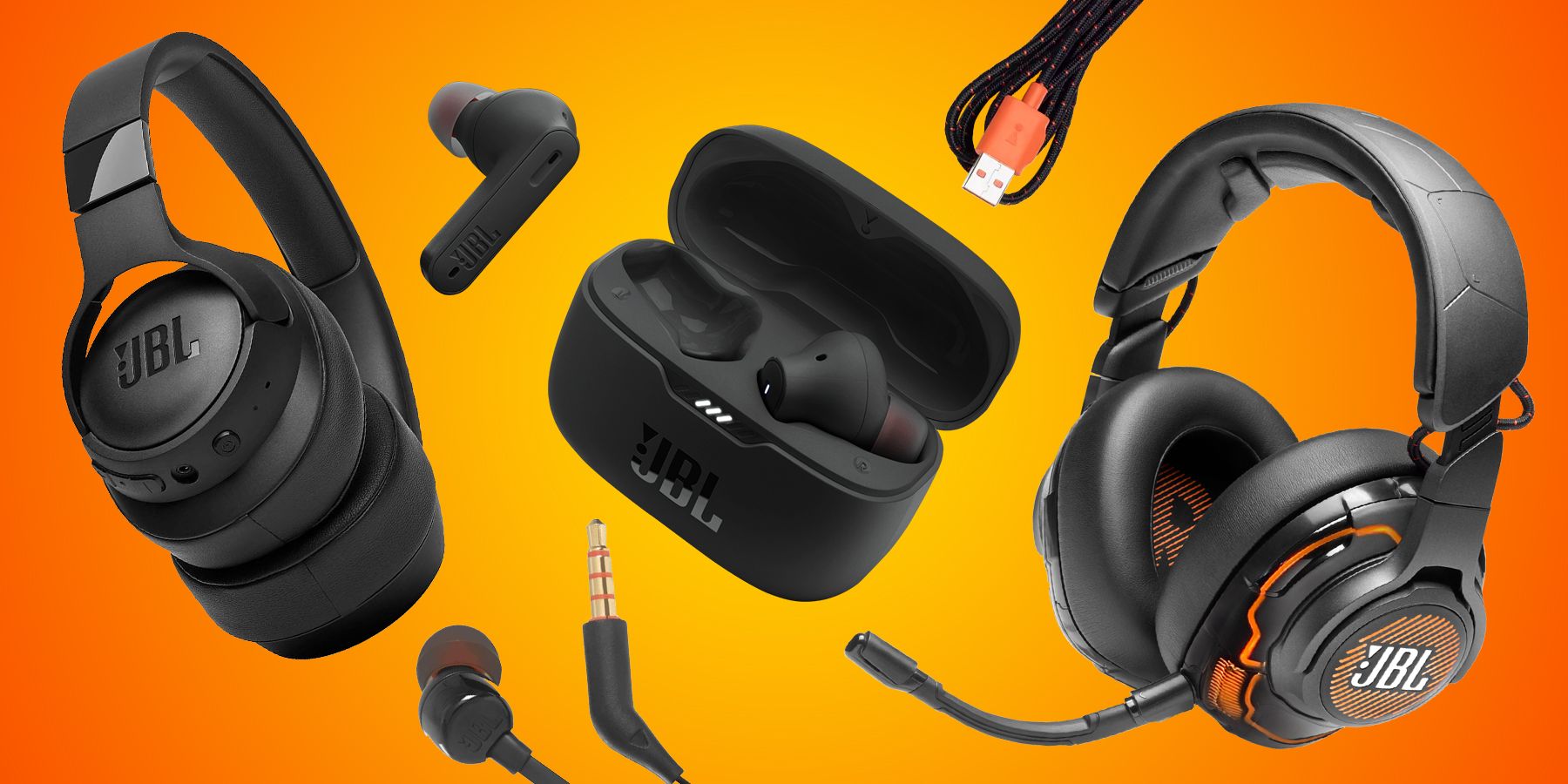
Wireless headphones are small systems. Each system has the same basic parts. These parts work together to turn digital sound into what you hear.
- Transceiver: This sends and receives radio signals to your phone or laptop. It is the wireless link.
- Digital signal processor (DSP): It decodes, cleans, and sometimes enhances the audio.
- DAC and amplifier: The digital-to-analog converter (DAC) turns bits into a waveform. The amplifier drives the speaker.
- Drivers: These are the tiny speakers inside the earcups or tips.
- Battery and controls: A battery powers the system. Buttons, touch panels, or apps control volume and pairing.
Knowing these parts helps you understand why wireless sound can lag, vary in quality, or lose battery life. If you know how do wireless headphones work at the component level, you can make better buying choices.
Wireless technologies: Bluetooth, RF, and others
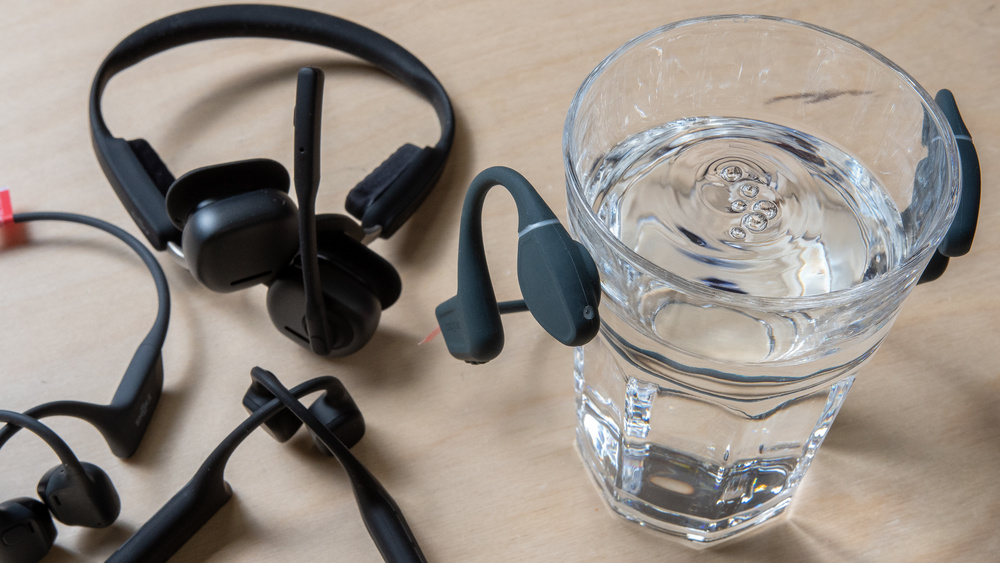
Most people ask how do wireless headphones work with Bluetooth. Bluetooth is the dominant short-range radio standard. It keeps power use low and works across many devices.
- Bluetooth Classic and BLE: Classic handles higher-quality audio. BLE saves power and helps always-on features.
- Bluetooth codecs: SBC, AAC, aptX, LDAC and others change how audio is compressed and sent.
- Other radios: Some models use RF at 2.4 GHz for long range or low latency. True wireless earbuds use a mix of Bluetooth and proprietary links.
Bluetooth pairs devices by exchanging small data packets. The headset and source agree on a codec. Then data streams in near real time. Understanding this helps explain why different phones sound different with the same headphones.

Audio processing and codecs
How do wireless headphones work when it comes to sound quality? Codecs and processing matter most.
- Compression: Codecs compress audio to fit limited bandwidth. More compression can lower sound quality.
- Latency: Some codecs add delay. Low-latency codecs are used for video and games.
- DSP effects: Bass boost, noise reduction, and EQ are done in the DSP. They change the final sound.
PAA-style question: What is a codec and why does it matter?
A codec compresses and decompresses audio for wireless use. It affects sound clarity, file size, and delay.
PAA-style question: Does higher bitrate always sound better?
Higher bitrate usually preserves more audio detail, but speaker quality and room noise also matter.
PAA-style question: Why do phones and headphones sometimes pick different codecs?
Devices negotiate the best codec both support. If one device lacks a high-quality codec, they fallback to a simpler one.

Battery, power management, and controls
Battery life is a major user concern. How do wireless headphones work while still lasting hours?
- Power-efficient radios: Bluetooth LE and modern chips reduce draw.
- Power-saving modes: Idle disconnect and low-power listening save battery.
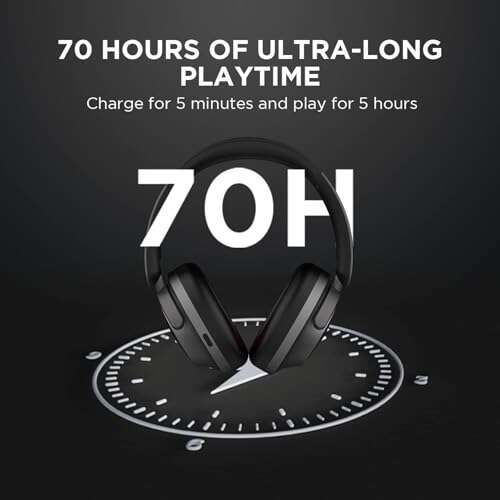
- Fast charging: Many models give hours of play from minutes of charge.
- Controls: Hardware buttons or apps let you change volume, skip tracks, or summon voice assistants.
In my tests, models with efficient chips lasted longer even with smaller batteries. Software updates can also improve run time. So battery numbers from marketing are a baseline, not a promise.

Latency, range, and sound quality trade-offs
Designers balance three things. Latency, range, and audio quality often compete with each other. This is key to how do wireless headphones work in real life.
- Latency vs quality: Low-latency modes often use simpler compression.
- Range vs power: Increasing range usually uses more power or stronger radios.
- Environment: Walls, other devices, and crowds affect the wireless link.
If you watch video, prioritize low latency. For music, pick higher-quality codecs. Know these trade-offs before you buy.

Setup, pairing, and troubleshooting
Pairing is usually simple, but problems happen. Here are clear steps and fixes for how do wireless headphones work when they misbehave.
- Basic pairing: Turn on the headset, enable pairing mode, select it from your device.
- Reset and re-pair: If audio drops, unpair and reset both devices.
- Interference fixes: Move away from Wi‑Fi routers or other Bluetooth devices.
- Firmware updates: Update the headphones and source for codec fixes and bug patches.
- Battery checks: Low battery causes dropouts and poor audio performance.
From my experience, resetting and updating firmware fixes most issues. If problems persist, test with another phone to isolate the cause.

Benefits and limitations
Wireless headphones offer real convenience. But they also have limits. Knowing both sides explains how do wireless headphones work in everyday life.
Benefits:
- No cables: Easier movement and less wear on jacks.
- Multi-device support: Many headsets pair with multiple devices.
- Features: Active noise canceling, voice assistants, and app tuning.
Limitations:
- Battery dependency: You must recharge or swap cases.
- Possible latency: Not ideal for pro audio without special gear.
- Quality limits: Some codecs can’t match wired transmission.
I prefer wireless for commuting and calls. For studio work, I still use wired gear. That balance shows realistic uses based on how do wireless headphones work.

My hands-on tips and mistakes to avoid
I’ve used dozens of models. Here are practical lessons about how do wireless headphones work.
- Tip: Test with your phone and laptop before buying to check codec support.
- Tip: Keep firmware updated for the best codec support and fixes.
- Mistake to avoid: Assuming every wireless model has the same latency or battery life.
- Tip: Use the companion app to tune sound. It often improves clarity.
These tips come from repeated testing. They help you get the most from your headphones.
Frequently Asked Questions of how do wireless headphones work
How do wireless headphones connect to my phone?
They use short-range radio, most commonly Bluetooth, to form a wireless link. The devices pair and stream audio packets to the headset.
Why do wireless headphones sometimes lose sound?
Drops often come from interference, low battery, or weak signal due to distance or obstacles. Firmware bugs can also cause audio loss.
Do wireless headphones reduce audio quality?
Some loss happens because audio is compressed. However, modern codecs and good drivers make the loss hard to hear for most listeners.
How long do wireless headphones last on a charge?
Battery life varies from 4 hours to over 40 hours with charging cases. Usage, volume, and active features like ANC affect runtime.
Can wireless headphones be used for gaming?
Yes, but look for models with low-latency modes or a dedicated dongle. Standard Bluetooth may show lip-sync delay in fast games.
Are wireless headphones safe for hearing?
They are safe when used responsibly. Keep volume at moderate levels and take breaks to reduce hearing risk.
Conclusion
Understanding how do wireless headphones work helps you choose the right model and fix common issues. You now know the key parts, the role of codecs, battery trade-offs, and practical setup tips. Take one clear action: test candidate headphones with your main device before you buy, and keep firmware updated for the best experience. If this guide helped, leave a comment with your questions or share your own tips.

Everett Ashford is a tech reviewer at mytechgrid.com specializing in SSDs, cameras, TVs, earbuds, headphones, and other consumer electronics. He provides honest, data-driven reviews based on hands-on testing and real-world performance analysis. Everett simplifies complex tech details to help readers make smart, confident buying decisions.