Turn on pairing mode on your SoundSport earbuds and select them in your device’s Bluetooth settings.
I’ve spent years solving audio pairing problems for friends, family, and clients, and I know exactly how to connect Bose SoundSport earbuds reliably. This guide walks you through easy, step-by-step instructions for both SoundSport Wireless and SoundSport Free models, explains common issues and fixes, and shares practical tips I’ve learned from hands-on testing. Read on to get your Bose earbuds connected fast and stay connected longer.

What you need before pairing
Prepare your phone, tablet, or computer and the Bose earbuds. Keep them charged to at least 20 percent. Make sure no other device is actively paired nearby. Turn Bluetooth on for your device before starting. These small steps avoid most pairing problems and save time.

How to connect Bose SoundSport earbuds — step-by-step
Below are clear steps for the two main SoundSport types. Follow the set that matches your earbuds. If you’re unsure which model you have, check the charging case or the neckband for the model name.
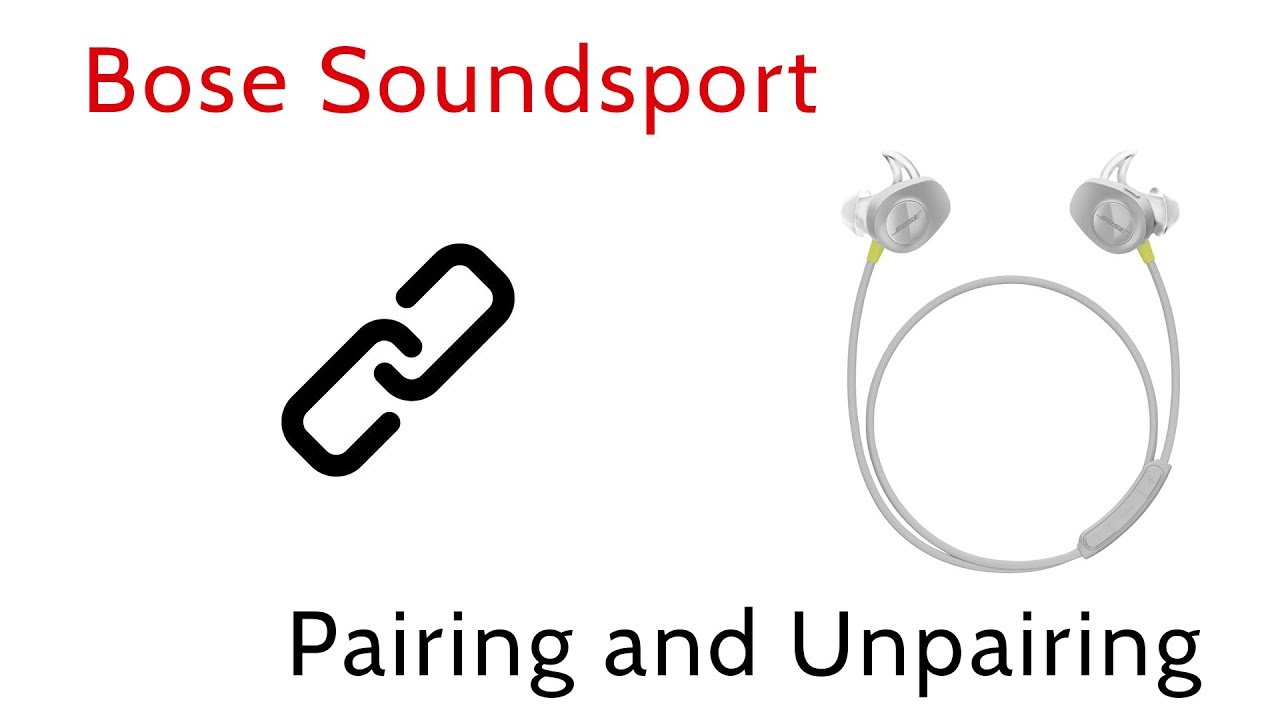
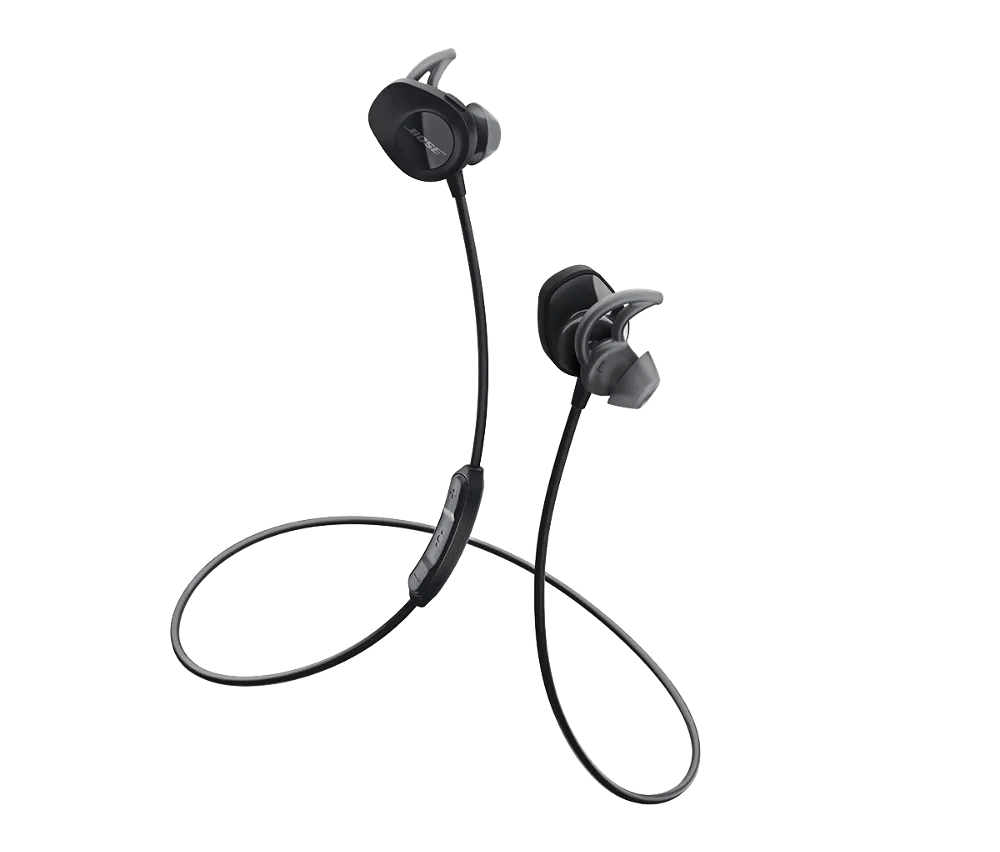
SoundSport Wireless (neckband)
- Turn on the earbuds by sliding the power switch to the on position.
- Wait for the Bluetooth LED to blink blue, indicating pairing mode. If it doesn’t blink, hold the power button for 3–5 seconds until it does.
- Open Bluetooth settings on your device and look for "Bose Soundsport" or a similar name.
- Tap the name to connect. You should hear a voice prompt or see a connected state on your device.
- Test audio with music or a call to confirm.
SoundSport Free (true wireless)
- Remove both earbuds from the case. They should power on automatically.
- If they don’t enter pairing mode, press and hold the Bluetooth button on the case or hold the button on an earbud for about 5 seconds until the LED flashes blue.
- In your device’s Bluetooth menu, select "Bose Soundsport Free" or the matching listing.
- Allow any permission prompts. The left and right earbuds will pair to each other first, then to your device.
- Play audio and check that both earbuds output sound and the microphone works.
How to connect Bose SoundSport earbuds usually takes under a minute when you follow these steps. If pairing fails, move on to troubleshooting.

Troubleshooting common pairing issues
If you can’t connect, try these quick fixes. Each one is simple and effective.
- Restart both your earbuds and device
Power off the earbuds and then power them on. Reboot your phone or computer and try pairing again. - Forget and re-add the device
In Bluetooth settings, choose “Forget” or “Remove” next to the SoundSport entry, then scan and pair again. - Reset the earbuds
Perform a factory reset if available: for many SoundSport models, hold the power or multifunction button for 10 seconds or follow the model-specific reset steps in the manual. - Reduce wireless interference
Move away from Wi‑Fi routers, microwaves, or other Bluetooth devices. Try pairing in a quiet environment. - Update firmware and device OS
Check for Bose app updates or firmware updates using the Bose Connect or Bose Music app. Also ensure your phone’s OS is current.
How to connect Bose SoundSport earbuds often means simply resetting and re-pairing. If problems persist, consult support or try pairing with a different device to narrow down the issue.
Tips to improve connection stability and audio quality
Small habits make a big difference in daily use. Try these tips from my real-world testing.
- Keep earbuds and device within 30 feet with line of sight for best Bluetooth range.
- Use the Bose app to update firmware; updates fix bugs and improve stability.
- Keep one earbud charged as a backup during long outings.
- Re-pair after switching to a new Wi‑Fi network if you notice stuttering.
- Clean earbud contacts on the case and the buds to ensure consistent charging and pairing.
These steps keep how to connect Bose SoundSport earbuds smooth and reduce repeat pairing needs.

Model differences and why they matter
Knowing your model helps you follow the right pairing steps.
- SoundSport Wireless
Neckband design. A single Bluetooth connection from the neckband to your device. Pairing behaves like a single unit. - SoundSport Free
True wireless. Each earbud pairs to each other first, then to your device. Requires case or button actions for pairing and resets. - Newer Bose earbuds vs SoundSport
Some newer Bose models use a different app and a slightly different pairing flow. Always check the manual for model-specific steps.
When you understand the difference, how to connect Bose SoundSport earbuds becomes easier and faster.

Maintenance and safety tips
Good care helps earbuds last longer and stay reliable.
- Store earbuds in their case when not in use to protect and charge them.
- Avoid exposing them to extreme heat, cold, or heavy moisture.
- Clean silicone tips and mesh gently with a dry brush or cloth.
- Replace ear tips if worn to maintain fit and sound seal.
- Charge with the original cable or a certified alternative to avoid battery issues.
These practices prolong battery life and improve how to connect Bose SoundSport earbuds day to day.
Frequently Asked Questions of how to connect bose soundsport earbuds
How do I put my SoundSport earbuds into pairing mode?
Most SoundSport earbuds enter pairing mode when powered on with no previous connections. For some models, press and hold the power or Bluetooth button until the LED blinks blue. Then select the earbuds from your device’s Bluetooth menu.
Why won’t my device find the Bose SoundSport earbuds?
Often, the earbuds are not in pairing mode or are connected to another device. Turn off other Bluetooth devices, power cycle the earbuds, and retry a fresh scan in Bluetooth settings.
Can I pair Bose SoundSport earbuds with two devices at once?
Some SoundSport models support multipoint pairing, but many do not. If your model does not support it, disconnect one device before pairing another to avoid conflicts.
What if only one earbud plays sound?
This usually means the earbuds lost sync or one earbud is out of battery. Place both in the case to charge, then re-pair. If the issue persists, reset the earbuds following the model reset steps.
Do I need the Bose app to connect my SoundSport earbuds?
No, you can pair directly using Bluetooth settings. The Bose app is optional, but it helps with firmware updates, custom settings, and troubleshooting.
How to reset SoundSport Free earbuds?
Hold the Bluetooth button on the case or press and hold the earbud buttons for the reset sequence listed in your manual. After resetting, re-pair to your device as a fresh connection.
Why does audio cut out when my phone is near Wi‑Fi?
Interference from crowded 2.4 GHz signals can cause dropouts. Move farther from the router or switch to a less crowded channel. Updating firmware can also help.
Conclusion
You now have clear, practical steps for how to connect Bose SoundSport earbuds, plus tools to fix common problems and keep your earbuds working well. Start with a charged device, follow the correct pairing method for your model, and use simple fixes like restarting, forgetting, and resetting if needed. Take action today: try the steps with your earbuds, update firmware if available, and leave a comment about what worked for you. If you found this helpful, subscribe for more easy audio guides and troubleshooting tips.

Everett Ashford is a tech reviewer at mytechgrid.com specializing in SSDs, cameras, TVs, earbuds, headphones, and other consumer electronics. He provides honest, data-driven reviews based on hands-on testing and real-world performance analysis. Everett simplifies complex tech details to help readers make smart, confident buying decisions.