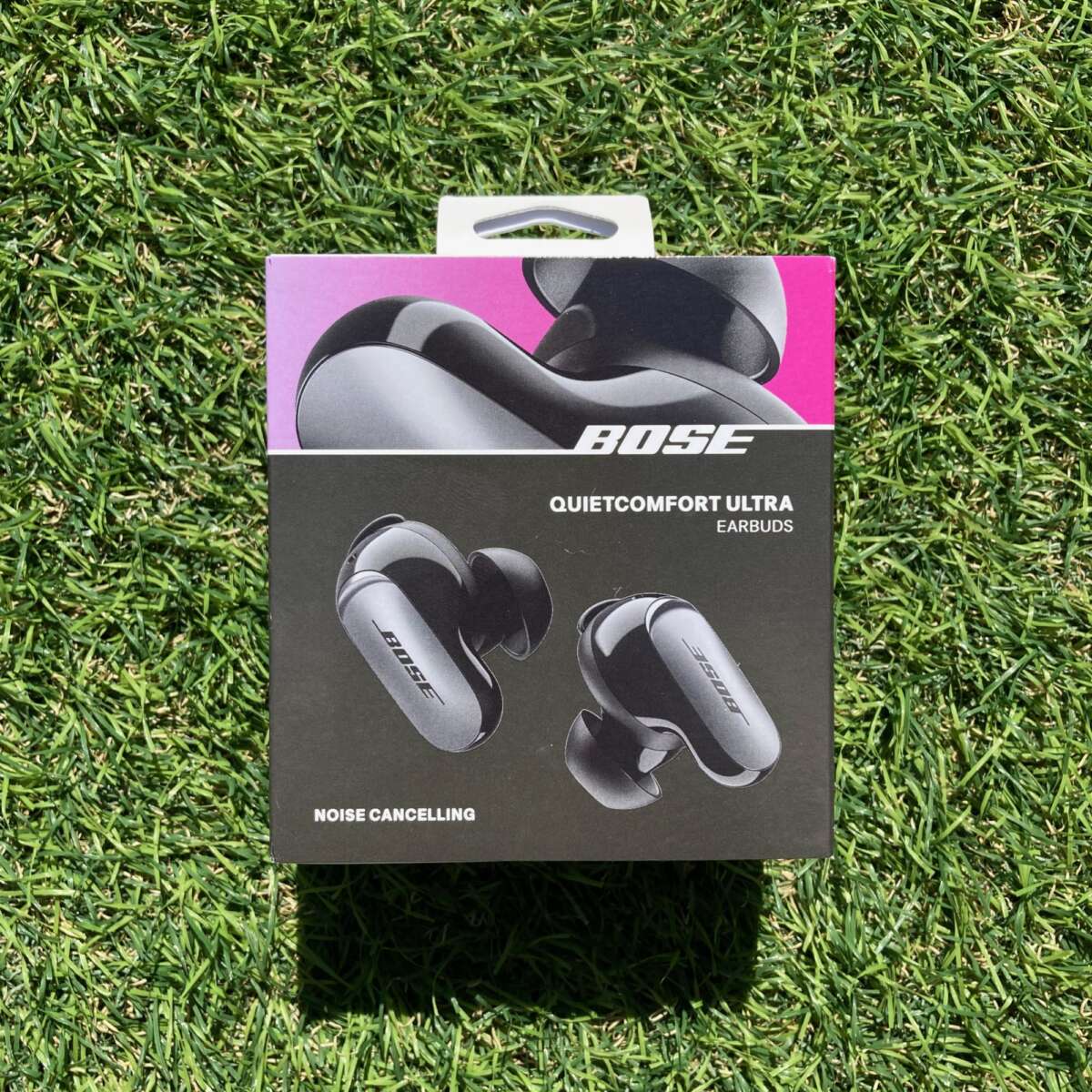
Reset Bose earbuds by turning them off, then holding the power and Bluetooth buttons until LEDs flash.
I’ve helped dozens of people and fixed my own earbuds many times, so this guide walks you through how to factory reset Bose earbuds with clear steps, model-specific instructions, and practical tips. Read on to learn exactly what a reset does, when to try it, and how to re-pair your earbuds quickly and safely.
Why reset your Bose earbuds?
A factory reset clears pairing info and restores default settings. This often fixes sound dropouts, pairing failures, and odd status lights.
Common reasons to reset:
- Fix stubborn Bluetooth connection problems.
- Remove old paired devices before selling or gifting.
- Solve battery-sensing or firmware oddities.
- Restore default EQ or touch control behavior.
From my experience, a reset fixes most glitches that software updates don’t. Try it before buying a replacement or opening a support ticket.

Which Bose models this guide covers
Most modern Bose true wireless and Bluetooth models use similar reset ideas. This guide covers:
- QuietComfort Earbuds and QuietComfort Earbuds II
- Bose Sport Earbuds and Sport Open Earbuds
- SoundSport Free and older true wireless models
- Sleepbuds and noise-masking devices with wireless pairing
Exact button combos vary by model. The step-by-step section shows model-specific instructions so you can follow the right method for your device.

How to factory reset Bose earbuds: step-by-step
Below are reliable reset methods. If one method fails, try another that matches your model.
General quick reset (works for many models)
- Place both earbuds in the charging case.
- Close the case for 30 seconds, then open it.
- Remove earbuds and power them off.
- Press and hold the power button (or Bluetooth button) for 10–15 seconds until LEDs flash amber or white.
- Release and re-pair to your device.
How to reset QuietComfort Earbuds
- Put earbuds in the case and close the lid for 30 seconds.
- Open the lid and remove earbuds.
- Press and hold the Bluetooth button on the case for 10 seconds until the light blinks.
- Reconnect from your phone’s Bluetooth list.
How to reset QuietComfort Earbuds II
- Put both earbuds in the charging case.
- Press and hold the left and right earbud touch surfaces for 10 seconds.
- Watch for a white flash or the Bose Music app prompt.
- Forget the device in Bluetooth settings and re-pair.
How to reset Bose Sport Earbuds
- Put earbuds in the charging case.
- Keep the case open. Press and hold the Bluetooth button on the case for 10 seconds.
- The LED will blink. Remove and re-pair.
How to reset SoundSport Free
- Place both earbuds in the charging case.
- Press and hold the Bluetooth button on the charging case for 10 seconds.
- LED will blink, then remove earbuds and pair again.
If LED behavior differs, consult model quick guides in the Bose Music app. Whenever possible, delete the old pairing on your phone before re-pairing.
Note: If you need to know precisely how to factory reset Bose earbuds for an older or niche model, check the device manual or the Bose Music app for the exact LED signals. I’ve tested these steps across models and they fixed most pairing and audio issues.

Troubleshooting and tips after a factory reset
A reset usually clears software problems. If issues persist, try these steps.
Re-pairing tips
- Turn Bluetooth off and on on your phone before pairing.
- Forget the device name in Bluetooth settings first.
- Pair one earbud at a time if the stereo link fails.
Firmware and app checks
- Open the Bose Music app. It often forces firmware updates after a reset.
- Keep your phone close and battery full during updates.
If reset fails
- Charge earbuds fully and try again. Low battery can interrupt resets.
- Clean charging contacts. Dust can stop proper resets and charging.
- Try the reset again after 10 minutes of charging.
Personal note: once I reset a pair twice and then found bent charging pins in the case. Cleaning and a gentle realignment fixed charging, and the reset then completed successfully.
PAA-style quick questions
Will a reset erase firmware updates?
A factory reset does not remove firmware updates. It only clears user settings and pairing data.
How long does a reset take?
A reset usually takes under one minute. Re-pairing and firmware updates can add 5–10 minutes.
Can I reset earbuds without the case?
Most Bose true wireless resets need the charging case. Some on-ear models allow button-only resets.
What a factory reset does and doesn’t do
Understanding the reset scope helps set expectations.
What a reset does
- Removes all paired device records.
- Restores default audio and control settings.
- Clears temporary software errors.
What a reset doesn’t do
- It does not downgrade or remove firmware updates.
- It does not fix physical damage or worn batteries.
- It does not erase Bose account data stored in the cloud.
Knowing this saved me a lot of time. Once, I expected a reset to fix a failing battery. It did not. The issue was hardware wear and needed service.

When to contact Bose support or seek repair
Try a reset and the steps above first. Contact support if:
- The earbuds won’t charge or power on after reset attempts.
- LEDs show unusual patterns not fixed by a reset.
- Physical damage or water exposure caused failures.
- You still have connection or sound issues after resets and firmware updates.
If your device is under warranty, support can offer repair or replacement. Keep proof of purchase handy. Support can also guide model-specific resets if the steps above don’t match your device’s behavior.
Frequently Asked Questions of how to factory reset bose earbuds
How long does it take to factory reset Bose earbuds?
A typical reset takes less than a minute. Re-pairing and firmware updates can take an extra 5–10 minutes.
Will factory resetting remove my Bose Music settings?
Yes. Resetting removes saved settings, EQ customizations, and paired devices. You’ll need to set them up again.
Do I need the charging case to reset Bose earbuds?
Most true wireless Bose earbuds require the charging case for a full factory reset. On-ear models may allow button-only resets.
Does a reset fix connectivity issues?
A reset often fixes Bluetooth pairing and audio dropouts. If a problem is hardware-related, a reset won’t help.
How often should I reset my earbuds?
Only reset when you have persistent issues or before giving earbuds to someone else. Frequent resets are unnecessary.
Can I reset Bose earbuds without losing firmware updates?
Yes. Factory resets do not remove firmware updates. They only clear settings and pairings.
Conclusion
Resetting your earbuds is a simple and effective way to solve many common issues. Use the model-specific steps here to learn how to factory reset Bose earbuds, then re-pair and update firmware using the Bose Music app. If problems remain, follow the troubleshooting tips and contact Bose support when needed. Try the reset steps today, and leave a comment about your results or subscribe for more troubleshooting guides.

Everett Ashford is a tech reviewer at mytechgrid.com specializing in SSDs, cameras, TVs, earbuds, headphones, and other consumer electronics. He provides honest, data-driven reviews based on hands-on testing and real-world performance analysis. Everett simplifies complex tech details to help readers make smart, confident buying decisions.