Use a visual sweep, RF detector, and a simple network scan to find hidden cameras quickly.
I’ve helped clients and friends sweep homes, rentals, and Airbnb units for secret cameras for years. This guide explains how to find the hidden cameras step by step, using easy tools and reliable checks. I combine field experience with practical tips so you can act with confidence and protect your privacy.
Why hidden cameras are a serious concern
Hidden cameras invade privacy and can cause emotional and legal harm. People install covert cameras for theft, voyeurism, or surveillance without consent. Knowing how to find the hidden cameras helps you reclaim safety and peace of mind.
Finding cameras early reduces the chance of recorded or streamed footage. It also gives you evidence to report incidents. This section explains why detection matters and what to watch for in common spaces.
:max_bytes(150000):strip_icc()/how-to-detect-a-hidden-camera-on-android-devices-4590372-1-ecd3b840161b492dade7d8408300fdbe.jpg)
Common hiding places and how to spot them
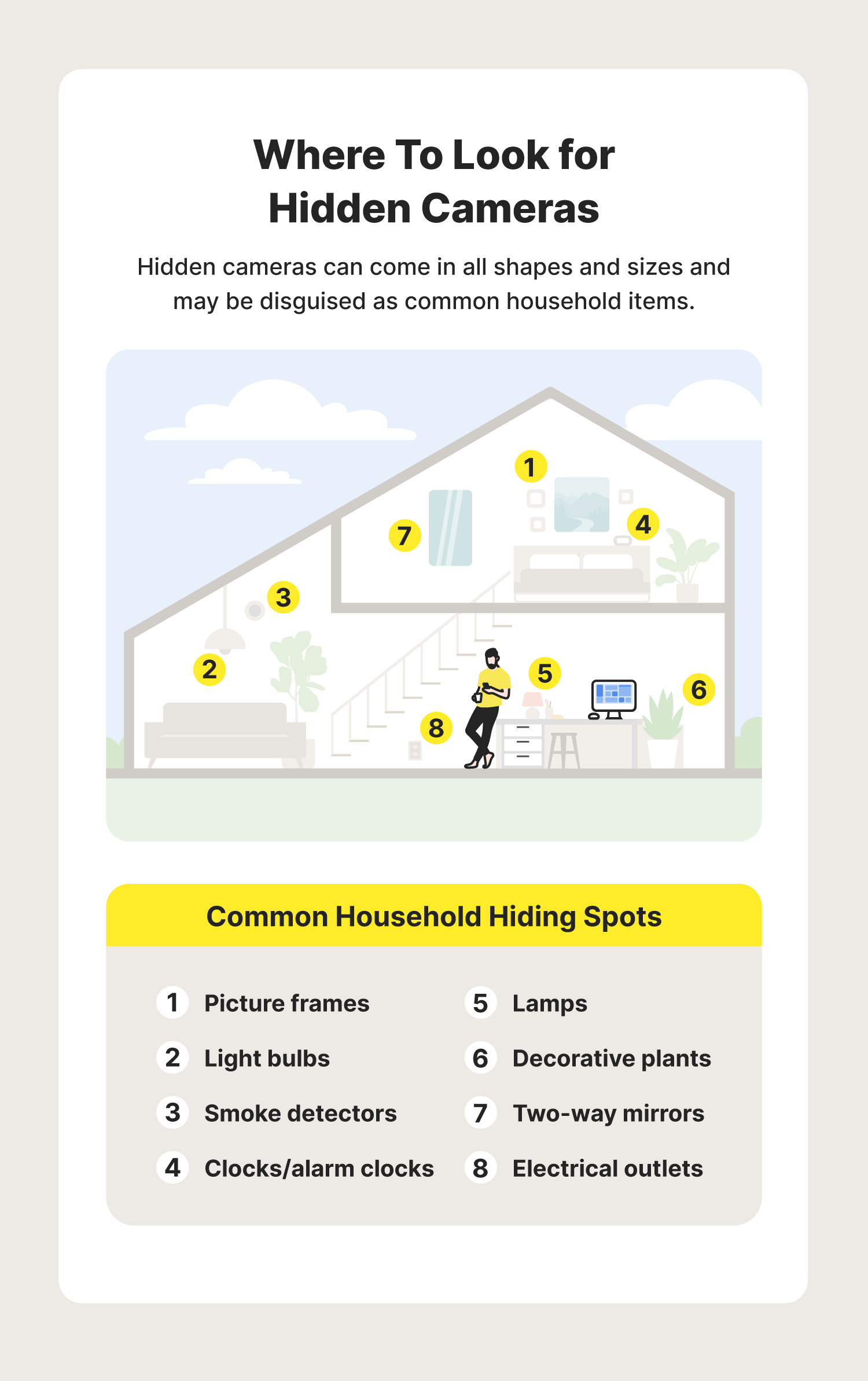
Hidden cameras are small. They can hide in everyday objects. Look where a lens can see a room but where a person would not normally look.
Common hiding places:
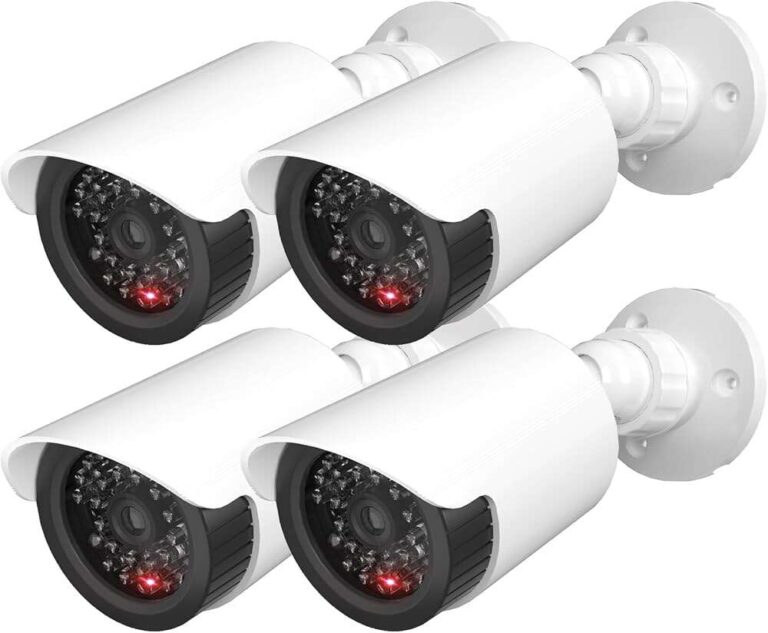
- Smoke detectors and alarm panels. Check for tiny pinholes or fresh screws.
- Clocks, USB chargers, and power strips. Inspect for extra wires or odd seams.
- Toiletries and toiletry shelves. Lenses can fit inside shampoo bottles or soap dispensers.
- Lamps, picture frames, and decorative items. Anything facing the room is a candidate.
- Air purifiers, vents, and lighting fixtures. Check gaps and grills.
Visual clues to spot:
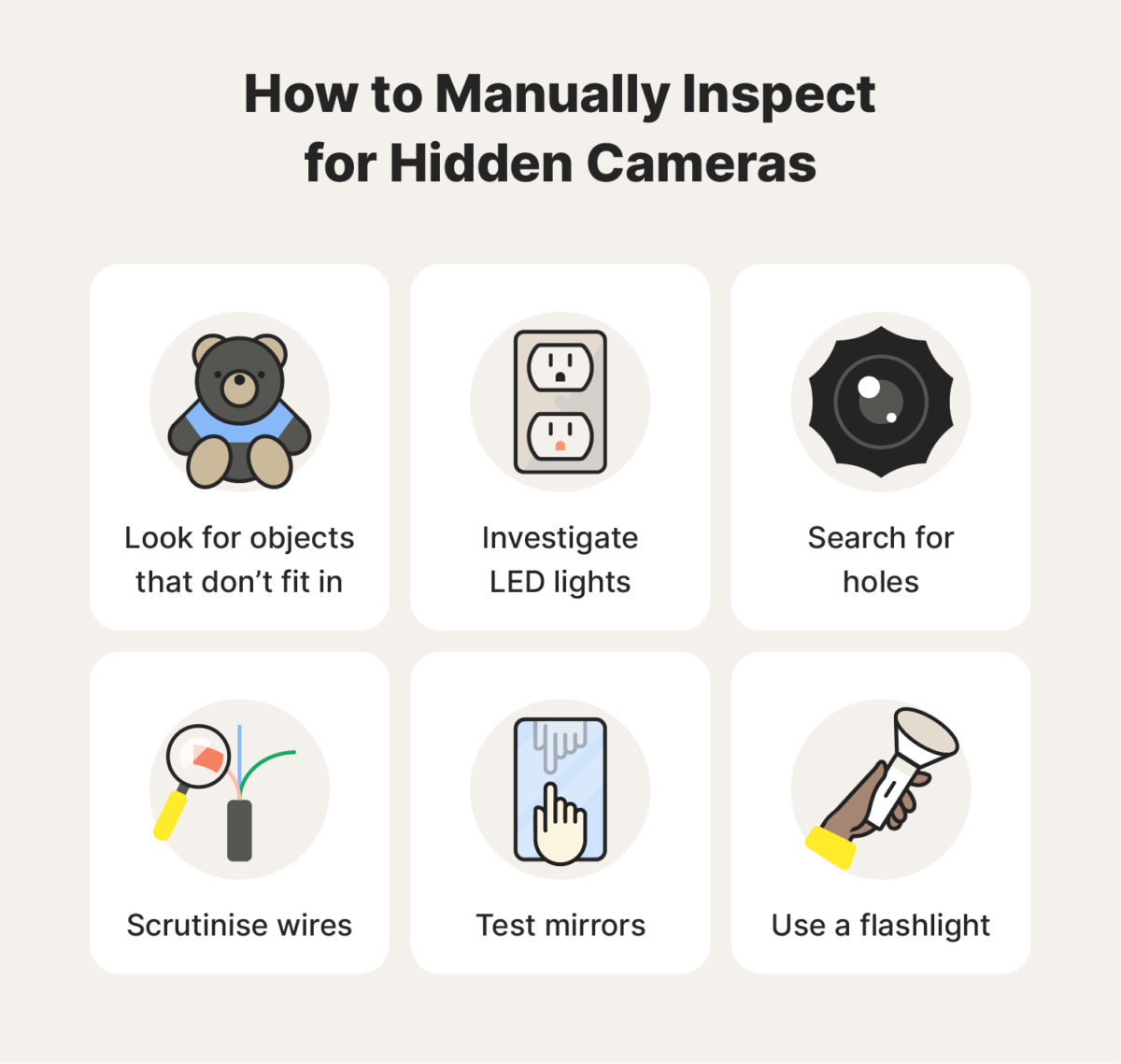
- Small, shiny pinholes or glass covering in odd places.
- Unusual wiring or glued seams.
- Fresh tape, loose batteries, or tampered screws.
- Tiny red or green LED lights when power is on.
These checks are the start of learning how to find the hidden cameras. You will use them during a methodical sweep.
Step-by-step detection methods
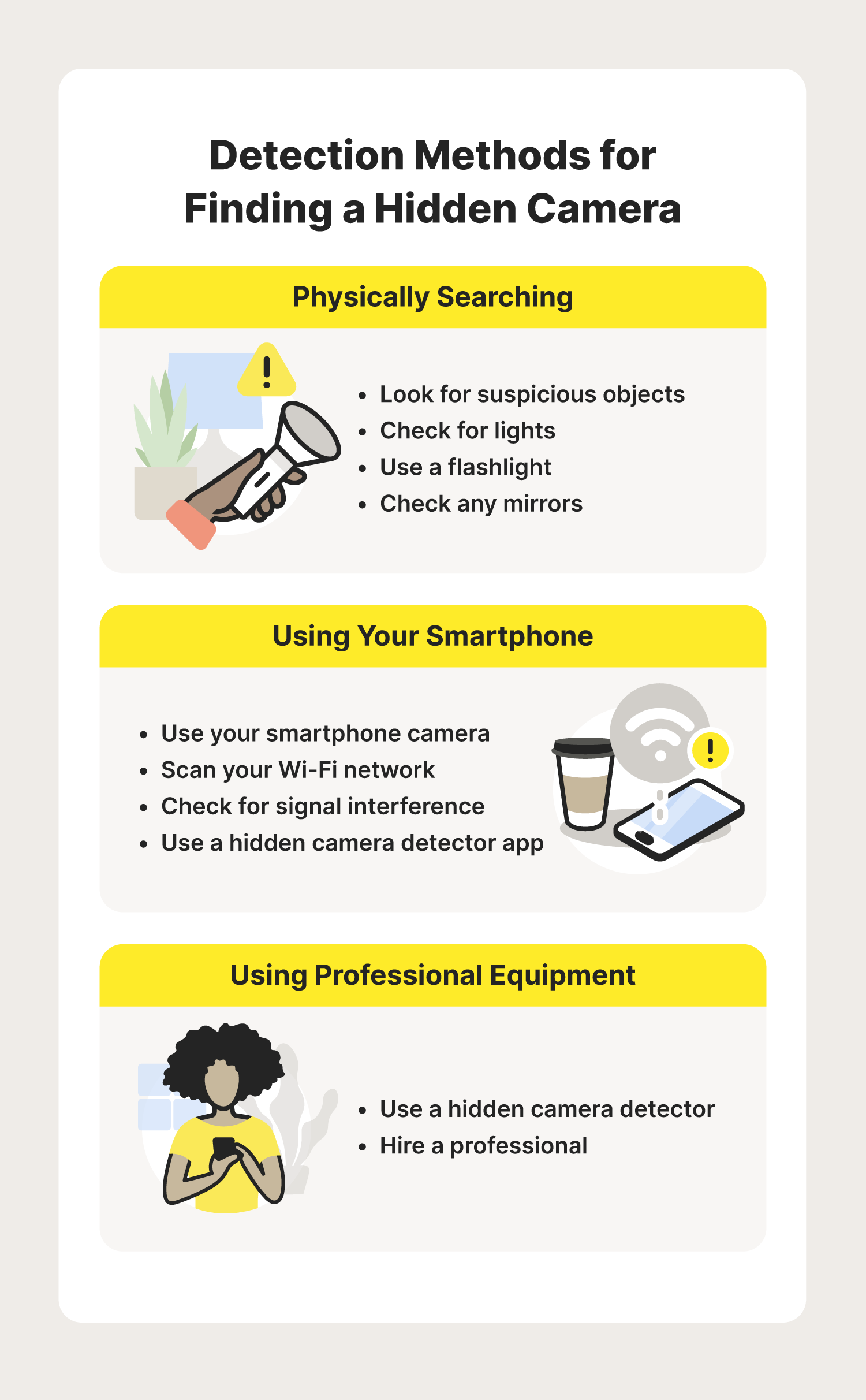
A clear plan works best. Follow these steps to find the hidden cameras reliably.
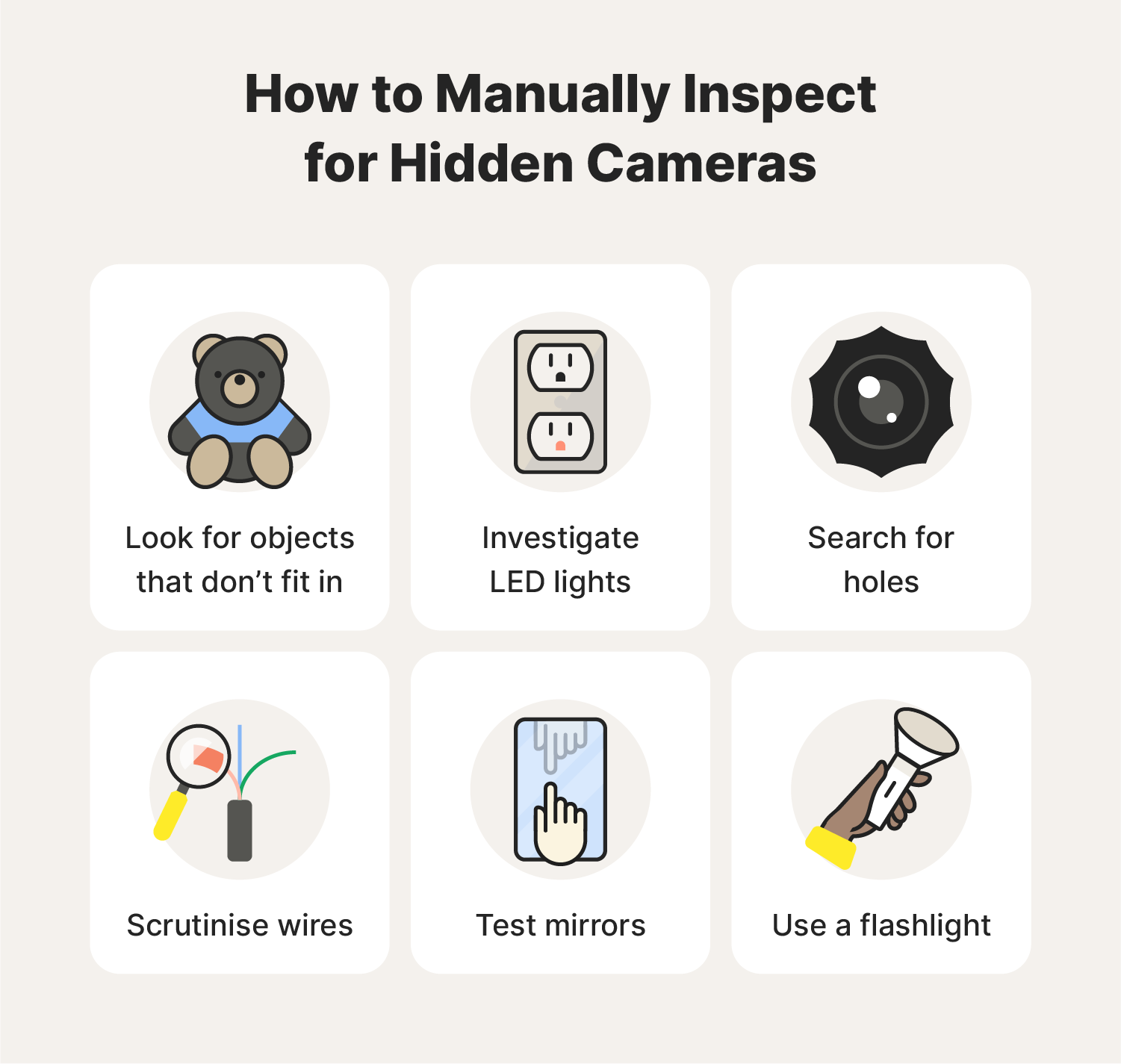
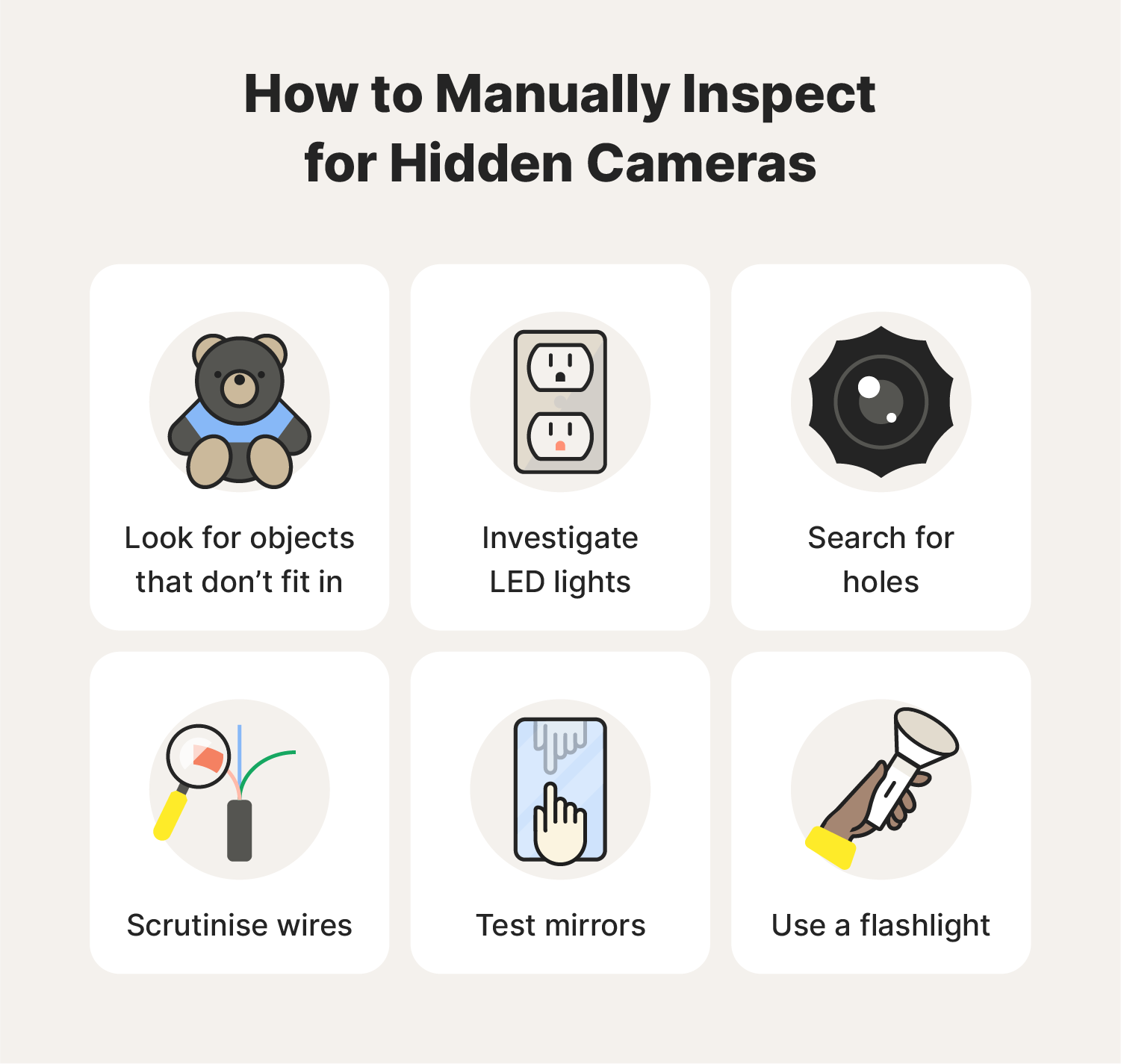
- Do a quick visual sweep
- Walk the room slowly. Scan at eye level and lower heights.
- Look for objects that face the main activity area.
- Move items to inspect seams, battery compartments, and cables.
- Check for lenses using a flashlight
- Turn off room lights. Shine a bright flashlight around the area.
- Watch for small reflections from camera lenses. Move the light slowly.
- Lenses will reflect a pinpoint of light even if the camera is tiny.
- Use your smartphone for IR and lens checks
- Many phone cameras can detect near-infrared (IR) light. Point your phone camera at suspected devices while you power on the device or remote-control items. If you see a purple or white glow on the phone screen, it may be an active IR LED.
- Use the phone camera to spot reflections from lenses at night with a flashlight.
- Conduct an RF sweep for wireless cameras
- Use a handheld RF detector or an app-based scanner to detect transmitting signals.
- Move the detector slowly near objects and walls.
- A spike in signal strength can identify hidden wireless cameras, baby monitors, or Wi-Fi transmitters.
- Scan the network for devices
- Connect to the local Wi-Fi and use a network scanner app to list devices.
- Look for unfamiliar devices with camera-like ports or names.
- Change the Wi-Fi password if you find suspicious devices and document device IDs.
- Inspect the power and battery sources
- Battery compartments or power adapters can house cameras.
- Check for nonstandard batteries, extra wiring, or third-party USB hubs.
- If a device has a charger but no clear function, inspect it closely.
These steps explain how to find the hidden cameras through sight, signal, and network checks. Use them together for best results.
Tools and devices that help detect hidden cameras
You don’t need expensive gear to start. A few affordable tools go a long way.
Essential tools:
- Bright flashlight. For lens reflection checks.
- Smartphone. For IR checks and network scanning.
- RF detector. To locate radio-frequency transmissions.
- Camera lens detector or anti-spy camera finder. These highlight lens reflections.
- Network scanner app. To list devices on Wi‑Fi networks.
- Small mirror and screwdriver. To open objects and inspect hidden compartments.
Optional pro tools:
- Thermal camera. Can sometimes reveal active electronics by heat.
- Spectrum analyzer. For detailed RF work.
- Professional counter-surveillance kit. For legal, high-risk situations.
Practical tip: start simple. I often use a flashlight and phone first. They catch most casual hidden cameras. If you still worry, rent or buy an RF detector.
Network and smart-device checks
Many hidden cameras stream over Wi-Fi. A short network check can reveal them quickly.
How to scan a Wi-Fi network:
- Connect your phone or laptop to the network.
- Use a simple network scanner app to list connected devices.
- Look for device names, MAC addresses, or unfamiliar IPs.
- Identify manufacturers using MAC prefixes to spot camera brands.
What to do if you find a camera:
- Do not remove it immediately in public or rental settings. Document the device with photos.
- Change the Wi-Fi password and inform the host or owner if appropriate.
- Record MAC address and device info for reporting.
These steps show practical ways to find the hidden cameras that use Wi-Fi. Network scans are fast and often revealing.

Legal and safety considerations
Laws about hidden cameras vary by place. Understand the rules before you act.
Key points:
- Recording someone without consent can be illegal. Know local laws on audio and video recording.
- Removing devices in a rental or hotel could cause legal disputes. Document first and contact management or law enforcement.
- If you suspect criminal activity, preserve evidence and contact authorities.
Be cautious when confronting someone. Safety and legality matter more than impulsive action. I always advise documenting and reporting first. That approach protected my client and led to a formal investigation.
My experience: lessons, mistakes, and practical tips
I have found and removed several hidden cameras in rental units and offices. Those experiences taught me what often works.
Lessons learned:
- Most hidden cameras are placed in obvious sightlines. People want a camera to see the whole room.
- A flashlight and a phone catch far more than you’d expect. Don’t skip these tools.
- Network scans can reveal devices that do not show physically. I once found a camera with a generic name that would have been missed by visual checks alone.
- Always document evidence and keep calm. Rushing or destroying a device can hurt your case.
Common mistakes to avoid:
- Relying on one method only. Use visual, RF, and network checks together.
- Assuming a camera is active just because it looks suspicious. Verify before accusing.
- Removing devices without taking photos and notes.
These experiences shaped my method for how to find the hidden cameras. I share them so you avoid the same pitfalls.

Quick answers to likely questions about detection
Will a smartphone always detect hidden cameras?
A smartphone can help. It may reveal IR lights or network devices. It won’t find wired or non-transmitting cameras.
How long does a sweep take?
A basic sweep takes 10–30 minutes per room. A full, careful sweep can take an hour or more.
Can glass lenses be truly hidden from flashlight checks?
Some lenses are small and recessed. A steady flashlight and patience usually reveal them, but pro-level concealment can require specialized gear.
Is an RF detector foolproof?
No. RF detectors pick up wireless transmitters but miss wired cameras or devices in sleep mode. Use multiple methods.
Should I hire a pro?
If you find a device or suspect serious invasion, hire a licensed counter-surveillance professional. They have tools and legal knowledge you may need.
Frequently Asked Questions of how to find the hidden cameras
How can I quickly spot a hidden camera in a hotel room?
Start with a visual check of common hiding spots. Use your phone camera to scan for IR lights and inspect objects facing the bed and bathroom.
Can simple household items contain cameras?
Yes. Everyday items like alarm clocks, chargers, and decorations can hide tiny cameras. Look for seams, extra cables, or odd battery packs.
Will a network scan always show a hidden camera?
No. Network scans show devices connected to Wi‑Fi, but cameras can use cellular networks or be offline. Combine scans with physical checks.
Are there apps that detect hidden cameras?
There are apps that detect devices on Wi‑Fi and apps that try to find IR emissions. They help but are not foolproof; pair them with physical inspection.
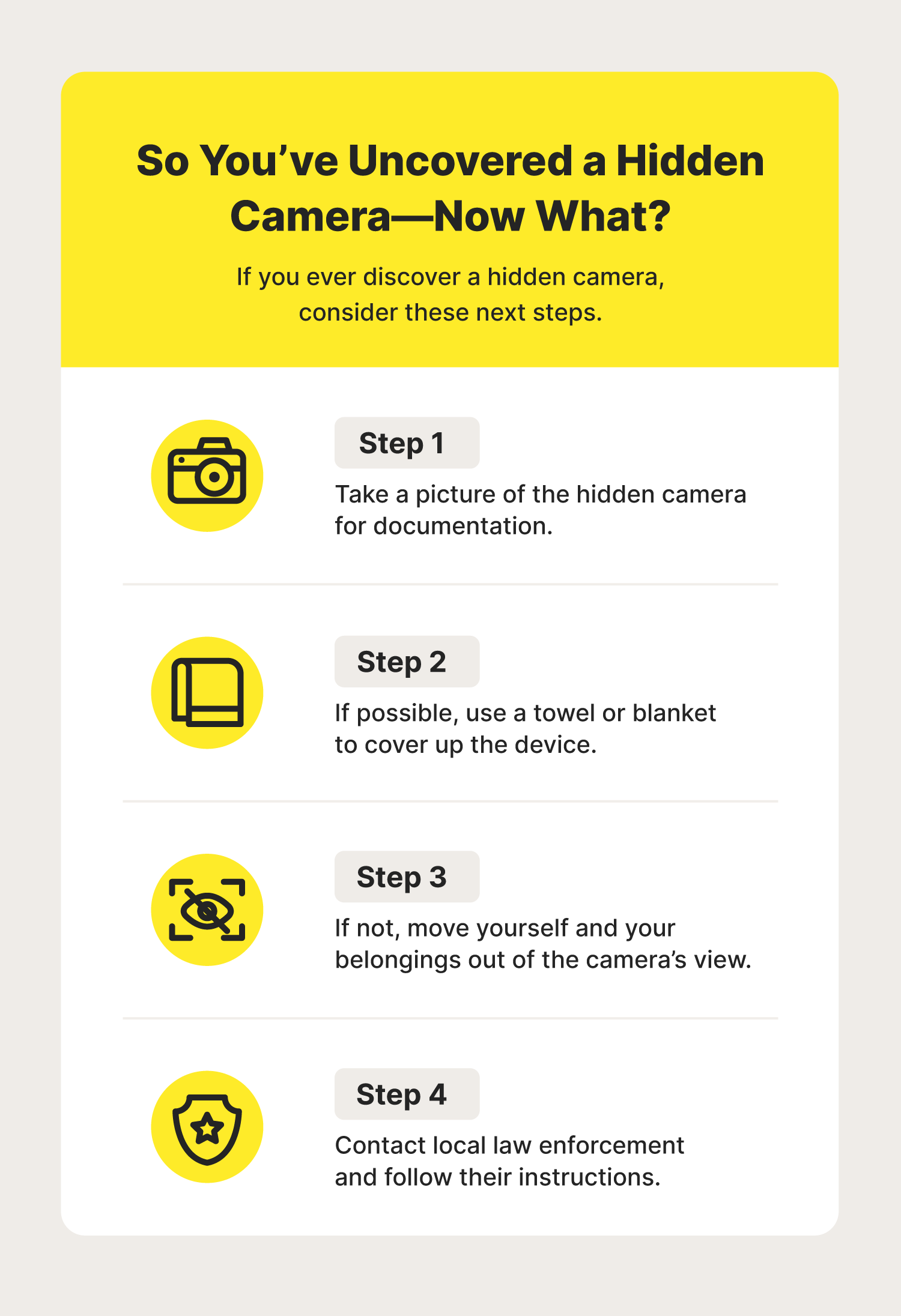
What should I do if I find a hidden camera?
Document the device with photos and note its location. Do not touch or destroy it. Report to property management or law enforcement and preserve evidence.
Conclusion
You can learn how to find the hidden cameras with simple tools and a clear process. Start with a visual sweep, use a flashlight and smartphone for lens and IR checks, perform an RF sweep, and scan the network. Document anything suspicious and follow legal steps if you find a device.
Take action now: practice a quick sweep in your own space today, keep a flashlight and phone ready, and consider an RF detector for extra peace of mind. Share your experience or ask a question below to help others stay safe.

Everett Ashford is a tech reviewer at mytechgrid.com specializing in SSDs, cameras, TVs, earbuds, headphones, and other consumer electronics. He provides honest, data-driven reviews based on hands-on testing and real-world performance analysis. Everett simplifies complex tech details to help readers make smart, confident buying decisions.