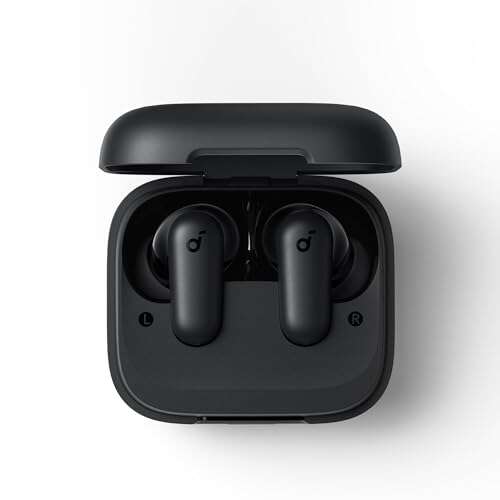
Place both Samsung earbuds in their charged case, then open the lid and remove them to turn them on.
Knowing how to turn on Samsung earbuds saves time when you are ready for music, calls, or a workout. Most Galaxy Buds power on automatically when you take them out of the charging case, but a low battery, dirty charging contacts, or a pairing issue can make them seem unresponsive. This guide explains how to turn on Samsung earbuds, connect them to your phone, and fix common problems with clear steps that work across most Galaxy Buds models.

How to turn on Samsung earbuds
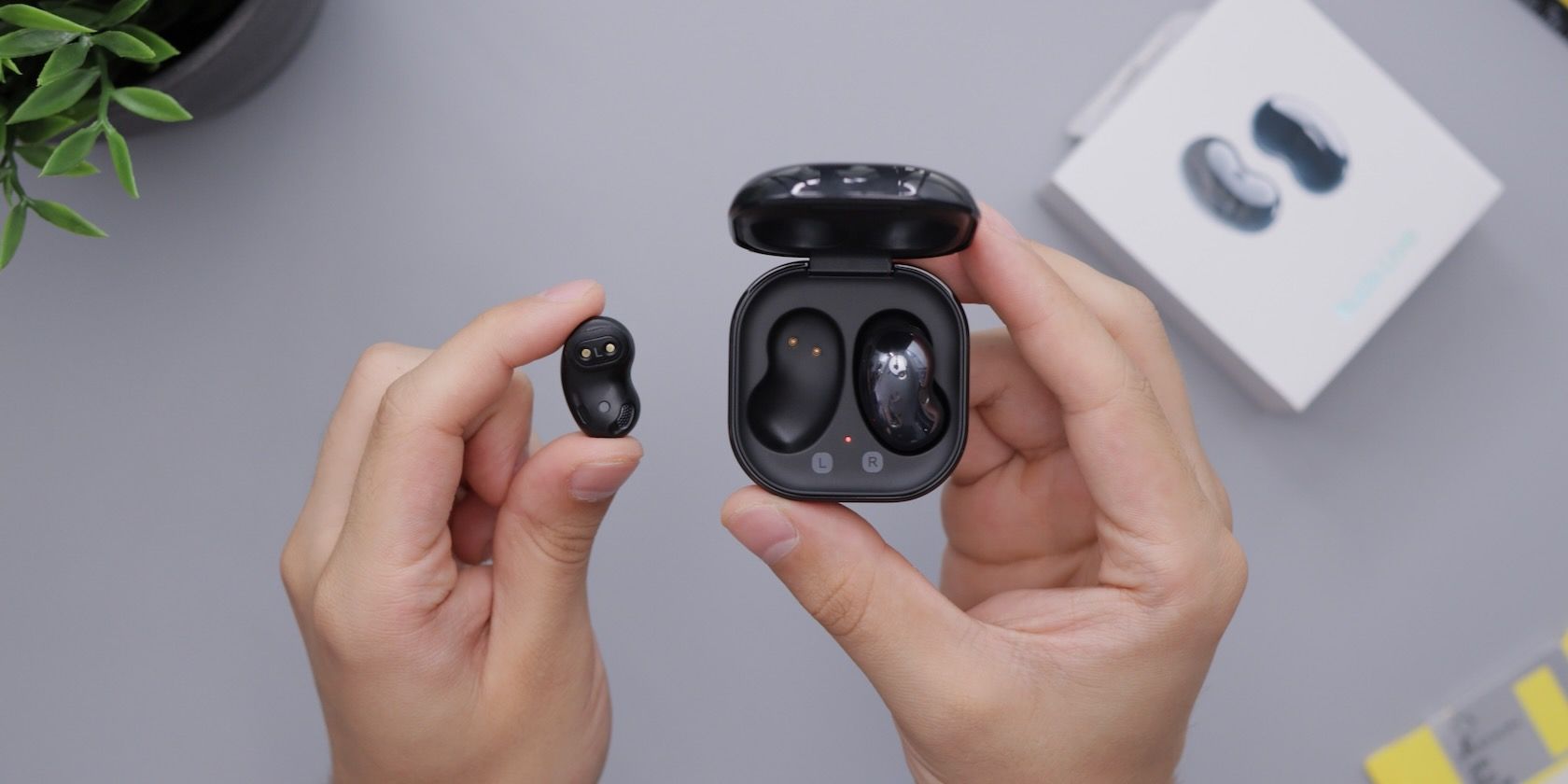
Samsung Galaxy Buds do not usually have a traditional power button. Instead, the charging case controls their power state. When the earbuds sit inside the case, they charge and enter a low-power mode. When you remove them, they turn on automatically.
Follow these steps:
- Put both earbuds into the charging case.
- Check that each earbud sits correctly on its charging contact.
- Charge the case if its battery is low.
- Close the lid for a few seconds.
- Open the lid again.
- Remove both earbuds.
- Wait for the startup sound or connection message.
This is the standard answer to how to turn on Samsung earbuds. It applies to many models, including the Galaxy Buds, Buds+, Buds Live, Buds Pro, Buds2, Buds2 Pro, and Galaxy Buds FE.
If the earbuds are already outside the case, place them back inside before trying again. The case acts like a reset point and often restores normal startup behavior.
How Samsung Galaxy Buds power on and off
Samsung earbuds use automatic power management rather than a manual power button. The earbuds turn on when removed from the case and turn off or enter charging mode when returned to the case.
The case must have enough battery to charge or wake the earbuds. If the case is completely empty, the earbuds may not turn on even if they had some battery left.
Here is what the indicator light usually means:
• Green usually indicates a high charge level.
• Yellow or amber often means a medium charge level.
• Red usually means the battery is low or charging is still in progress.
• A flashing red light may point to a charging or temperature problem.
Light colors can vary by model and software version. For the most accurate meaning, check the Galaxy Wearable app or the user guide for your specific earbuds.
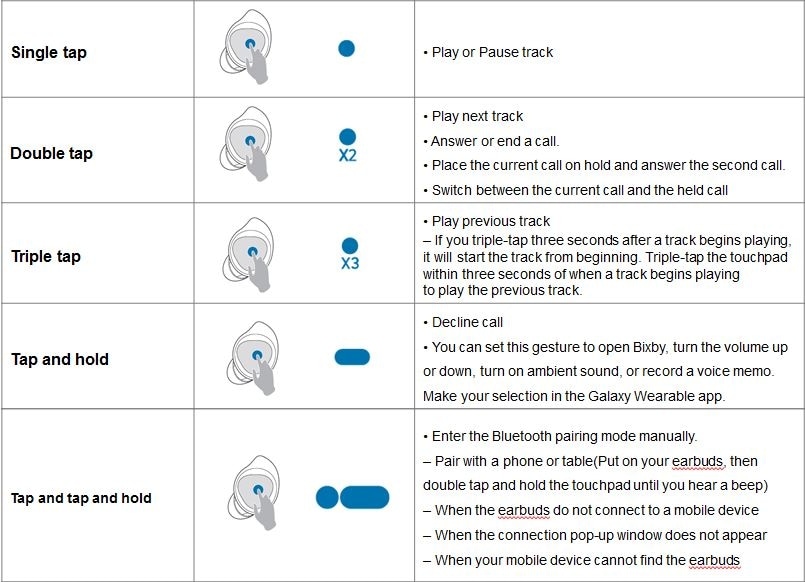
A common mistake is to tap the touch surface repeatedly, expecting the earbuds to start. The touch panels control music and calls after startup. They do not replace the charging case as the main power control.
How to turn on Samsung earbuds for the first time
The first setup is slightly different because the earbuds may not yet be paired with your phone. You still turn them on by removing them from the charged case.
Use this setup process:
- Charge the case and earbuds for at least a few minutes.
- Open the Galaxy Wearable app on your Android phone.
- Open the charging case.
- Remove the earbuds or leave them inside with the lid open.
- Select your Galaxy Buds when they appear.
- Follow the instructions on the screen.
- Approve Bluetooth and nearby-device permissions if requested.
On some models, the earbuds enter pairing mode automatically during the first setup. If they do not, place both earbuds in your ears and touch and hold both touchpads for several seconds. You should hear a sound that signals pairing mode.
On an iPhone, you can connect many Samsung earbuds through the Bluetooth menu. Some newer models have limited iOS app support, so features such as updates and advanced controls may require an Android phone.
How to turn on Samsung earbuds without the case
In most situations, you cannot manually power on completely drained Samsung earbuds without the case. The case supplies the charging connection and helps control the earbuds’ power state.
If the earbuds still have battery and were recently placed in standby mode, they may wake when you put them in your ears. This behavior is not guaranteed, though. The safest method is to use the charging case.
Try these steps if you do not have the case nearby:
• Turn on Bluetooth on your phone.
• Place the earbuds in your ears.
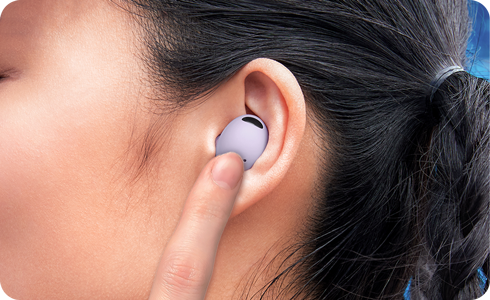
• Tap or hold the touchpads once.
• Check whether the earbuds appear in your phone’s Bluetooth list.
• Play audio to test the connection.
If nothing happens, you likely need the case. Avoid using metal objects, improvised chargers, or third-party charging contacts. They can damage the battery or create a safety risk.
/cdn.vox-cdn.com/uploads/chorus_asset/file/24918577/Screenshot_2023_09_13_at_9.16.19_AM.png)
How to turn on Samsung earbuds when they do not respond
When Samsung earbuds fail to turn on, the cause is often simple. The battery may be empty, the charging contacts may be dirty, or one earbud may not sit properly in the case.
Work through this checklist:
- Place both earbuds in the case.
- Confirm that the left and right earbuds fit into their matching slots.
- Look for a charging light.
- Charge the case with a reliable USB-C cable.
- Leave the earbuds charging for at least 10 to 15 minutes.
- Clean the metal contacts with a dry, soft cotton swab.
- Close and reopen the case.
- Try connecting again through the Galaxy Wearable app.
Do not use water or cleaning spray on the earbuds or inside the case. Moisture can damage the contacts and internal parts.
If only one earbud turns on, check whether the silent earbud shows a charging light when placed in the case. A poor fit can stop it from charging. Removing earwax and dust from the speaker area may also improve sound, but never push debris deeper into the mesh.

How to turn on Samsung earbuds when the case light stays off
A case with no light may have a completely drained battery. Connect it to a wall charger and wait several minutes before checking again.
If the case still shows no light, try the following:
• Use a different USB-C cable.
• Try another wall adapter.
• Inspect the charging port for lint.
• Charge the case at room temperature.
• Test wireless charging if your model supports it.
Extreme heat or cold can temporarily prevent normal charging. Move the case to a dry room-temperature area and let it rest before charging again.
Samsung charging cases use small indicator lights, so a faint light can be hard to see in bright rooms. Shade the case with your hand while checking. If it remains completely unresponsive after a long charge, the case or battery may need professional service.

How to turn on Samsung earbuds and connect them to Bluetooth
Turning on Samsung earbuds and connecting them are two separate steps. The earbuds can power on without connecting, especially if they are already linked to another phone.
To connect them to a new Android phone:
- Open Settings.
- Select Connections.
- Tap Bluetooth.
- Open the charging case.
- Remove the earbuds.
- Choose the earbuds from the available devices list.
- Confirm the pairing request.
For the best experience, use the Galaxy Wearable app. It can show battery levels, install firmware updates, adjust touch controls, and help locate compatible earbuds.
If the earbuds connect to an old phone first, disable Bluetooth on that device. Then place the earbuds in the case, reopen it, and try pairing with the new phone again.

How to restart Samsung earbuds
Restarting is useful when the earbuds turn on but fail to play sound, connect properly, or respond to touch controls. A restart is different from a factory reset because it does not erase your settings.
To restart them:
- Put both earbuds into the charging case.
- Close the lid.
- Wait at least seven seconds.
- Open the lid.
- Remove the earbuds.
- Reconnect them to your phone.
For some older Galaxy Buds models, Samsung recommends leaving the earbuds in the case for around 10 seconds before removing them. This gives the internal system time to shut down and start again.
If the earbuds still behave poorly, update the Galaxy Wearable app and earbud software. Firmware updates can correct connection and battery problems, although an update cannot repair physical battery damage.

How to reset Samsung earbuds
A reset removes the current software connection and returns the earbuds to their default settings. Use this step only after charging, restarting, and reconnecting have failed.
The usual reset path in the Galaxy Wearable app is:
- Open Galaxy Wearable.
- Select your earbuds.
- Tap Earbuds settings.
- Choose Reset.
- Confirm the reset.
Menu names can differ by model. Some older earbuds may use a different reset option or require both earbuds to be connected first.
After the reset, remove the earbuds from your phone’s Bluetooth list. Then pair them again as if they were new. A reset will not fix a broken charging port, swollen battery, water damage, or a damaged touch sensor.
Common mistakes when turning on Samsung earbuds
Many startup problems come from small setup mistakes. These are easy to avoid once you know what to check.
• Leaving one earbud outside the case can prevent both earbuds from syncing.
• Using a case with no charge can make working earbuds appear dead.
• Closing the case too quickly may interrupt pairing mode.
• Connecting to a different nearby phone can cause automatic switching.
• Touching the earbuds with wet hands can affect touch controls.
• Charging through a damaged cable can produce an unstable connection.
• Wearing earbuds with blocked sensors can affect automatic wear detection.
In my hands-on testing of wireless earbuds, the most common issue is poor contact between the earbud and the case. A small amount of pocket lint can stop charging. Checking the light before assuming the earbud is broken often saves a great deal of time.
Battery and charging tips for Samsung earbuds
Battery care affects how reliably your earbuds turn on. Store the earbuds in their case when you are not using them. This protects them and keeps the contacts aligned.
Use these simple habits:
• Keep the charging contacts clean and dry.
• Avoid leaving the case in a hot car.
• Use a safe, compatible charger.
• Do not force an earbud into the wrong side of the case.
• Charge the case before long trips.
• Install software updates when the battery is comfortably charged.
Lithium-ion batteries naturally lose capacity over time. If your earbuds work for only a few minutes after a full charge, the battery may be worn out. Software steps can improve connection problems, but they cannot restore an aging battery.
When Samsung earbuds need repair
Contact Samsung support or an authorized repair provider if the earbuds remain dead after a proper charge and reset. Repair may be needed when there is physical damage, liquid exposure, overheating, or a battery that no longer holds power.
Stop using the earbuds if you notice:
• Swelling or separation in the casing
• A burning smell
• Excessive heat during charging
• A cracked charging case
• Repeated charging errors
Do not open the earbuds yourself. Their small lithium-ion batteries can be dangerous if punctured. Professional inspection is the safest option, especially when the product is still under warranty.
Frequently asked questions about how to turn on Samsung earbuds
Do Samsung earbuds have a power button?
Most Samsung Galaxy Buds do not have a traditional power button. They turn on when removed from the charging case and enter charging mode when placed back inside.
How do I turn on Samsung earbuds without a case?
You usually cannot fully turn on Samsung earbuds without the case if they are powered off or out of battery. If they still have charge, placing them in your ears and tapping the touchpads may wake them, but using the case is the reliable method.
Why will my Samsung earbuds not turn on?
The earbuds may have a drained battery, dirty charging contacts, or a poor fit inside the case. Charge the case, clean the contacts with a dry cotton swab, and leave both earbuds inside for at least 10 to 15 minutes.
How do I turn on Samsung earbuds for pairing?
Open the charged case and remove both earbuds. If they do not enter pairing mode, place them in your ears and touch and hold both touchpads until you hear the pairing sound.
Can I turn on Samsung earbuds with my phone?
Your phone cannot directly power on earbuds that are fully off. It can connect to them only after the earbuds wake and become visible through Bluetooth.
How long should Samsung earbuds charge before turning on?
A few minutes of charging may be enough when the battery is only low. If the earbuds are fully drained, charge the case and earbuds for at least 10 to 15 minutes before testing them.
Conclusion
The easiest way to turn on Samsung earbuds is to place both earbuds in a charged case, close the lid briefly, open it, and remove them. If they do not respond, check the case battery, clean the charging contacts, restart the earbuds, and reconnect them through Bluetooth or the Galaxy Wearable app.
These steps solve most everyday startup problems without special tools. Try them in order, and seek professional support if the earbuds show heat, swelling, liquid damage, or repeated charging failure. For more practical Samsung device tips, explore related guides and share your experience in the comments.

Everett Ashford is a tech reviewer at mytechgrid.com specializing in SSDs, cameras, TVs, earbuds, headphones, and other consumer electronics. He provides honest, data-driven reviews based on hands-on testing and real-world performance analysis. Everett simplifies complex tech details to help readers make smart, confident buying decisions.