You need a camera body, lens, battery, memory card, charger, and a safe way to carry them.
Knowing what do you need for a digital camera helps you avoid wasted money and missed shots. The right setup depends on your camera type, subject, travel plans, and skill level. This guide explains the essential gear, useful extras, setup steps, common mistakes, and smart buying choices so you can start with confidence.
What Do You Need for a Digital Camera?
A digital camera kit can be simple. You do not need every accessory on the store shelf. For most beginners, the core setup includes:
• A digital camera body
• A compatible lens
• A charged battery
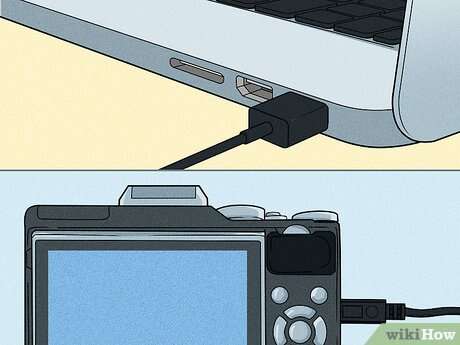
• A battery charger or USB charging cable
• A memory card
• A camera strap or small bag
• A lens cloth for basic cleaning
The camera body captures the image, but the lens controls much of the view and image style. The battery powers the system, while the memory card stores your photos and videos. Without these basic parts, even an expensive camera cannot do much.
What do you need for a digital camera if you already own a kit lens? Usually, you only need a memory card, battery, charger, and a way to protect the camera. A standard 18–55mm lens or similar kit lens is enough for family photos, travel, street scenes, and basic learning.
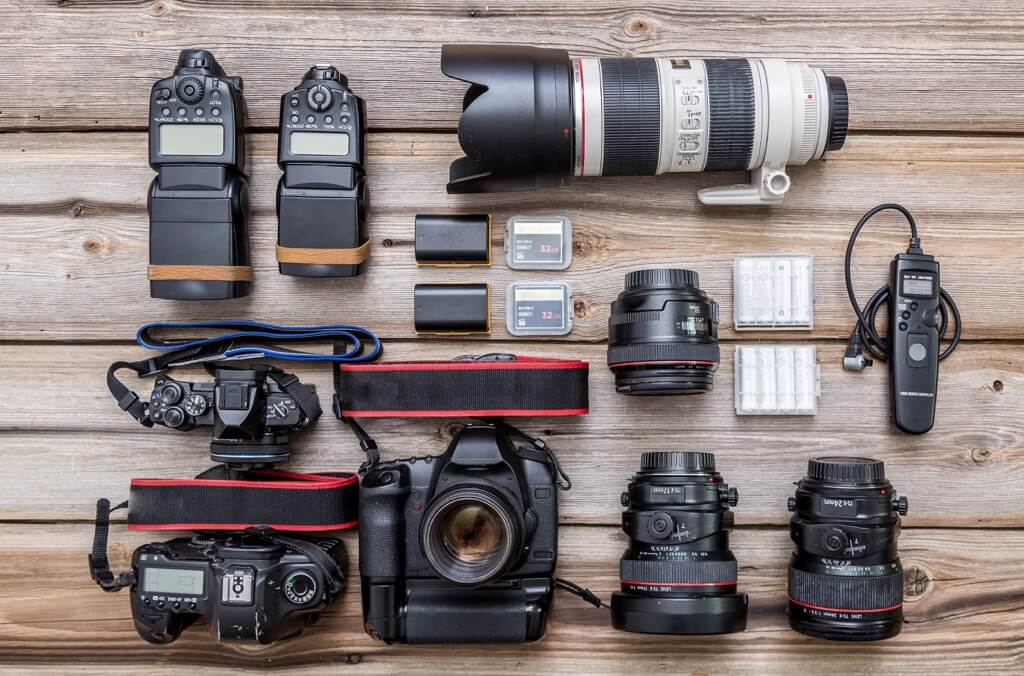
The Essential Parts of a Digital Camera Kit
Camera body
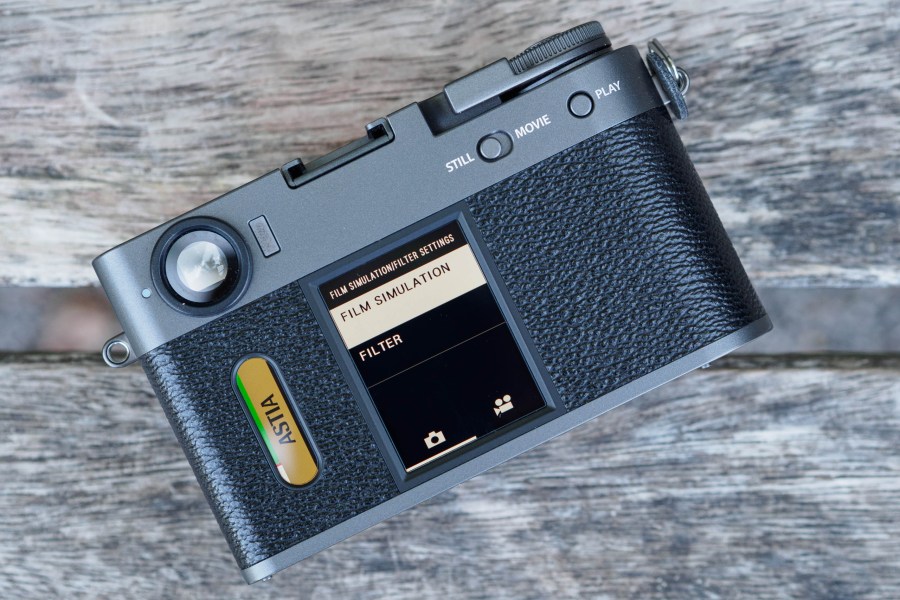
The camera body contains the sensor, processor, controls, viewfinder, screen, and connection ports. Digital camera bodies come in several forms:
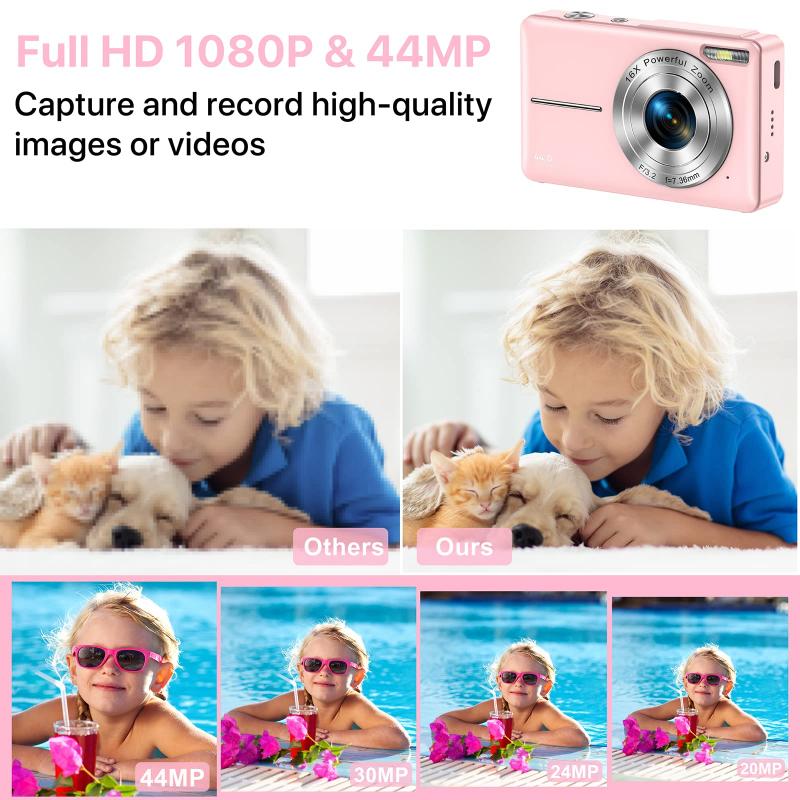
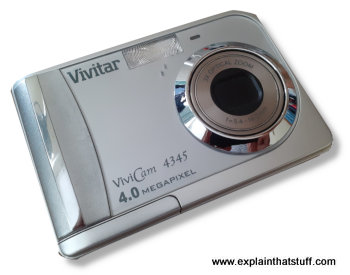
• Compact cameras have built-in lenses and simple controls.
• Mirrorless cameras use interchangeable lenses and have a smaller internal design.
• DSLR cameras use a mirror and optical viewfinder.
• Bridge cameras have long built-in zoom lenses and many manual controls.
• Smartphone cameras are useful for casual photos but offer less control than most dedicated cameras.
Your camera body should match your main goal. A compact model may suit travel and family use. A mirrorless or DSLR model may be better for portraits, wildlife, sports, or serious learning.
Lens
The lens gathers light and focuses it on the camera sensor. It also affects the angle of view, background blur, sharpness, and working distance.
A kit zoom lens is a strong first choice because it covers common focal lengths. A 24–70mm or 18–55mm range can handle many everyday scenes. A 50mm prime lens often gives a bright aperture and soft background blur at a low price.
For specific needs, consider:
• Wide angle lenses for landscapes, rooms, architecture, and travel
• Standard lenses for daily photos and street scenes
• Telephoto lenses for sports, birds, and distant subjects
• Macro lenses for flowers, insects, jewelry, and small details
• Fast prime lenses for portraits and low light
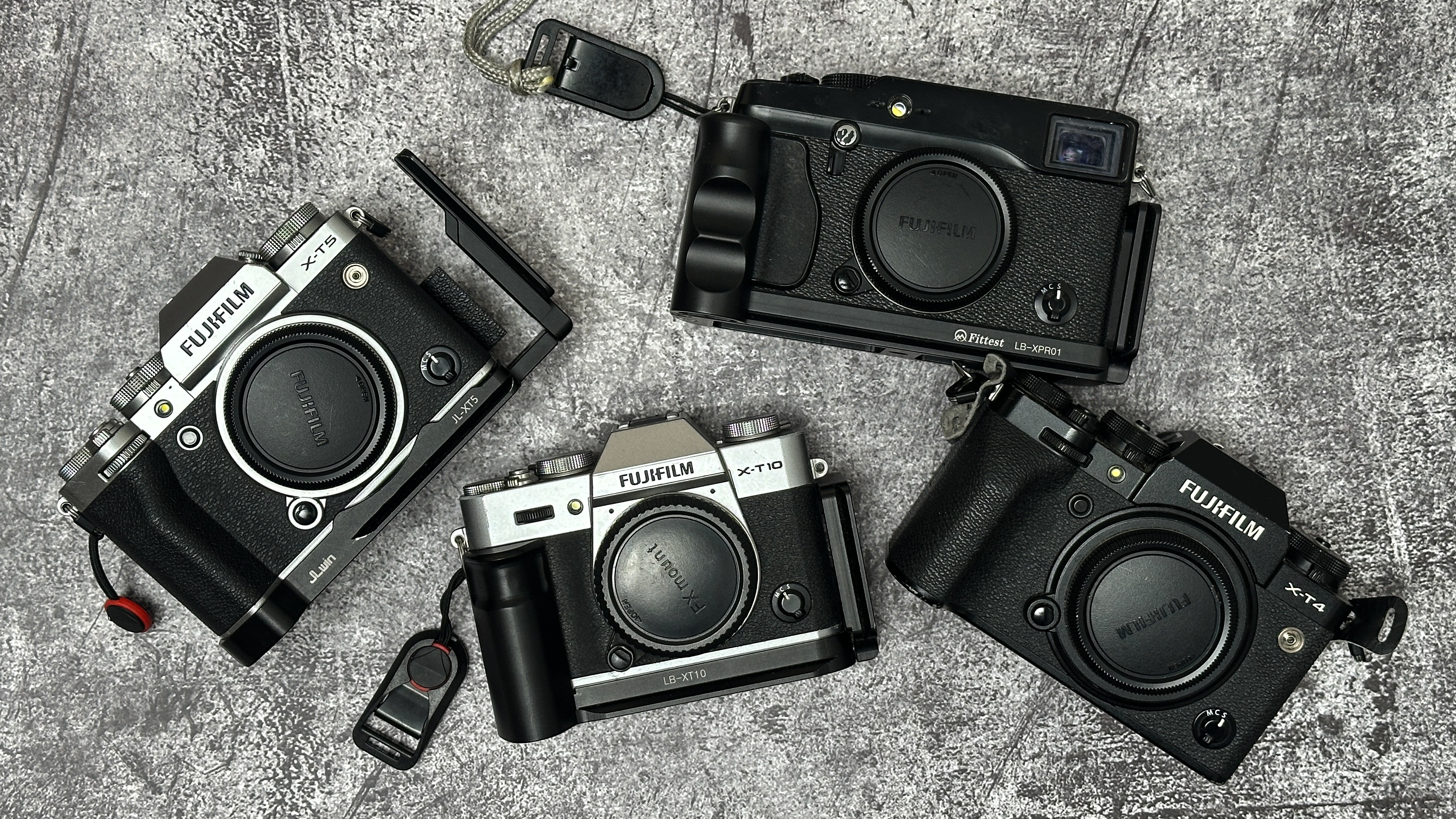
Check lens compatibility before buying. A Canon RF lens fits Canon RF mirrorless cameras, while a Canon EF lens belongs to a different mount family. The same rule applies to Sony E, Nikon Z, Fujifilm X, Micro Four Thirds, and other systems.
Battery and charger
A spare battery is one of the most useful camera accessories. Live view screens, electronic viewfinders, wireless connections, and video recording can drain power quickly.
Use batteries made for your camera model or reliable third-party batteries from a trusted seller. Very cheap batteries may have lower capacity, poor safety control, or inaccurate charge readings.
A wall charger is helpful when you need to charge one battery while using another. USB charging is convenient during travel, but it may be slower and may require a power bank or suitable wall adapter.
Memory card
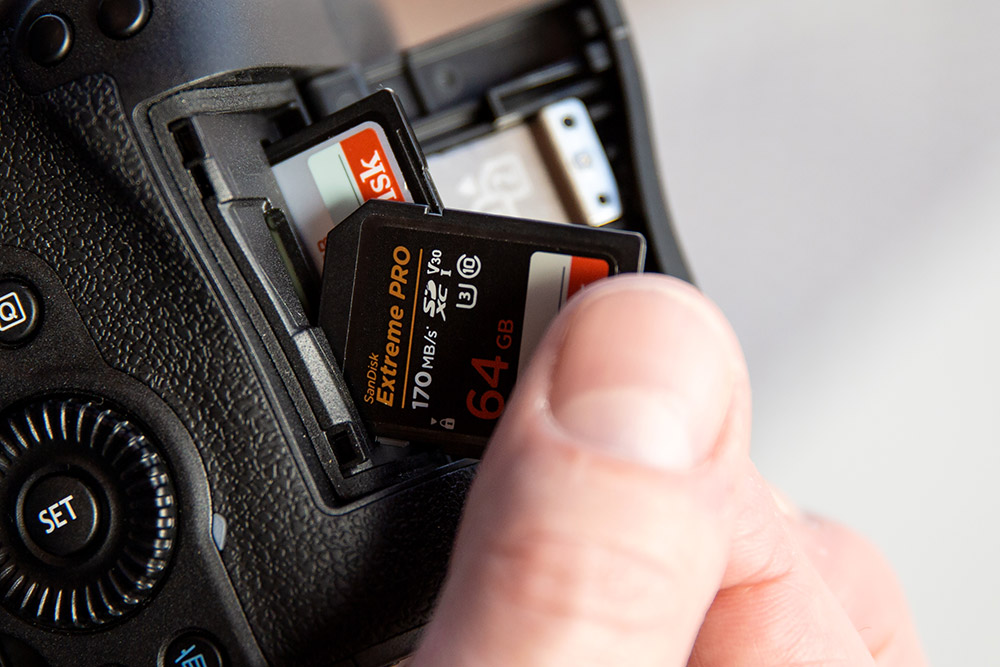
A memory card stores your photos and videos. Most modern cameras use SD cards, while some professional cameras use CFexpress or other formats.
Choose a card based on both capacity and speed:
• 64GB is a practical starting size for many photographers.
• 128GB or more suits long trips and frequent video use.
• UHS-I cards work well in many basic cameras.
• UHS-II cards can support faster transfer and burst shooting when the camera supports them.
• Video users should check the required speed class, such as V30, V60, or V90.
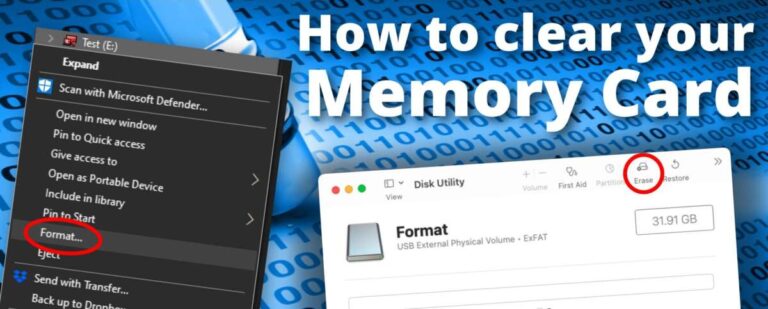
A fast card does not make every camera faster. The camera must support the card standard. Format the card inside the camera before use, and keep a spare card in your bag.
Camera strap or bag
A strap helps prevent drops when you carry the camera. A padded camera bag protects against dust, rain, and impact.
You do not need a large camera backpack at first. A small shoulder bag or padded insert can protect a camera and one or two lenses. Keep the equipment dry, avoid leaving it in a hot car, and use a rain cover during wet weather.
Lens cloth and cleaning tools
Dust on the front lens surface can reduce contrast, but aggressive cleaning can cause damage. Start with a blower made for camera gear. Then use a clean microfiber cloth or lens tissue when needed.
Avoid using household glass cleaner. It may harm lens coatings. Do not touch the sensor unless you understand the correct cleaning process or plan to use a professional service.
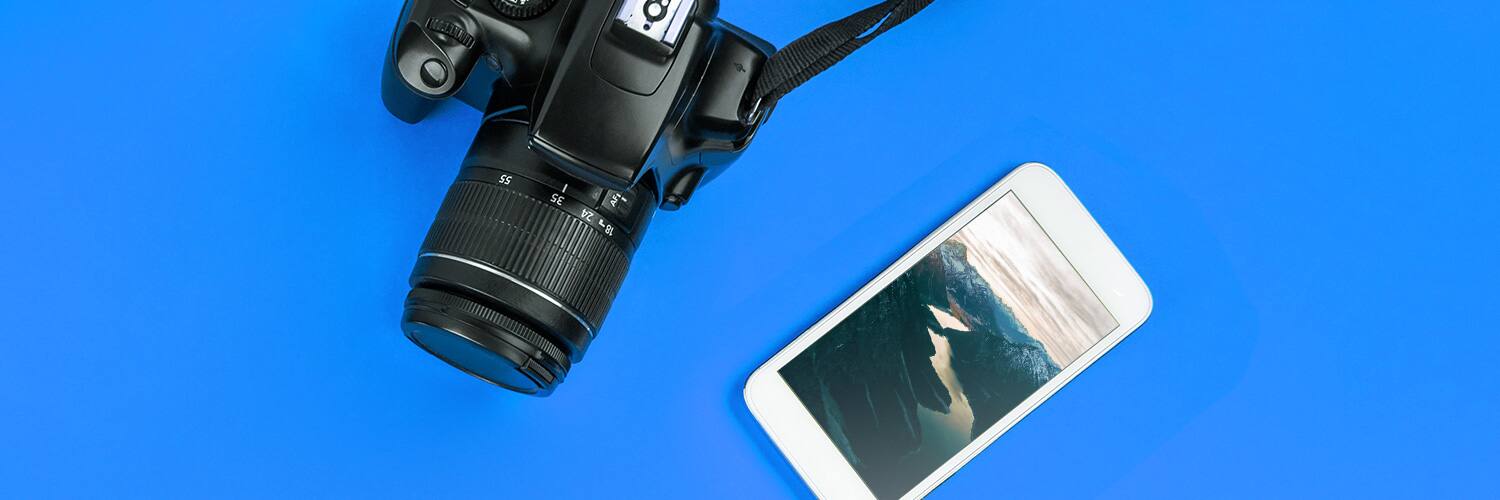
How to Choose the Right Camera
What do you need for a digital camera depends on the type of pictures you want to make. Start with your subjects instead of starting with brand names or megapixels.
For travel and everyday photos
A small mirrorless camera or compact camera is easy to carry. Choose a camera with:
• A useful zoom range
• Good battery life
• Simple wireless transfer
• Weather protection if you often shoot outdoors
• A comfortable grip
• A tilting screen for low and high angles
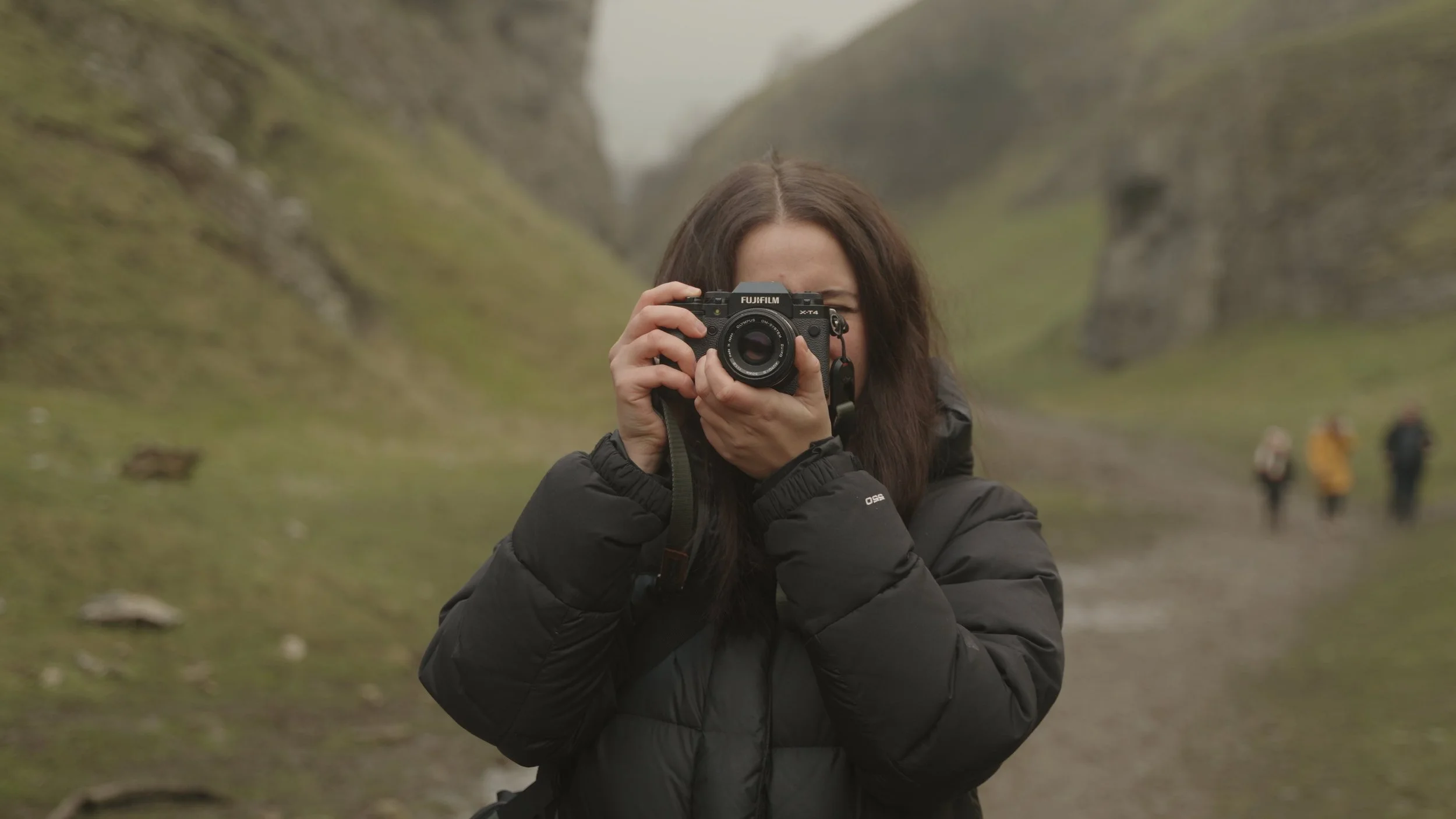
The best travel camera is often the one you will carry. A large camera may offer more features, but it cannot take photos from inside your closet.
For portraits
Portrait photographers often value a bright lens more than extreme camera resolution. A 50mm or 85mm lens with an aperture such as f/1.8 can create a soft background and separate the subject from the scene.
Good autofocus also matters. Eye detection can help keep the subject’s eyes sharp, but it is not perfect. Watch the focus point, especially in dim light or when the subject turns away.
For wildlife and sports
Wildlife and sports need fast autofocus, quick burst shooting, and a suitable telephoto lens. A 70–300mm lens is a common starting point, while longer lenses provide more reach.
You may also need:
• Several spare batteries
• More than one fast memory card
• A monopod or sturdy tripod
• A weather-resistant camera and lens
• A fast shutter speed, often 1/1000 second or faster for rapid action
A long lens can be heavy. Test the balance before a long day outside.
For video
Video requires more than a camera body and lens. You may need:
• A memory card with the correct speed rating
• An external microphone
• Headphones for audio checks
• A tripod or stabilizer
• Extra batteries or a USB power source
• A small LED light
• Storage space for large video files
Audio is often more important than beginners expect. Viewers may forgive a soft image, but poor sound can make a video hard to watch.
Useful Accessories for a Digital Camera
After you understand what do you need for a digital camera, you can add accessories based on real needs. Buy one useful item at a time instead of building a large kit on day one.
Tripod
A tripod keeps the camera still for landscapes, night scenes, long exposures, self portraits, and product photos. Look for a tripod that can support more weight than your camera and largest lens.
A very light tripod may be easy to carry but less stable in wind. A heavy tripod may be stable but stay at home. The best choice balances strength, weight, height, and cost.
Extra batteries
An extra battery is more useful than many novelty accessories. Carry at least one spare for travel, events, or outdoor work.
Store batteries in a cool, dry place. Do not leave loose batteries beside coins or keys because metal objects can create a short circuit.
Extra memory cards
Two or three smaller cards can be safer than one huge card. If one card fails, you may still have the rest of the day’s photos.
Do not delete photos from a card until you have at least one verified backup. Memory cards are convenient, but they are not permanent storage.
Camera rain cover
A rain cover helps protect your camera during light rain or sudden weather changes. Some cameras and lenses have weather sealing, but that does not mean they are waterproof.
Weather sealing works best when the body and lens are both sealed. Avoid changing lenses in blowing rain, snow, or dusty conditions.
External flash
A flash can help in dark rooms, but the built-in flash often creates harsh light. An external flash can bounce light from a white ceiling or wall for a softer look.
Learn to control flash power and direction. More light is not always better light.
Filters
A clear protective filter is optional. It may protect the front element from scratches, but a poor filter can create flare and reduce image quality.
A circular polarizing filter can reduce reflections and deepen blue skies. A neutral density filter can let you use slow shutter speeds in bright light. Match the filter size to your lens or use a step-up ring.
Remote shutter release
A remote release helps reduce camera shake during long exposures. Many cameras also support phone control through Wi-Fi or Bluetooth.
This accessory is useful for landscapes, night photography, and self portraits. It is not essential for most casual shooting.

Camera Settings You Should Learn First
Buying gear is only part of what do you need for a digital camera. Basic camera knowledge often improves your photos more than a new lens.
Exposure triangle
The exposure triangle includes aperture, shutter speed, and ISO.
• Aperture controls the lens opening and affects background blur.
• Shutter speed controls how long the sensor receives light and affects motion blur.
• ISO controls the sensor’s light sensitivity but can add digital noise.
For example, use a faster shutter speed for a running child. Use a wider aperture for a portrait with a soft background. Use a higher ISO when the scene is too dark and you cannot slow the shutter.
Focus mode
Single autofocus works well for still subjects. Continuous autofocus helps track moving subjects.
Use a single focus point when you need precise control. Use face or eye detection for people when the camera handles the scene well. Always check focus by reviewing the image at full size.
File type
JPEG files are ready to share and take less space. RAW files retain more image data for editing but require processing software.
Many photographers use both. JPEG offers a quick copy, while RAW gives more editing flexibility. RAW files do not automatically look better straight from the camera; they need proper editing.
White balance
White balance controls the color of light. Auto white balance works well in many settings, but unusual indoor lights may create a color cast.
If colors look too orange, blue, or green, try a different white balance setting. For important work, a gray card can help create a more accurate color reference.
Image stabilization
Optical or sensor stabilization can reduce blur caused by camera movement. It does not freeze a moving person or animal.
For a moving subject, shutter speed still matters. Stabilization helps with your hands, not with the subject’s motion.
A Simple Digital Camera Setup for Beginners
If you are new to photography, follow this order:
- Charge the battery fully.
- Insert and format the memory card in the camera.
- Attach the lens and remove both lens caps.
- Set the date, time, and file type.
- Choose aperture priority or program mode.
- Turn on image stabilization if your lens or camera supports it.
- Select a simple autofocus mode.
- Take test photos in bright and low light.
- Review focus, exposure, and color.
- Copy the photos to a computer or secure cloud service.
Start with one lens. Learn how focal length changes your view. Walk closer or farther away before reaching for a new accessory.
A useful beginner exercise is to photograph the same object at several apertures. Notice how the background changes. Then photograph a moving subject at several shutter speeds. This hands-on practice teaches more than reading a camera manual alone.
How Much Does a Digital Camera Setup Cost?
What do you need for a digital camera on a budget? You can begin with a used camera body, kit lens, memory card, battery, and basic bag.
A simple budget setup may include:
• An entry-level camera with a kit lens
• One spare battery
• One or two trusted memory cards
• A small padded bag
• A basic cleaning kit
Spend more on the lens when the lens directly supports your work. A good lens may stay useful through several camera upgrades.
Used equipment can offer excellent value. Check the shutter count when possible, inspect the sensor and lens for marks, test every button, and confirm that the battery compartment and card slot work. Buy from a seller with a clear return policy.
Avoid buying a professional camera before you understand its controls. More buttons do not guarantee better photos. In practice, comfort, timing, light, and composition often matter more than a small difference in specifications.
Common Mistakes to Avoid
Many new photographers ask what do you need for a digital camera and then buy too much gear. These mistakes are easy to avoid.
• Buying several lenses before learning one lens
• Choosing a camera based only on megapixels
• Using a slow memory card for demanding video
• Forgetting a spare battery on a long trip
• Storing every photo on one memory card
• Cleaning the sensor with unsafe household tools
• Ignoring the camera manual
• Leaving the camera in a hot car
• Using a tripod with a weak or loose head
• Buying accessories that do not fit the camera system
One lesson experienced photographers often learn late is that carrying less gear can improve creativity. When every lens stays in the bag, you spend less time changing equipment and more time watching the light.
Another practical lesson is to test your setup before an important event. Take sample photos, check the battery level, confirm the card has space, and make sure the camera date is correct. A five-minute check can prevent hours of frustration.
Protecting and Storing Your Camera
A camera is a small computer with a delicate optical system. Treat it with care.
Keep the camera in a dry, padded place. In humid areas, use silica gel packs or a dry cabinet designed for camera equipment. Avoid sudden temperature changes because condensation can form inside the camera and lens.
When moving from a cold outdoor area into a warm room, place the camera in a sealed bag for a short time. This lets it warm gradually and reduces condensation risk.
Back up your photos using the 3-2-1 approach:
• Keep three copies of important files.
• Store them on two different types of media.
• Keep one copy in a separate location or secure cloud service.
No storage method is perfect. Cards can fail, drives can break, and cloud accounts can have access issues. A second copy protects your memories and your work.
What Do You Need for a Digital Camera When Traveling?
Travel photography rewards a light and dependable kit. You may need only a camera, one versatile lens, two batteries, two memory cards, a charger, and a small bag.
Before flying, check airline rules for spare lithium batteries. Keep spare batteries in carry-on luggage and protect the contacts from metal objects. Rules can change, so review current airline guidance before your trip.
Research the destination’s climate and local rules. Some sites restrict tripods, flash, drones, or professional-looking equipment. Respect signs, private property, and local customs when photographing people.
I have found that a small travel kit encourages more photos than a large kit that becomes tiring. Choose equipment that lets you move easily, respond quickly, and enjoy the place rather than spending the whole day managing your bag.
What Do You Need for a Digital Camera to Edit Photos?
You can take photos without editing software, but editing helps correct exposure, color, crop, and minor distractions.
A basic editing setup may include:
• A computer or tablet with enough storage
• Photo backup software or a clear folder system
• RAW processing software if you shoot RAW
• A calibrated or reasonably accurate display
• An external drive for backup
Start with simple edits. Adjust exposure, highlights, shadows, white balance, crop, and contrast. Avoid extreme sharpening or heavy color changes until you understand how they affect skin, skies, and fine detail.
Organize files by date, event, or location. Rename important folders clearly. A good workflow saves time and makes old photos easier to find.
Frequently Asked Questions About What Do You Need for a Digital Camera
Do I need a memory card for a digital camera?
Yes, most digital cameras need a memory card to save photos and videos. Check your camera manual to confirm the card type, capacity limit, and speed rating.
Do digital cameras come with a lens?
Some cameras come with a kit lens, while others are sold as body-only models. Always check the package details before buying because a body-only camera cannot take photos until you attach a compatible lens.
How many batteries do I need for a digital camera?
One battery may be enough for short sessions, but two batteries are safer for travel, events, and outdoor photography. Video recording and electronic screens can use power quickly.
What size memory card is best for a digital camera?
A 64GB or 128GB card suits many beginners. Video users and photographers who shoot long bursts may need more capacity, but speed and camera compatibility matter as much as storage size.
Do I need a tripod for a digital camera?
No, a tripod is not essential for everyone. It becomes useful for night photos, landscapes, long exposures, studio work, product photos, and self portraits.
Is a camera bag necessary?
A camera bag is not required, but some form of padded protection is wise. A small bag or padded insert can prevent scratches, dust, and impact damage.
Do I need extra lenses when I buy a digital camera?
No. Start with the included kit lens if you have one. Buy another lens only when you can identify a clear need, such as more reach for wildlife or a wider aperture for portraits.
Can I use any memory card in a digital camera?
No. Cameras support specific card types and speed standards. Check the manufacturer’s specifications before buying, and format the card in the camera before shooting.
Conclusion
What do you need for a digital camera? Begin with the camera body, a compatible lens, a charged battery, a suitable memory card, a charger, and basic protection. Add a spare battery, tripod, flash, microphone, or extra lens only when your photography needs them.
The smartest setup is not the largest one. It is the kit you understand, carry, and use often. Practice with your current equipment, back up your photos, and upgrade when a real limitation appears. Explore your camera manual, try a small photo project, and share your results or questions in the comments.

Everett Ashford is a tech reviewer at mytechgrid.com specializing in SSDs, cameras, TVs, earbuds, headphones, and other consumer electronics. He provides honest, data-driven reviews based on hands-on testing and real-world performance analysis. Everett simplifies complex tech details to help readers make smart, confident buying decisions.