SSDs store and deliver files, apps, and system data much faster than traditional hard drives.
As a long-time tech writer and PC builder, I’ll walk you through what does an ssd drive do in simple terms. You’ll learn how SSDs work, why they speed up your computer, which types suit your needs, and practical tips from real-world use. Read on for clear, actionable advice to pick, use, and get the most from an SSD.

What is an SSD and why it matters
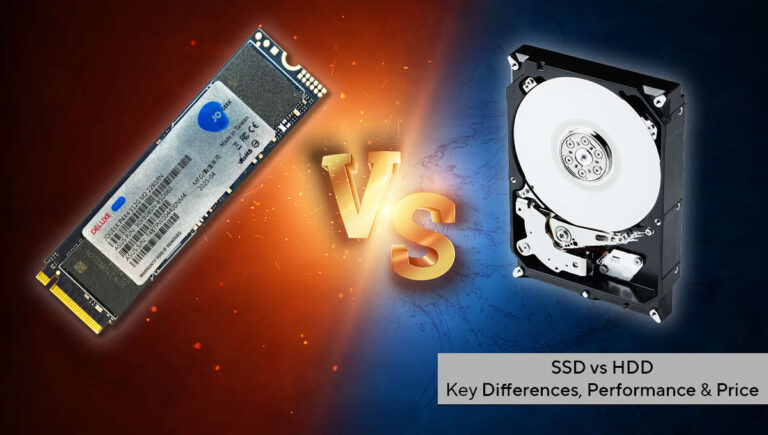
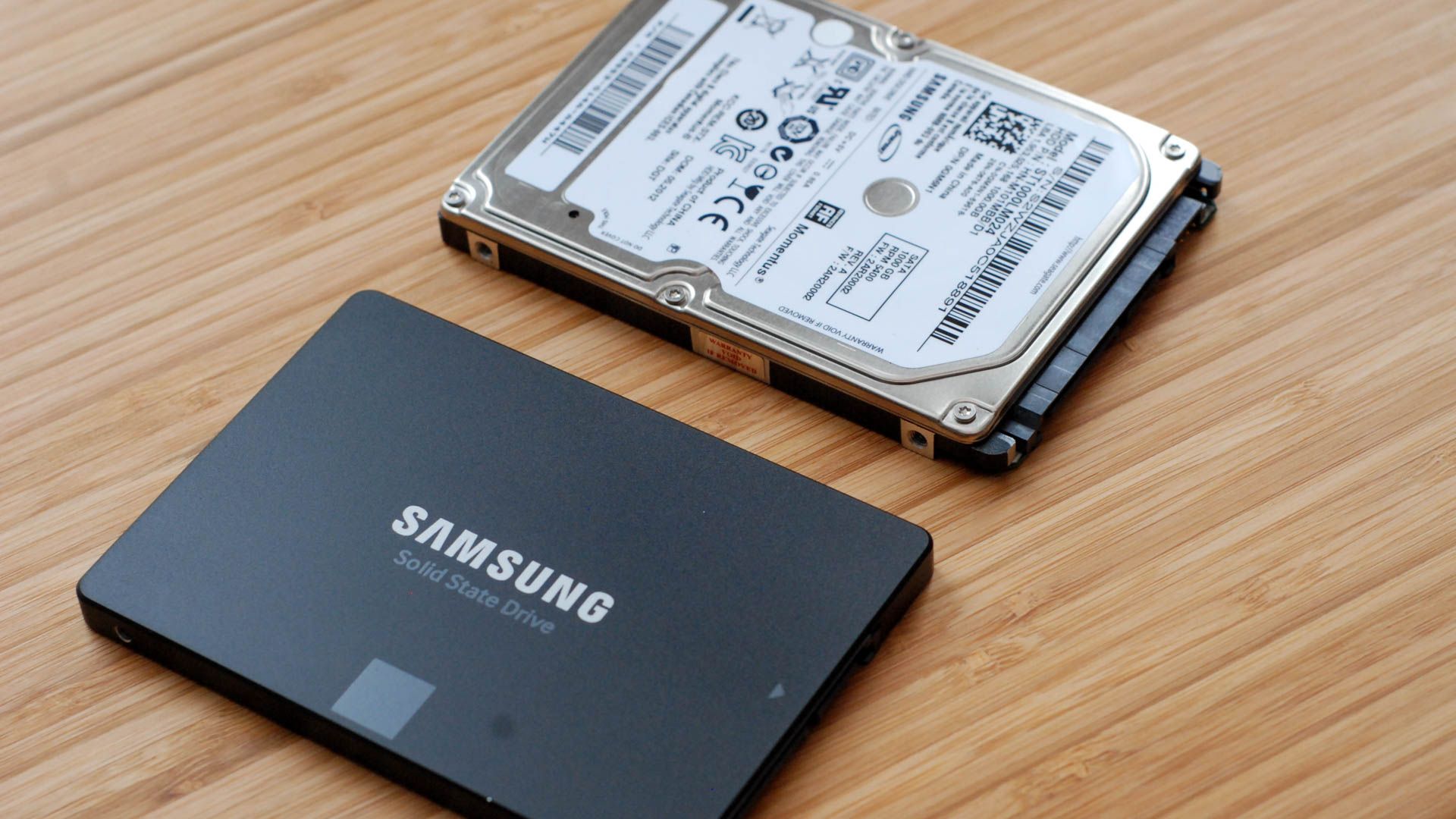
A solid-state drive (SSD) is a storage device that uses flash memory to hold data. Unlike spinning hard disk drives, an SSD has no moving parts. This difference is central to what does an ssd drive do: it reads and writes data faster, quieter, and with lower power use.
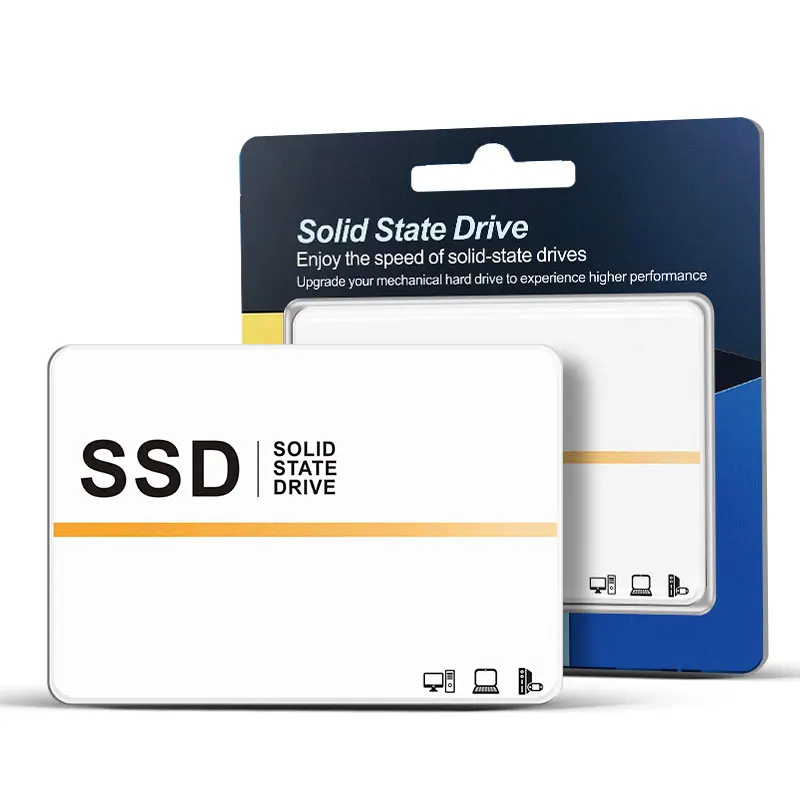
SSDs come in different shapes and sizes. Common form factors include 2.5-inch, M.2, and PCIe add-in cards. Each form factor affects speed, compatibility, and cost.
People buy SSDs to speed up boot times, load apps faster, and improve overall system responsiveness. If you wonder what does an ssd drive do for a laptop or desktop, the simple answer is it makes daily tasks feel much snappier.
How an SSD works: simple mechanics
An SSD stores data in flash memory cells. Controllers manage where data sits and how it moves. This controller is a tiny computer that handles reads, writes, and wear leveling.
Reads and writes happen electronically. That is why SSDs are fast. No mechanical seek time means near-instant access to files and programs.
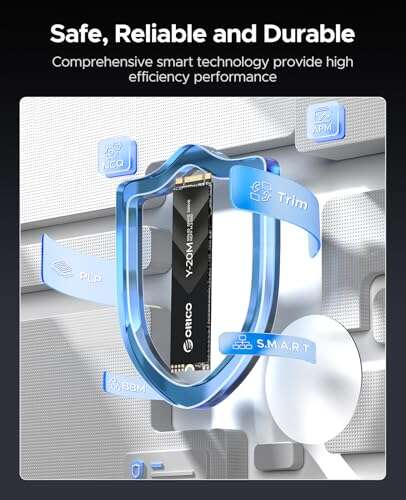
Trim and garbage collection help maintain speed over time. These features free unused cells and keep performance steady. Understanding these steps clarifies what does an ssd drive do behind the scenes.

Key benefits of using an SSD
Faster boot and app load times
• You’ll start your computer in seconds and open apps quickly.
Improved multitasking and responsiveness
• Heavy tasks like photo editing run more smoothly.
Lower power use and quieter operation
• Laptops gain better battery life and run cooler.
Durability and shock resistance
• No spinning parts means better resilience to drops and bumps.
These benefits explain why many users ask what does an ssd drive do when upgrading from an HDD. The gains are immediate and noticeable in everyday use.

Limitations and practical downsides
Cost per gigabyte is higher than HDDs
• You’ll pay more for the same storage size.
Finite write cycles
• Flash cells wear out slowly. Modern SSDs last long for most users.
Capacity vs. value trade-offs
• For massive backups or archives, HDDs can still make sense.
Compatibility and slot limits
• Older systems may lack M.2 or NVMe slots, which affects what does an ssd drive do for upgrades. Know your system before buying.
Types of SSDs and form factors
SATA SSDs
• Use the older SATA interface and offer big improvements over HDDs. Good for most upgrades.
NVMe SSDs
• Use PCIe lanes for much higher speeds. Best for heavy tasks and gaming.
M.2 form factor
• Small stick-shaped drives that can be SATA or NVMe. Check your motherboard compatibility.
PCIe add-in cards
• Fit in desktop slots and deliver top-end performance. Ideal for workstations and servers.
Knowing these options answers different versions of what does an ssd drive do based on use case and budget.

Performance: speeds, benchmarks, and real-world impact
Sequential and random speeds matter. Sequential speeds help with large file transfers. Random speeds and IOPS control how fast apps and small files launch.
Benchmarks show NVMe SSDs can be multiple times faster than SATA SSDs. In real life, this translates to faster boot times and quicker app start-up.
When you test what does an ssd drive do on a system, expect immediate responsiveness gains. But note that beyond a certain point, raw speed has diminishing returns for everyday tasks.

Lifespan, reliability, and maintenance
SSD lifespan is measured in TBW (terabytes written) or drive writes per day. For normal home use, a typical SSD lasts many years. Enterprise drives use higher endurance ratings.
Keep firmware updated and enable TRIM for healthy performance. Backups remain essential because SSD failure, while rare, can still happen.
I once relied on an SSD without backups and learned the hard way after a controller failure. Regular backups saved months of work. That experience shaped how I treat what does an ssd drive do in real projects.

How to choose the right SSD for you
Assess your needs
• Are you gaming, editing video, or looking for general speed?
Check compatibility
• Verify available slots and supported interfaces on your device.
Balance capacity and budget
• Pick a primary fast SSD for OS and apps, and a larger drive for storage if needed.
Look at endurance and warranty
• Higher TBW and longer warranty give peace of mind.
This checklist helps you decide what does an ssd drive do for your setup, and ensures you buy the right drive.
Installation and simple migration steps
Create a backup of important files first. Use cloning software or a clean OS install for the new SSD. Physically mount the drive, connect power and data, or insert the M.2 module.
Enable AHCI or NVMe drivers in BIOS when needed. Verify TRIM is active in the OS and let the system optimize the drive after setup.
These steps make upgrading to an SSD painless and show clearly what does an ssd drive do once it’s in your system.
Real-world use cases and examples
Everyday laptop upgrades
• Swapping an HDD for a SATA SSD gives instant speed gains.
Gaming rigs
• NVMe SSDs reduce load times and improve texture streaming.
Content creation
• Video editors benefit from fast scratch disks and quick previews.
Servers and caching
• SSDs improve database and web server responsiveness.
From my builds and customer upgrades, SSDs deliver the most noticeable improvement for midrange systems. If you ask what does an ssd drive do to transform an old laptop, the answer is: give it a second life.
Practical tips and mistakes to avoid
Don’t skimp on warranty and brand reputation.
• Cheap, no-name SSDs can fail earlier and lack support.
Leave some free space
• Keeping 10–20% free helps with wear leveling and steady performance.
Avoid constantly filling and deleting huge files
• Heavy write cycles reduce lifespan faster.
Keep firmware current and use TRIM
• These simple steps maintain speed and health.
These tips reflect lessons I learned while supporting multiple builds and help you get the most from what does an ssd drive do.
Frequently Asked Questions of what does an ssd drive do
What does an SSD drive do for my computer speed?
An SSD speeds up boot, app launch, and file access by using flash memory with no moving parts. The result is a much snappier user experience than with an HDD.
Can an SSD fail and lose data?
Yes, SSDs can fail, though uncommon. Regular backups are essential to protect your data.
Is an SSD worth it for gaming?
Yes, an SSD reduces load times and improves texture streaming, making games feel smoother. NVMe drives offer the best performance improvements.
How long does an SSD typically last?
Most consumer SSDs last many years under normal use, often outliving the device they are in. Endurance metrics like TBW give a clearer estimate.
Do I need a special cable or slot to install an SSD?
It depends on the form factor. SATA SSDs need a SATA cable and power. M.2 NVMe SSDs plug into an M.2 slot, without extra cables. Check your system compatibility.
Conclusion
Solid-state drives transform how your PC feels and performs. They speed up boot times, make apps launch instantly, and cut power use while adding durability. Knowing what does an ssd drive do helps you pick the right drive and use it well.
Take action: check your system, pick a compatible SSD that fits your needs, and back up before you migrate. Share your upgrade experience or questions below, and subscribe for more practical tech guides.

Everett Ashford is a tech reviewer at mytechgrid.com specializing in SSDs, cameras, TVs, earbuds, headphones, and other consumer electronics. He provides honest, data-driven reviews based on hands-on testing and real-world performance analysis. Everett simplifies complex tech details to help readers make smart, confident buying decisions.