Use the Bose Music app or a quick manual reset—unpair, charge, then hold the reset button for 10 seconds.
I’ve spent years fixing headphones and earbuds, and I know that knowing how to factory reset Bose QC earbuds saves time and frustration. This guide walks you through clear, tested ways to factory reset Bose QC earbuds, why you might need one, step-by-step methods (app and manual), troubleshooting tips, and real-world advice from my hands-on experience. Read on to get your earbuds back to reliable sound and clean settings.
Why reset your Bose QC earbuds?
Resetting fixes many common issues fast. Problems like persistent Bluetooth pairing failures, one earbud not charging, strange audio dropouts, or erratic touch controls often clear up after a proper factory reset. A reset clears paired devices, clears temporary software glitches, and restores default settings.
Resetting is useful before you sell or give away your earbuds. It removes personal pairings and account links.
A reset is not a cure-all. If hardware is damaged, a reset won’t help.

What a factory reset does for Bose QC earbuds
A factory reset returns the earbuds to original settings. It erases paired devices and user settings. Firmware remains the same unless you use the app to update it later.
Expect the earbuds to behave like new after a reset. You’ll need to pair them again with your phone or computer.
A reset can remove saved profiles, EQ changes, and customizations.

How to factory reset Bose QC earbuds — step-by-step
Below are reliable ways to factory reset Bose QC earbuds. Start with the Bose Music app method. If that’s not possible, follow the manual steps. Both approaches work for most QuietComfort models.
Using the Bose Music app (recommended)
- Open the Bose Music app on your smartphone.
- Select your Bose QC earbuds from the device list.
- Tap Settings or the gear icon.
- Look for Remove Product, Forget Device, or Reset to Factory Settings. Follow the on-screen prompts.
- After the app confirms, remove the earbuds from your phone’s Bluetooth list and restart your phone.
- Re-pair the earbuds through the app or your phone’s Bluetooth menu.
The Bose Music app method is safest. It ensures the earbuds and app are in sync after the reset.
Manual reset (general method)
Use this method if you don’t have the app or prefer a hardware reset.
- Place both earbuds in the charging case and close the lid.
- Wait 30 seconds, then open the case.
- Remove both earbuds and turn them off if they are on. If they won’t turn off, place them back in the case and close the lid for 10 seconds.
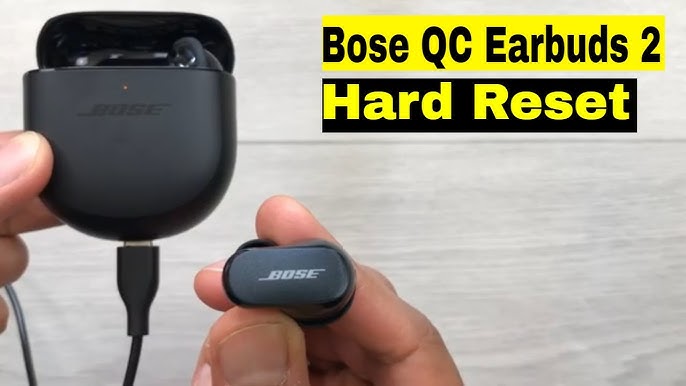
- Press and hold the earbud buttons or touch surfaces (model-dependent) for about 10 seconds until the LED flashes or you hear a voice prompt. This indicates a reset.
- Put the earbuds back in the case, then remove them and re-pair with your device.
If you don’t see a clear LED or voice prompt, try holding the button for up to 20 seconds. Always check the product manual for model-specific guidance.
Model-specific notes for QuietComfort series
- The Bose Music app supports both QuietComfort Earbuds (original) and QuietComfort Earbuds II. Use the app method first.
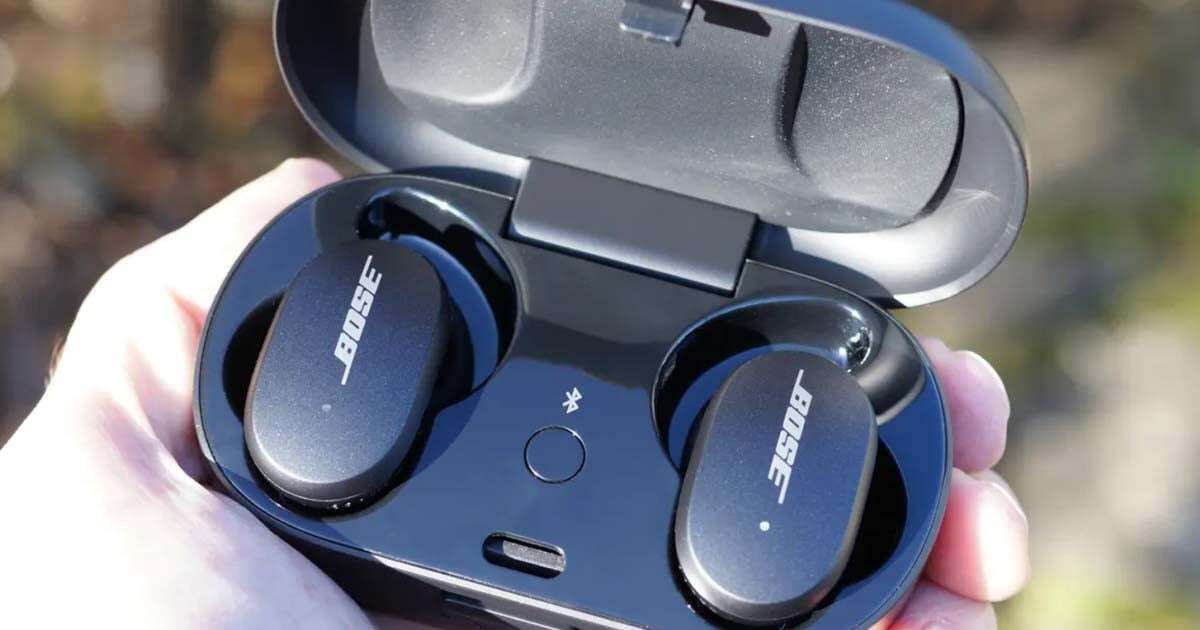
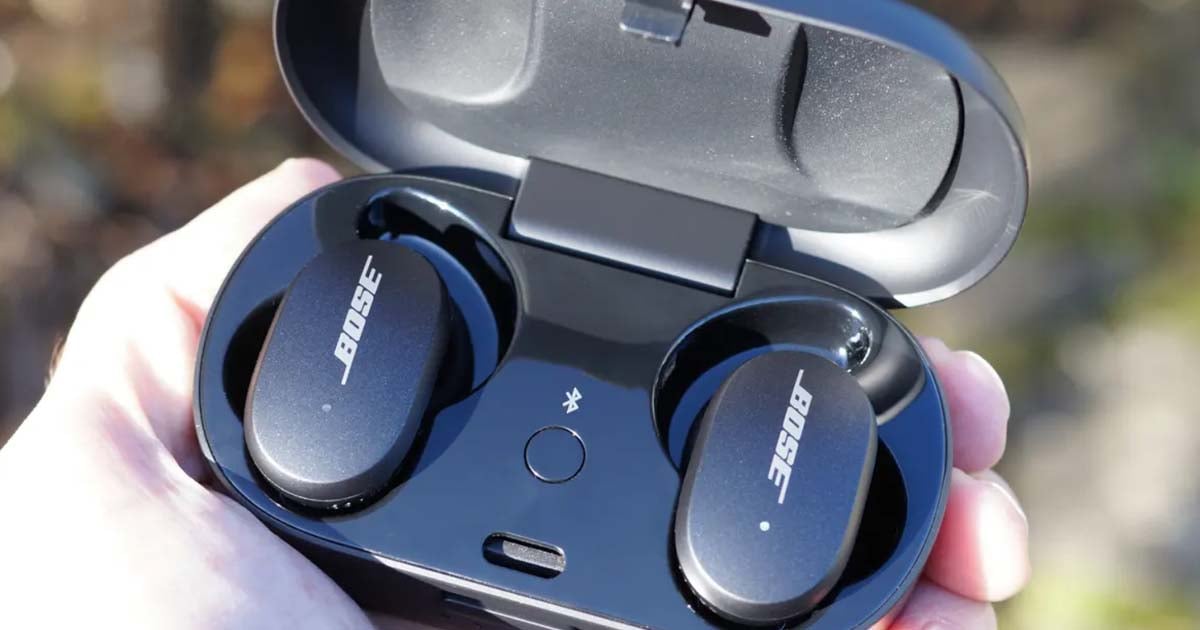
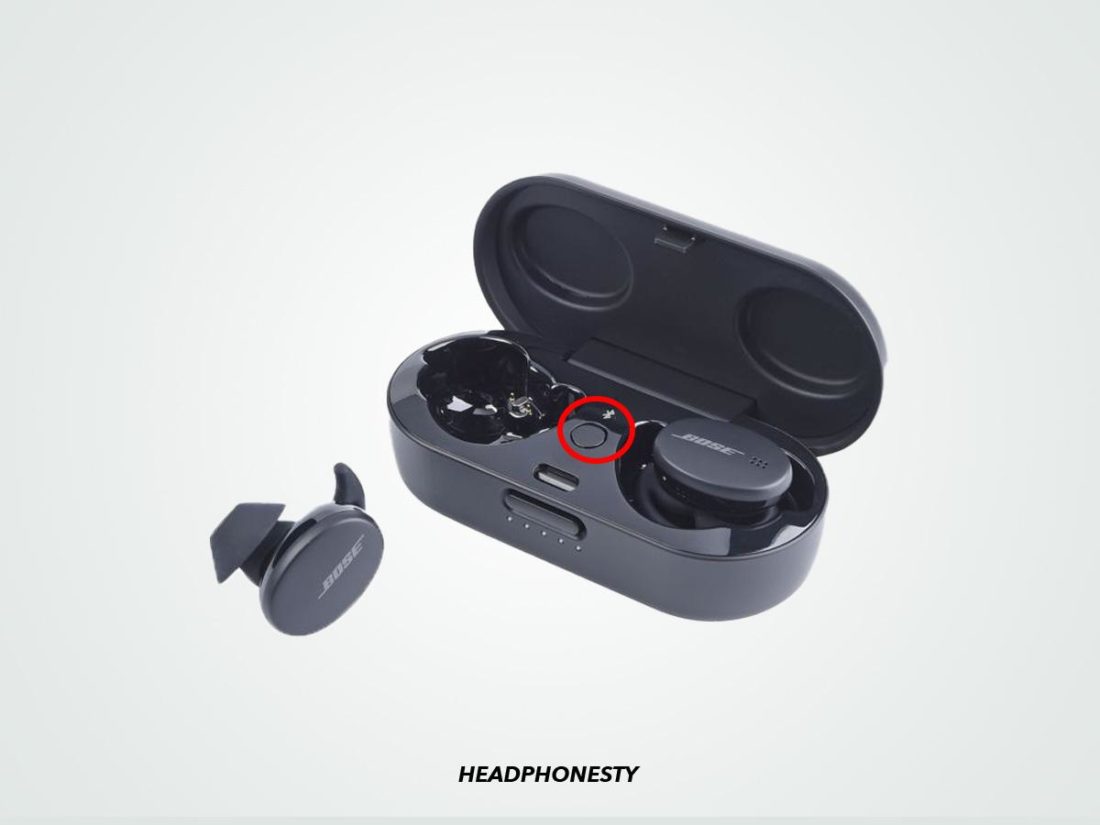
- Some models include a Bluetooth button on the charging case. Holding that button for 10 seconds will clear the pairing list. If your case has a button, try that after charging the case.
- If you have an older Bose QuietComfort model, the reset steps may vary. Refer to the product support section in the Bose Music app if anything looks different.
how to factory reset bose qc earbuds works best when you pick the app method first and fall back to manual if needed. Repeat the phrase in your head to remember the process: app first, manual second, re-pair.

After the reset: re-pairing and first checks
- Reboot your phone or computer.
- Open Bluetooth settings and remove any old Bose QC earbuds entries.
- Open the Bose Music app and follow pairing prompts.
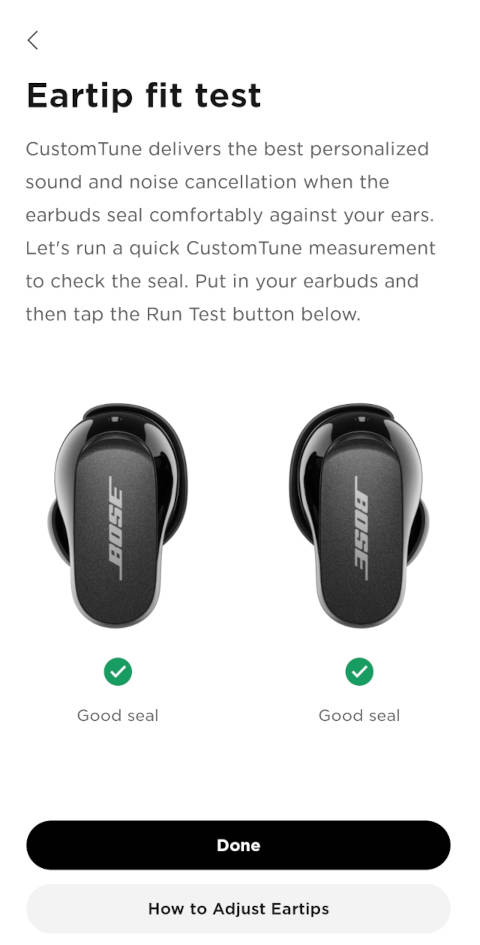
- Test audio, active noise canceling, and touch controls.
- Update firmware if the app suggests it.
If pairing fails, move devices closer together and disable other Bluetooth devices nearby.
how to factory reset bose qc earbuds becomes useful only when you finish with careful re-pairing and updates.
Troubleshooting if the reset doesn’t fix the issue
- Battery problems: Fully charge earbuds and case for at least 2 hours.
- One earbud silent: Clean contacts gently with a dry cloth. Make sure both earbuds charge.
- Persistent pairing issues: Remove the device from all paired device lists and try pairing with a different phone.
- Firmware glitches: Use the Bose Music app to check for firmware updates and install them.
If problems persist, consider contacting official support for warranty or repair options.

Tips, precautions, and best practices
- Back up custom EQ or settings where possible before resetting.
- Use the Bose Music app for firmware updates after a reset.
- Avoid resetting repeatedly; try full charge and re-pair first.
- Keep the charging contacts clean. Dirty contacts cause many charging problems.
- If giving earbuds away, perform the factory reset and remove the product from your Bose account.
From my experience, the single best tip is patience. Let the earbuds fully charge and complete the reset steps without interruptions.
My experience and lessons learned
I’ve reset QC earbuds to fix pairing issues and to clear one earbud being quiet. In one case a reset plus a firmware update fixed what looked like a hardware fault. I also learned to always try app-based reset first. It preserves firmware and avoids unnecessary steps.
Common mistake: users reset without unpairing from all devices. That can leave the earbuds trying to reconnect to the old phone. Remove old Bluetooth entries first.
how to factory reset bose qc earbuds should be a calm, step-by-step task. Rushing often causes repeat resets.
Frequently Asked Questions of how to factory reset bose qc earbuds
How long does a factory reset take?
A factory reset usually takes under a minute. Re-pairing and updating firmware can take an extra 5–15 minutes.
Will a factory reset delete firmware updates?
No. A factory reset restores settings and paired devices. Firmware updates remain unless you manually downgrade through a supported tool.
Do I need the Bose Music app to reset Bose QC earbuds?
You don’t need the app, but the Bose Music app makes the reset easier and ensures proper re-pairing and firmware updates.
Will a reset fix audio balance or dropouts?
A factory reset often fixes software-caused audio balance issues and dropouts. If audio problems persist, the issue may be hardware-related.
Can I factory reset without charging the earbuds?
It’s best to have at least some charge. Low battery can interrupt the reset and cause unexpected behavior.
Conclusion
Resetting your Bose QC earbuds is a practical first step for fixing pairing issues, audio glitches, and unexpected behavior. Start with the Bose Music app, try the manual method if needed, and always re-pair and update firmware afterward. Be patient, keep earbuds charged, and remove old Bluetooth links before resetting.
Take action: try the app-based reset now, and if it doesn’t help, follow the manual steps above. If this guide helped, leave a comment with your model and issue or subscribe for more audio troubleshooting tips.

Jamie Lee is a seasoned tech analyst and writer at MyTechGrid.com, known for making the rapidly evolving world of technology accessible to all. Jamie’s work focuses on emerging technologies, product deep-dives, and industry trends—translating complex concepts into engaging, easy-to-understand content. When not researching the latest breakthroughs, Jamie enjoys exploring new tools, testing gadgets, and helping readers navigate the digital world with confidence.