Tilt, tap, dry, and use silica packs or warm air—never high heat—to remove water from earbuds.
I’ve spent years repairing small electronics and testing earbuds, so I know what works and what damages them. This guide explains, step by step, how to get water out of earbuds safely, how to test them afterwards, and how to avoid repeated water damage. Read on for practical tips, proven drying methods, common mistakes to avoid, and real-life advice you can use right now to save your earbuds.

Why water in earbuds is a problem
Water inside earbuds can short circuits, corrode contacts, and damage drivers. Moisture also causes muffled sound, crackling, or one side to stop working. Many modern earbuds are water-resistant but not waterproof; a little splash may be fine, but immersion or prolonged exposure can cause internal damage.
Knowing how to get water out of earbuds quickly reduces the chance of permanent failure. Acting fast and using gentle, safe methods makes repair or replacement less likely. Follow the steps below to protect your earbuds and your wallet.

Immediate steps to take right after exposure
- Remove earbuds from ears and power them off if possible.
- Gently shake each earbud with the speaker side facing down to push water out.
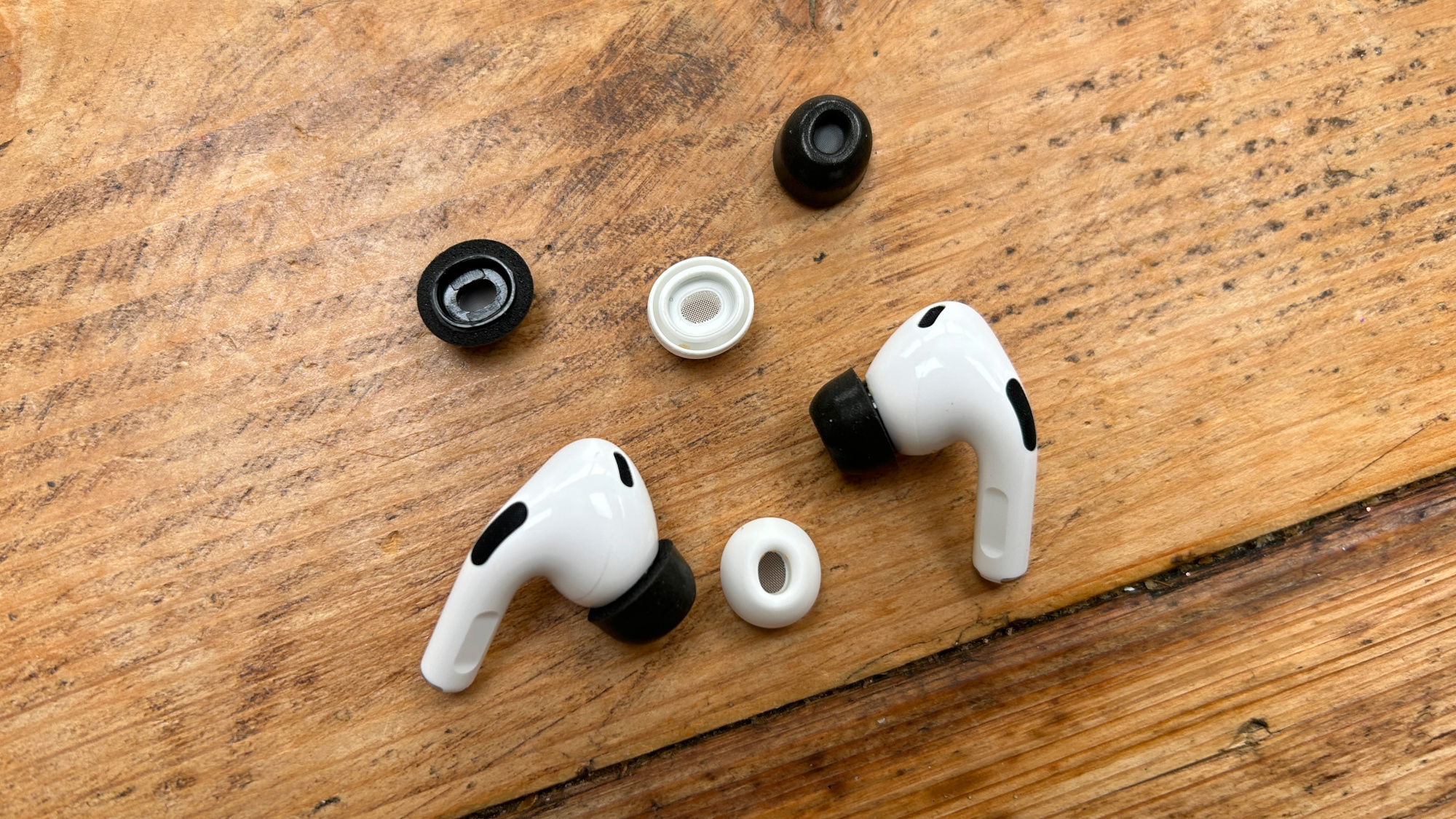
- Remove any detachable tips or covers and wipe them with a dry cloth.
- If they are wired, unplug them. If they are wireless, open the case and remove earbuds if possible.
These first actions reduce surface water and lower the risk of short circuits. They are the first part of how to get water out of earbuds safely and effectively.

Drying methods that actually work
Below are safe, reliable methods to dry earbuds. Use one or a combination, but avoid heat above body temperature.
-
Pat and air-dry
- Use a soft, lint-free cloth to pat away visible water.
- Let earbuds air-dry in a warm, dry room for several hours with openings facing down.
-
Use silica gel packs
- Place earbuds in a small sealed container or zip bag with several silica gel packs.
- Leave them for 24–48 hours. Silica is fast and safe for electronics.
-
Use a gentle vacuum or suction
- Use a small hand vacuum or a specialized electronics vacuum at low power.
- Hold the earbud with the speaker opening facing the vacuum for short bursts to draw water out.
-
Use gentle warm air
- Use a fan or set a hair dryer to the coolest, lowest airflow and hold it 8–12 inches away.
- Move the dryer continuously. Do not use high heat; this can melt glue and damage seals.
-
Use slow desiccation (long-term)
- Place earbuds in a sealed container with rice or silica and leave for 48–72 hours.
- Rice is less effective than silica but can work if nothing else is available.
When you’re deciding how to get water out of earbuds, prioritize low heat and controlled moisture-absorbing methods. I’ve found silica gel to be the fastest and most reliable in tests. A five-hour fan dry plus silica overnight fixed earbuds that had been splashed during a run.
Methods to avoid
- Never submerge earbuds in alcohol or solvents to "displace" water. This can dissolve adhesives and damage coatings.
- Avoid high heat from ovens, microwaves, or hot hair dryers. Higher temperatures can warp plastic and damage batteries.
- Don’t blow hard into earbuds with your mouth. Saliva can introduce contaminants and bacteria.
- Don’t open sealed earbuds unless you have proper tools and experience. You can void warranties and damage fragile parts.
These unsafe practices often make problems worse. When learning how to get water out of earbuds, safety and slow drying beat quick fixes.

Testing and restoring your earbuds
After drying, test your earbuds step by step.
-
Visual inspection
- Check speaker grills, charging contacts, and seams for residue or corrosion.
-
Power and pairing
- For wireless earbuds, charge the case first, then try pairing. For wired, plug into a low-volume source.
-
Sound test
- Play audio at low volume for one minute. Gradually increase to normal levels while listening for distortion, buzzing, or channel dropouts.
-
Functional checks
- Test controls, microphones, and charging status. Note any intermittent behavior.
If one earbud still fails after drying, swap left/right files or reset the earbuds per manufacturer instructions. If problems persist, corrosion or battery damage could be the cause; consider professional repair.
How to prevent water in earbuds
-
Choose the right IP rating
- Look for earbuds with a high IP rating if you plan to use them while working out or in rain. IPX4 resists splashes; IPX7 tolerates immersion.
-
Use protective accessories
- Water-resistant cases and ear hooks help keep earbuds dry during sweat or wet weather.
-
Dry after use
- Wipe earbuds and case after use. Let them air out before sealing the case.
-
Mind charging ports and contacts
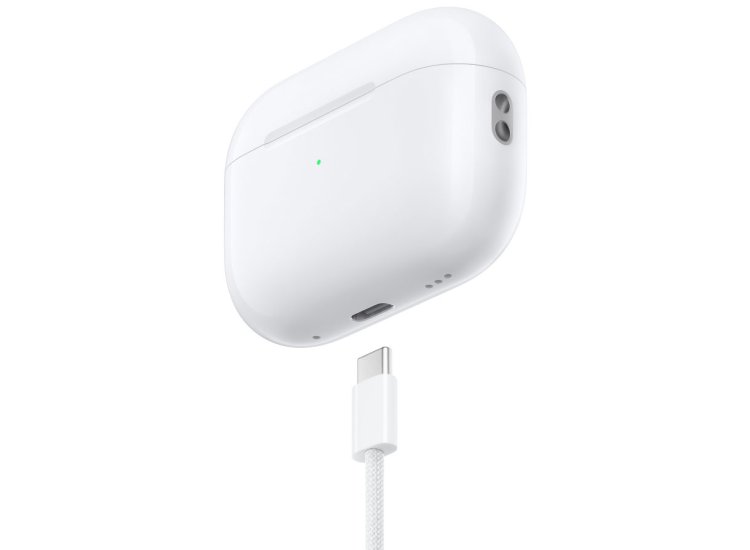
- Ensure charging ports are dry before placing earbuds back in the case. Moisture in the case can spread to the buds.
Preventive care is the easiest way to avoid needing to know how to get water out of earbuds in the first place. Small habits prevent big headaches.
When to seek repair or replacement
Seek professional help or replacement when:
- A wireless earbud won’t charge after thorough drying.
- You detect corrosion on metal contacts or battery swelling.
- Sound is permanently distorted despite drying and resets.
- The device is under warranty and manufacturer repair is available.
Professional repair can be expensive. If earbuds are inexpensive, replacement may be more cost-effective. Be honest about cost versus value when deciding.

Personal tips and real-world lessons
I once dropped Bluetooth earbuds in a puddle while running. I followed these steps: power off, remove tips, shake gently, use silica packs overnight, and then one more fan session. They worked fine afterward. From that experience, I learned to always carry spare tips and a small pouch of silica packs in my gym bag.
Common mistakes I’ve seen include using high heat or attempting to open earbuds at home. Those moves often cause permanent damage. Slow and steady drying saves more earbuds than frantic fixes.
PAA-style questions you might be asking
-
Can rice save my earbuds?
- Rice can absorb moisture, but it’s slower and less effective than silica gel. Use rice only if you have no other options.
-
How long should I dry earbuds after water exposure?
- Aim for at least 24–48 hours with silica gel, or 48–72 hours with rice. Faster methods like vacuum and fan can shorten that time.
-
Are wireless earbuds waterproof?
- Some are water-resistant or waterproof to certain levels. Check the IP rating to know how much exposure is safe.
Frequently Asked Questions of how to get water out of earbuds
How long should I wait before testing earbuds after drying?
Wait at least 24 hours with silica gel and 48–72 hours with rice. Ensure they feel dry and show no visible moisture before powering on.
Can I use a hair dryer to dry earbuds?
Only use a hair dryer on the coolest, lowest setting and keep it several inches away. Never use prolonged heat or high temperatures.
Will warranty cover water damage?
Many warranties exclude water damage unless the product is rated waterproof or the manufacturer specifically covers liquid damage. Check your warranty terms.
Are silica gel packs safe for earbuds?
Yes. Silica gel is safe and effective for absorbing moisture in sealed containers. Use several packs for best results.
What if one earbud still sounds muffled after drying?
Try swapping tips, checking for debris in the grill, and running low-volume audio. If muffling persists, internal damage or corrosion may need professional repair.
Conclusion
Knowing how to get water out of earbuds can save you time and money. Act fast, use gentle drying methods like silica gel, vacuum, or fan airflow, and avoid heat or solvents that can cause further damage. Test methodically after drying and weigh repair costs against replacement if problems persist.
Take action now: keep a small kit (lint-free cloth, silica packs, soft brush) in your bag, try the safe steps above next time your earbuds get wet, and leave a comment sharing your experience or questions.

Everett Ashford is a tech reviewer at mytechgrid.com specializing in SSDs, cameras, TVs, earbuds, headphones, and other consumer electronics. He provides honest, data-driven reviews based on hands-on testing and real-world performance analysis. Everett simplifies complex tech details to help readers make smart, confident buying decisions.