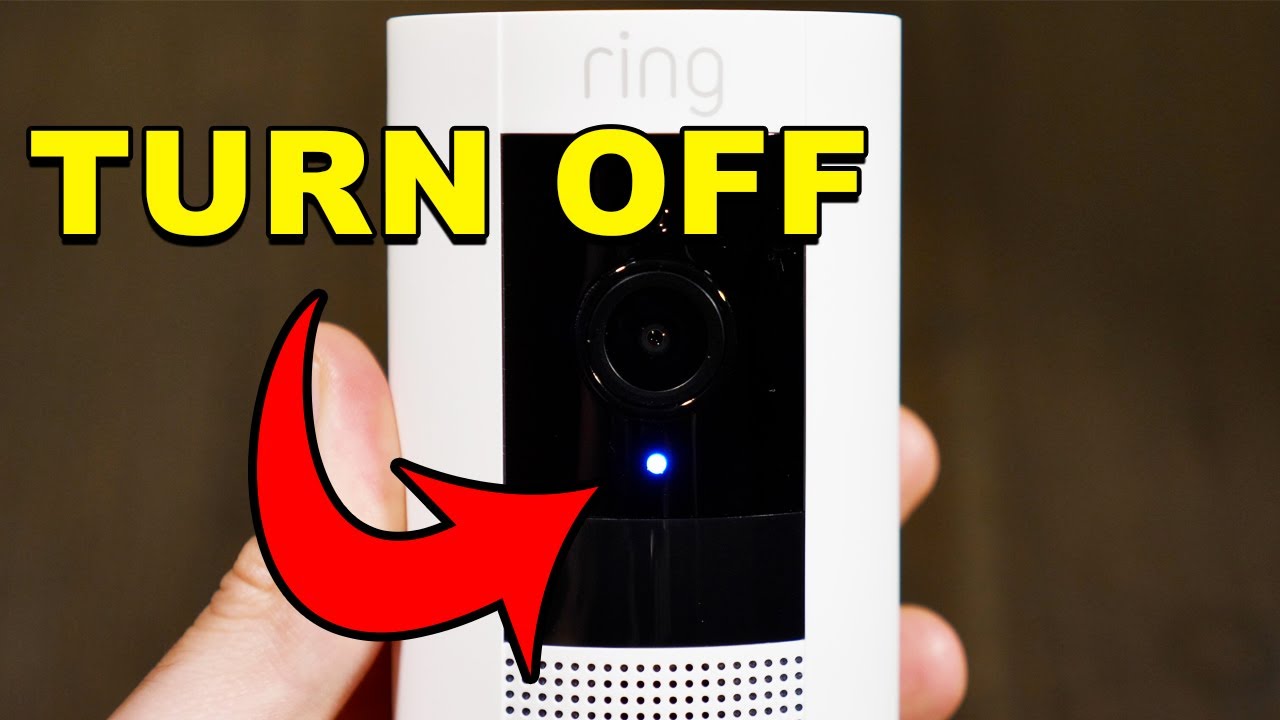
You can turn a Ring camera off by removing power or disabling recording features in the Ring app.
I’ve helped people secure homes and respect privacy for years. This guide walks you step by step through how to turn ring camera off. You’ll learn safe ways for battery and wired models, app settings that stop recording, and the pros and cons of each approach. Read on for practical tips, real-world experience, and quick fixes you can use today.

Why you might want to turn Ring camera off
People turn a camera off for many reasons. You may need privacy during a gathering. You might do home repairs. You could want to save battery or stop false alerts. Knowing how to turn ring camera off helps you pick the right method for your situation.
Turning a camera off can mean stopping recordings or fully cutting power. Some ways are fast and reversible. Some are permanent until you restore power. I will explain each option so you can choose safely.
how to turn ring camera off — main methods
There are five main ways to turn a Ring camera off. Choose the one that fits your model and your goal.
- Remove power physically. This is the surest way to stop the camera.
- Remove the battery for battery models. Simple and reliable.
- Unplug wired cameras or switch off the circuit breaker. Do this for wired doorbells.
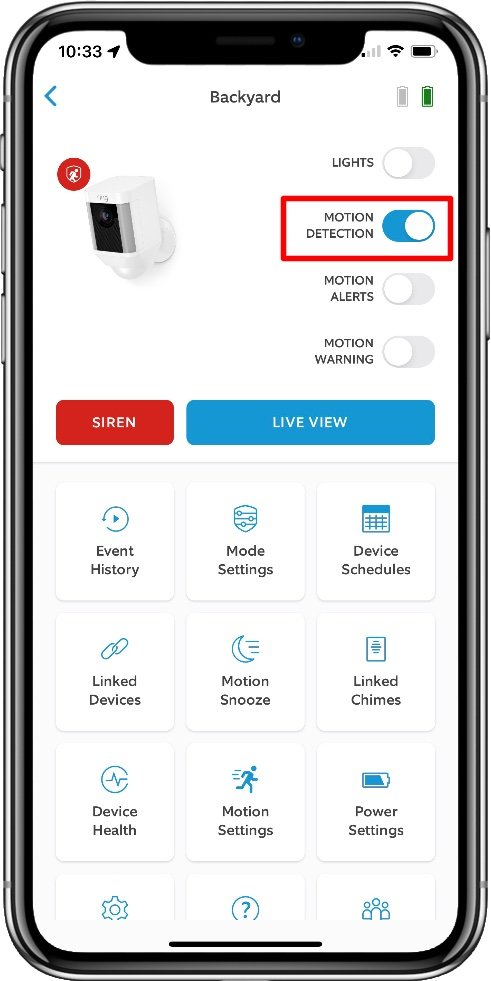
- Use the Ring app to stop motion recording and Live View. This leaves the camera powered but silent.
- Remove the device from your Ring account. This disconnects the device from your profile.
Each method has upsides and limits. I’ll expand on each below so you can do it safely.

How to turn ring camera off using the Ring app
The Ring app can stop alerts and recordings without cutting power. This is handy when you want a quick, reversible change. It is not a full power off.
Steps to disable recording and alerts:
- Open the Ring app on your phone.
- Tap Devices and choose your camera.
- Tap Device Settings, then Video or Privacy settings.
- Toggle off Record Motion or Motion Alerts. Also check Live View settings and disable Live View if available.
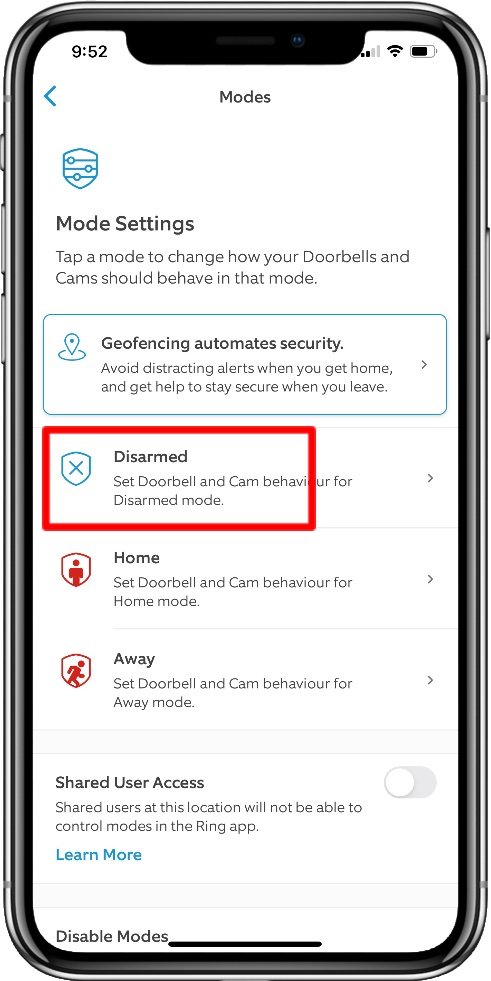
- Use Modes to set Disarmed for times you want the camera inactive.
What this does: It stops motion recording and alerts. The camera stays connected and can still get updates. If you want no activity at all, consider removing power.
How to turn ring camera off by removing power (battery models)
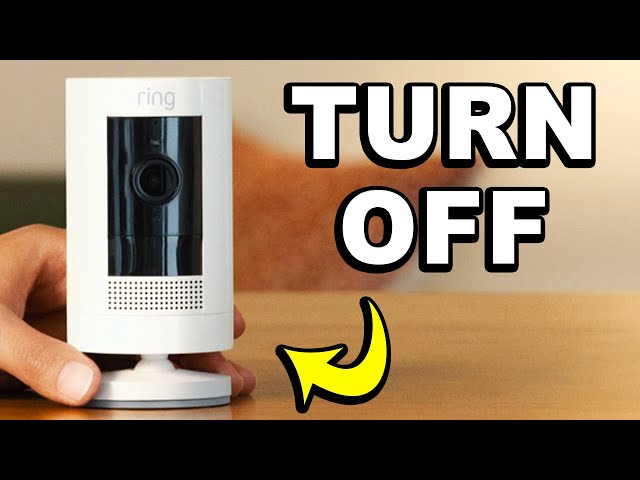
Removing the battery is the cleanest off for battery Ring cameras. It stops all recording and transmission.
Typical steps:
- Remove the camera from its mount if needed.
- Press the battery release button and slide out the battery pack.
- Store the battery in a cool, safe place.
Note: Some models use a built-in battery or are hard to remove. Check your model guide. If you remove the battery, the camera cannot record, stream, or upload firmware updates until power is restored.
How to turn ring camera off for wired doorbells and cameras
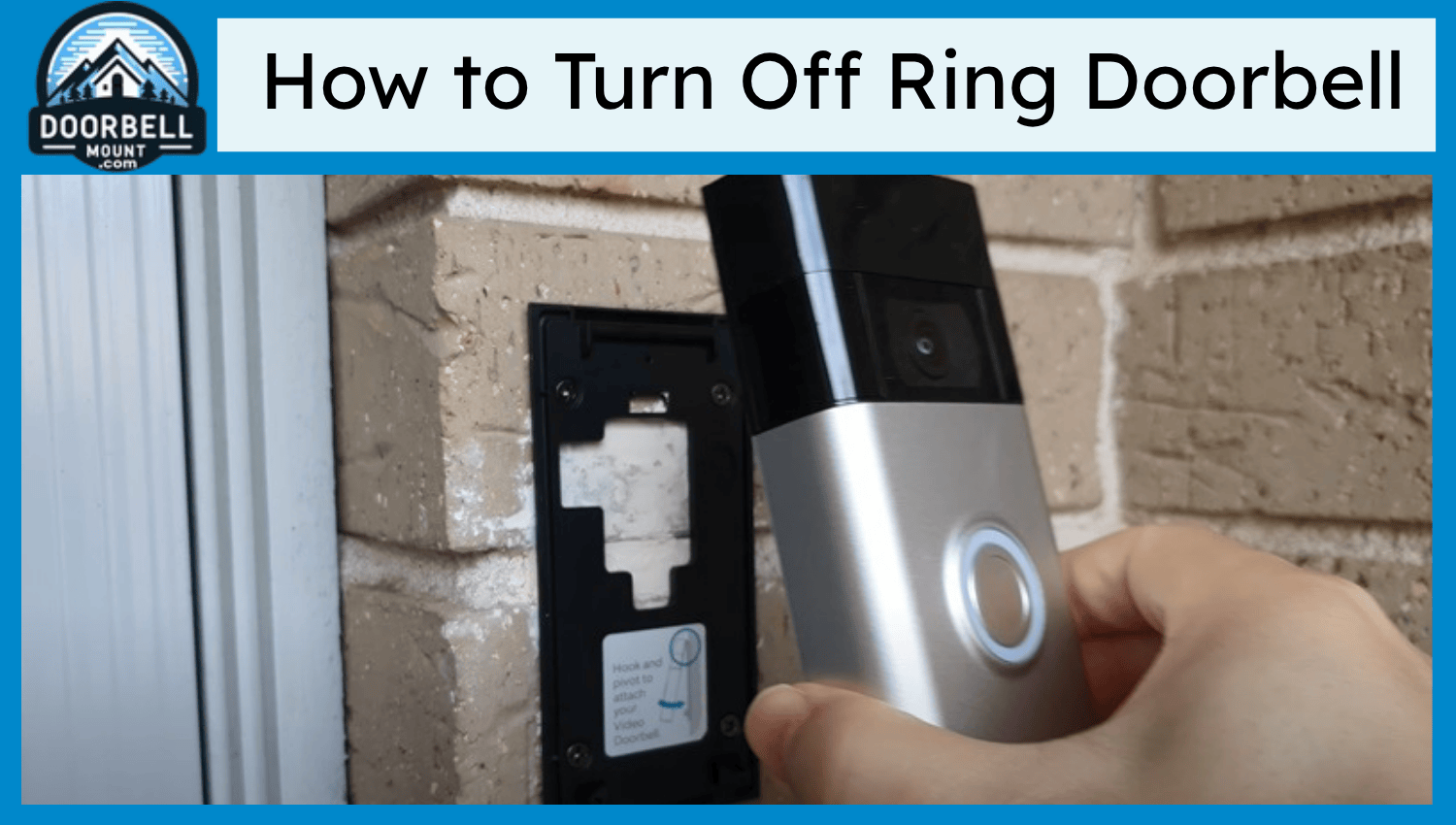
For wired Ring devices, you must cut the power source. Do this safely.
Safe steps:
- Turn off the breaker that controls the doorbell or camera. Confirm power is off before touching wiring.
- Unplug the transformer if your setup uses one.
- For outdoor cameras on an outlet, unplug the power adapter.
Warning: Wired systems can store energy. Turn off power at the breaker to avoid shocks. If unsure, hire a licensed electrician.

How to turn ring camera off by removing the device from your Ring account
Removing a device from your Ring account stops remote access and cloud uploads. It is a good step if you are giving away or selling the camera.
Steps:
- Open the Ring app and select the device.
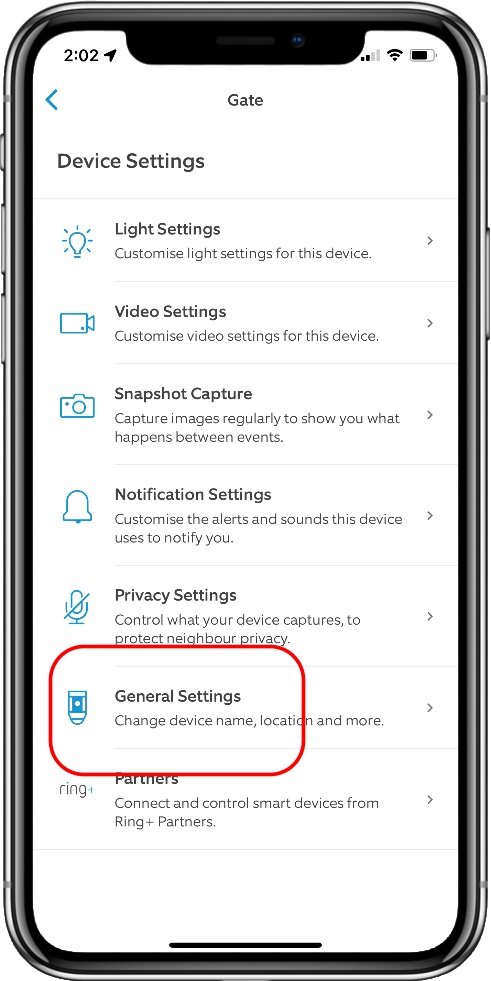
- Tap Device Settings, then General Settings.
- Choose Remove This Device or Remove from Account.
- Follow the prompts to confirm removal.
Note: Removing the device does not guarantee power off. The camera may still be on if physically powered. For full shutdown, combine removal with power cut.
Using Modes, Privacy Zones, and Motion Settings to limit activity
If you want privacy without full shutdown, use app controls. Modes let you stop recording when you are home. Privacy Zones reduce the area the camera watches.
How to use them:
- Create or edit Modes in the Ring app to set Disarmed during certain times.
- Set Privacy Zones in the Motion Settings to block sensitive areas.
- Lower motion sensitivity to cut false recordings.
These tools help when you need partial privacy. They do not fully power off the device. If you need absolute off, remove power.
Troubleshooting common issues when you try to turn Ring camera off
If the camera still seems active, check these points.
- The app settings did not save. Close and reopen the app. Reapply changes.
- The device is battery-backed or connected to another power source. Verify power is removed at the source.
- Firmware or updates may briefly reconnect the device. Wait a few minutes and check again.
If you still see issues, restart the camera after making changes. For wired systems, check the breaker or transformer.
Personal experience and practical tips
I once needed to stop a camera during a private family event. I first used Modes to disarm the camera. That worked for quick privacy. Later I removed the battery for full peace of mind.
Lessons I learned:
- Test your chosen method ahead of time. Make sure it does what you expect.
- If you need a full off, remove power. App settings can fail or be confusing.
- Label breakers or power adapters so you can cut power fast next time.
These small steps saved time and stress during the event. Try them yourself.
Safety, legal, and privacy considerations
Turning a camera off can affect safety. Cameras can deter theft and help with emergencies. Think before you disable a camera.
Legal points:
- Laws on recording differ by state. Do not assume you can record others without consent.
- Temporarily turning off a camera in a shared space may affect others’ safety expectations.
- If you remove the device from an account or disable features, document your action in case of disputes.
Be transparent with household members when you disable cameras. This builds trust and avoids surprises.
PAA-style quick questions
Q: Will disabling motion alerts stop all recordings?
A: Disabling motion alerts usually stops motion-triggered recordings, but the camera may still record Live View sessions or updates.
Q: Is removing the device from my account the same as turning it off?
A: No. Removing the device blocks account access and cloud storage but does not cut device power.
Q: Can Ring cameras turn themselves back on after power is cut?
A: If you restore power, the camera will restart and reconnect automatically. Firmware updates may run after power restoration.
Frequently Asked Questions of how to turn ring camera off
How do I turn a Ring camera off using the app?
Open the Ring app, select your device, go to Device Settings, and toggle off motion recording and Live View. Use Modes to set Disarmed for scheduled privacy.
Can I turn a wired Ring camera off without an electrician?
Yes, you can turn off the circuit breaker that powers the camera or unplug the transformer if accessible. If you are unsure about wiring, consult an electrician.
Will removing the battery void my Ring camera warranty?
Removing or replacing batteries usually does not void warranty, but damage from improper removal might. Check Ring’s warranty terms for your model.
Does turning off recording stop cloud storage?
Stopping recordings via the app prevents new clips from saving to the cloud. Existing cloud footage remains until it expires or you delete it.
Is there a “privacy mode” that fully turns off Ring cameras?
There is no universal single switch labeled “privacy mode” for all Ring devices. Use Modes, Motion Settings, or remove power to achieve full privacy.
Conclusion
You have clear choices for how to turn ring camera off. Use the app for quick, reversible limits. Remove the battery or cut power for a full shutdown. Remove the device from your account if you no longer want it linked to you. Test your chosen method so it meets your privacy and safety needs.
Act now: pick the method that fits your device and situation. Try it today, and comment with any questions or experiences.

Everett Ashford is a tech reviewer at mytechgrid.com specializing in SSDs, cameras, TVs, earbuds, headphones, and other consumer electronics. He provides honest, data-driven reviews based on hands-on testing and real-world performance analysis. Everett simplifies complex tech details to help readers make smart, confident buying decisions.