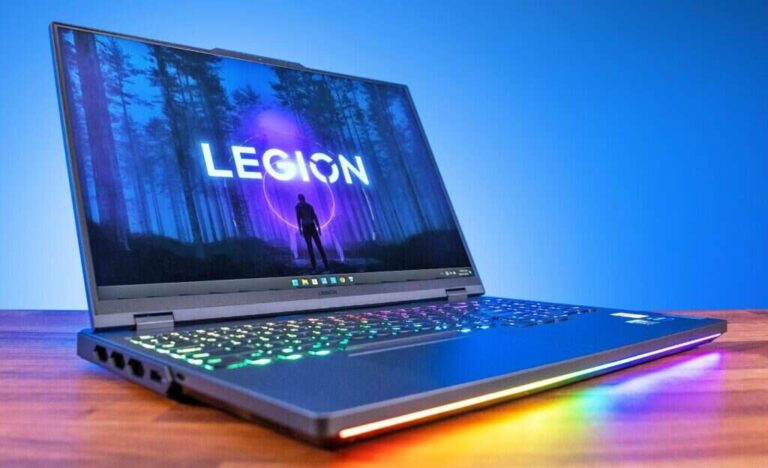
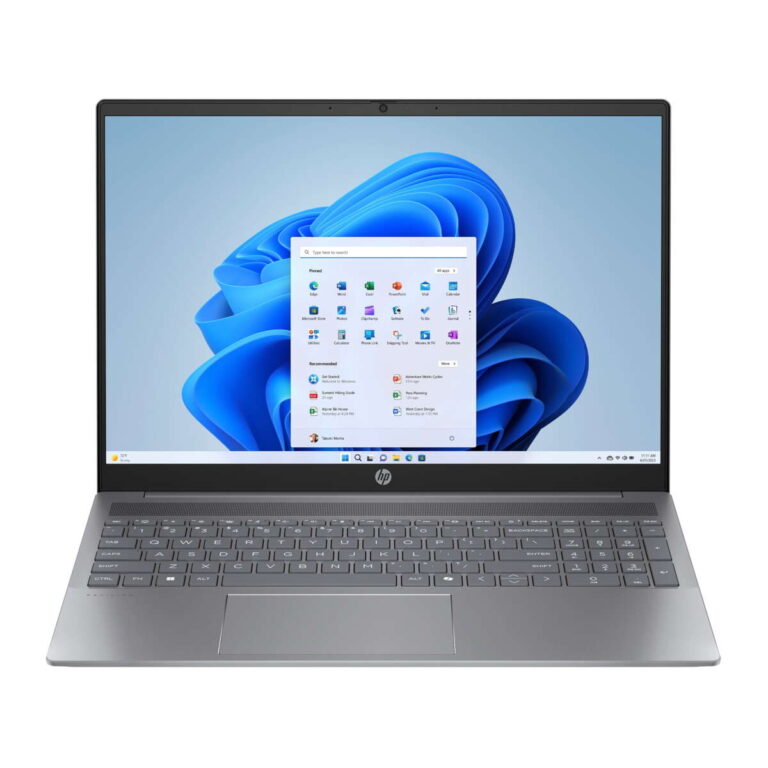
The best place to buy a new laptop depends on your budget, needs, warranty preferences, and comfort with online shopping.
Knowing where to buy a new laptop can save you money, time, and a great deal of stress. I’ve compared laptops from major retailers, manufacturer stores, and local shops, and the right choice is rarely about finding the lowest price alone. It is about matching a trusted seller with the right model, return policy, support plan, and long-term value.
Where to Buy a New Laptop: Your Main Options
You can buy a new laptop from several reliable places in the United States. Each option has clear strengths and limits, so the best choice depends on how much research you want to do and how much support you need after the sale.
The most common places to shop include:
• Manufacturer websites, such as Dell, Lenovo, HP, Apple, ASUS, Acer, and Microsoft
• Large online retailers, such as Amazon, Best Buy, Walmart, and Costco
• Electronics stores with physical locations
• Office supply stores
• Local computer shops and authorized dealers
• Refurbished marketplaces for certified refurbished devices
When deciding where to buy a new laptop, focus on seller reputation, product condition, warranty coverage, return terms, and total cost. A low price is not a bargain if the seller offers poor support or makes returns difficult.

Buying Directly From the Laptop Manufacturer
Buying directly from the manufacturer is often the safest choice for people who know which laptop they want. Official stores usually offer the widest range of configurations, including different processors, memory sizes, storage options, screens, and operating systems.
Manufacturer websites may also provide student discounts, business pricing, trade-in programs, and seasonal promotions. You can often customize a laptop before ordering it, which is helpful if you need more RAM or storage than the standard model includes.
Common manufacturer stores include:
• Dell and Alienware for business, home, and gaming laptops
• Lenovo for ThinkPad, IdeaPad, Yoga, and Legion models
• HP for Pavilion, Envy, Spectre, EliteBook, and Omen laptops
• Apple for MacBook Air and MacBook Pro
• ASUS for Zenbook, Vivobook, ROG, and TUF models
• Acer for affordable home, school, and gaming laptops
• Microsoft for Surface laptops and two-in-one devices
The main drawback is that manufacturer websites can make the buying process feel complex. Similar models may have small differences in screen quality, processor speed, battery size, or build materials. Read the specifications carefully before placing an order.
A personal lesson I learned is to compare the exact model number, not only the product name. Two laptops may both be called “Inspiron” or “IdeaPad,” but one may have twice the storage and a much better display.

Buying From Best Buy and Other Electronics Retailers
Best Buy remains one of the most useful places for people who want to see a laptop before buying it. You can compare screen sizes, keyboard comfort, trackpads, weight, and build quality in person. This matters because a laptop can look excellent online but feel uncomfortable after ten minutes of use.
Large electronics retailers often provide:
• In-store pickup
• Online price matching
• Extended protection plans
• Setup and data transfer services
• Trade-in programs
• Store-based returns
Best Buy is especially useful when you need a laptop quickly or want help from a sales associate. Its website also has detailed filters for price, processor, RAM, storage, screen size, and operating system.
However, do not assume every store employee knows the difference between all laptop processors or graphics chips. Use their help for practical needs, but verify technical details yourself. I once saw a customer nearly buy a gaming laptop with a powerful graphics card but only 8GB of RAM. The laptop looked impressive, but the configuration was not balanced for the price.
Other electronics retailers may offer strong deals, but inventory can vary by location. Check whether the item is sold directly by the retailer or by a third-party marketplace seller.

Buying a New Laptop From Amazon
Amazon offers a large selection and makes it easy to compare prices, customer reviews, delivery times, and laptop specifications. It can be a good place to buy a new laptop when you already know the exact model you want.
Still, Amazon requires extra care. Some product pages combine several configurations under one listing. A single page may include laptops with different processors, RAM amounts, storage capacities, and screen resolutions.
Before ordering, check:
• The exact model number
• Whether the laptop is new, used, or refurbished
• The name of the seller
• The warranty details
• The return window
• The keyboard layout and power adapter
• Whether the laptop is sold and shipped by a trusted source
Customer reviews can help, but they should not be your only source of information. Reviews may combine feedback from several versions of the same product. Look for reviews that mention the exact configuration you plan to buy.
Amazon is often one of the best places to buy a new laptop during major sales events. Yet, a lower price should never replace careful product checks.

Buying From Walmart, Costco, and Office Stores
Walmart, Costco, and office supply stores can offer competitive prices on popular laptop brands. These retailers are useful for shoppers who prefer simple purchases, local pickup, or membership benefits.
Costco may provide added value through member pricing, extended warranty terms, or a generous return policy on selected products. Review the current terms before buying because coverage can vary by product and policy updates.
Walmart often carries affordable Chromebooks, Windows laptops, and entry-level models. It is important to confirm whether Walmart itself sells the laptop or whether an outside marketplace seller fulfills the order.
Office supply stores may carry business laptops, monitors, docking stations, and accessories in one place. They can be convenient if you are setting up a home office or buying equipment for a small business.
When considering where to buy a new laptop from a large chain, ask these questions:
• Can I return the laptop to a local store?
• Does the listed price include the same configuration found elsewhere?
• Is the product new and factory sealed?
• Who handles warranty service?
• Are there restocking fees?
Convenience is valuable, but clear policies are even more valuable.

Should You Buy a Laptop From a Local Computer Store?
A local computer store can be a good choice when you want personal advice and hands-on support. Small shops may help you transfer files, install updates, remove unwanted software, or set up printers and accessories.
Local businesses can also help you choose a laptop based on how you actually work. For example, a technician may recommend a simple business laptop for office work instead of an expensive gaming model that you do not need.
The disadvantages may include higher prices and a smaller selection. Some shops also sell used or refurbished laptops, so ask directly whether the device is new.
Before buying, confirm:
• The store’s return policy
• The length of the warranty
• What the warranty covers
• Whether repairs are handled locally
• Whether the laptop includes the original charger
• Whether the operating system is properly licensed
A trusted local shop can be worth paying a little more for, especially if you are not comfortable solving technical problems alone.

How to Choose the Right Laptop Seller
The best place to buy a new laptop should offer more than a reasonable price. It should reduce risk and make ownership easier.
Use this checklist before placing an order:
-
Confirm the seller’s identity. Make sure you know whether the product is sold by the manufacturer, a major retailer, or a third-party marketplace seller.
-
Read the return policy. Check the number of days allowed, restocking fees, shipping rules, and condition requirements.
-
Review the warranty. Most new laptops include a limited manufacturer warranty, but coverage length and service options vary.
-
Compare the exact specifications. Check the processor, RAM, storage, display resolution, graphics, battery, and operating system.
-
Check delivery details. Make sure the laptop will arrive in a reasonable time and that the package can be tracked.
-
Use a protected payment method. Credit cards may provide dispute rights and additional purchase protections.
-
Save your records. Keep the receipt, order confirmation, serial number, and warranty details.
The Federal Trade Commission advises consumers to understand warranty terms and keep purchase records. That simple habit can make a major difference if the laptop arrives damaged or fails early.

What Laptop Specifications Matter Most?
Your ideal laptop depends on your daily tasks. You do not need the same hardware for email and schoolwork that you need for video editing or 3D games.
Processor
For basic work, an Intel Core i3, Intel Core 5, AMD Ryzen 3, or similar processor may be enough. Midrange users often benefit from an Intel Core 5, Core 7, AMD Ryzen 5, or Ryzen 7 chip.
Apple laptops use Apple silicon, such as the M-series processors. These chips are known for strong performance and power efficiency, but macOS compatibility matters if you depend on Windows-only software.
RAM
RAM helps a laptop manage several open apps. For most users, 8GB is the minimum practical amount, while 16GB is a better choice for long-term use.
Choose 32GB or more for demanding work such as professional video editing, large design projects, software development, or advanced data analysis.
Storage
A solid-state drive is faster and quieter than an older hard disk drive. For most buyers, 512GB of SSD storage provides a useful balance of speed and space.
A 256GB SSD may work for light use, but it can fill quickly after installing apps, storing photos, and downloading large files.
Display
A Full HD display is suitable for most tasks. A brighter panel with better color accuracy is helpful for design, photography, and video work.
Consider screen size, resolution, brightness, refresh rate, and whether the display has a matte or glossy finish.
Battery and weight
A light laptop is easier to carry, but very thin models may have fewer ports or limited upgrade options. Battery estimates also vary by workload, brightness, software, and wireless use.
Independent testing is often more useful than the battery claim printed on a product page.

New Laptop Buying Mistakes to Avoid
Even experienced shoppers can make poor choices when they rush. These mistakes are common and easy to prevent.
• Choosing price over value: The cheapest laptop may use a slow processor, poor display, or small storage drive.
• Ignoring RAM: A laptop with only 4GB of RAM may feel slow with modern apps and browser tabs.
• Buying an old model without checking support: Older laptops may have shorter remaining software and driver support.
• Focusing only on processor names: A newer processor family does not automatically mean a better laptop. Cooling, RAM, storage, and design also matter.
• Forgetting the charger: Some lightweight laptops use USB-C chargers, while others require special adapters.
• Buying a gaming laptop for basic work: Gaming models can be heavy, loud, and less convenient for travel.
• Skipping the return policy: If the keyboard, screen, or fan noise bothers you, a clear return window gives you options.
• Paying for unnecessary extras: Antivirus subscriptions, setup packages, and extended plans are not always worthwhile.
One of my biggest buying lessons is to think about the next three years, not just today. A laptop should fit your likely needs as your files, software, and multitasking habits grow.

How to Get the Best Laptop Price
The best time to buy a new laptop is often during major sales periods, but discounts appear throughout the year. Common sale periods include back-to-school promotions, Black Friday, Cyber Monday, holiday events, and manufacturer clearance sales.
Use these methods to reduce the total cost:
• Compare the exact model number across several retailers.
• Check student, teacher, military, and business discounts.
• Look for open-box products from trusted retailers.
• Consider a previous-generation model with a current warranty.
• Use trade-in programs if your old laptop still has value.
• Compare the cost of accessories before adding them to your cart.
• Track prices for a week or two when you are not in a hurry.
A discount is meaningful only when the laptop meets your needs. A $150 saving on the wrong device is still wasted money.
New, Open-Box, or Certified Refurbished?
A new laptop has not been previously sold or used by another customer. It usually comes with the clearest warranty and the lowest risk.
An open-box laptop was returned after purchase. It may be nearly new, but inspect the condition and confirm that all accessories are included.
A certified refurbished laptop has been inspected, tested, and restored by a manufacturer or approved seller. It can offer strong value, but warranty terms may differ from those of a brand-new device.
If you choose refurbished, look for:
• A written warranty
• A clear return period
• Battery health information
• Original or compatible charging equipment
• A complete inspection process
• A trustworthy seller with verifiable reviews
Avoid listings that use vague terms such as “like new” without explaining the product’s condition.
Where to Buy a New Laptop for Different Users
The best place to buy a new laptop changes based on your needs.
Students
Students may benefit from manufacturer education discounts, Best Buy promotions, and affordable Chromebook or Windows models. Choose a durable device with strong battery life, a comfortable keyboard, and at least 8GB of RAM.
Remote workers
Remote workers should focus on webcam quality, microphone performance, battery life, Wi-Fi support, and a comfortable keyboard. Manufacturer stores and business-focused retailers often provide useful support plans.
Gamers
Gaming laptops are best purchased from specialist manufacturer lines or trusted electronics retailers. Compare the graphics card, cooling design, display refresh rate, RAM, and upgrade options.
Creators
Photo and video creators need a high-quality screen, a fast processor, enough RAM, a large SSD, and suitable ports. Buying directly from the manufacturer can make it easier to select the right configuration.
Older adults and first-time buyers
A local computer shop or physical electronics retailer may provide the most helpful experience. Simple setup services and in-person support can be worth more than a small online discount.
Frequently Asked Questions About Where to Buy a New Laptop
What is the safest place to buy a new laptop?
The safest options are usually the manufacturer’s official store and well-known retailers with clear return and warranty policies. Confirm the seller, product condition, exact model, and payment protection before ordering.
Is it better to buy a laptop online or in a store?
Online shopping usually offers more models and easier price comparison. A physical store lets you test the keyboard, display, weight, and trackpad before buying.
Is Amazon a good place to buy a new laptop?
Amazon can be a good choice when you verify the exact configuration and seller. Check whether the laptop is new, who provides the warranty, and whether the listing combines several different models.
Should I buy a laptop directly from the manufacturer?
Buying directly can provide more configuration choices, manufacturer discounts, and direct warranty support. However, compare the return policy and final price with major retailers before deciding.
How much should I spend on a new laptop?
Many basic users can find a suitable laptop between $400 and $700, while midrange models often cost $700 to $1,200. High-end gaming, professional, and premium laptops may cost considerably more.
Is a refurbished laptop worth buying?
A certified refurbished laptop can be worthwhile when it comes from a trusted seller with a written warranty and clear return policy. Avoid refurbished listings with unknown battery condition or vague product details.
Conclusion
Knowing where to buy a new laptop helps you balance price, trust, support, and performance. Manufacturer websites offer customization, major retailers provide convenience and hands-on testing, online marketplaces offer variety, and local computer shops can deliver personal service.
Before buying, compare the exact model number, read the warranty, check the return policy, and choose specifications that will remain useful for several years. Take your time, use a protected payment method, and explore trusted retailers before making your final choice.

Everett Ashford is a tech reviewer at mytechgrid.com specializing in SSDs, cameras, TVs, earbuds, headphones, and other consumer electronics. He provides honest, data-driven reviews based on hands-on testing and real-world performance analysis. Everett simplifies complex tech details to help readers make smart, confident buying decisions.