Yes, SSD drives get hot during heavy use, but normal warmth is rarely a problem.
Do SSD drives get hot enough to affect performance or damage your computer? The answer depends on the SSD type, workload, airflow, and cooling design. SATA SSDs often stay fairly cool, while fast NVMe drives can become much warmer during large file transfers, gaming, video editing, or other demanding tasks. This guide explains safe SSD temperatures, overheating signs, cooling tips, and common mistakes to avoid.

Why do SSD drives get hot?
Do SSD drives get hot because they use electricity to move and store data. Every electrical device creates some heat, and an SSD is no exception. The controller chip does most of the work, so it often becomes the hottest part of the drive.
An SSD contains several key parts:
• NAND flash memory stores your files.
• The controller manages data flow and error correction.
• DRAM or built-in cache helps organize data.
• Power circuits regulate energy inside the drive.
The controller usually creates the most heat. It works harder when you copy large files, install games, render video, or run many programs at once. Think of it like a small engine. It may sit quietly for a while, but it warms up when you ask it to work hard.
SATA SSDs tend to use less power than high-speed NVMe SSDs. A 2.5-inch SATA model may feel only slightly warm. A PCIe 4.0 or PCIe 5.0 NVMe drive can become noticeably hot because it moves data at much higher speeds.
Do ssd drives get hot in a laptop more often than in a desktop? Often, yes. Laptops have tight internal spaces and limited airflow. The SSD may also sit near the battery, processor, or graphics chip. A desktop usually has more room for airflow, although poor cable management or a blocked intake can still raise drive temperatures.

What temperature is normal for an SSD?
Do SSD drives get hot at temperatures that are still safe? Yes. A warm SSD is not automatically an overheating SSD. Most consumer SSDs are designed to operate across a broad temperature range, but the exact limit varies by model.
Many SSDs operate normally somewhere between 30°C and 70°C during everyday use. Heavy workloads may push some NVMe drives higher for short periods. The most useful number is the operating temperature listed in the product’s technical specifications.
As a general guide:
• 25°C to 45°C is common during light use.
• 45°C to 70°C is normal during heavier work for many drives.
• 70°C to 80°C may be acceptable for some NVMe models but deserves attention.
• Temperatures near the manufacturer’s limit can trigger thermal throttling.
• Temperatures above the rated limit may cause errors, shutdowns, or long-term stress.
These ranges are only general guidance. Some enterprise and high-performance SSDs have different limits. Always check the manufacturer’s data sheet or monitoring software for the specific model.
Room temperature also matters. An SSD in a cool room may idle at 30°C. The same SSD in a warm room or poorly ventilated case may idle at 45°C. The drive temperature is often the room temperature plus the heat created by the drive and nearby parts.
Why NVMe SSDs run hotter than SATA SSDs
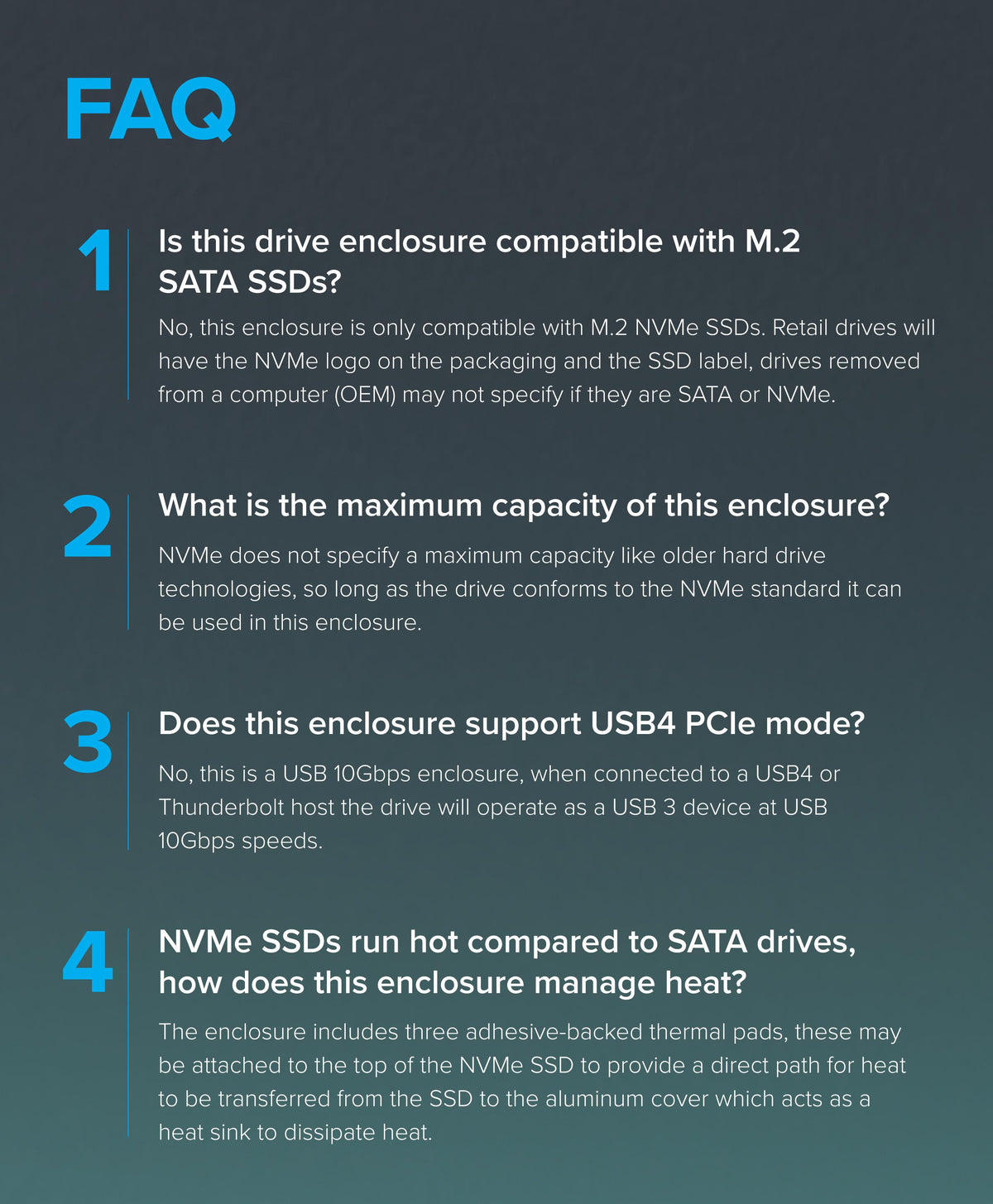
Do SSD drives get hot more often when they use NVMe technology? High-speed NVMe drives usually produce more heat than SATA models, especially when they use newer PCIe standards.
SATA has a lower performance ceiling. NVMe connects through PCI Express, which provides a much wider data path. This lets an NVMe SSD read and write data far faster, but that speed requires more controller activity and power.
A PCIe 3.0 NVMe SSD may stay fairly cool under normal use. A PCIe 4.0 drive can run warmer during sustained transfers. PCIe 5.0 models may produce even more heat, so many include a large heatsink or require a motherboard cooling cover.
The drive may also heat up when it performs background tasks such as:
• Garbage collection, which reorganizes stored data.
• Wear leveling, which spreads writes across memory cells.
• TRIM management, which helps prepare unused blocks.
• Firmware operations and error correction.
• SLC cache management during large writes.
One important detail is that benchmark results do not always reflect normal use. A benchmark may write data for many minutes without stopping. Most people do not use their SSD that way every day. A drive that becomes hot in a benchmark may still run comfortably during normal web browsing, office work, and gaming.

What causes an SSD to overheat?
Do SSD drives get hot mainly because of heavy workloads? That is one major cause, but it is not the only one. Heat often comes from a combination of drive speed, poor airflow, and nearby components.
Common causes include:
Sustained file transfers
Copying hundreds of gigabytes can keep the controller busy for a long time. This is common when moving video files, backing up a computer, or installing a large game library.
Poor airflow
An SSD needs some air movement to release heat. Dust, blocked fans, tight cable bundles, or a sealed laptop chassis can trap warm air around the drive.
Missing or poor heatsink contact
Many motherboards include an M.2 heatsink. If its thermal pad does not touch the SSD properly, the heatsink may provide little help. A protective film left on the thermal pad can also block heat transfer.
High ambient temperature
A hot room raises the starting temperature of every computer part. Summer heat can make a previously stable SSD reach its thermal limit during long tasks.
Nearby heat sources
An M.2 drive placed beside a graphics card may absorb heat from the GPU. In a laptop, the SSD may sit close to the processor or heat pipe.
Firmware or software issues
Rarely, a firmware problem can cause unusual power use or poor thermal behavior. Keeping the SSD firmware and motherboard BIOS updated may help, but firmware updates should be done carefully.
What happens when an SSD gets too hot?
Do SSD drives get hot enough to slow down? Yes. Most modern SSDs use thermal throttling to protect themselves. When the controller reaches a certain temperature, the drive lowers its speed or pauses briefly to reduce heat.
You may notice:
• Slower file transfers after several minutes.
• Benchmark scores that drop during longer tests.
• Longer game installation times.
• Stuttering during sustained recording or editing.
• A warning from monitoring software.
• An unexpected system shutdown in severe cases.
Thermal throttling is usually a safety feature, not a sign that the SSD is already damaged. It works like a car reducing power when its engine gets too hot. The system is trying to prevent the temperature from rising further.
Short periods of high temperature are usually less concerning than constant operation near the maximum rating. Flash memory also has a complex relationship with heat. Higher temperatures can increase wear and data-retention risks over time, while extremely cold conditions can affect performance as well.
Do SSD drives get hot enough to damage stored files right away? Usually not. A brief temperature spike will not normally erase your data. However, repeated overheating can reduce performance and may add stress to the drive, so it should not be ignored.

How to check your SSD temperature
The easiest way to find out whether do SSD drives get hot in your computer is to monitor the temperature during both idle and heavy use. A single idle reading does not tell the whole story.
You can use:
• The motherboard’s hardware monitoring tool.
• SSD manufacturer software.
• Operating system monitoring utilities.
• SMART data readers.
• Hardware monitoring programs that display NVMe sensors.
Some NVMe drives show more than one temperature sensor. One reading may represent the controller, while another reports the NAND memory area. The hottest reading is often the most useful one for cooling decisions.
Use this simple test:
-
Check the SSD temperature after the computer has been idle for ten minutes.
-
Start a demanding task, such as copying a large folder.
-
Watch the temperature during the transfer.
-
Note whether the speed drops after the drive becomes hot.
-
Let the system rest and check how quickly the temperature falls.
Monitoring software can sometimes report inaccurate readings, especially with older drives or unusual motherboard firmware. If a number seems impossible, compare it with another trusted utility and check the drive’s specifications.

How to keep an SSD cool
Do SSD drives get hot less often when the computer has good airflow? Absolutely. Good cooling does not need to be complicated. Small changes can make a clear difference.
Try these practical steps:
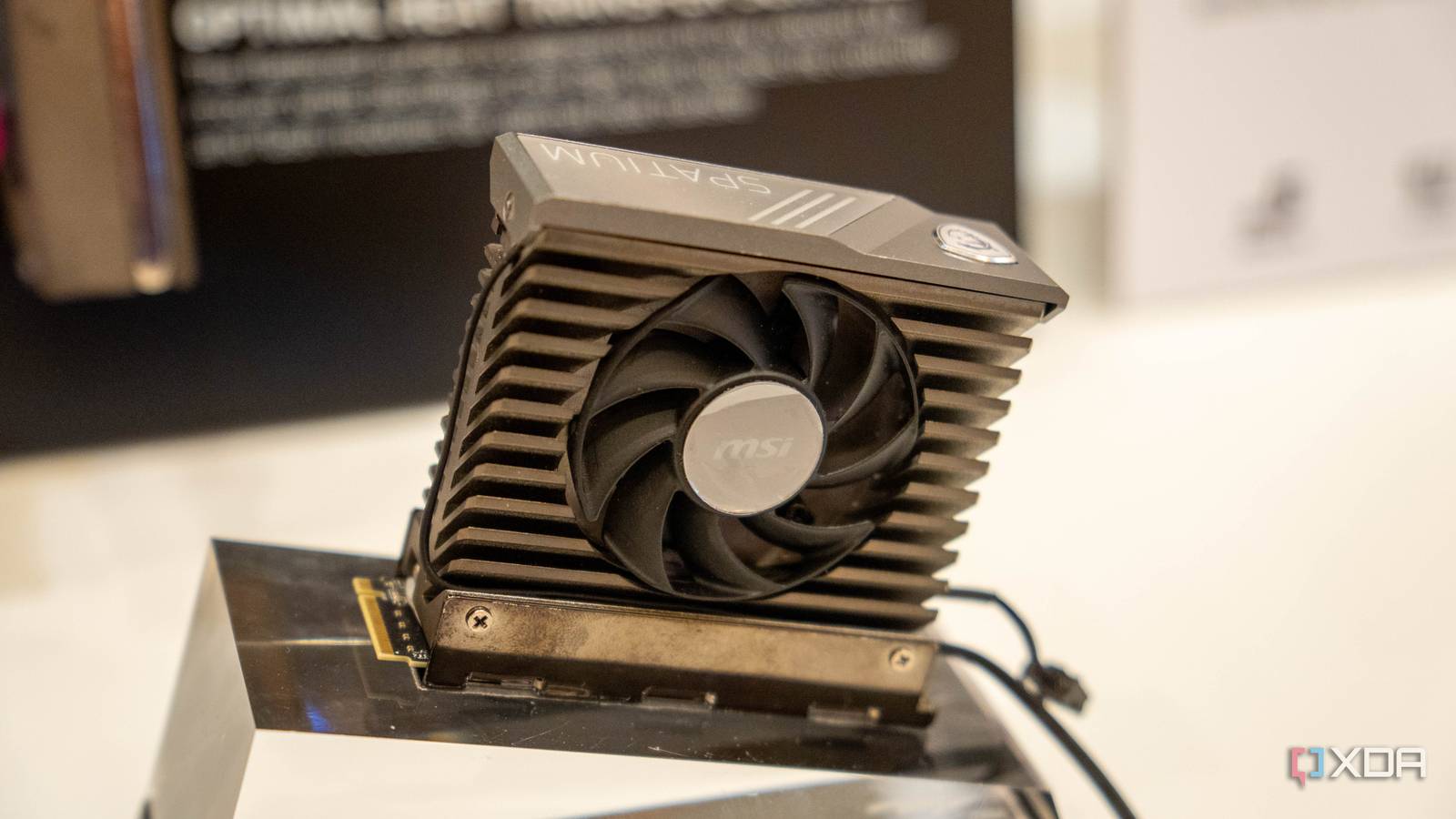
• Install the M.2 SSD under the motherboard’s heatsink when possible.
• Remove the protective plastic from the thermal pad before installation.
• Make sure the heatsink sits flat against the drive.
• Keep dust filters and fans clean.
• Improve front-to-back airflow in a desktop case.
• Avoid placing the SSD directly behind a hot graphics card if another slot is available.
• Use a laptop on a hard surface rather than a bed or cushion.
• Update the SSD firmware when the manufacturer recommends it.
• Avoid unnecessary sustained benchmarks.
• Keep large file transfers organized instead of running many at once.
Do SSD drives get hot even with a heatsink? They can. A heatsink does not create cold air. It spreads heat over a larger surface, where airflow can remove it. If the case has no airflow, the heatsink may only delay the temperature increase.
Avoid using random thermal pads or oversized heatsinks that interfere with the motherboard. The thermal pad must have the correct thickness. Too thin means poor contact. Too thick can prevent the heatsink from sitting correctly.

Do SSD heatsinks really help?
A good heatsink can reduce peak temperatures and delay thermal throttling. This matters most for fast NVMe drives that handle long, heavy workloads. For a basic SATA SSD or a lightly used NVMe drive, a heatsink may provide little noticeable benefit.
In practical testing, the largest improvements usually appear during sustained writes. A drive may start at a high speed, warm up, and then slow down. With better cooling, it can maintain its speed for longer.
A heatsink may not improve short tasks. Opening a browser or launching a game usually finishes before the drive becomes hot enough to throttle. This is why some users notice no change after adding a heatsink.
My practical lesson is simple: do not buy a large heatsink before checking the actual temperature. I have seen people add bulky cooling hardware to drives that were already running well. The better approach is to measure first, then fix the real problem.
Can high SSD temperatures reduce lifespan?
Do SSD drives get hot enough to shorten their lifespan? Long-term heat can contribute to wear, but temperature is only one part of SSD health. Total data written, NAND type, power loss, firmware quality, and drive capacity also matter.
SSD manufacturers often publish endurance ratings in terabytes written, or TBW. This number estimates how much data the drive can write under specified conditions. It is not a precise expiration date, and many drives last beyond that rating.
Heat may affect:
• NAND data retention.
• Controller reliability.
• Sustained performance.
• Power components.
• Error correction workload.
A hot SSD is not automatically a failing SSD. Watch for a combination of warning signs, such as rising error counts, frequent crashes, disappearing drives, corrupted files, or temperatures that keep reaching the rated limit.
The best protection is a current backup. Cooling can reduce risk, but it cannot protect against every failure. Follow the 3-2-1 backup approach when your files matter: keep three copies, on two types of storage, with one copy stored away from the computer.
SSD temperature mistakes to avoid
Do SSD drives get hot because users install them incorrectly? Sometimes. A few simple mistakes can make a drive run much warmer than necessary.
Avoid these errors:
• Leaving the plastic film on an M.2 thermal pad.
• Covering the SSD with a thick label or sticker.
• Installing an M.2 drive at an angle and forcing it down.
• Using a heatsink with the wrong thermal pad thickness.
• Placing the drive in a slot with no airflow when another slot is available.
• Trusting one temperature reading without checking the model’s specifications.
• Running stress tests for hours without a reason.
• Ignoring sudden temperature changes after a hardware upgrade.
Do not remove labels from an SSD unless the manufacturer clearly allows it. Some labels help with warranty identification or act as part of the drive’s thermal design.
Also, do not place an external SSD in direct sunlight or under other devices that trap heat. A portable SSD may feel warm during transfers, especially through USB 3.2 or USB4, but it should cool down when the workload stops.
When should you replace or repair an SSD?
Do SSD drives get hot because they are failing? Heat alone does not prove a drive is defective. Before replacing it, check airflow, temperature readings, firmware, cable connections, and system logs.
Consider professional help or replacement when:
• The SSD disappears from the BIOS or operating system.
• Files become corrupted.
• The drive reports critical SMART warnings.
• The computer crashes during normal use.
• Temperatures exceed the manufacturer’s limit even with good airflow.
• Performance drops sharply and stays low after cooling improvements.
Back up your files before testing a suspicious drive. If the SSD is under warranty, contact the manufacturer instead of opening or modifying it. Keep screenshots of temperature readings and error messages, as they can help with support claims.
A drive that runs at 60°C during a long transfer may be fine. A drive that runs at 85°C during light use deserves more attention, even if the computer still appears normal.
Frequently Asked Questions About Do SSD Drives Get Hot
Do SSD drives get hot during normal use?
Yes, SSD drives get hot during normal use, but most stay within a safe range. Light tasks usually create little heat, while large transfers and demanding applications make the controller work harder.
Are NVMe SSDs hotter than SATA SSDs?
NVMe SSDs often run hotter because they use faster PCIe connections and more powerful controllers. A motherboard heatsink and steady airflow can help manage their temperature.
Is 70°C too hot for an SSD?
70°C is not automatically too hot, especially during a heavy workload. Check the specific SSD’s rated operating range, because safe limits differ between models.
Can an SSD overheat and fail?
An SSD can fail after severe or repeated overheating, although thermal throttling usually protects it first. Back up important files and investigate any drive that reaches its temperature limit often.
Does an SSD need a heatsink?
Not every SSD needs a heatsink. A heatsink is most useful for high-speed NVMe drives, long file transfers, video editing, and computers with limited airflow.
How can I lower my SSD temperature?
Improve case or laptop airflow, use the correct M.2 heatsink, check thermal pad contact, clean dust, and move the drive away from major heat sources. Monitoring the drive during a real workload helps confirm whether the fix worked.
Conclusion
Do SSD drives get hot? Yes, especially fast NVMe models during long and demanding tasks. Warm temperatures are normal, but sustained heat near the manufacturer’s limit can cause thermal throttling and may affect long-term reliability.
Check the drive temperature under real use, improve airflow, install the correct heatsink, and keep reliable backups. With these simple steps, you can enjoy fast SSD performance without worrying about normal operating heat. Explore your SSD manufacturer’s specifications, monitor your drive, and share your cooling experience in the comments.

Everett Ashford is a tech reviewer at mytechgrid.com specializing in SSDs, cameras, TVs, earbuds, headphones, and other consumer electronics. He provides honest, data-driven reviews based on hands-on testing and real-world performance analysis. Everett simplifies complex tech details to help readers make smart, confident buying decisions.