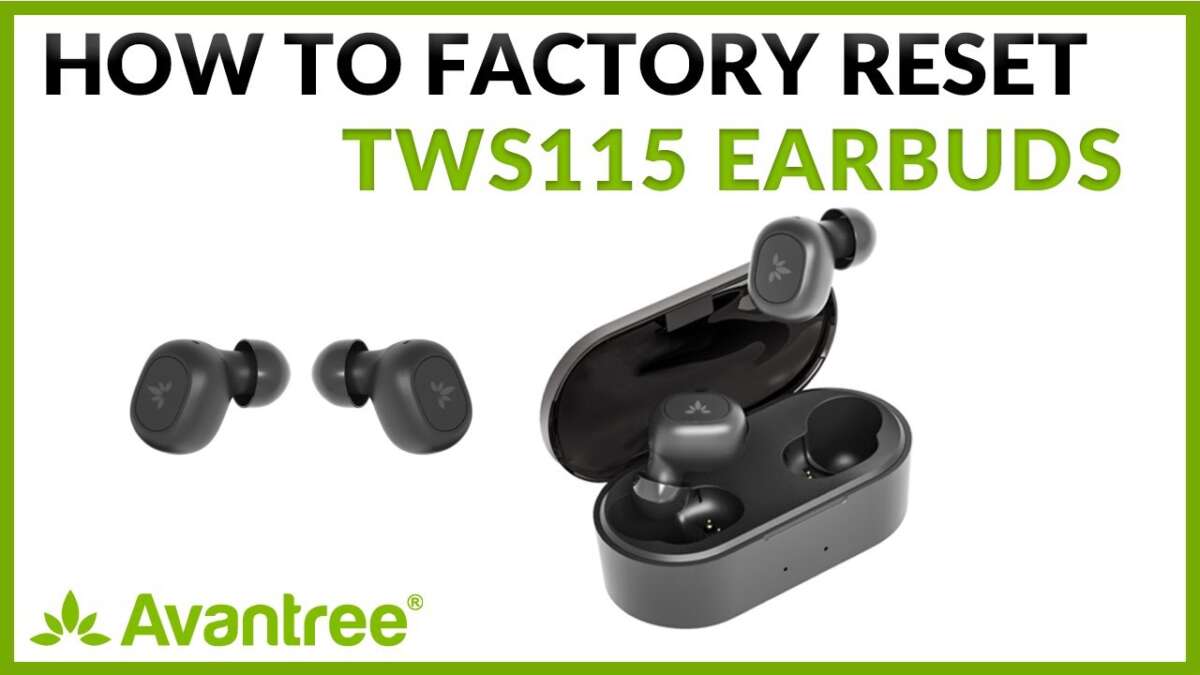
Most Bluetooth earbuds reset by placing them in the case, holding both touch controls, and pairing them again.
Learning how to reset Bluetooth earbuds is often the fastest way to fix failed pairing, one-sided sound, random disconnects, or confusing device lists. The exact button sequence varies by brand, but this guide explains the safe method, brand-specific steps, common mistakes, and what to try when a reset does not work.
What resetting Bluetooth earbuds really does
A reset returns your earbuds to a clean state. It usually removes saved phones, tablets, computers, and custom Bluetooth settings from the earbuds’ memory. Think of it as wiping a small travel map so the earbuds can learn a new route.
Resetting is different from turning earbuds off and on. A power cycle may clear a short software glitch, while a factory reset removes old pairing data. This difference matters when your earbuds keep connecting to an old phone or appear as two separate devices.
A reset may help when you notice:
• Your earbuds will not enter pairing mode
• Only one earbud produces sound
• The earbuds connect but have no audio
• Bluetooth says “connected,” but music plays through the phone
• One earbud keeps disconnecting
• The earbuds connect to the wrong device
• The earbuds are being sold or given to someone else
Resetting does not repair a dead battery, broken speaker, damaged charging port, or water damage. It also cannot fix every software problem. If the earbuds have no lights, no sound, and no charging response, inspect the case and power system first.

Before you reset your earbuds
A few quick checks can prevent an unnecessary reset. First, charge both earbuds and the case for at least 15 to 30 minutes. Many models refuse to reset when the case battery is too low.
Next, remove the old Bluetooth connection from your phone. This step is called forgetting the device. It stops the phone from using outdated pairing information after the reset.
On an iPhone:
- Open Settings.
- Tap Bluetooth.
- Tap the information icon beside the earbuds.
- Choose Forget This Device.
- Confirm the action.
On most Android phones:
- Open Settings.
- Select Connected devices or Bluetooth.
- Tap the gear icon beside the earbuds.
- Choose Forget, Unpair, or Remove.
- Confirm the action.
Also turn off Bluetooth on nearby devices. A laptop, tablet, smartwatch, or second phone may reconnect before you finish. I have seen this cause many “failed” resets during testing. The earbuds were reset correctly; another device simply grabbed them first.

How to reset Bluetooth earbuds with the common method
The most common reset process works for many true wireless earbuds. It may not work for every model, so check the product manual if your earbuds use a special button sequence.
Follow these steps:
- Put both earbuds into the charging case.
- Leave the lid open.
- Confirm that both earbuds are charging.
- Press and hold the case button for about 10 to 15 seconds.
- Watch for the status light to flash red, white, blue, or amber.
- Release the button when the light pattern changes.
- Close the case for about 10 seconds.
- Open the lid and remove the earbuds.
- Turn Bluetooth back on.
- Pair the earbuds as a new device.
Some earbuds have no case button. For those models, keep both earbuds in the case and touch or press both earbuds at the same time for 10 to 15 seconds. The lights may flash several times to confirm the reset.
Do not remove one earbud during the reset unless the manual tells you to do so. Both earbuds often need to reset together so they can rebuild their left and right connection.
If the earbuds still appear under the old name, forget that entry on your phone again. Then search for the earbuds from the Bluetooth menu. A successful reset normally makes them appear as a new device.

How to reset Bluetooth earbuds without a case button
Many compact earbuds use touch controls instead of a physical button. The process can feel less clear because the touch surface may not respond while the earbuds are inside the case.
Try this method:
- Charge the case and both earbuds.
- Remove both earbuds from the case.
- Turn the earbuds off, if possible.
- Press and hold both touch surfaces for 10 to 20 seconds.
- Wait for the indicator lights to flash.
- Place both earbuds back in the case.
- Close the lid for 10 seconds.
- Open the lid and enter pairing mode.
- Forget the old Bluetooth profile on your phone.
- Pair the earbuds again.
Some models need three taps, five taps, or a long press instead of one long hold. Avoid guessing too many times if the earbuds start calling your phone’s voice assistant or changing the volume. Look for the model number printed inside the case, under the lid, or on the original box.
If one earbud will not respond, reset the working earbud and the silent one together. Clean the charging contacts with a dry cotton swab first. A dirty contact can make the earbud appear powered off even when it is sitting in the case.
Brand-specific Bluetooth earbud reset steps
The general method is useful, but popular brands often use different reset controls. The steps below are common examples. Manufacturers can change instructions between generations, so the manual for your exact model remains the best authority.
Apple AirPods
To reset many AirPods models:
- Put both AirPods in the charging case.
- Close the lid and wait about 30 seconds.
- Open the lid.
- Press and hold the setup button on the back of the case.
- Continue holding it until the status light flashes amber and then white.
- Forget the AirPods from your phone.
- Hold the open case near the device and pair again.
AirPods Pro models with newer case designs may use a front-case control rather than a visible rear button. The reset goal is the same: wait for the amber and white light pattern.
Samsung Galaxy Buds
For many Galaxy Buds models:
- Place both earbuds in the case.
- Close the lid, then reopen it.
- Open the Galaxy Wearable app.
- Select the earbuds.
- Tap Earbuds settings.
- Choose Reset.
- Confirm the reset.
If the app cannot detect the earbuds, place both earbuds in your ears and touch and hold both touchpads. The exact control can differ by model. A manual reset may require a specific touch sequence.
Sony earbuds
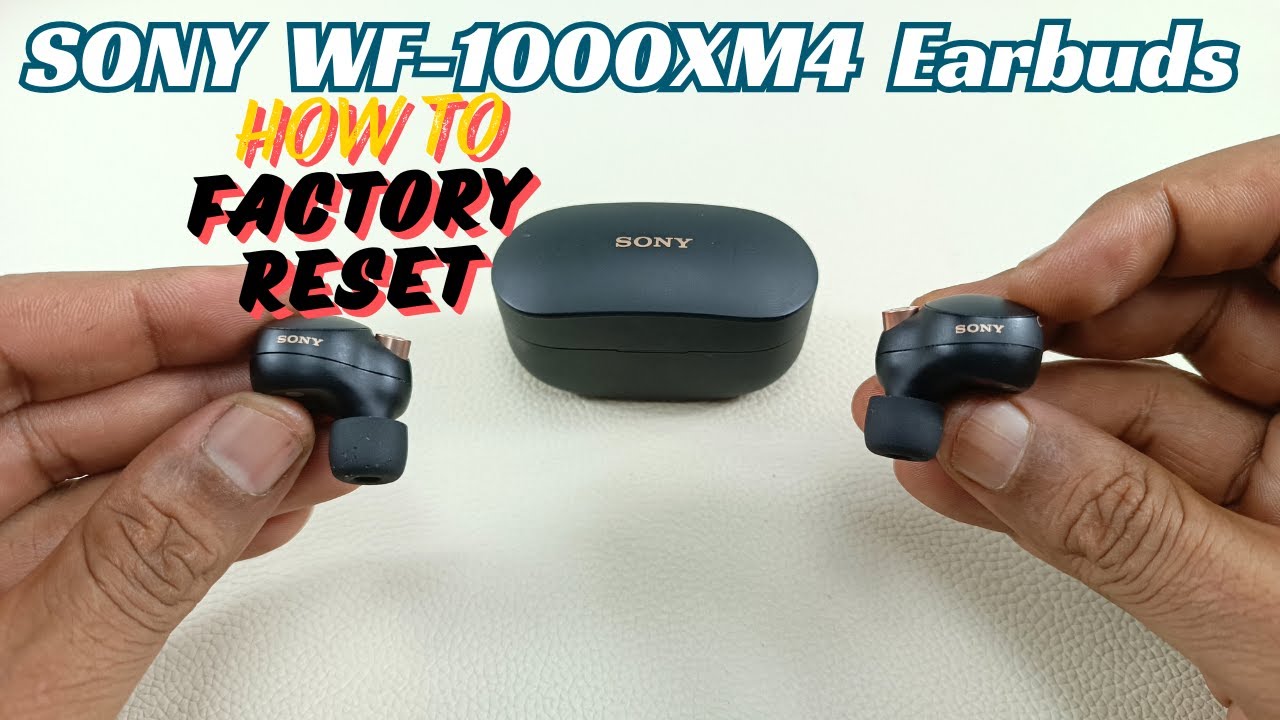
Many Sony models reset through the Sony | Sound Connect app. Open the app, select the earbuds, and look for an initialize, reset, or restore option. Some Sony charging cases use a physical button and a long press while the earbuds remain inside.
The indicator light is important. Sony models often use different colors to show charging, pairing, initialization, and errors. Read the light instructions for the exact model rather than relying on color alone.
Jabra earbuds
Many Jabra Elite models reset by placing both earbuds in the case and pressing and holding the left and right earbud buttons for about 10 seconds. The LEDs may flash purple to show that the reset has started.
Afterward, remove the old Jabra Bluetooth profile from your phone. The earbuds may not pair correctly until the previous entry is forgotten.
Beats earbuds
Many Beats models reset with the system button on the charging case. Place the earbuds inside, keep the lid open, and hold the button until the indicator light flashes. Then forget the old device and pair again.
Some Beats models use touch controls or a different case design. If the button method does not work, use the instructions for the specific model.
Bose earbuds
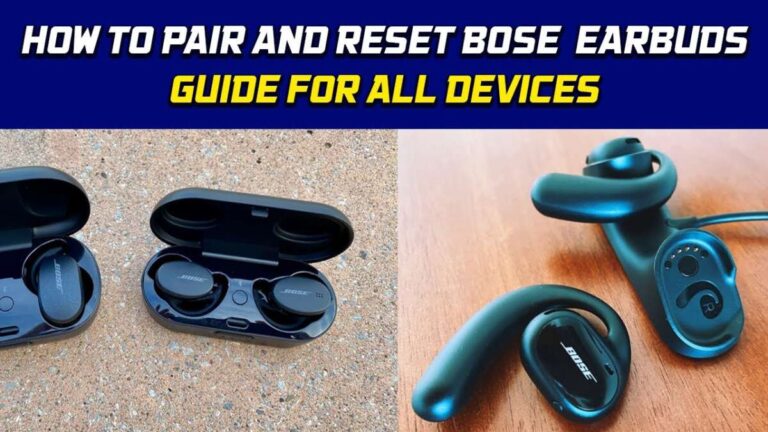
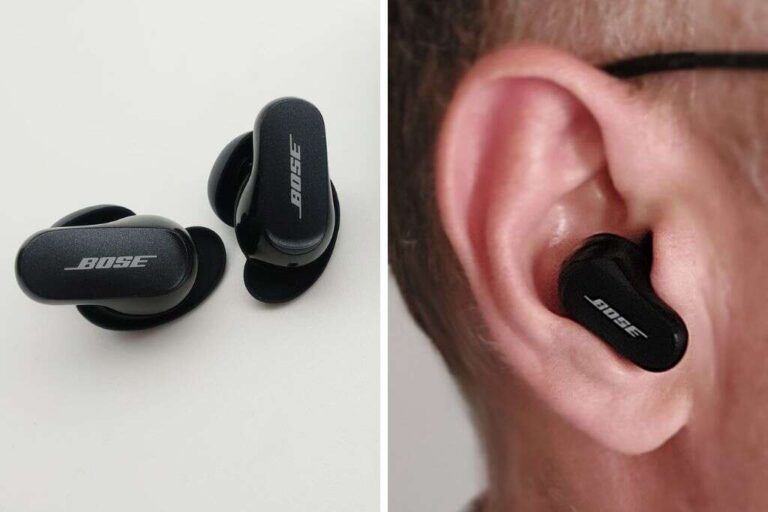
Bose earbuds may reset through the Bose app or by holding the case button. The app can also install firmware updates and remove saved connections. If a reset does not solve the issue, check the app for a software update.

How to reset Bluetooth earbuds on iPhone and Android
The reset happens on the earbuds, but the phone must also clear its old connection. This two-part process is why some people think the reset failed.
After resetting the earbuds, use these steps:
- Open the phone’s Bluetooth settings.
- Find the old earbud name.
- Tap Forget, Unpair, or Remove.
- Turn Bluetooth off.
- Restart the phone.
- Turn Bluetooth on again.
- Put the earbuds into pairing mode.
- Select the earbuds from the available device list.
On Android, you can also reset network settings if Bluetooth remains stuck. This may remove saved Wi-Fi networks, mobile settings, and Bluetooth connections, so use it only after simpler steps fail.
On an iPhone, Reset Network Settings can remove saved Wi-Fi passwords and other network data. It may help with broad Bluetooth problems, but it is more disruptive than resetting the earbuds alone.
A useful test is to pair the reset earbuds with another phone. If they work there, your original phone likely has a Bluetooth profile or software issue. If they fail on every device, the earbuds or case may need service.

What to do when only one earbud works
One-sided audio is common after an interrupted pairing process. The earbuds may have lost their left-right link, even though one side still connects to the phone.
Try this order:
- Forget the earbuds from the phone.
- Turn off Bluetooth on nearby devices.
- Clean both charging contacts.
- Charge both earbuds in the case.
- Reset both earbuds at the same time.
- Remove both earbuds together.
- Wait for them to pair with each other.
- Turn on phone Bluetooth.
- Pair the earbuds again.
Check your phone’s audio balance settings too. On iPhone, go to Accessibility, Audio & Visual, and check the Balance slider. On Android, search Settings for audio balance or left/right sound balance.
If the same earbud stays silent, swap sides and test it with another device. A silent earbud on every device may have a blocked speaker grille, failed battery, or internal fault. Resetting Bluetooth earbuds cannot correct physical damage.

Why Bluetooth earbuds keep disconnecting after a reset
A reset removes pairing data, but disconnections can have other causes. Distance, walls, crowded wireless areas, low battery, and outdated firmware can all affect stability.
Keep the phone within a reasonable range during testing. Your body can also block the signal, especially when the phone is in a back pocket on the opposite side of the working earbud.
Check these possible causes:
• The earbuds or case have a low battery
• The phone has an old operating system
• The earbud firmware needs an update
• Too many devices are competing for the connection
• The earbuds are outside their normal range
• The case contacts are dirty
• The phone has aggressive battery-saving settings
• The Bluetooth profile on the phone is corrupted
Try the earbuds in a quiet room with the phone nearby. If they work well there, the problem may be interference rather than a failed reset. Wi-Fi routers, crowded offices, gyms, and public transit can create busy radio environments.
I once traced repeated dropouts to a phone switching between a laptop and earbuds. Removing the old laptop connection solved the issue in less than a minute. Always check nearby devices before assuming the earbuds are defective.

Common mistakes to avoid when resetting earbuds
The wrong timing can make a correct reset look unsuccessful. These mistakes are especially common with touch-control earbuds.
Avoid these errors:
• Holding only one earbud when both must reset
• Trying to reset with a nearly empty case
• Forgetting the old device on the phone
• Releasing the button before the light changes
• Pairing while another phone is nearby
• Confusing pairing mode with factory reset mode
• Using a wet cloth on charging contacts
• Pressing controls while the earbuds are not seated correctly
• Ignoring the exact model instructions
Do not hold buttons for several minutes without checking the light pattern. Long presses can trigger voice assistants, power controls, or other functions rather than a factory reset.
Do not use metal tools to clean the contacts. A dry, soft cotton swab is safer. If residue is stubborn, use a small amount of isopropyl alcohol on the swab, keep liquid away from openings, and allow everything to dry fully before charging.
When resetting Bluetooth earbuds does not work
If the usual method fails, use a careful recovery process. Start by charging the case and earbuds for at least 30 minutes. Then clean the charging contacts and confirm that both earbuds show a charging light.
Next, restart the phone and try a different device. This separates an earbud problem from a phone problem. You can also install the manufacturer’s companion app, since some models only expose the reset command inside the app.
Look for firmware updates, but do not remove the earbuds from the case or close the app during an update. Interrupting firmware installation can create a more serious problem.
Contact support or consider replacement when:
• The case never lights up
• One earbud never charges
• The earbuds become hot
• The case or earbud is swollen or cracked
• The earbuds show no response after charging
• The reset works but one side remains dead
• The earbuds were exposed to water beyond their rating
A swollen battery is a safety concern. Stop charging the device and keep it away from heat and flammable materials. Do not open the case yourself.
How to pair earbuds after a factory reset
Pairing after a reset should be simple, but the order matters. Keep the earbuds in the case until you are ready to connect them.
- Forget the old earbud entry on every nearby device.
- Turn Bluetooth off on devices you are not using.
- Open the earbud case.
- Remove both earbuds, or press the case button to enter pairing mode.
- Wait for the indicator to flash.
- Open Bluetooth settings on your phone.
- Select the new earbud name.
- Accept any pairing request.
- Play audio in both ears.
- Test a phone call and pause controls.
If the earbuds appear as two names, such as “Earbud Left” and “Earbud Right,” do not pair with both separately. Forget both entries, reset the earbuds again, and wait for the two earbuds to link together first.
For the best result, keep the phone close to the case during the first pairing. Once connected, test the earbuds with a short song, a video, and a call. This catches microphone or channel problems before you leave home.
How to prevent future Bluetooth earbud problems
A reset should be a repair step, not a weekly routine. Good charging and connection habits can reduce pairing problems.
Use these simple habits:
• Keep the earbuds and case above a low battery level
• Store both earbuds in the case when not in use
• Clean charging contacts once in a while
• Install official firmware updates
• Remove old devices you no longer use
• Avoid extreme heat and moisture
• Keep the charging case closed in dusty areas
• Use the correct charging cable and power source
• Do not force earbuds into a case that does not fit
Also, avoid pairing the earbuds with every device you use. Many models have limited memory for saved connections. Removing unused profiles can make automatic connection more predictable.
If you share earbuds with family members, each person should know how to forget the old Bluetooth profile. Clear ownership of the connection prevents the frustrating moment when earbuds connect to someone else’s phone across the room.
Frequently Asked Questions About How to Reset Bluetooth Earbuds
How do I reset Bluetooth earbuds when there is no reset button?
Place both earbuds in the case and press and hold both touch controls for 10 to 20 seconds. The exact gesture varies, so check the manual for your model if the status lights do not change.
Will resetting Bluetooth earbuds delete everything?
A factory reset usually deletes saved Bluetooth connections and custom settings stored on the earbuds. It does not delete photos, apps, or files from your phone.
Why will my earbuds not reset?
Low battery, dirty charging contacts, incorrect button timing, or a model-specific reset process can stop a reset. Charge the case, clean the contacts, and follow the instructions for the exact model.
Do I need to forget my earbuds before resetting them?
It is best to forget the old Bluetooth profile before pairing again. If you do not, the phone may use outdated connection data and make the reset seem unsuccessful.
How often should I reset Bluetooth earbuds?
Reset earbuds only when normal pairing steps fail, the connection becomes unstable, or you are transferring ownership. Frequent resets usually point to a battery, firmware, phone, or hardware problem.
Can resetting Bluetooth earbuds fix one side not working?
It can fix a lost left-right pairing link, but it cannot repair a dead battery, blocked speaker, or damaged circuit. Test both earbuds after cleaning and charging them.
Can I reset earbuds without a phone?
Yes. Many earbuds reset through the case button or touch controls. A phone is usually needed only to forget the old Bluetooth profile and complete pairing afterward.
Conclusion
Knowing how to reset Bluetooth earbuds can solve many pairing and connection problems in a few minutes. Charge the case, forget the old Bluetooth profile, reset both earbuds together, and pair them again as a new device. Always use the instructions for your exact model when the common button method does not work.
If the earbuds still fail after a full charge, clean contacts, a reset, and testing on another phone, the issue may be hardware-related. Try these steps carefully, explore your manufacturer’s support resources, and share your experience in the comments.

Everett Ashford is a tech reviewer at mytechgrid.com specializing in SSDs, cameras, TVs, earbuds, headphones, and other consumer electronics. He provides honest, data-driven reviews based on hands-on testing and real-world performance analysis. Everett simplifies complex tech details to help readers make smart, confident buying decisions.