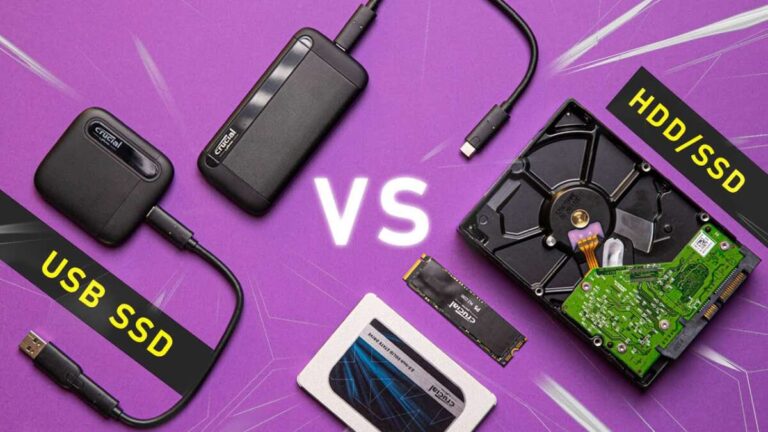
A 1TB SSD is a solid-state drive with about one trillion bytes of fast, flash-based storage.
I’ve worked with storage tech for years, testing drives and advising buyers. If you’ve searched what does 1tb ssd mean, this article will break it down clearly. I’ll explain the letters, the numbers, real-world space, speed tradeoffs, use cases, and buying tips. You’ll get practical examples, short tests from my experience, and simple rules to pick the right 1TB SSD for your needs. Read on to make an informed choice with confidence.
What does 1tb ssd mean? A clear definition
The phrase what does 1tb ssd mean asks two things: what is “1TB” and what is “SSD.” A 1TB SSD is a storage drive that uses flash memory and offers around one terabyte of usable space. In simple terms, it replaces older hard drives with much faster access and lower latency. Users get quicker boot times, faster app loads, and more reliable performance compared with spinning disks.

How capacity and measurement work when asking what does 1tb ssd mean
A terabyte often causes confusion. Manufacturers usually use decimal math where 1TB equals 1,000,000,000,000 bytes. Operating systems often show less because they use binary math and display gibibytes. A labeled 1TB SSD will commonly appear as about 930 GB in many systems. This difference is normal and not a defect.

Speed and performance: how it ties into what does 1tb ssd mean
A 1TB SSD describes storage size, not speed. SSDs come in many speed classes. SATA SSDs give a big boost over HDDs but top around 550 MB/s. NVMe SSDs use PCIe lanes and can reach multiple GB/s. When you ask what does 1tb ssd mean, remember to pair capacity with the interface and speed you need. Faster SSDs help with heavy tasks like video editing, virtual machines, and game loading.
Practical examples: what does 1tb ssd mean for everyday use
Here are relatable scenarios for a 1TB SSD:
- Photo and video library: A 1TB SSD can store tens of thousands of photos or several hours of high-bitrate video.
- Games: Modern games range from 30 to 150 GB each. A 1TB drive fits many titles with room for OS and apps.
- Productivity: Multiple virtual machines, large databases, or project files fit comfortably on 1TB.
- Backup and media: Use part of it for fast working files and another part for frequent backups.
From my testing, a 1TB NVMe drive kept a creative project library snappy while editing 4K footage. It cut wait time and saved iterations.

Types of 1TB SSDs and what each means for you
Not all 1TB SSDs are the same. Know the common types:
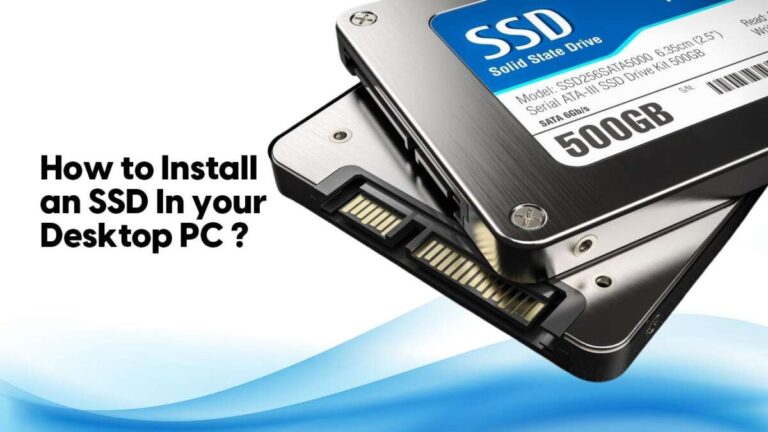
- SATA SSD: Good budget choice. Much faster than HDDs but limited by SATA speeds.
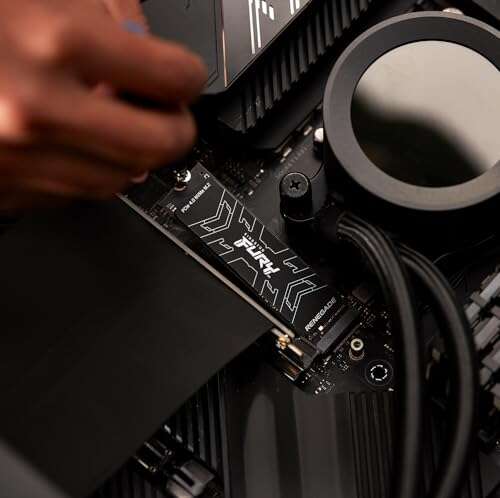
- NVMe (M.2): Higher speed and low latency. Best for heavy workloads.
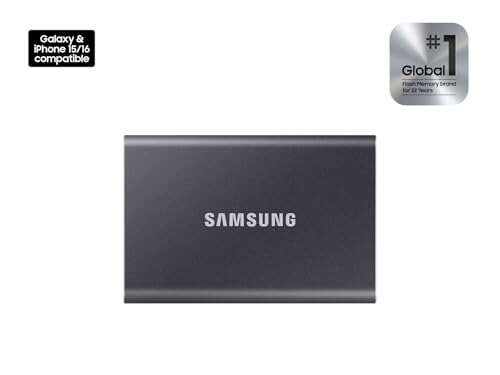
- External 1TB SSD: Portable and fast. Useful for travel or offsite backups.
- Enterprise SSD: Built for durability and long uptime. Often pricier and intended for servers.
When you search what does 1tb ssd mean, check the form factor, interface, and endurance ratings. These define real-world value more than capacity alone.
Endurance, warranty, and real-world limits related to what does 1tb ssd mean
1TB labels do not tell the whole story. Look at endurance, shown as TBW (terabytes written) or drive writes per day. Higher endurance suits heavy write tasks. Warranty length also matters. Consumer SSDs often have 3 to 5 year warranties. Be aware that performance can vary as the drive fills. For best long-term speed, keep some free space and enable TRIM if supported.

Buying tips and my hands-on lessons about what does 1tb ssd mean
I’ve bought many 1TB SSDs for laptops and desktops. Here are lessons I learned:
- Prioritize interface first. A slow SATA 1TB drive may bottleneck a fast CPU.
- Check TBW. For daily heavy writes, choose a higher TBW rating.
- Watch for firmware updates. They can improve stability and performance.
- Consider a backup plan. A 1TB SSD is reliable, but failures still happen.
- Balance price and features. NVMe is worth it for creative work and gaming.
When weighing what does 1tb ssd mean for your setup, match the drive to your workload, not just the number.
Maintenance, setup, and tips to get the most from a 1TB SSD
Simple steps keep a 1TB SSD healthy:
- Enable TRIM in your OS for sustained performance.
- Avoid filling the drive above 80 to 90 percent when possible.
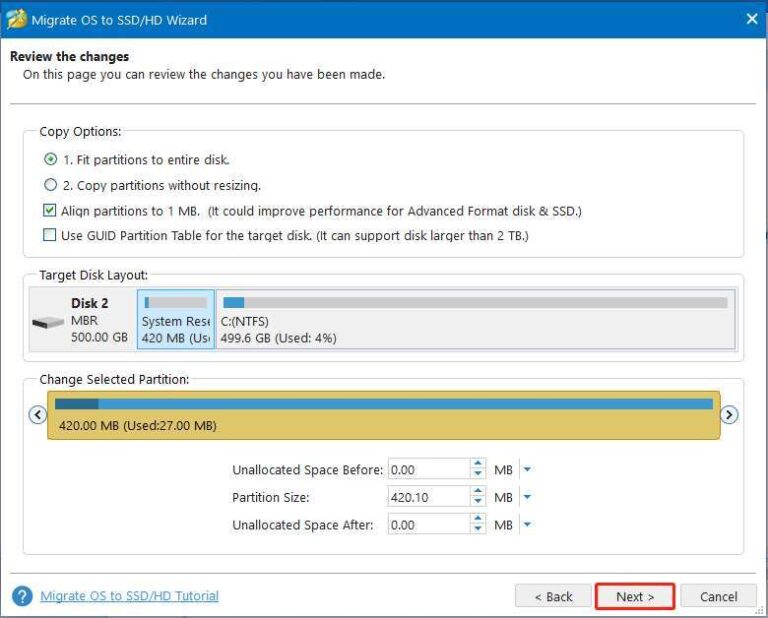
- Use reliable cloning tools if you migrate an OS to a new 1TB SSD.
- Keep drive firmware current but follow vendor instructions for updates.
I once cloned a failing laptop HDD to a 1TB NVMe drive. The OS boot time dropped from 50 seconds to 8 seconds. The user felt the laptop was effectively new.
Common tradeoffs and limitations when considering what does 1tb ssd mean
A 1TB SSD brings speed and capacity, but there are tradeoffs:
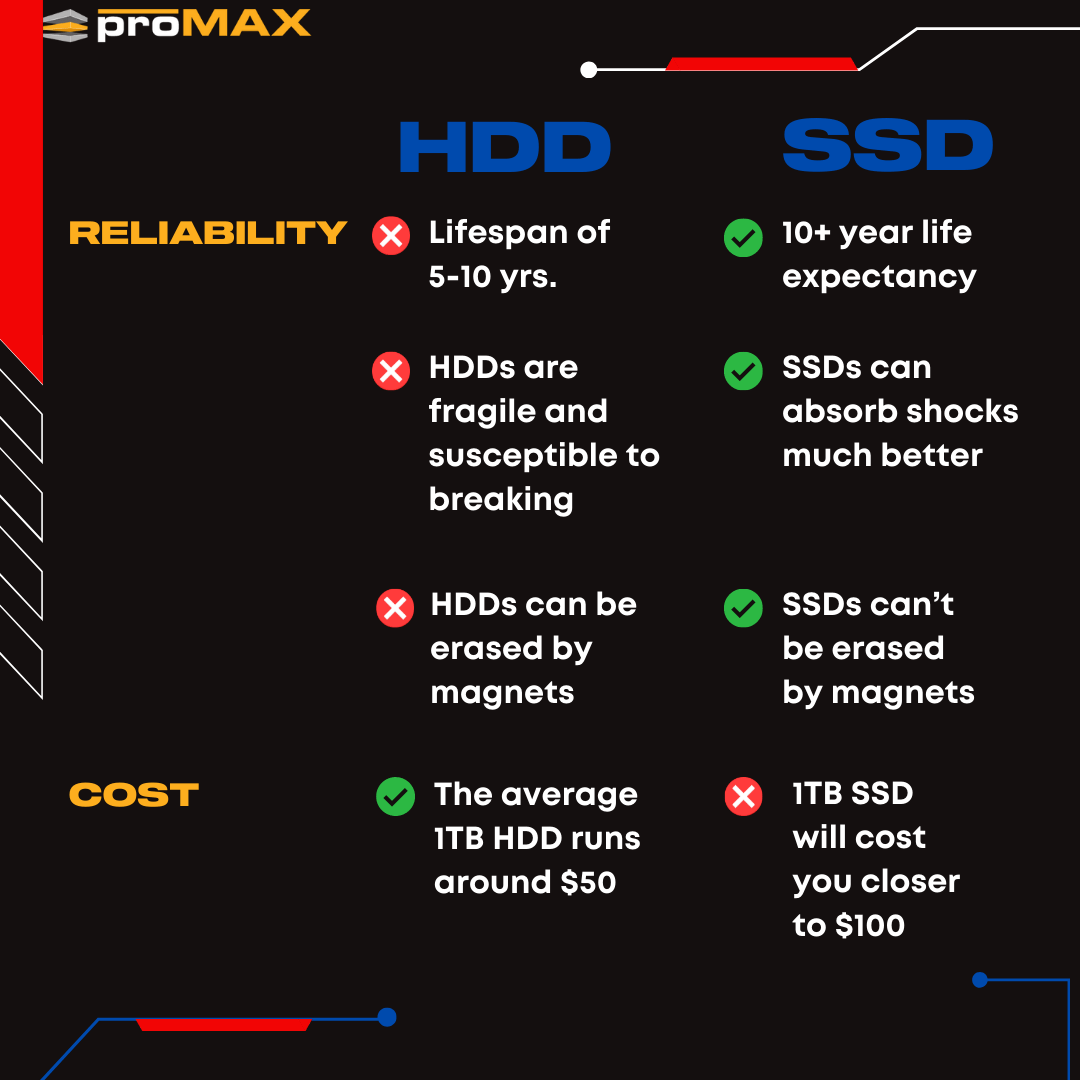
- Cost per GB is higher than HDDs.
- Real usable space is slightly less than 1,000 GB due to formatting.
- Very heavy write workloads may need enterprise-grade drives.
Be honest about your needs. If you archive petabytes, a 1TB drive is not the full solution. For most users, it hits the sweet spot between speed and value.
PAA-style questions (quick answers)
How many photos fit on a 1TB SSD?
A 1TB SSD holds roughly 200,000 photos at 5 MB each. Exact numbers change with image size and format.
Will a 1TB SSD speed up my laptop?
Yes. Replacing an HDD with a 1TB SSD typically reduces boot and load times dramatically.
Is a 1TB SSD enough for gaming and streaming?
Yes. For most gamers and streamers, a 1TB SSD offers ample space for OS, games, and scratch files.
Frequently Asked Questions of what does 1tb ssd mean
What exactly does 1TB mean on an SSD?
1TB on an SSD refers to the drive’s nominal capacity—about one trillion bytes in decimal terms. Your operating system may show a slightly smaller number because it uses binary units for display.
How much usable space will I see after installing a 1TB SSD?
You will typically see around 930 GB to 960 GB available after formatting and system partitions. The difference comes from how bytes are measured and reserved areas for the drive.
Does 1TB SSD mean faster speeds than HDD?
The label 1TB SSD means capacity, not speed, but SSDs in general are much faster than HDDs. The actual speed depends on the SSD type, such as SATA or NVMe.
Can I use a 1TB SSD as an external drive?
Yes. External 1TB SSDs are common and provide fast, portable storage for backups and media. They are more resilient to drops than external HDDs.
How long will a 1TB SSD last?
Lifespan depends on usage and the drive’s TBW rating. For typical consumer use, a 1TB SSD often lasts many years before write limits are reached.
Does having a 1TB SSD improve game load times?
Yes. A 1TB SSD reduces load and level transition times compared with HDDs. NVMe drives can further shorten loading and streaming delays.
Conclusion
A 1TB SSD means fast, flash-based storage offering about one terabyte of space. It balances capacity and speed for most users. When choosing a 1TB SSD, look beyond the label. Check interface, endurance, and real-world speed. Keep drives updated and backed up. If you want smoother workflows, faster boots, and roomy storage for games or media, a 1TB SSD is a solid choice. Try one in your device or test it in a friend’s system, and you’ll notice the difference fast. Leave a comment with your setup or questions, or subscribe for more buying guides and hands-on tips.

Everett Ashford is a tech reviewer at mytechgrid.com specializing in SSDs, cameras, TVs, earbuds, headphones, and other consumer electronics. He provides honest, data-driven reviews based on hands-on testing and real-world performance analysis. Everett simplifies complex tech details to help readers make smart, confident buying decisions.