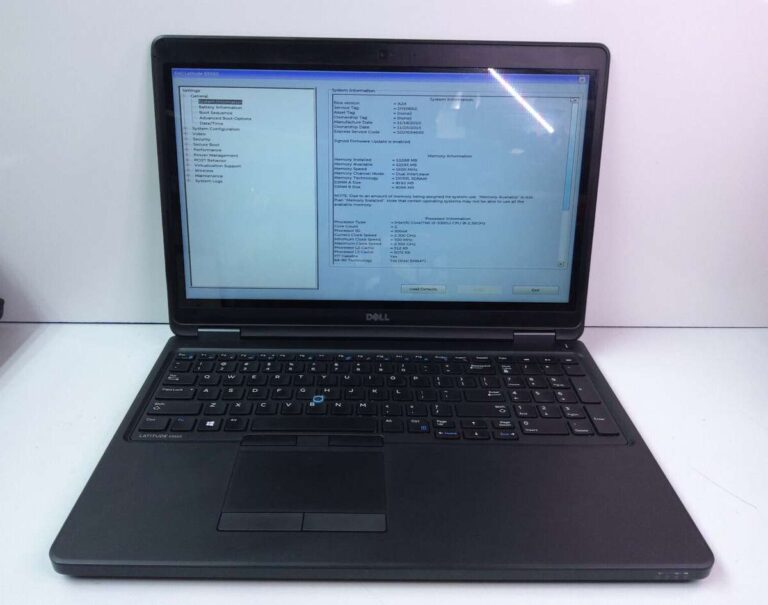
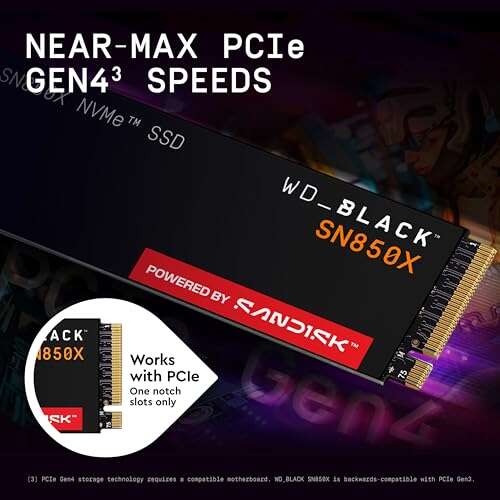
An M.2 SSD drive is a compact, high-speed solid-state storage module for modern PCs.
I’ve worked with laptops, desktops, and DIY builds for years, and I use M.2 drives daily. If you want a clear, practical guide about what is an m 2 ssd drive, this article lays out what it is, how it works, how to pick one, how to install it, and when it really matters. Read on for straightforward explanations, real-world tips from hands-on experience, and simple steps to upgrade storage the smart way.
what is an m 2 ssd drive?
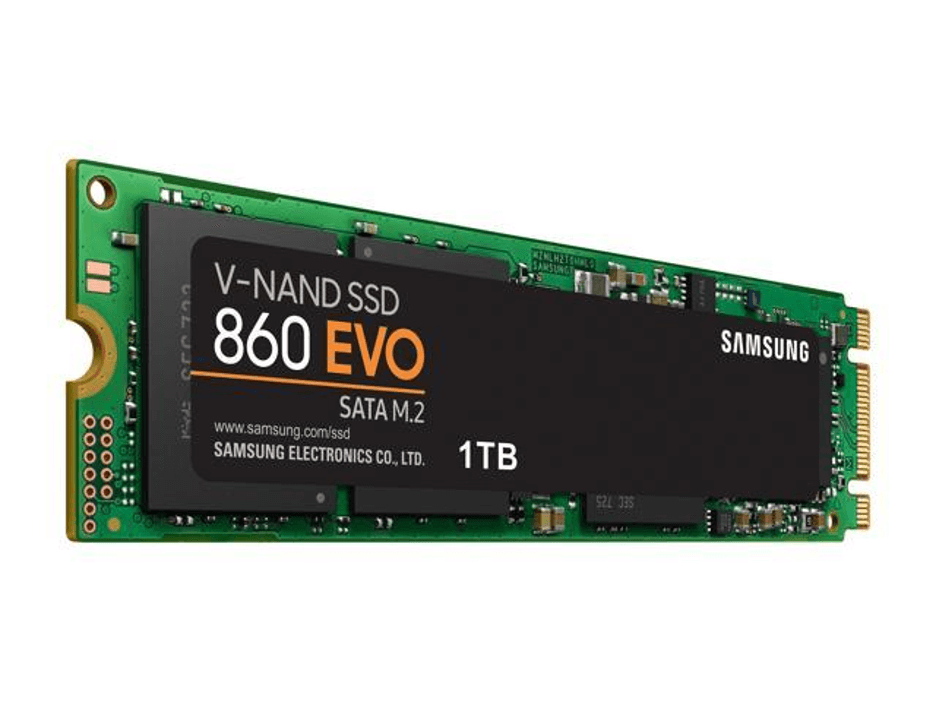
An M.2 SSD drive is a small form-factor solid-state drive that plugs directly into a motherboard slot. It replaces older, larger drives in many laptops and desktops and delivers faster data access. The M.2 standard refers to the connector and board shape, while the drive itself can use different interfaces such as SATA or PCIe with NVMe. If you want speed in a small package, an M.2 is likely the right choice.
How M.2 SSDs work
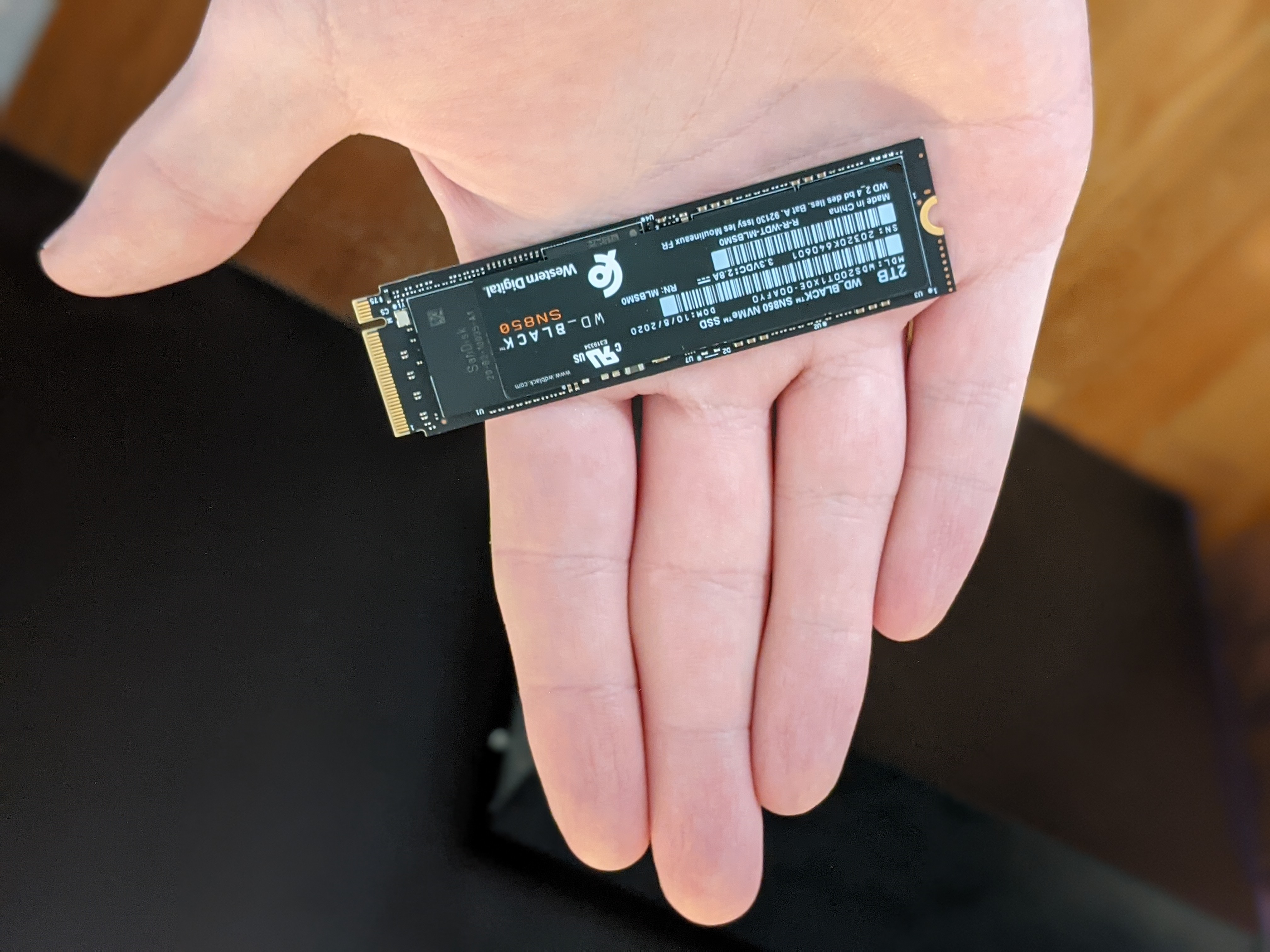
M.2 is a physical format. The electronics on the M.2 module contain NAND flash memory and a controller. The drive talks to your system using one of two main interfaces:
-
SATA interface
Mirrors traditional hard-drive wiring for compatibility. Speeds are similar to 2.5-inch SATA SSDs. -
PCIe interface with NVMe protocol
Uses PCIe lanes for much higher speed. NVMe reduces latency and boosts throughput.
Controllers manage reads, writes, wear leveling, and error correction. NVMe adds queueing features that let modern CPUs and SSDs move lots of small tasks fast. In short, what is an m 2 ssd drive depends on both the board shape and the interface it uses.

Types, sizes, and connector keys
M.2 modules come in a few common sizes and key types. Size is shown as width and length in millimeters.
-
Common sizes
2230 (22×30 mm), 2242 (22×42 mm), 2260 (22×60 mm), 2280 (22×80 mm), 22110 (22×110 mm) -
Key types
Key M, Key B, and Key B+M define pins and supported interfaces. Key M usually supports PCIe x4 NVMe. -
Single-sided vs double-sided modules
Smaller boards may be single-sided and easier to fit in laptops. Larger boards can hold more NAND chips for greater capacity.
Knowing the size and key helps answer the question of what is an m 2 ssd drive for your machine. Match the module size and key to the M.2 slot on your motherboard or laptop.
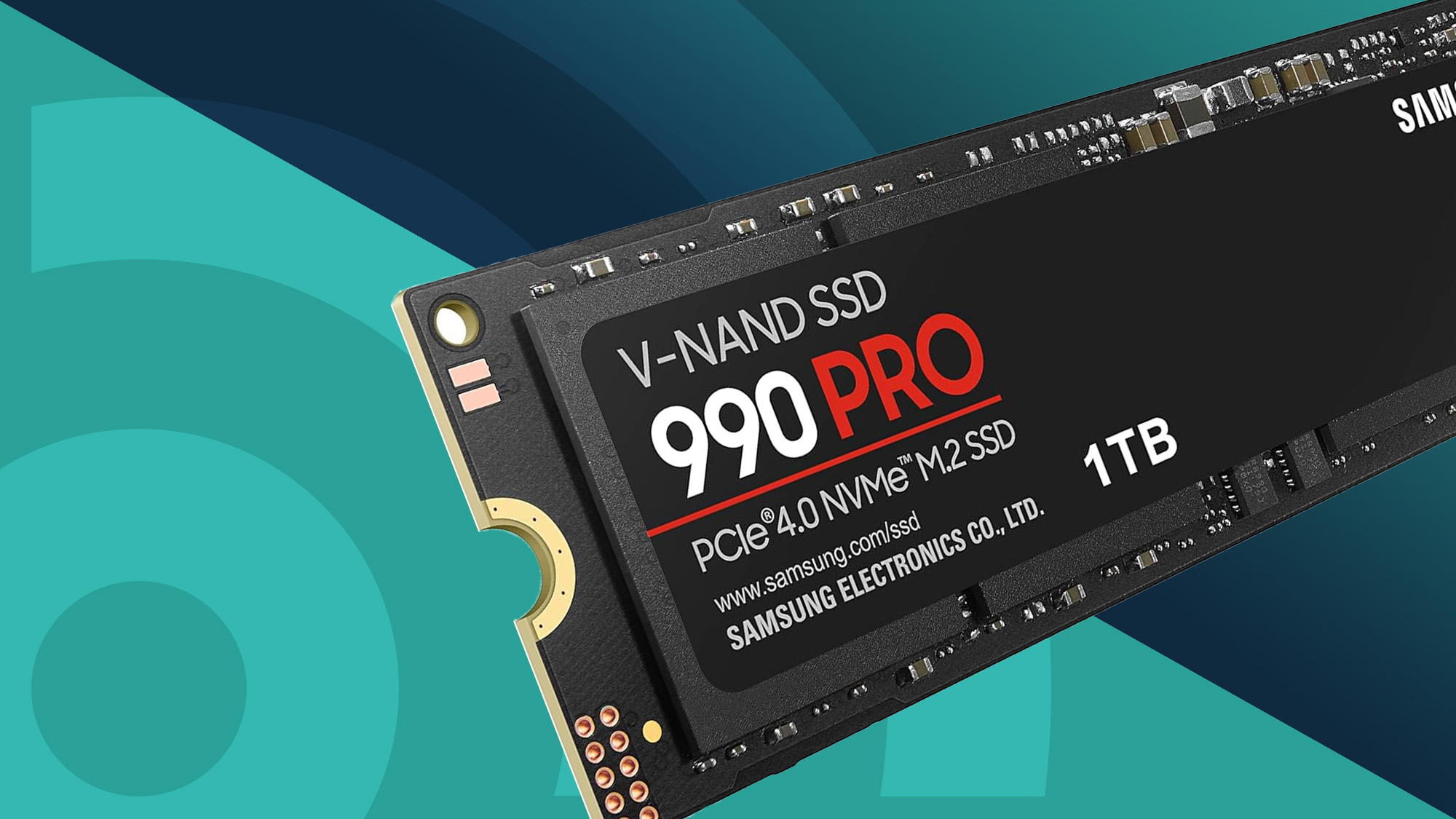
NVMe vs SATA M.2: real differences
The terms NVMe and SATA often confuse people asking what is an m 2 ssd drive. Here’s the difference in plain terms:
-
SATA M.2 drives
Use the SATA bus. Speeds top out around 500–600 MB/s. Good if your system only supports SATA over M.2 or you don’t need ultra-fast storage. -
NVMe M.2 drives
Use PCIe lanes and the NVMe protocol. Typical modern NVMe drives range from 1,500 MB/s to 7,000+ MB/s, depending on generation and lanes. They are much faster for boot times, large file transfers, and heavy multitasking.
If you edit video, run virtual machines, or use heavy databases, NVMe M.2 significantly improves responsiveness. For light web browsing and document editing, SATA M.2 still works well.
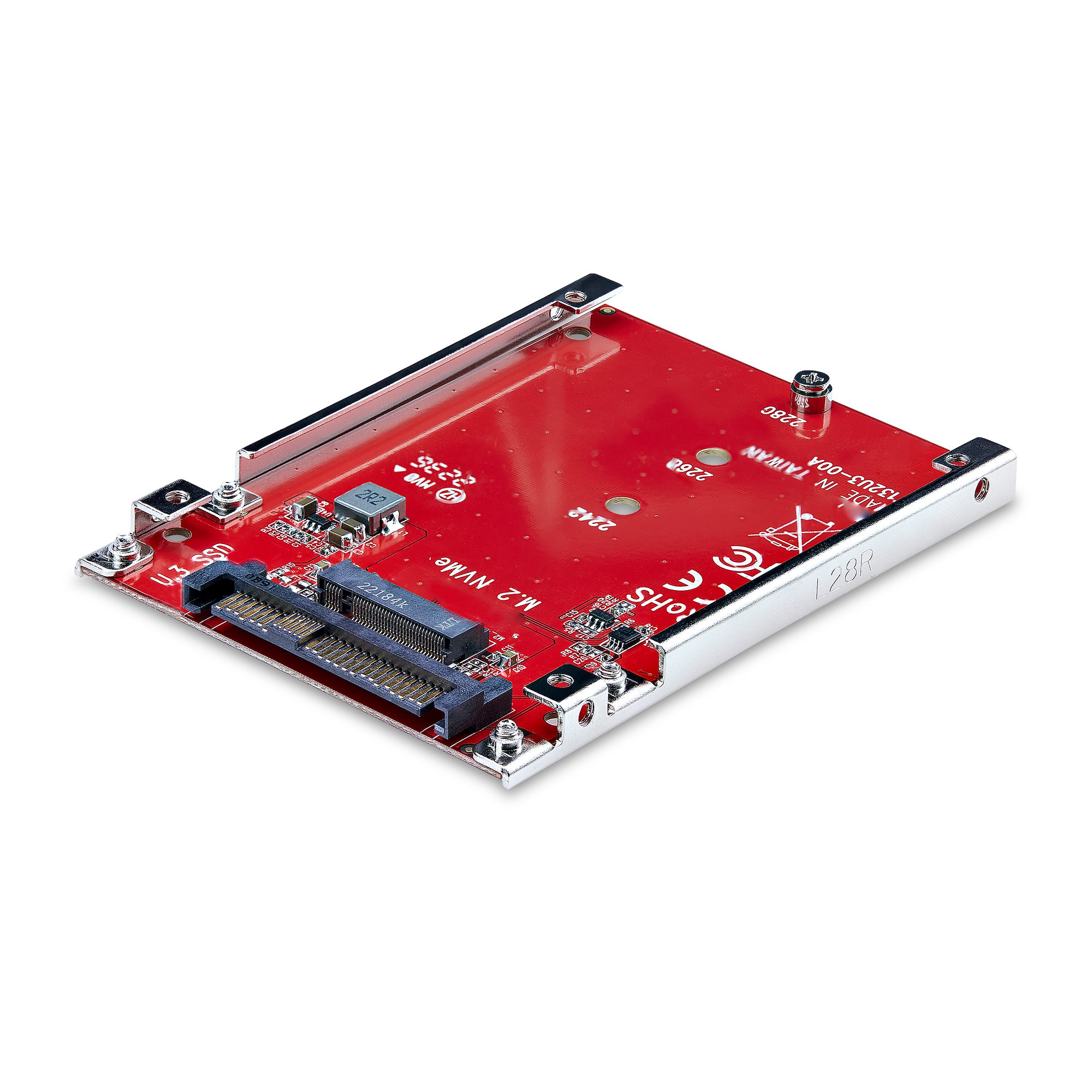
Compatibility and installation tips
Before you buy or install, check these steps to make sure the drive fits and works:
-
Verify the slot type and size on your motherboard or laptop.
Look at the manual or physically inspect the M.2 slot for keying and screw position. -
Check BIOS/UEFI support.
Some older systems need a BIOS update to support NVMe boot. -
Match interface and OS needs.
If you plan to boot from the drive, ensure the system firmware supports NVMe boot or SATA boot as required. -
Ground yourself and use the correct screw.
M.2 drives are delicate. Use a small screwdriver and avoid static.
From my experience, a quick BIOS update fixed most NVMe boot issues on older boards. Always back up data before swapping drives.

Performance, benchmarks, and real-world gains
Manufacturers list peak sequential speeds, but real life is different. Here’s what to expect:
-
Boot and app launch
NVMe M.2 drives cut boot and app load time noticeably. Expect faster OS startup and snappier apps compared to HDDs and SATA SSDs. -
File transfers
Large sequential files show biggest NVMe gains. Small random reads/writes matter for databases and certain apps. -
Gaming
Load times improve, but not all games fully leverage NVMe speed. You’ll see gains, but not always dramatic ones.
In my tests, moving from a SATA SSD to an NVMe M.2 halved certain heavy file transfer times and made VM snapshots much faster. Benchmarks are useful, but match the drive to your actual workload.
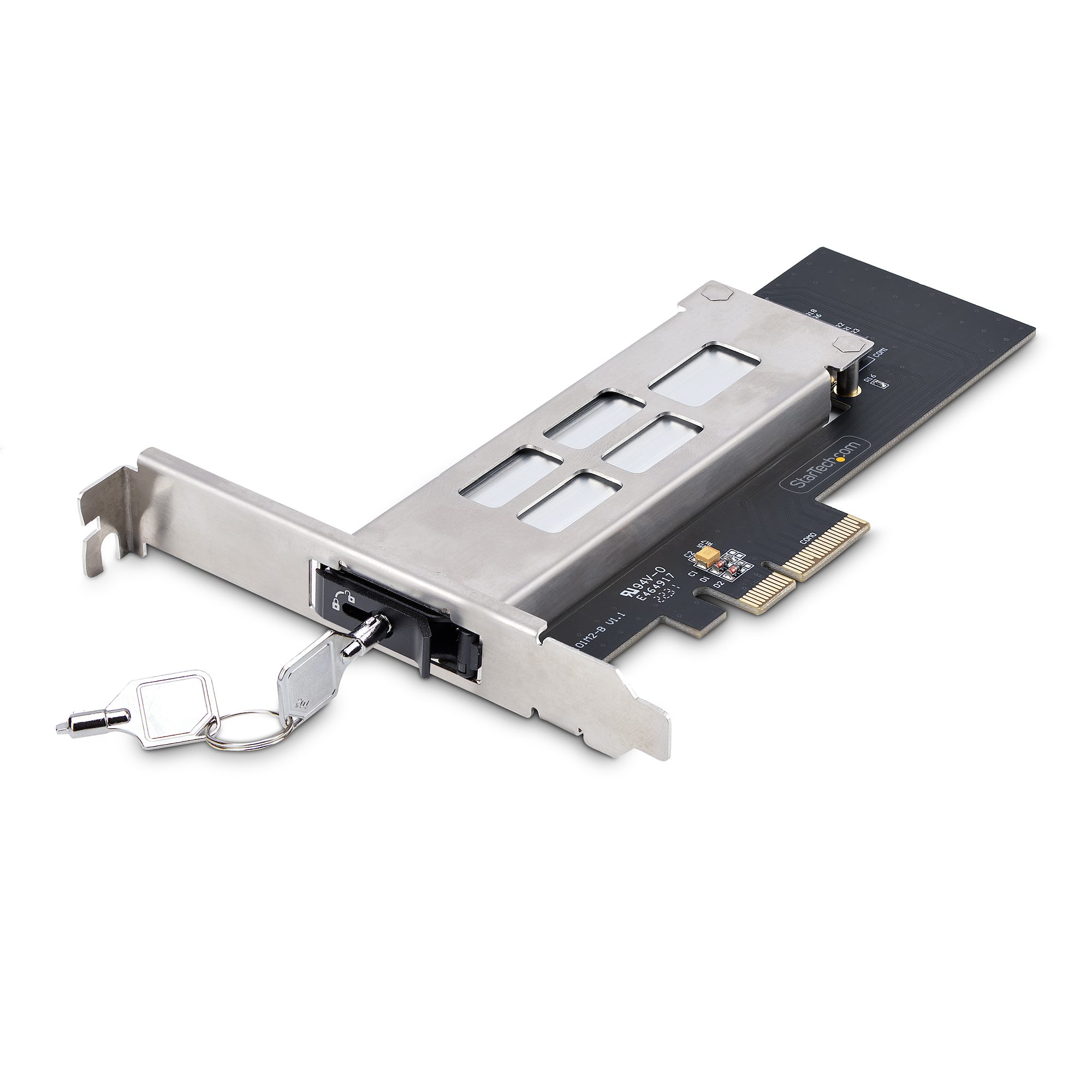
Benefits and limitations
Benefits
-
Speed
NVMe M.2 drives are orders of magnitude faster than spinning disks. -
Size and weight
Small, ideal for thin laptops and compact PCs. -
Less cabling
Plugs directly into the board.
Limitations
-
Heat
High-speed NVMe drives can get warm and may need a heatsink. -
Compatibility
Some older motherboards do not support NVMe booting. -
Cost per GB
NVMe can be pricier than SATA or HDD at larger capacities.
Understanding both pros and cons helps answer what is an m 2 ssd drive in a way that fits your needs.

Practical use cases and buying advice
Pick the right M.2 drive based on real needs. Here’s a quick guide from my experience:
-
For general use and laptops
Choose a 2242 or 2280 SATA M.2 if your system lacks NVMe support. -
For power users and creators
Go NVMe PCIe x4, 2280, and aim for a well-known controller and TLC or better NAND. -
For budget large storage
Consider a slower NVMe or a high-capacity SATA M.2 if price per GB matters. -
For longevity
Look at TBW (terabytes written) and warranty length. Higher TBW is better for heavy write workloads.
When I upgraded my laptop, choosing the correct length and a moderate NVMe drive gave the best balance of speed and battery life.

Maintenance and lifespan
M.2 SSDs last a long time but need care:
-
Monitor health with SMART tools.
Check wear, temperature, and remaining TBW regularly. -
Avoid filling the drive completely.
Keep 10–20% free space for optimal performance and wear leveling. -
Update firmware if needed.
Firmware updates can improve stability and performance, but follow vendor instructions.
From my projects, regular monitoring prevented surprises. Treat your M.2 like an important system drive and back up often.
Frequently Asked Questions of what is an m 2 ssd drive
What is the main advantage of an M.2 SSD over a regular SSD?
The main advantage is speed and size. M.2 NVMe drives deliver much higher read/write speeds and fit directly on the motherboard without cables.
Can I replace my laptop hard drive with an M.2 SSD?
Yes, if your laptop has an M.2 slot and supports the drive type. Check the laptop manual for slot size and interface compatibility.
Does every M.2 slot support NVMe?
No. Some M.2 slots only support SATA. Confirm the slot supports PCIe/NVMe if you want NVMe speeds.
Do M.2 SSDs get hot and need cooling?
High-performance NVMe M.2 drives can run hot. A heatsink or airflow helps maintain peak speed and longevity.
How long do M.2 SSDs last?
Lifespan depends on TBW, usage, and NAND type. Typical consumer drives last many years under normal use, often outliving their usefulness.
Conclusion
You now know what is an m 2 ssd drive: a compact, high-performance storage module that can greatly speed up a PC when you pick the right type. Choose the correct size and interface, check compatibility, and maintain the drive to get the best life and performance. If speed matters for your daily work, an NVMe M.2 is a clear upgrade. Try one in your next build or laptop upgrade, monitor its health, and share how it changed your workflow. Leave a comment with your setup or subscribe for more hands-on tech guides.

Everett Ashford is a tech reviewer at mytechgrid.com specializing in SSDs, cameras, TVs, earbuds, headphones, and other consumer electronics. He provides honest, data-driven reviews based on hands-on testing and real-world performance analysis. Everett simplifies complex tech details to help readers make smart, confident buying decisions.