An NVMe SSD is a flash-based storage drive that uses the NVMe protocol over PCIe for fast performance.
I’ve built and benchmarked dozens of PCs and servers, so I’ll cut to the chase: this guide explains what is a nvme ssd, how it works, why it matters, and how to pick the right one. You’ll get clear, practical advice based on real tests, plus actionable tips to avoid common mistakes when upgrading to NVMe storage. Read on to learn the tech and the tradeoffs in plain language.

What is an NVMe SSD?
An NVMe SSD is a solid-state drive that uses the NVMe (Non-Volatile Memory Express) protocol to speak directly to the CPU over PCIe lanes. This setup removes many legacy bottlenecks that slowed SATA SSDs and hard drives. When you ask what is a nvme ssd, think of it as the modern bridge between fast NAND flash memory and the system bus. It offers much higher throughput and lower latency than older storage types.

How NVMe works: basics you can understand
NVMe is a protocol designed for flash memory. It uses many parallel queues and deep command depths. NVMe drives connect over PCIe lanes instead of older SATA connections. This gives faster read and write speeds and quicker response times.
Why that matters:
- Parallel queues let the drive handle more requests at once.
- PCIe lanes provide a wider and faster communication path.
- Lower latency means apps and files open faster.
When people ask what is a nvme ssd, they usually want to know why it feels faster. The short answer is the protocol and the PCIe link working together.
Form factors and interfaces
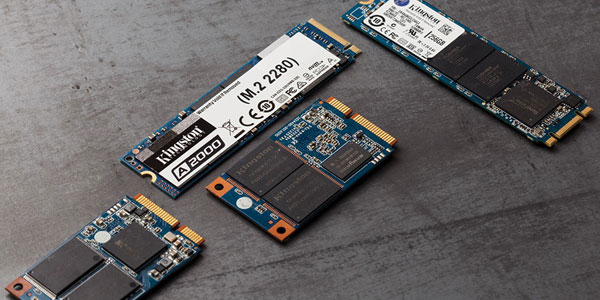
NVMe SSDs come in a few common shapes. The main ones are:
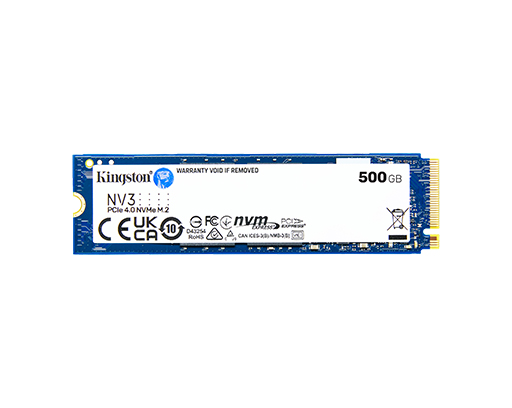
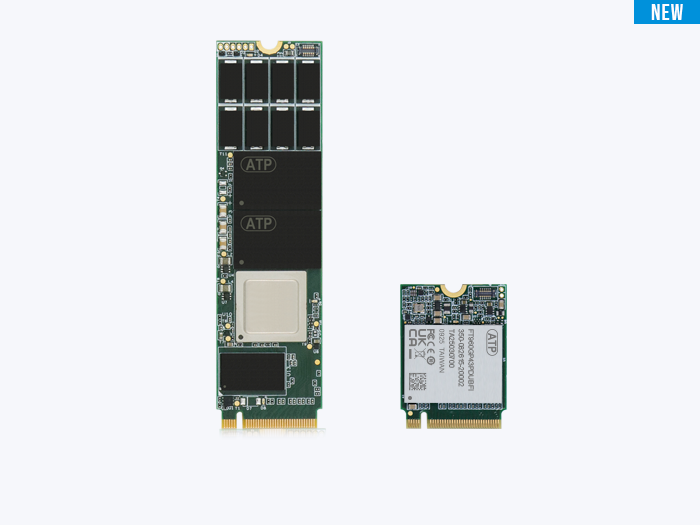
- M.2 2280: small card, common in laptops and desktops.
- U.2: 2.5-inch style used in servers and workstations.
- Add-in card (AIC): full-size PCIe card for high-end systems.
Interface types matter. Most NVMe drives use PCIe Gen3 or Gen4. Newer models use PCIe Gen5 for even higher speeds. When you ask what is a nvme ssd, also check the PCIe generation. That determines peak performance.
NVMe SSD vs SATA SSD vs HDD
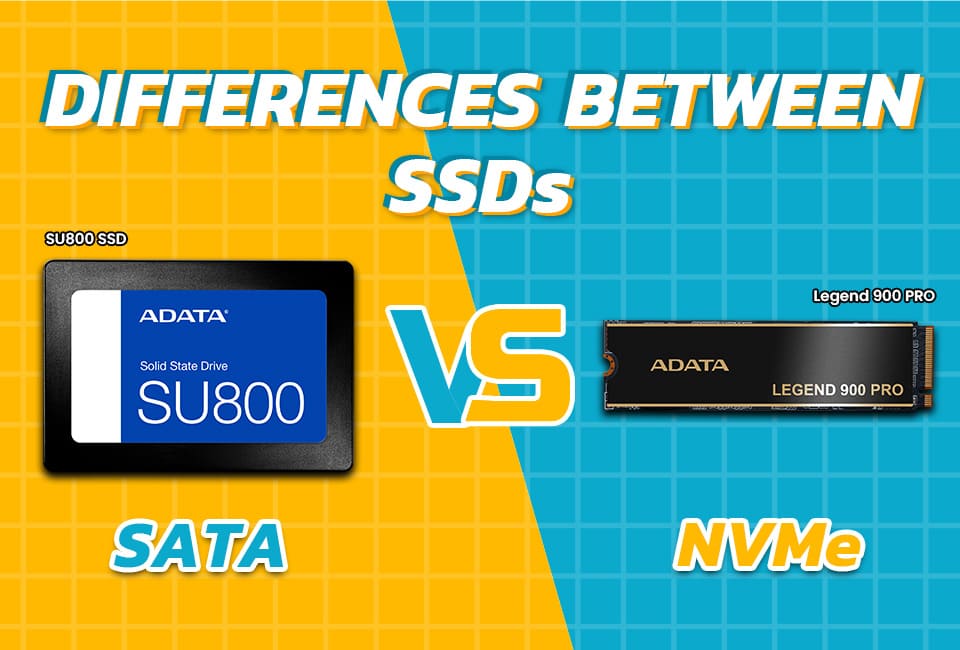
Here’s a quick comparison that explains what is a nvme ssd in context.
Performance
- NVMe SSD: reads/writes are hundreds to thousands of MB/s. Very low latency.
- SATA SSD: limited to about 550 MB/s due to SATA interface.
- HDD: mechanical, tens to low hundreds of MB/s, high latency.
Use cases
- NVMe SSD: gaming, video editing, OS drive, databases.
- SATA SSD: affordable upgrades, older systems.
- HDD: cheap mass storage and backups.
Power and heat
- NVMe drives can run hotter under load. Good cooling helps.
- SATA SSDs run cooler but are slower.
Cost per GB
- NVMe SSDs cost more per GB than HDDs, but prices are dropping.

Source: pcworld.com
Benefits of NVMe SSDs
If you still wonder what is a nvme ssd good for, here are the main benefits:
- Much faster boot and app load times.
- Improved file copy and transfer speeds.
- Better multitasking with less lag under heavy disk I/O.
- Superior performance in heavy workloads like video render and databases.
- Small form factors fit thin laptops and compact builds.
Source: recoverhdd.com
Limitations and practical considerations
No tech is perfect. When considering what is a nvme ssd, keep these limits in mind:
- Cost: NVMe is pricier than SATA and HDD for the same capacity.
- Heat: some NVMe drives throttle if not cooled.
- Compatibility: older motherboards may not support NVMe or certain PCIe generations.
- Endurance: flash wears out. Check TBW (terabytes written) and warranty.
Be honest about needs. If you only do email and browsing, a SATA SSD may be enough. For heavy work, NVMe pays off.

How to choose an NVMe SSD
Picking the right NVMe drive is about balance. Consider:
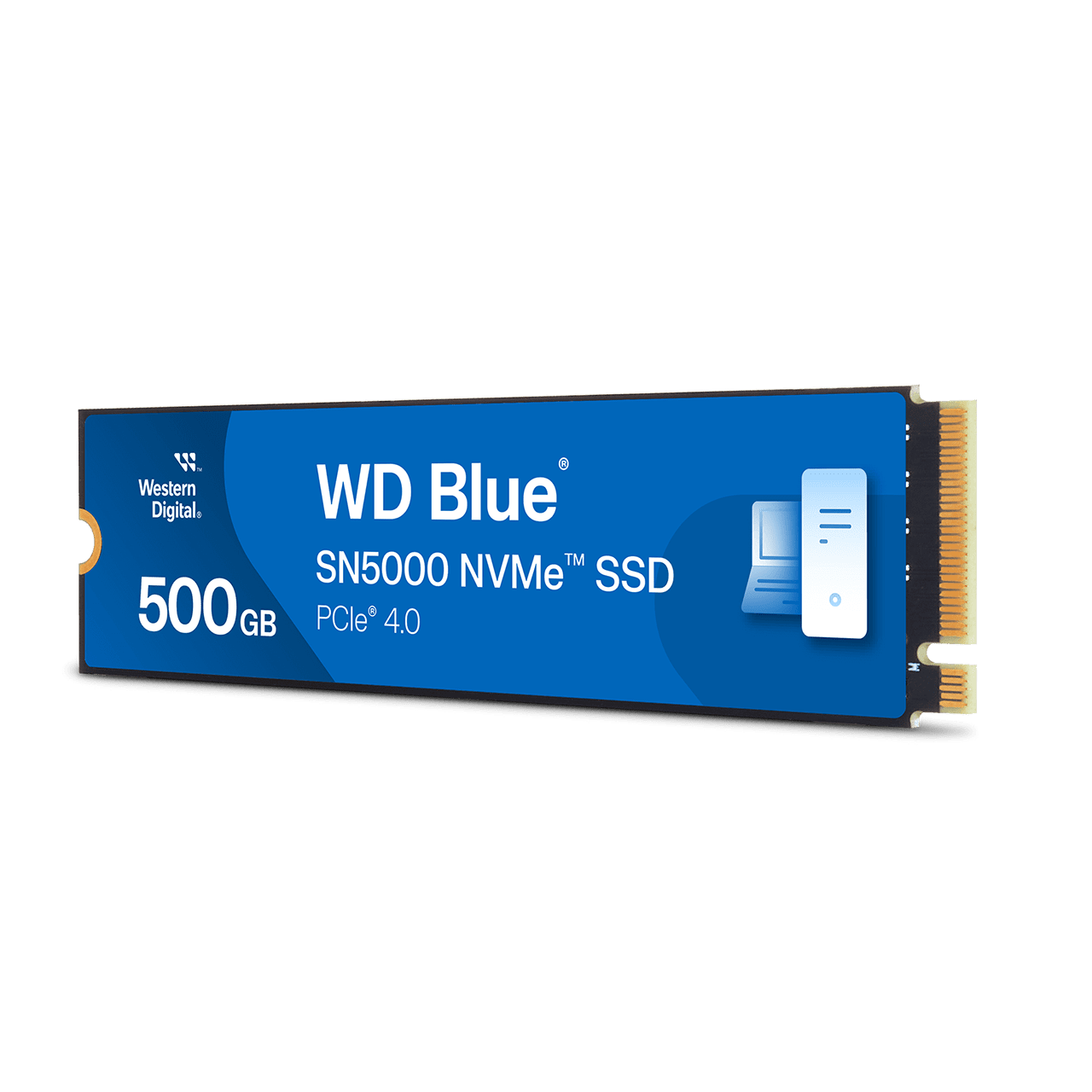
- Capacity: 500GB is a common sweet spot. Choose based on data needs.
- PCIe generation: Gen4 for modern builds; Gen5 if you want future-proof top speeds.
- Form factor: M.2 2280 fits most systems. Verify space and mounting.
- Endurance and warranty: higher TBW and longer warranties mean better reliability.
- Controller and NAND type: controllers from established vendors and TLC or better NAND give good real-world results.
- Budget: compare cost per GB and performance. Price matters.
When asking what is a nvme ssd for your PC, match the drive to your workload and budget.
Installation and real-world tips (from my experience)
I’ve installed NVMe drives in laptops and desktops many times. Here are lessons I learned:
- Check motherboard docs first. Not all M.2 slots support NVMe or the fastest PCIe lanes.
- Update BIOS if the drive isn’t detected. A firmware update often fixes recognition issues.
- Use a heatsink or airflow on high-end NVMe drives. I witnessed thermal throttling cut speeds by half on one build.
- Clone carefully. Use cloning tools that support NVMe. I once had a clone fail due to an old cloning app that didn’t handle NVMe alignment.
- Monitor drive health with SMART tools. They show TBW and temperature.
These steps save time and frustration when upgrading to NVMe storage. They also answer practical sides of what is a nvme ssd.
Frequently Asked Questions of what is a nvme ssd
What is the main difference between NVMe and SATA SSDs?
NVMe uses the NVMe protocol over PCIe, offering much higher throughput and lower latency than SATA. SATA is limited by the older SATA interface and protocol.
Can my laptop use an NVMe SSD?
Many modern laptops support M.2 NVMe drives, but some only support SATA M.2. Check your laptop’s manual or motherboard specs to confirm compatibility.
Will an NVMe SSD make my computer feel faster?
Yes. An NVMe SSD shortens boot times, speeds app launches, and improves multitasking responsiveness compared to SATA SSDs and HDDs.
Do NVMe SSDs run hot and need cooling?
High-performance NVMe SSDs can get hot under heavy load and benefit from heatsinks or airflow. Basic consumer drives usually manage heat well in normal use.
How long do NVMe SSDs last?
Drive life varies by workload and TBW rating. Most consumer NVMe SSDs last many years under normal use, and warranties typically range from three to five years.
Is PCIe generation important for speed?
Yes. PCIe Gen4 and Gen5 offer higher bandwidth than Gen3, which translates to faster sequential speeds on compatible drives and systems.
Conclusion
Understanding what is a nvme ssd helps you make smarter upgrade choices. NVMe brings a clear leap in speed and responsiveness when compared to older storage. It costs more but delivers real benefits for gamers, creators, and professionals who need fast reads and writes. My advice: match the drive’s PCIe generation, form factor, and endurance to your needs, keep firmware updated, and add cooling if you push sustained workloads. Try one in your daily machine and you’ll notice the difference. If you found this useful, subscribe for more guides, share your upgrade story in the comments, or ask a question below.

Everett Ashford is a tech reviewer at mytechgrid.com specializing in SSDs, cameras, TVs, earbuds, headphones, and other consumer electronics. He provides honest, data-driven reviews based on hands-on testing and real-world performance analysis. Everett simplifies complex tech details to help readers make smart, confident buying decisions.