An SSD card is a solid-state storage device that stores data using flash memory chips.
I’ve worked with storage tech for years, testing drives, upgrading laptops, and tuning systems. If you’ve ever searched for what is an ssd card, this guide will explain how SSD cards work, why they matter, how to pick one, and practical tips from real-world use. Read on for clear, tested advice that helps you choose and use SSD cards with confidence.
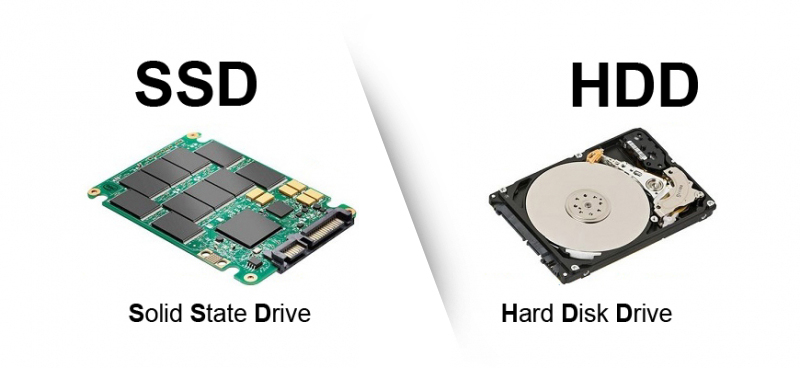
What is an SSD card? Clear definition and basics
An SSD card answers the question what is an ssd card in one line: it is a storage device that uses flash memory to store data without moving parts. That makes it faster and more durable than old spinning drives.
Key points to know:
- Flash memory stores data in cells that retain charge even with power off.
- No disks or read/write heads means less mechanical failure.
- SSD cards come in several shapes and interfaces for different devices.
Knowing what is an ssd card helps you decide upgrades and troubleshoot slow systems. SSD cards are common in phones, laptops, desktops, and external drives because they speed up boot times and apps.
How SSD cards work: the tech behind the speed
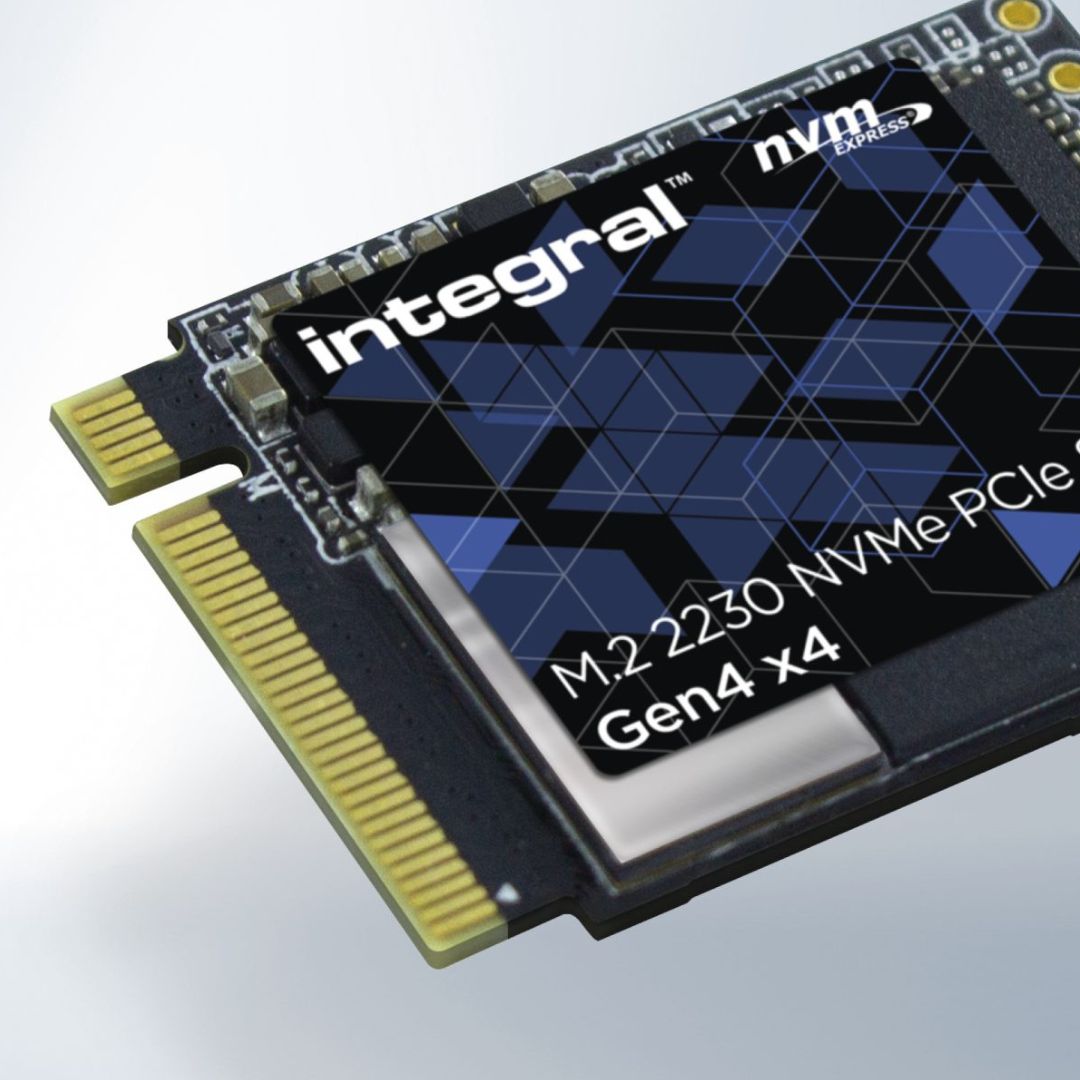
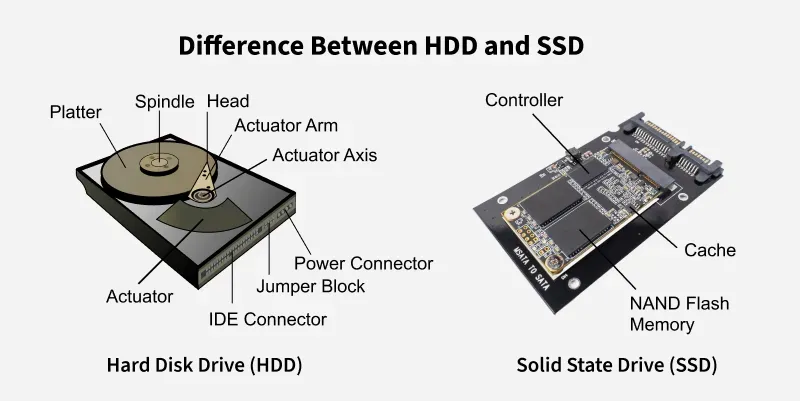
To answer what is an ssd card technically, it helps to understand NAND flash and a controller. The controller acts like a traffic manager. It handles reads, writes, error correction, and wear leveling. NAND flash stores bits in cells grouped as pages and blocks.
Simple flow:
- Write data to a page.
- Delete or rewrite requires erasing an entire block first.
- Controller spreads writes to avoid wearing some cells out too fast.
SSDs use TRIM commands and advanced algorithms to keep performance steady. That’s why knowing what is an ssd card also means knowing its firmware matters. Firmware updates can fix bugs and improve speed or endurance. I once solved a sluggish laptop by applying a firmware update to its SSD card and regained snappy performance.
Common quick questions (short answers)
How fast is an SSD card compared to an HDD?
Most SSD cards are several times faster for random reads and writes, cutting boot times from minutes to seconds.
Do SSD cards wear out quickly?
All SSD cards wear over time, but modern drives last years under normal use due to wear-leveling and spare cells.
Can I use an SSD card in any device?
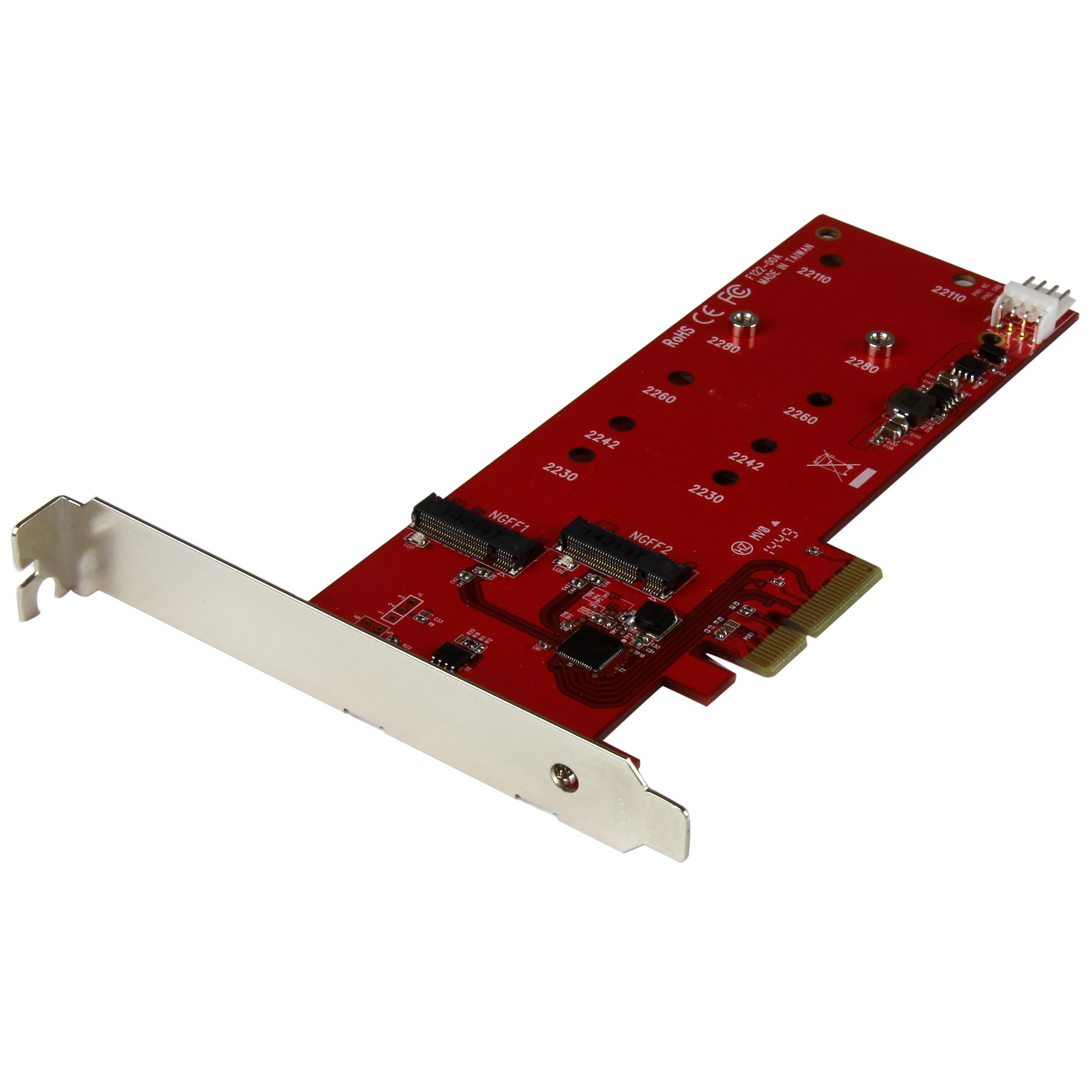
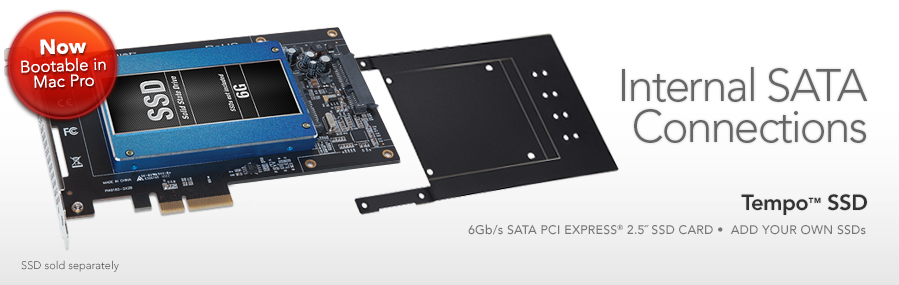
Not always. You must match the form factor and interface (SATA, NVMe, or proprietary slots).
Types and form factors of SSD cards
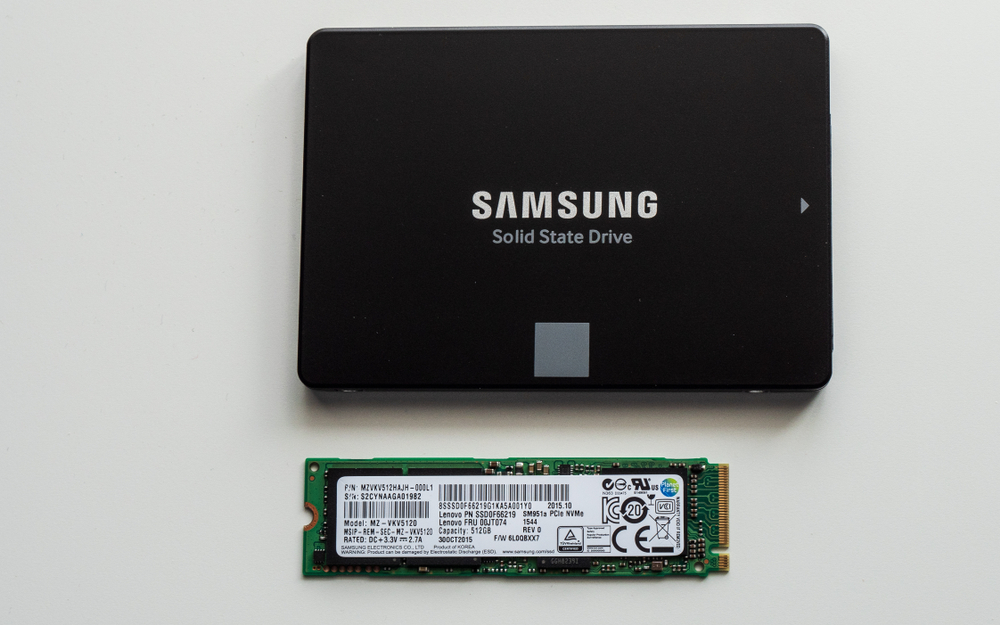
When people ask what is an ssd card, they often mean different things: external USB SSD cards, M.2 cards, or SATA-based SSDs. Each type fits different use cases.
Common types:
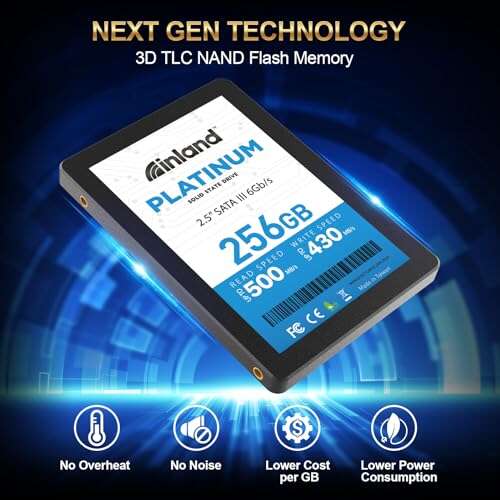
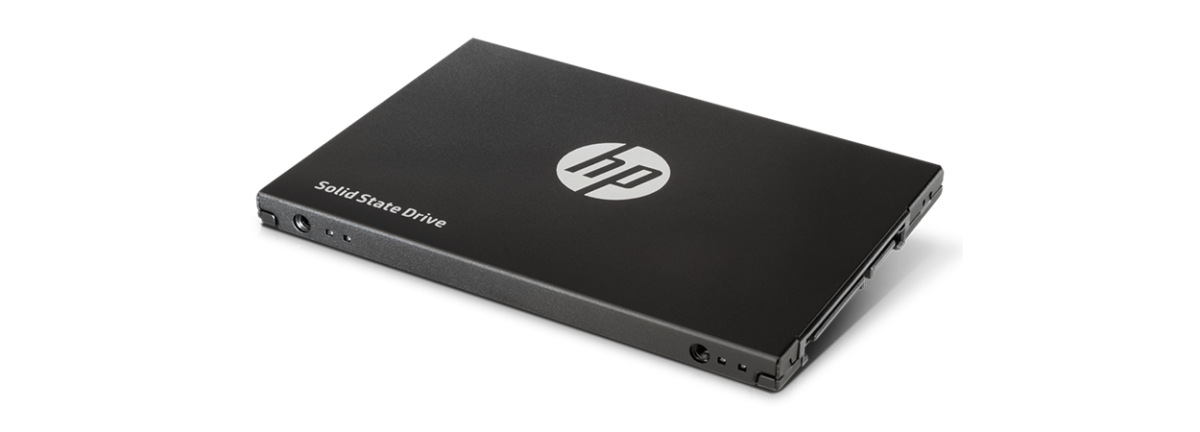
- 2.5-inch SATA SSD cards
- Fit many laptops and desktops that accept SATA drives.
- Good balance of price and performance.
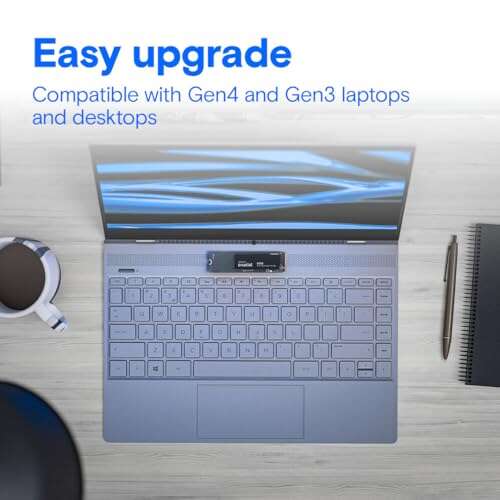
- M.2 NVMe SSD cards
- Small, stick-like cards that plug into M.2 slots.
- Offer highest performance when using PCIe/NVMe interfaces.
- mSATA and proprietary SSD cards
- Older or device-specific cards for certain laptops and small devices.
- External SSD cards in USB enclosures
- Portable and convenient for backups and file transfer.
Choosing the right form factor starts with checking your device’s slot. In my years upgrading machines, M.2 NVMe usually gives the biggest visible boost for modern laptops.

Benefits of using an SSD card
Answering what is an ssd card includes why you might pick one. SSD cards improve user experience in measurable ways.
Main benefits:
- Much faster boot and app load times.
- Lower power use, which extends battery life.
- Better shock resistance due to no moving parts.
- Quieter operation and less heat in many models.
- Smaller form factors for thin laptops and compact builds.
I swapped an HDD for an SSD card in an old laptop. The machine felt new. That real-world change shows how impactful the upgrade can be.
Limitations and lifespan of SSD cards
No technology is perfect. When exploring what is an ssd card, you must consider limits and longevity.
Key limitations:
- Finite write cycles. Each cell can be written only so many times.
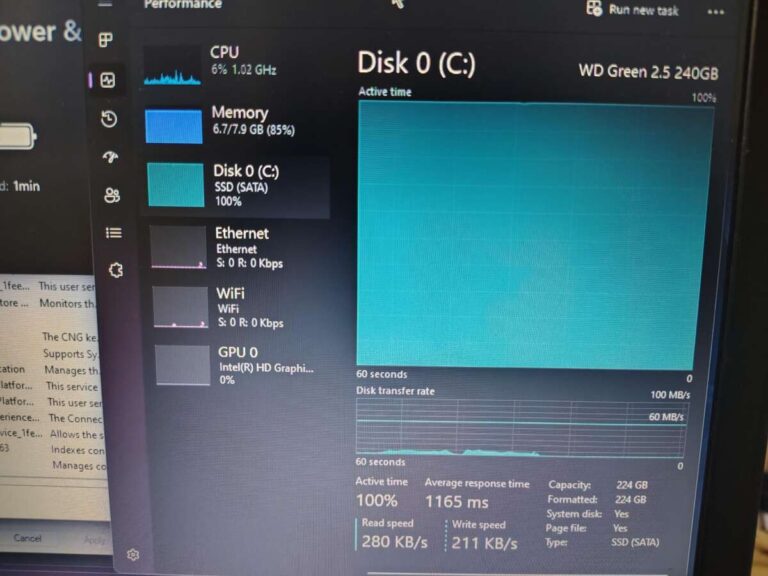
- Performance can drop when the drive is nearly full.
- Data recovery can be harder than with HDDs in some failure modes.
- Cost per gigabyte is still higher than HDD for large cold storage.
Endurance metrics like TBW (terabytes written) and DWPD (drive writes per day) help estimate life. For most users, a midrange SSD card lasts many years. I recommend keeping backups and watching SMART metrics for early signs of wear.
How to choose the right SSD card
If you’re asking what is an ssd card and which one to buy, focus on these specs and choices.
Checklist when buying:
- Interface and form factor that match your device.
- Capacity: 250GB for basics, 500GB–1TB for most users, higher if you store large media.
- Read/write speeds for your needs; NVMe for heavy workloads, SATA is fine for everyday tasks.
- Endurance rating (TBW) for heavy write use like video editing.
- Controller and NAND type (SLC/MLC/TLC/Q TLC) affect speed and life.
- Warranty and manufacturer reputation.
I’ve learned to prioritize real-world speed and endurance over headline sequential numbers. Benchmarks are useful, but day-to-day responsiveness matters most.

Installation, setup, and practical tips
Installing an SSD card is usually straightforward. Here are steps and tips from hands-on upgrades.
Quick setup steps:
- Backup data before removing any drive.
- Check for compatibility and required adapters.
- Use static-safe handling and proper screw sizes.
- Clone the old drive or do a fresh OS install.
- Enable TRIM and check firmware updates after install.
Practical tips:
- Do not fill an SSD card above about 80% to maintain performance.
- Keep background write-heavy tasks low during heavy workloads.
- Use backups and versioning because recovery is not always simple.
I once cloned a failing HDD to an SSD card. I avoided a full reinstall and restored the system without data loss by using a trusted cloning tool and checking alignment after cloning. That saved a lot of time.
Performance tuning and maintenance
To get the best from your SSD card, follow a few maintenance steps.
Simple maintenance:
- Enable TRIM in your OS.
- Update firmware when stable releases are available.
- Monitor SMART health and remaining NAND life regularly.
- Avoid defragmentation—it's unnecessary and causes extra writes.
For heavy users, make sure the drive has adequate cooling. M.2 NVMe SSD cards can throttle under sustained loads without heat spreaders or airflow. I added a small heatsink on an M.2 drive and saw steadier performance during long transfers.
Related concepts and alternatives
Understanding what is an ssd card helps when comparing with other storage options.
Related storage types:
- HDD (hard disk drive)
- Mechanical, high capacity, lower cost per GB.
- eMMC
- Embedded storage used in budget devices; slower than SSD cards.
- Optane and persistent memory
- Niche technologies that speed specific workloads.
If you need archival storage, HDDs remain cost-effective. For daily use and speed, SSD cards are usually the best choice.
Frequently Asked Questions of what is an ssd card
What is the main difference between an SSD card and an HDD?
An SSD card uses flash memory and no moving parts, while an HDD uses spinning disks and read/write heads. This makes SSD cards faster, quieter, and more shock resistant.
Can I replace my laptop’s HDD with an SSD card?
Yes, many laptops support replacing an HDD with an SSD card, but check form factor and interface compatibility first. Back up your data before swapping drives.
Will installing an SSD card make my computer much faster?
Yes. Installing an SSD card speeds up boot times, app launches, and file access, especially for random reads and writes. Overall responsiveness improves noticeably.
How long do SSD cards typically last?
Modern SSD cards often last several years under normal use, with endurance measured in terabytes written (TBW). Monitoring drive health helps you plan replacements before failure.
Do SSD cards need special maintenance?
Minimal maintenance is needed: enable TRIM, update firmware occasionally, and keep backups. Avoid defragmentation and monitor SMART metrics for signs of wear.
Conclusion
Solid-state drives answer the common question what is an ssd card by offering fast, reliable storage with no moving parts. They speed up systems, save power, and fit into small devices. Choose the right form factor, check endurance specs, and follow simple maintenance like TRIM and firmware updates to get the most from your SSD card.
Takeaway: Upgrade to an SSD card when you want clear, everyday speed gains. If you’re unsure which model to pick, list your device type, workload, and budget, then compare capacities, interfaces, and TBW ratings. Try one upgrade and you’ll often notice the difference immediately.
If you found this useful, try upgrading a spare machine or comment with your device model and I’ll suggest specific SSD card options.

Everett Ashford is a tech reviewer at mytechgrid.com specializing in SSDs, cameras, TVs, earbuds, headphones, and other consumer electronics. He provides honest, data-driven reviews based on hands-on testing and real-world performance analysis. Everett simplifies complex tech details to help readers make smart, confident buying decisions.