To reset JLab GO Air earbuds, forget them in Bluetooth, tap each earbud seven times, then pair them again.
When JLab GO Air earbuds stop connecting, play sound in one ear, or act strangely, a reset often clears the problem. I have seen many earbud issues come from an old Bluetooth pairing rather than damaged hardware. This guide explains how to reset JLab GO Air earbuds, what each LED signal means, and what to try if the reset does not work.
Why reset JLab GO Air earbuds?
A reset removes the earbuds’ stored connection data and returns them to a clean pairing state. Think of it like clearing a cluttered desk before starting a new task. Your phone, tablet, or computer can then create a fresh Bluetooth connection.
You may need to reset JLab GO Air earbuds when:
• Only one earbud produces sound
• The earbuds connect to the wrong device
• Bluetooth shows the earbuds as connected but no audio plays
• One earbud will not pair with the other
• The earbuds keep disconnecting
• The touch controls stop responding correctly
• You recently used the earbuds with another phone
A reset does not repair a broken speaker, worn battery, blocked charging contact, or water damage. It mainly clears pairing information and restores the earbuds’ connection process.

Before you reset JLab GO Air earbuds
A few simple checks can prevent a failed reset. Make sure both earbuds and the charging case have enough power. If an earbud has a dead battery, it may not respond when you tap it.
Complete these steps first:
-
Charge the case for at least 15 to 30 minutes.
-
Place both earbuds inside the case.
-
Clean the metal charging contacts with a dry cotton swab.
-
Turn off Bluetooth on nearby devices that have used the earbuds.
-
Remove the earbuds from your phone’s saved Bluetooth list.
On an iPhone, open Settings, choose Bluetooth, tap the information button beside the earbuds, and select Forget This Device. On Android, open Settings, select Connected devices or Bluetooth, tap the gear icon, and choose Forget or Unpair.
The exact menu name may differ by phone brand and software version. The key step is to remove the old JLab entry before you try to pair again.
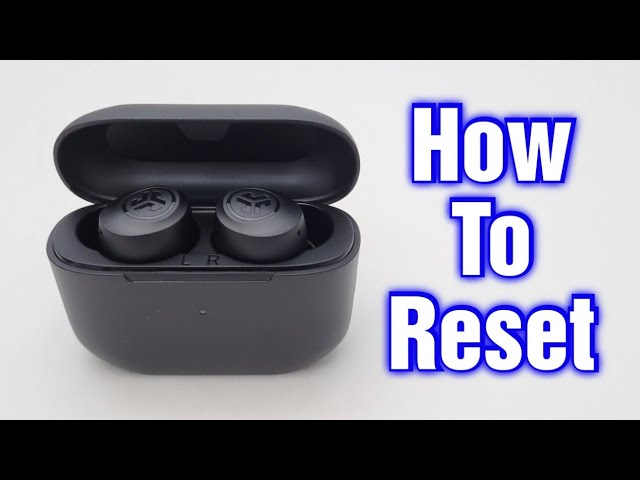
How to reset JLab GO Air earbuds step by step
The following method works for most JLab GO Air and GO Air Pop models. JLab has released several versions, so the LED color or tap response may vary slightly. If your model has a different manual, follow the instructions printed for that specific model.
Step 1: Forget the old Bluetooth connection
First, remove “JLab GO Air” or a similar JLab name from every nearby phone, tablet, laptop, or television.
Then turn Bluetooth off on those devices. This prevents an old device from reconnecting while you reset the earbuds.
Step 2: Put both earbuds in the case
Place the left and right earbuds into the charging case. Keep the case lid open.
Check that each earbud sits correctly on its charging pins. The LEDs should show that the earbuds are charging. If one LED does not light up, remove the earbud and place it back into the case.
Step 3: Reset the right earbud
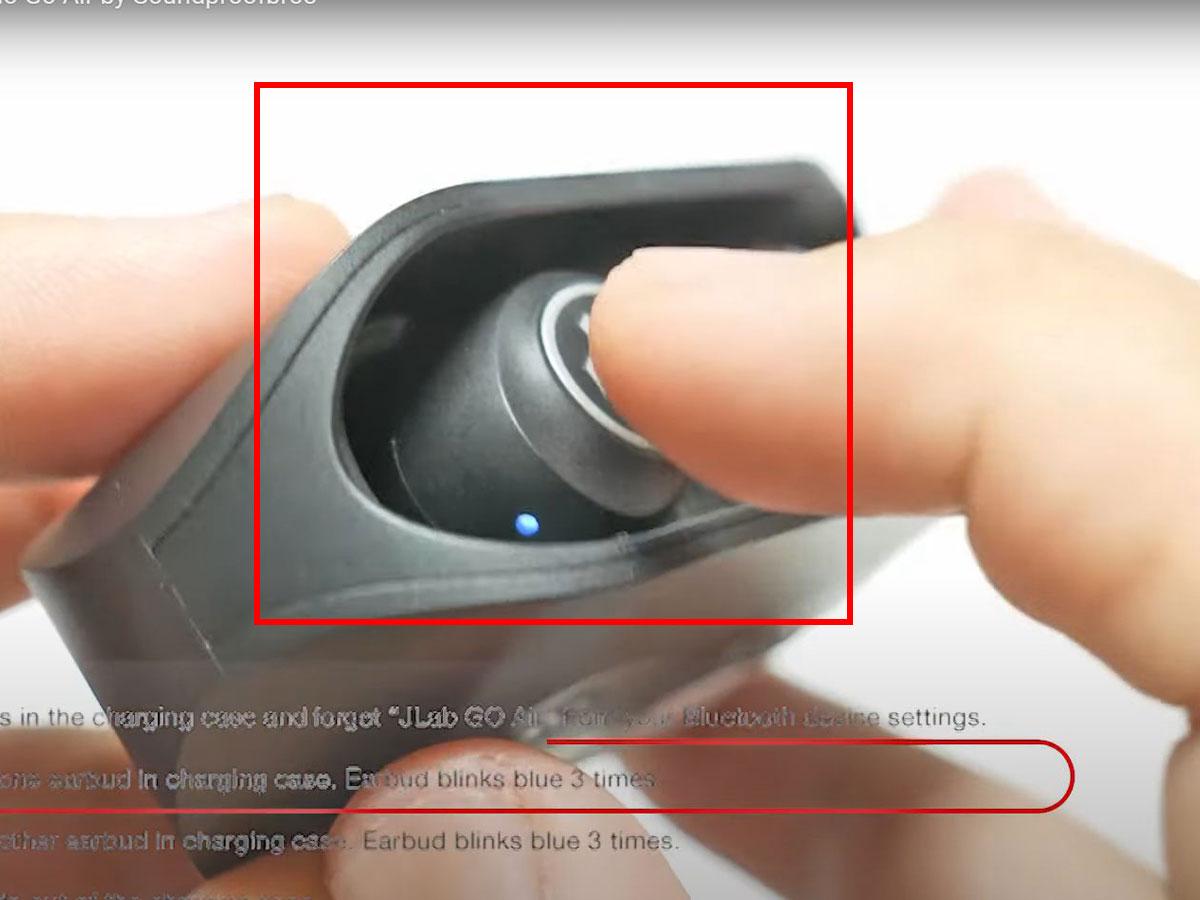
Leave the right earbud in the open case. Tap the right earbud’s touch sensor seven times.
The LED should flash blue four times or show a similar reset signal. Do not press and hold the sensor. The reset uses quick taps, not a long press.
Step 4: Reset the left earbud
Tap the left earbud’s touch sensor seven times while it remains in the case.
Again, look for the blue flashing signal. This step clears the left earbud’s stored pairing data.
Step 5: Remove both earbuds from the case
Take both earbuds out at the same time. They should power on and enter pairing mode.
Usually, one earbud becomes the main connection earbud, while the other links to it. You should see a Bluetooth name such as “JLab GO Air” on your phone.
Step 6: Pair the earbuds again
Turn Bluetooth back on. Open the available device list and select the JLab earbuds.
Tap Pair or Connect. Play a short audio clip to confirm that both earbuds work.
If your phone displays two separate JLab entries, wait a few seconds before choosing one. Selecting the wrong entry can cause one earbud to work alone.
How to reset JLab GO Air earbuds without a phone
You can reset JLab GO Air earbuds without using a phone. The seven tap process works from the earbuds and charging case, so a phone is not required until the final pairing step.
Follow this process:
-
Turn off Bluetooth on all nearby devices.
-
Put both earbuds in the charging case.
-
Leave the case open.
-
Tap the right earbud seven times.
-
Tap the left earbud seven times.
-
Remove both earbuds from the case.
-
Turn Bluetooth on when you are ready to pair them.
This method is helpful when your phone is frozen, unavailable, or still trying to connect to an old earbud profile. It also helps separate a pairing problem from a phone software problem.

What to do after resetting JLab GO Air earbuds
Resetting JLab GO Air earbuds is only half the process. You must create a new Bluetooth connection after the reset.
Keep these tips in mind:
• Pair the earbuds with only one device at first.
• Keep the phone within three feet of the earbuds.
• Close music apps before starting the pairing process.
• Turn off Bluetooth on other nearby devices.
• Confirm that both earbuds are outside the case before pairing.
• Test left and right audio separately.
To test both sides, play music at a low volume. Cover the left earbud for a moment, then cover the right one. Each side should continue playing when the other is blocked.
If the earbuds connect but sound comes from only one side, place them back in the case and repeat the seven tap process on both earbuds. Resetting only one side often leaves the pair out of sync.
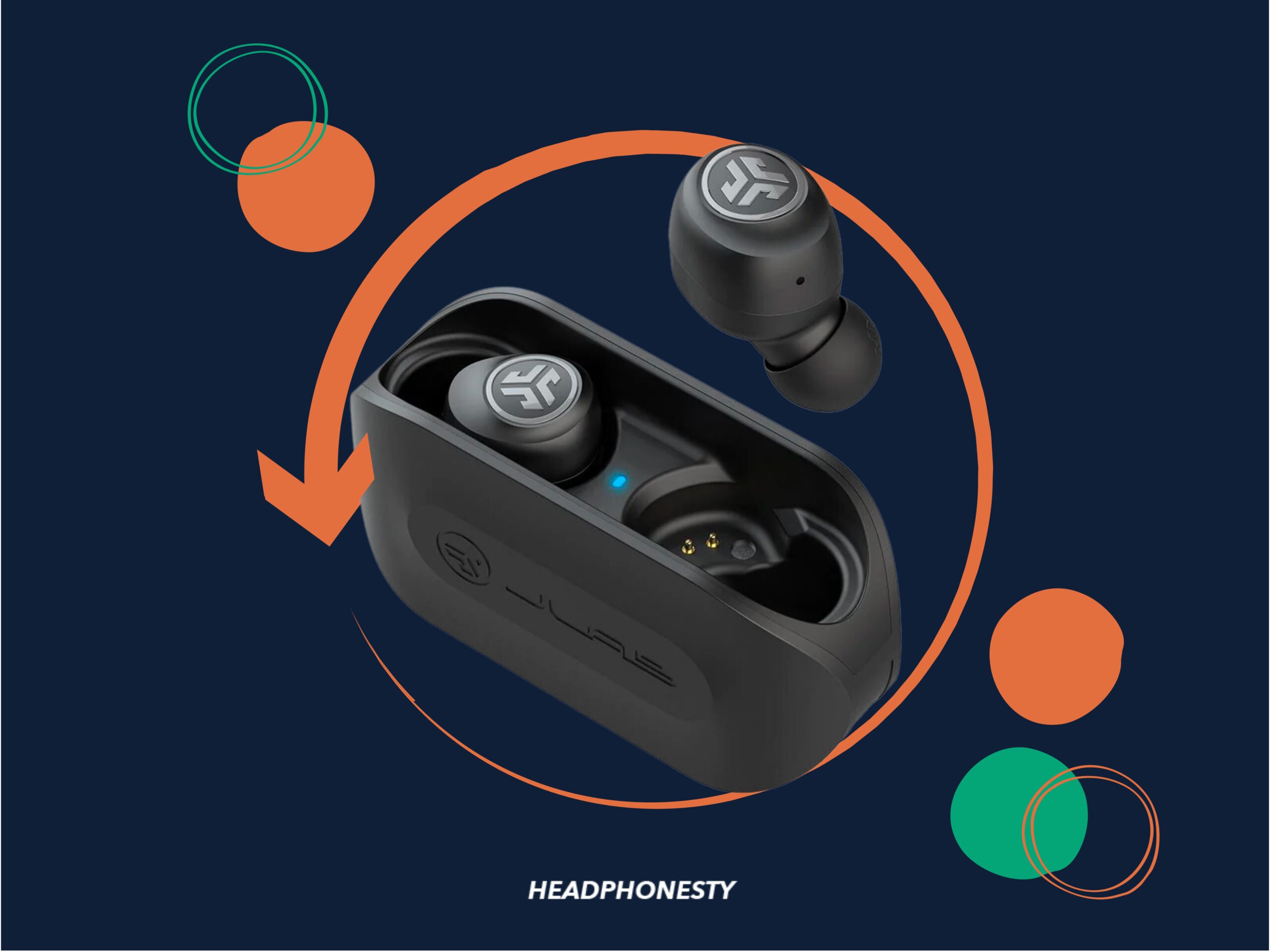
JLab GO Air reset problems and solutions
Sometimes the reset seems unsuccessful. In most cases, the issue is caused by weak charging contact, an incorrect tap pattern, or an old Bluetooth record.
The earbuds do not flash
Put both earbuds in the case and check whether the charging case has power. Clean the charging contacts and charge the case again.
If an earbud remains completely dark after charging, its battery or charging circuit may have a fault. A reset cannot fix a battery that will not accept power.
Seven taps do nothing
Make sure you tap the touch sensor, not the outer edge of the earbud. Use seven quick, separate taps while the earbud is inside the open case.
Avoid tapping too slowly or holding the last tap. The earbuds may interpret a long press as a different command.
Only one earbud connects
Forget every JLab Bluetooth entry from your phone. Turn Bluetooth off, reset both earbuds together, and then turn Bluetooth on again.
Do not pair the left and right earbuds as separate devices. The phone should normally connect to one JLab listing for the complete pair.
The earbuds connect but have no sound
Check the phone’s audio output menu. Your phone may still be sending sound to its speaker, a car system, or another Bluetooth product.
Also raise the media volume, not only the call volume. Some phones use separate volume controls for music, calls, and notifications.
The earbuds keep disconnecting
Keep the phone close to the earbuds and test them away from crowded wireless areas. Wi-Fi routers, laptops, smart watches, and other Bluetooth devices can create connection confusion.
If the problem happens with several devices, charge the earbuds fully and repeat the reset. If it continues, the issue may involve battery wear or internal hardware.

Reset versus turning JLab GO Air earbuds off and on
Turning the earbuds off and on is not the same as resetting them. Power cycling only restarts the earbuds. It does not always erase the old Bluetooth connection.
A reset is more useful when:
• The phone remembers the earbuds but will not connect
• The left and right earbuds lose their link
• The earbuds appear twice in the Bluetooth list
• Pairing fails after switching between devices
• Touch controls behave in an unusual way
Try a normal restart first if the issue is minor. Use a full reset when the connection remains unreliable or the earbuds will not pair as a complete set.
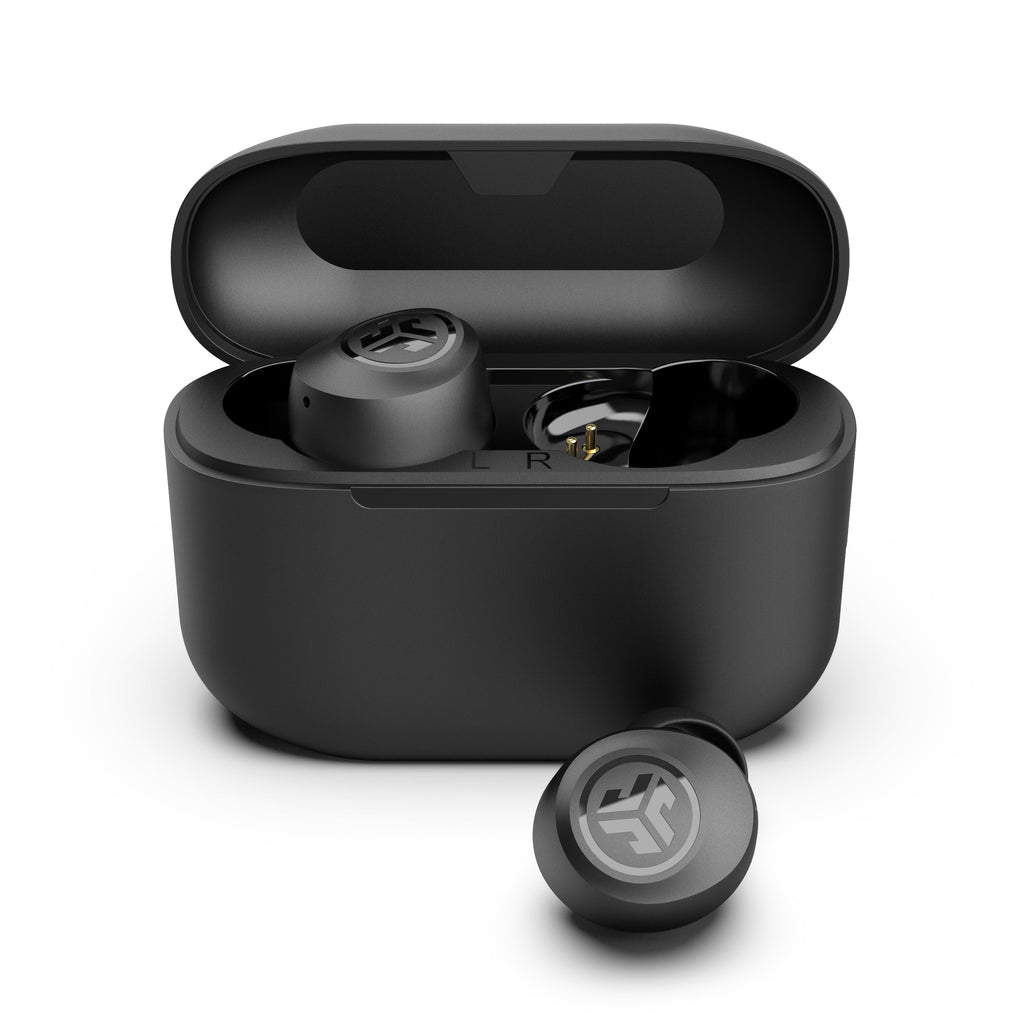
Maintenance tips to prevent pairing problems
Good care can reduce the need to reset JLab GO Air earbuds. Wireless earbuds collect skin oil, dust, and pocket lint, especially around the charging contacts.
Use these habits:
• Wipe the earbuds with a dry, soft cloth.
• Keep the charging case free of lint.
• Do not use water or cleaning spray on the earbuds.
• Store the earbuds in the case when you are not using them.
• Charge the case before it reaches zero.
• Avoid leaving the earbuds in a hot car.
• Keep the firmware and phone software updated when updates are available.
Do not insert sharp objects into the charging ports. A wooden toothpick or metal pin can damage the contacts. If cleaning is needed, use a dry cotton swab with gentle pressure.
In my experience helping people troubleshoot wireless audio, the most common mistake is trying to reset earbuds that are not charging. Always check the case LEDs and charging contacts first. It saves time and prevents repeated pairing attempts.

When a reset does not fix the earbuds
A reset cannot solve every problem. Contact support or consider replacement if the earbuds still fail after testing them with another compatible device.
Possible hardware problems include:
• One earbud never charges
• The case does not charge
• Audio remains distorted at low volume
• The earbuds shut off after a few minutes
• The touch sensor never responds
• The earbuds show signs of liquid damage
Test the earbuds with a second phone before deciding that they are defective. If they work normally with the second phone, the first device may have a Bluetooth setting or software issue.
Product instructions can vary between the original GO Air, GO Air Pop, and other JLab models. When the tap sequence does not match your earbuds, check the model name printed on the case or packaging and use the matching user guide.
Frequently Asked Questions
How do I reset JLab GO Air earbuds?
Forget the earbuds in your phone’s Bluetooth settings. Put both earbuds in the open charging case, tap each earbud seven times, remove them, and pair them again.
Why will only one JLab GO Air earbud connect?
The earbuds may have lost their connection with each other or your phone may have saved an incorrect pairing record. Forget all JLab entries, reset both earbuds together, and pair them as one device.
Do I need to reset JLab GO Air earbuds before pairing with a new phone?
You should reset them when the earbuds remain linked to the old phone or fail to appear on the new phone. If they pair normally, forgetting the old Bluetooth entry may be enough.
What does the blue flashing light mean during a JLab GO Air reset?
The blue flashes usually confirm that the earbud accepted the reset command. LED behavior can vary by model, so compare the signal with the guide for your exact JLab earbuds.
Will resetting JLab GO Air earbuds erase downloaded music?
No. A reset clears Bluetooth pairing information from the earbuds. It does not delete music, apps, playlists, or files from your phone.
Why do my JLab GO Air earbuds not respond to seven taps?
They may not have enough power, may not be seated on the charging contacts, or you may be tapping the wrong surface. Charge the case, clean the contacts, and repeat the taps with the lid open.
Conclusion
Learning how to reset JLab GO Air earbuds can solve many pairing, connection, and one-earbud problems in a few minutes. Forget the old Bluetooth profile, reset both earbuds with seven taps, and pair them again as a single device.
If the reset fails, check charging, clean the contacts, test another phone, and confirm your exact JLab model. Try the steps carefully, and share your experience or explore the matching JLab support guide if you still need help.

Everett Ashford is a tech reviewer at mytechgrid.com specializing in SSDs, cameras, TVs, earbuds, headphones, and other consumer electronics. He provides honest, data-driven reviews based on hands-on testing and real-world performance analysis. Everett simplifies complex tech details to help readers make smart, confident buying decisions.